Why Your AI Agent Forgets Your Customers: Persistent Memory in Practice
41% of customers repeat info they already gave. The fix isn't a better model — it's memory. A 3-layer framework + storage rules for WhatsApp, n8n and CRM.
Your chatbot's problem is not the model — it's memory. The data is unambiguous: 41% of customers say they've had to repeat information they already gave a business, and 55% get frustrated when a chatbot asks too many questions. When a customer returns to your WhatsApp a week later and the agent asks "how can I help you?" like a stranger, that's not an AI failure — that's an architecture failure, and it gets fixed by designing memory, not by swapping models.
The real cost of digital amnesia
Chatbot frustration is not anecdotal. A California Management Review analysis (UC Berkeley, Summer 2026) documents that between 53% and 77% of users have had a bad or frustrating chatbot experience, and that the "chatbot loop" — the endless conversation that goes nowhere — forces customers to repeat their information and their questions over and over. A Gartner survey of 5,728 customers found that 64% would prefer companies not to use AI in customer service. Don't read that as rejection of AI: it's rejection of AI that doesn't remember.
The gap is measurable. Kantar x Meta's State of Business Messaging study (11,056 adults, 22 markets including Mexico and Colombia) found that 67.7% agree that getting a response from an AI chatbot is helpful, and 74.6% trust a business more when they can exchange messages with it. People want to message businesses. What they don't want is to explain their case twice. Between those two surveys sits your opportunity: almost everything that makes an AI reply feel low-quality is a form of forgetting.
History is not memory
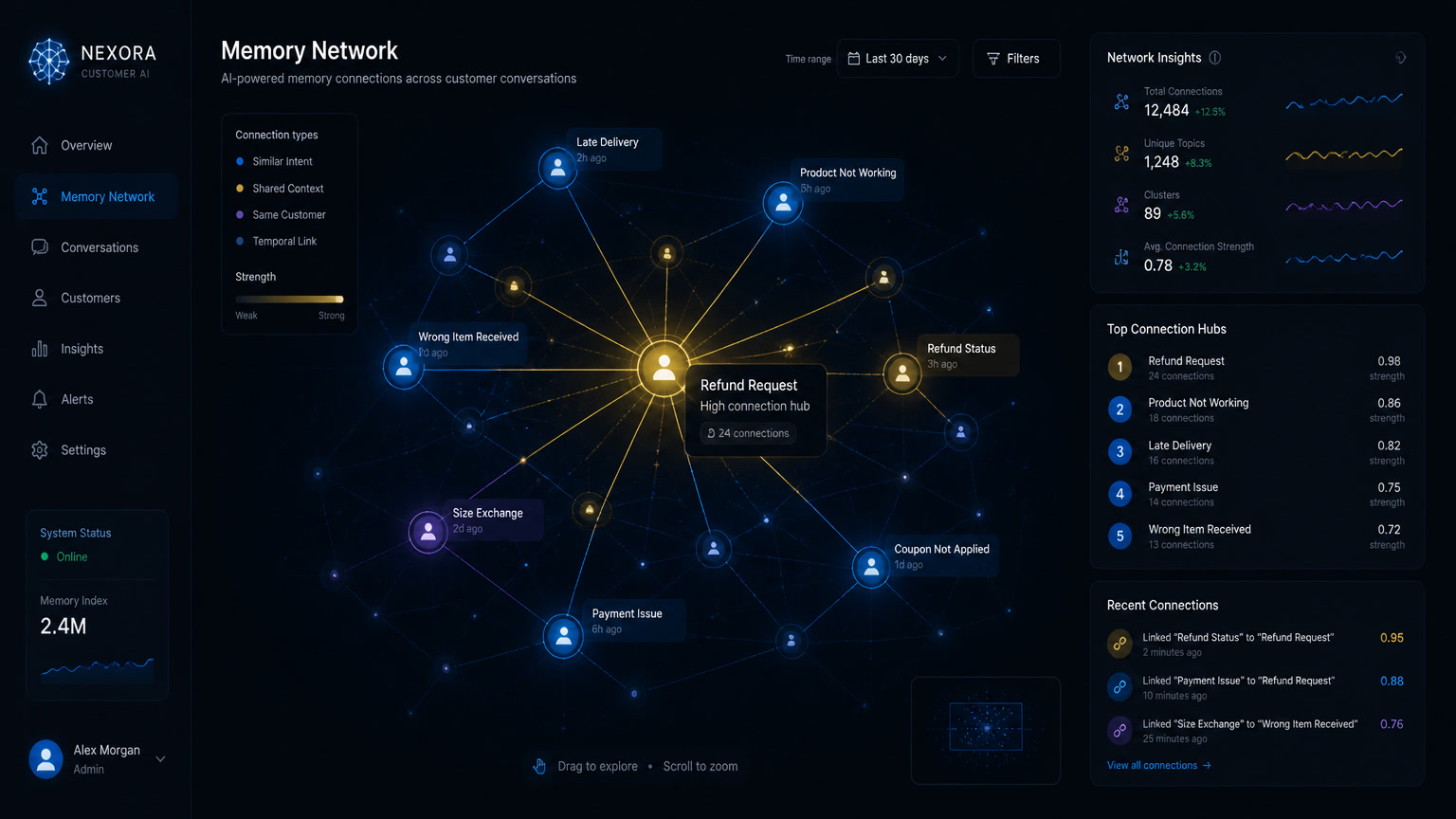
The first misunderstanding we see in almost every implementation: confusing history with memory. History is the list of messages in a thread; WhatsApp keeps it on the customer's phone and it requires nothing from your side. Memory is what your agent can retrieve and use weeks later, when it matters, without anyone having anticipated it.
The naive way to fake memory is to paste the whole conversation into the model's prompt on every turn. It works in the demo and breaks in production, for three reasons:
- The context window is finite. A year-long customer doesn't fit, and the moment they stop fitting is silent: the system just starts forgetting the oldest parts.
- Every turn is paid for and waited on. Dragging more text along means more cost per message and more latency, in every conversation, all the time.
- Even when it fits, it gets in the way. The one fact that matters — "prefers store pickup" — competes with three hundred lines of greetings. A model with too much context isn't a model with good memory; it's a distracted one.
What works is the opposite: store outside the prompt and retrieve only what's relevant, at the moment it's relevant. That selective retrieval is the real engineering.
The 3 layers of memory every agent needs
When we audit chatbots in production, we use the three-layer framework that Colombian platform xcale popularized in its 2026 persistent-memory guide — and it matches what we've seen in implementations for years:
| Layer | What it stores | If it fails | Typical tooling |
|---|---|---|---|
| 1. Conversation memory | The open thread: what the customer just said, what was answered, what's pending | The agent contradicts itself inside a single chat | Window buffer (n8n Window Buffer, Redis) |
| 2. Customer memory | The profile that survives the thread closing: what they bought, prefer, were promised, where they stand | The business is amnesiac between conversations | Per-customer summaries + CRM sync |
| 3. Business memory | Catalog, policies, prices, hours, warranties | The agent is fluent and wrong — the worst of the three | Knowledge base with semantic search |
The hard test lives in Layer 2: does it fill itself? If remembering that someone prefers store pickup required creating a field called "prefers pickup" beforehand, that isn't memory — it's a form, and it only captures what somebody predicted. Real businesses receive information nobody predicted, out of order and halfway through a sentence. Layer 3, meanwhile, is not a keyword search: if the customer types "the blue dress from the video" and your catalog says "Satin Midi Dress — Cobalt Blue", semantic search connects them; keyword search doesn't.
The 3 storage classes rule
The most expensive mistake in production is not deciding what lives in which system. Everyone ends up with either a giant prompt or a CRM turned into a transcript dump. Our rule, validated on real client projects:
| Class | What goes there | Example | System |
|---|---|---|---|
| Facts | Structured, stable, actionable data | Name, company, stage, purchases, declared preferences | CRM (Clientify, HubSpot) |
| Context | Conversational state that changes in the thread | What they asked, what was promised, where things stand | Agent memory (summaries) |
| Knowledge | Stable business information | Pricing, policies, catalog, hours | Knowledge base (RAG) |
The test: if a piece of data is a fact any workflow must consult → CRM. If it's context that only matters in the conversation → memory. If it's knowledge that doesn't vary by customer → knowledge base. When you put a fact into memory or context into the CRM, all three degrade: the CRM fills with noise, memory saturates, and the knowledge base goes stale. We covered the knowledge layer in depth in optimizing chatbot RAG knowledge bases.
The architecture we use: memory by summary, not by replay
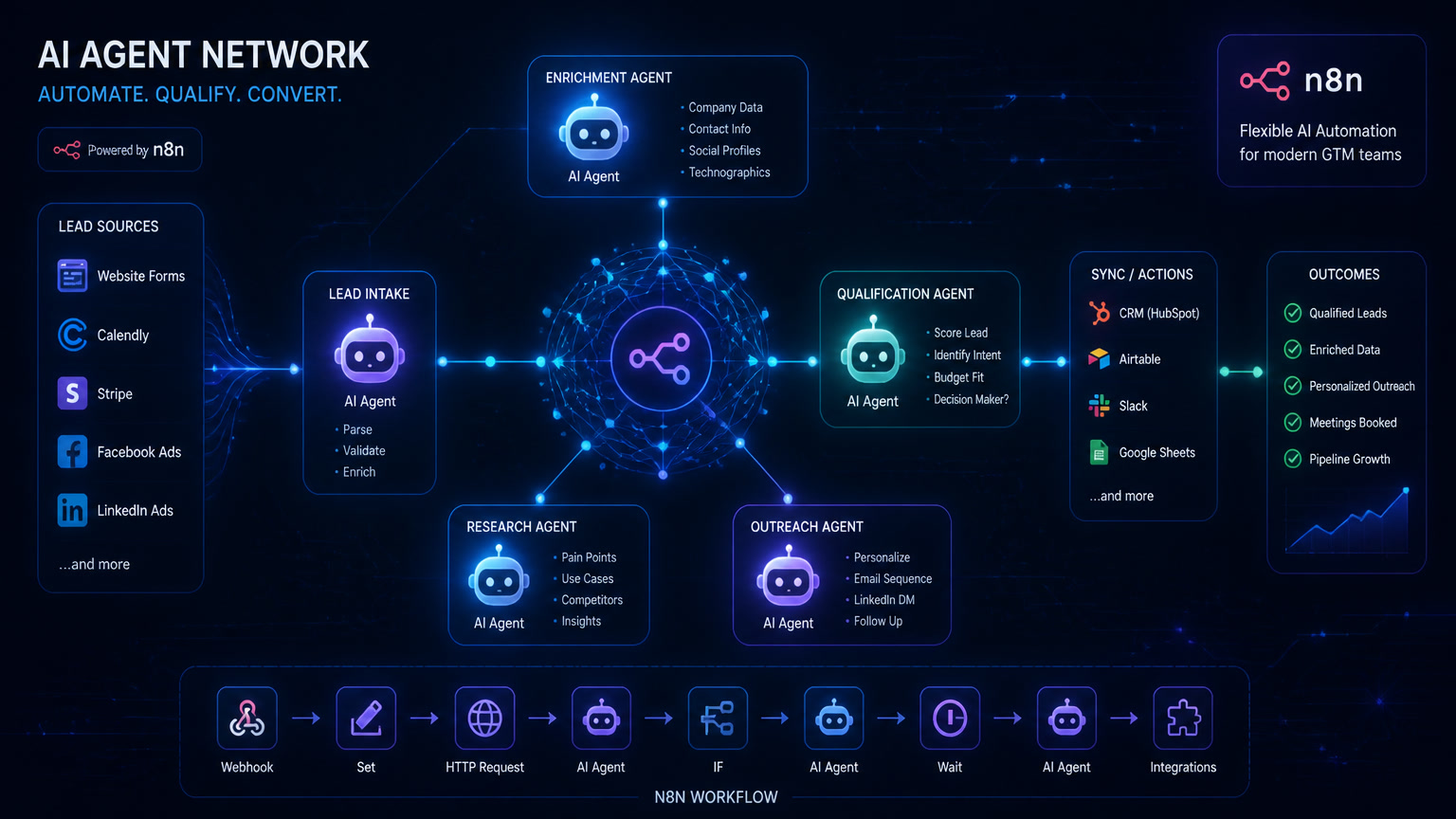
In our n8n implementations, the pattern that works doesn't store full transcripts: it stores per-customer summaries that update when the thread closes. The typical flow:
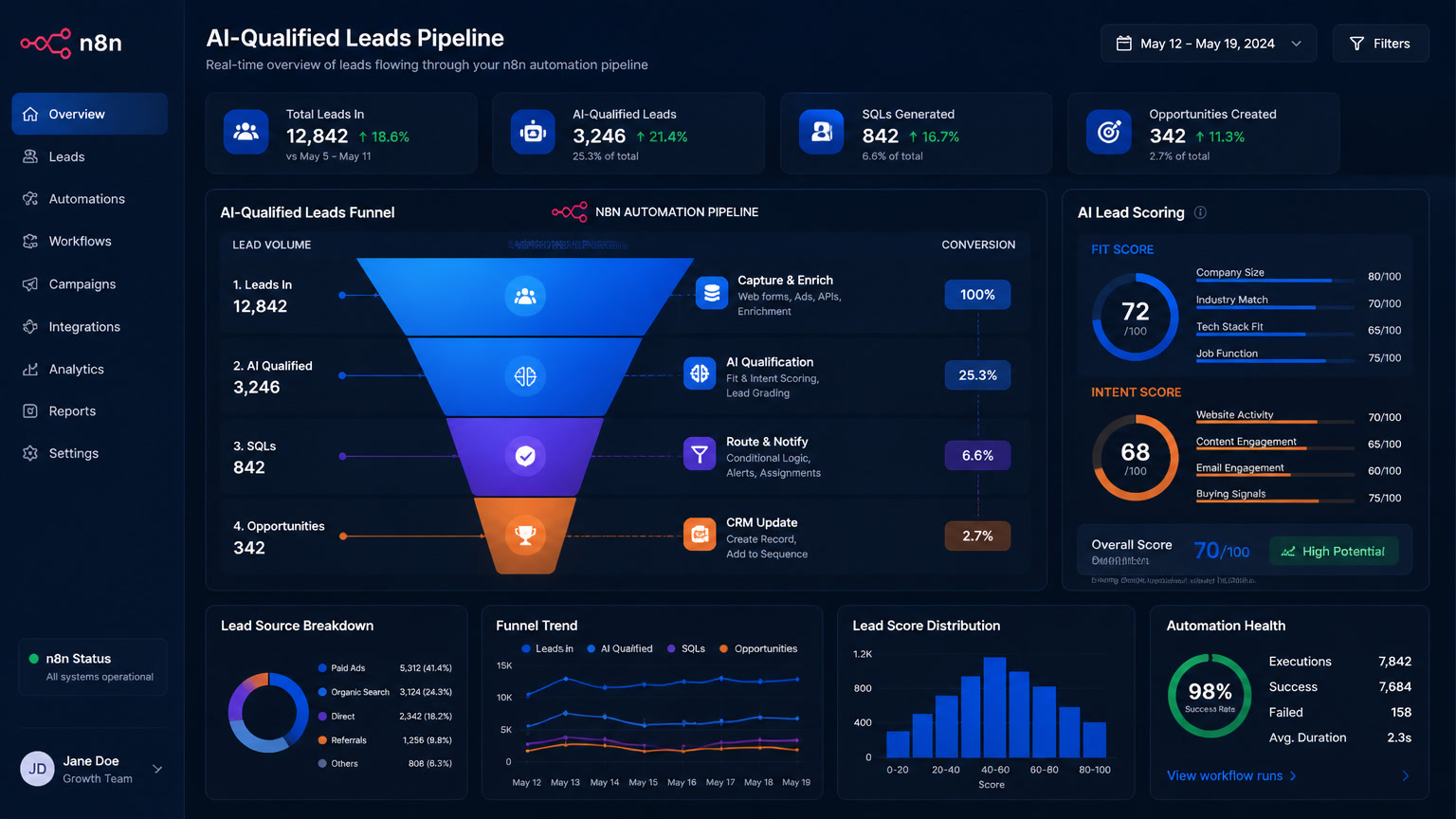
- Each WhatsApp conversation enters the workflow and stays in a session buffer (Postgres or Redis).
- When thread closure is detected — or every N messages in long conversations — an LLM call generates a structured summary: topic, decision, promise, next action.
- The summary is stored per customer and injected into the prompt only when the customer returns.
- Facts detected in the conversation (changed branch, wants an invoice, prefers mornings) get written to the CRM as normal fields.
We know the numbers because we pay the bills: one summary per conversation costs between $0.001 and $0.005 in LLM API, and a pgvector store inside the same VPS where n8n already runs costs zero. For an SMB with 1,000 monthly conversations, full persistent memory adds between $1 and $5 a month. Compare that to the floor Meta set: its Business Agent costs $2 per million tokens since August 2026 — "AI that replies fast" is now nearly free, which is exactly why what happens after the first reply is what differentiates you. The technical detail of memory as one layer of a complete build is in our build-a-chatbot-from-scratch guide.
Three real scenes this unlocks:
- An online store. "Has mine shipped yet?" is the most common message a store receives and the most expensive to answer without context. With customer memory plus live inventory, the agent answers without asking for an order number. Without memory, it asks for the number, the email, and the customer's patience.
- A clinic. A patient reschedules for the third time. Without customer memory, every reschedule starts from zero. With memory, the agent knows they cancelled afternoon slots twice and offers mornings first.
- A services business. A quote sent a month ago. The typical follow-up is a template that says "still interested?". With memory, it says what was quoted, for how much, and until when it holds.
The hidden layer: what the human receives on handoff
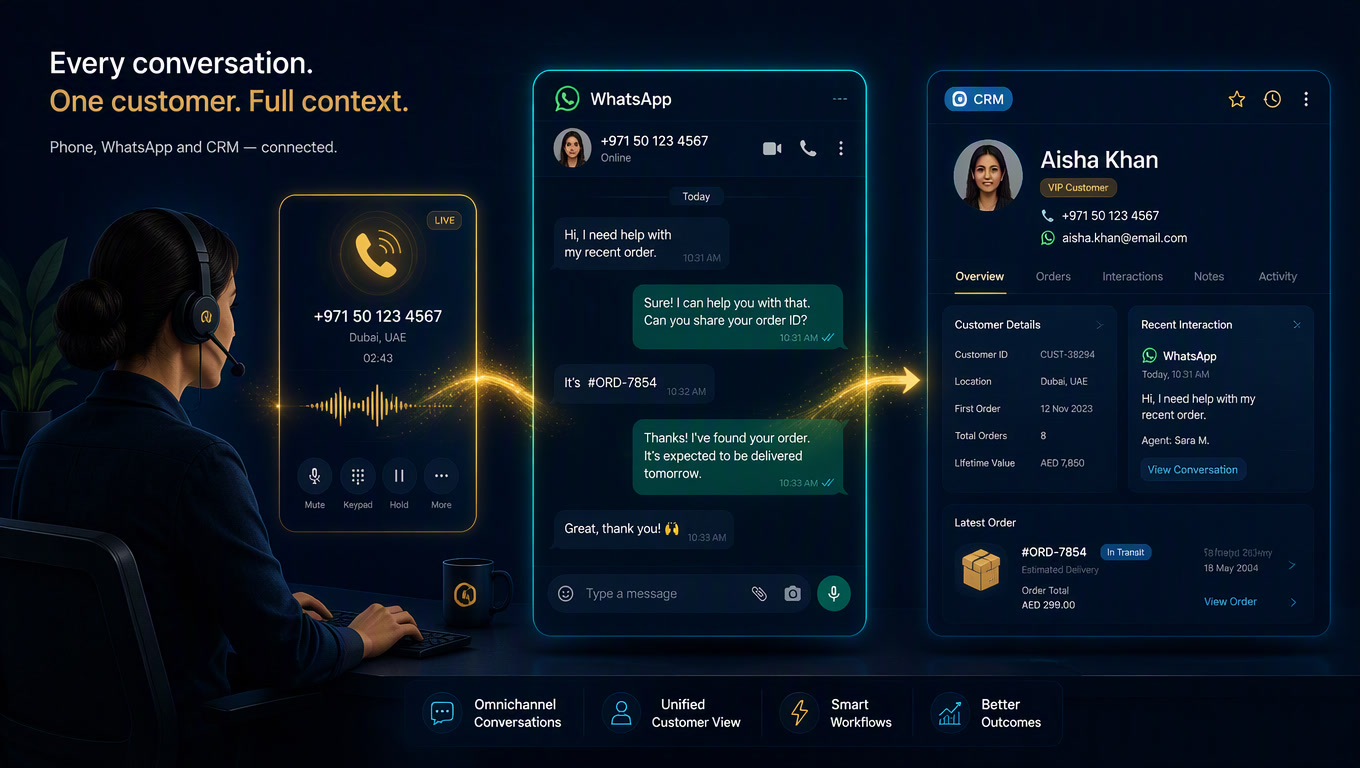
Memory doesn't end when the agent escalates — that's where it's most visible. The Berkeley analysis confirms it: customers get frustrated when they repeat information to different agents, bot or human, and the handover should include transcripts, verified identity, and case context. In practice we see two levels: the agent that hands over "full context" and the one that hands over "a summary". They are not the same. A summary loses the tone, the objections, and the exact promises; full context includes the details the customer already gave — the ones the human should never have to ask for again. We covered this in depth in bot-to-human handover on WhatsApp and voice-to-WhatsApp-to-CRM context handoff, because shared memory is what makes a transfer feel like continuity instead of a restart.
The legal boundary: retention is not memory
Building memory doesn't force you to store everything. Quite the opposite: summary-based memory is your best compliance ally, because it stores fewer personal data points than full transcripts. The region's rules — LGPD in Brazil, LFPDPPP in Mexico, Ley 1581 in Colombia — require consent, declared purpose, and defined retention periods; and the right to erasure (ARCO) is far easier to execute over a summary than over years of history. We already covered automating those compliance flows in LGPD self-audit with n8n and ARCO rights automation. The practical rule: define from day one how long each customer's memory lives and which events erase it.
Where to start this week
You don't need a three-month project. The path we take with clients:
- Find the amnesia. Review 30 real conversations from your agent and mark every time it asked for information the customer had already given. That's your pain inventory.
- Inventory facts. Decide which data detected in conversations must live in the CRM.
- Store summaries, not stories. Enable per-customer summaries at thread close in your automation platform.
- Connect events to the CRM. Every detected fact writes itself — no manual fields.
- Measure forgetting. Track two metrics: % of conversations where the customer doesn't repeat information, and % of reopened threads where the agent already has context.
Week 1 is enough for Layer 1 and a Layer 2 pilot; month 2 completes Layer 2; Layer 3 only matters if your catalog or policies are extensive. If your agent is already in production with continuous training, memory is the missing piece that lets the improvement cycle stop optimizing generic answers.
My take is direct: memory is the new battleground of conversational automation. The cost per message is identical with or without memory; what changes is what share of those messages was worth sending. The businesses that close the gap between the 41% who repeat information and the 74% who trust businesses more when they can message them will win the majority of conversations — before, during, and after that first reply.
Frequently Asked Questions
What is persistent memory in an AI agent?
Persistent memory is the agent's ability to store customer information outside the current conversation and retrieve it weeks later, without anyone having anticipated it with a predefined field. It is not the same as history: history is the list of messages in a thread, while memory is what the agent can retrieve and use when it matters.
Does agent memory replace a CRM?
No. The CRM stores structured facts (contact, stage, purchases), while memory stores conversational context (preferences, promises, process state). The practical rule: a fact goes to the CRM, context that changes in the conversation goes to memory, and stable business knowledge goes to the knowledge base. Mixing them degrades all three.
Is storing AI conversations legal in Latin America?
Yes, with conditions: consent, declared purpose, and defined retention periods (LGPD in Brazil, LFPDPPP in Mexico, Ley 1581 in Colombia). A good practice is storing per-customer summaries instead of full transcripts: fewer personal data points stored and easier ARCO rights compliance.