How to Turn Off Google AI Overviews (and Why Your Business Shouldn't Hide From Them)
There is no official toggle for Google AI Overviews. What works: the Web tab, a udm=14 default search, or an extension. For businesses, hiding from AI search is the wrong bet.
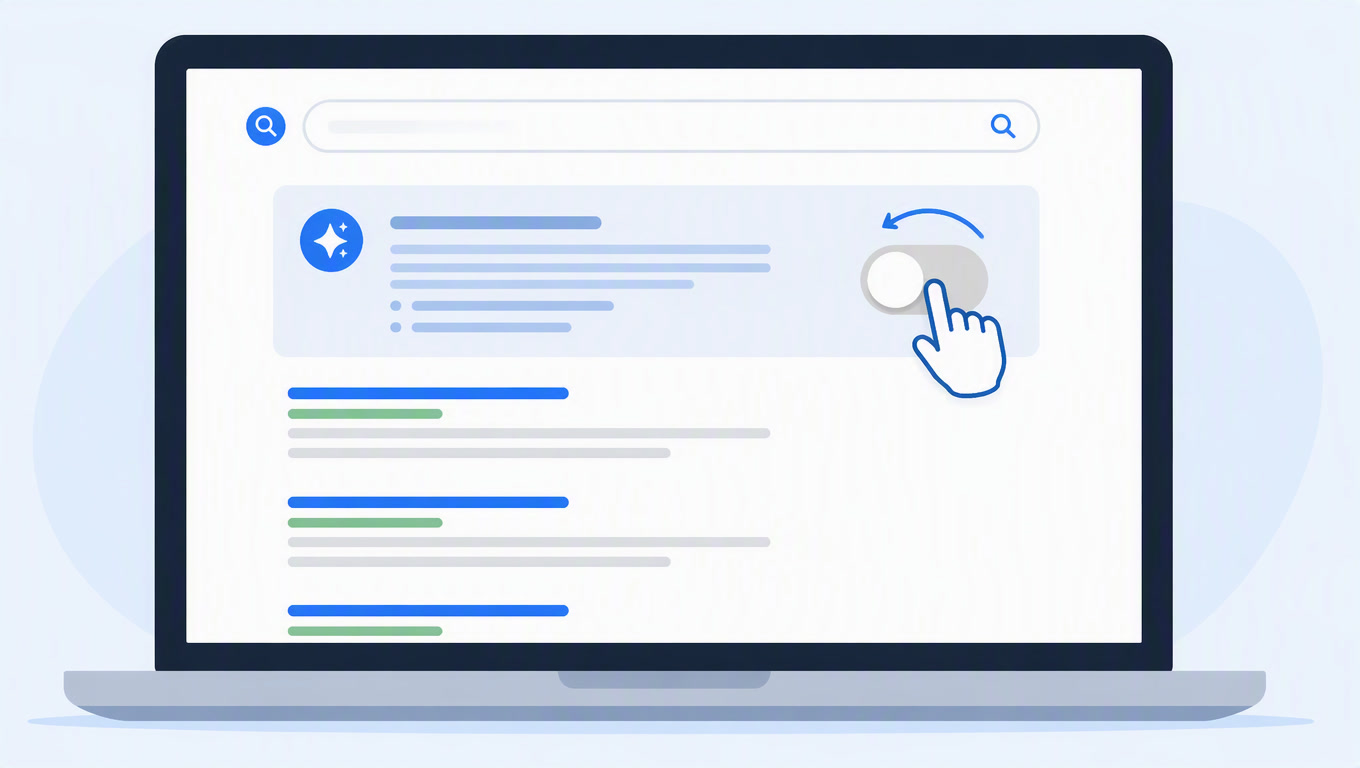
You cannot turn off Google AI Overviews with a settings switch. There is no official toggle, and Google removed the Labs opt-out most accounts had during the 2024 rollout. What actually works: click the Web tab for a one-off search, set udm=14 as your default search URL so they stop coming back, or install an extension that hides the panel. None of that changes anything for your own website. That is a separate decision with separate consequences, and for most businesses the answer is no.
We see versions of this question every week: in our support chats, in client calls, in the queries people type into search. "How do I get rid of this?" The short answer is that you don't remove it, you dodge it. The longer answer, the one nobody gives you, is that if you run a business you should think twice before hiding.
Why everyone suddenly wants them gone
The frustration is real and it's measured. A YouGov survey covered by Search Engine Journal found that only 28% of Americans trust information from AI assistants, the lowest of 19 markets, while 70% still trust traditional search engines. A separate Fractl study of 1,008 U.S. consumers found the share who say AI search is "more helpful than traditional search" fell from 82% to 54% in a single year. People are using it more and trusting it less. That's not an opinion, it's two studies.
Some of that distrust is deserved. AI Overviews have answered badly, cited shaky sources, and pushed classic results down the page. Some of it is just habit: the old results feel safer because they've been there for twenty years.
The mistake is confusing "I don't like it" with "it's going away". Google isn't just keeping AI Overviews. Since January 2026 they're powered by Gemini 3 as the default model, and AI Mode has passed a billion monthly users. The direction is settled. In our breakdown of real AI search traffic we showed that on mintec.co the share of traffic arriving from generated answers grows every week, even though it's still small. People still search on classic engines. They're just reading the answers in ChatGPT, Gemini, and Perplexity more and more.
Method 1: the Web tab, for a single search
The fastest fix is clicking the Web tab under the search bar. That returns the classic results without the AI panel for that one query. It doesn't stick: the next search brings the panel back. Fine when you need the answer now and don't want to fight your settings.
Method 2: udm=14 as your default search engine, for good
The reliable permanent method is changing your browser's default search engine to a URL with the udm=14 parameter:
https://www.google.com/search?q=%s&udm=14
In Chrome, Edge, or Firefox: open your search engine settings, add a new engine with that URL, and set it as default. From then on, searches from the address bar load the classic results page with no AI Overviews. It's the method most current guides recommend, including LinkAssistant's walkthrough. One honest caveat: it's an unofficial parameter. Google can change or retire it whenever they want. It works today, it's not a lifetime guarantee.
Method 3: extensions that hide the panel
The Chrome Web Store has extensions like "Hide Google AI Overviews" and "Bye Bye, Google AI" that hide the panel with CSS. They're convenient, but they have two problems: they hide the panel visually while it still loads underneath, and they break every time Google redesigns the results page. If you go this route, pick an extension that gets updated regularly.
Method 4: AI Mode, the other toggle
AI Mode is not the same thing as AI Overviews. AI Overviews are the automatic panel above the results. AI Mode is the conversational surface you enable from Labs or the dedicated button. If you don't want it, don't enable it, and if you already did, it turns off in your Labs settings. Most complaints target the automatic panel, not AI Mode.
What doesn't work
The Labs toggle from the 2024 rollout is gone for most accounts, so don't waste time hunting for it. And tricks like appending "-AI" to every query circulate online: I don't recommend them, they don't hold up consistently.
The part nobody tells you: this is browser-side only
Everything above is user-side. Turning off AI Overviews in your Chrome changes absolutely nothing for your website. Google's crawlers keep indexing you, Gemini keeps reading your content, and your pages stay candidates for citation inside AI answers.
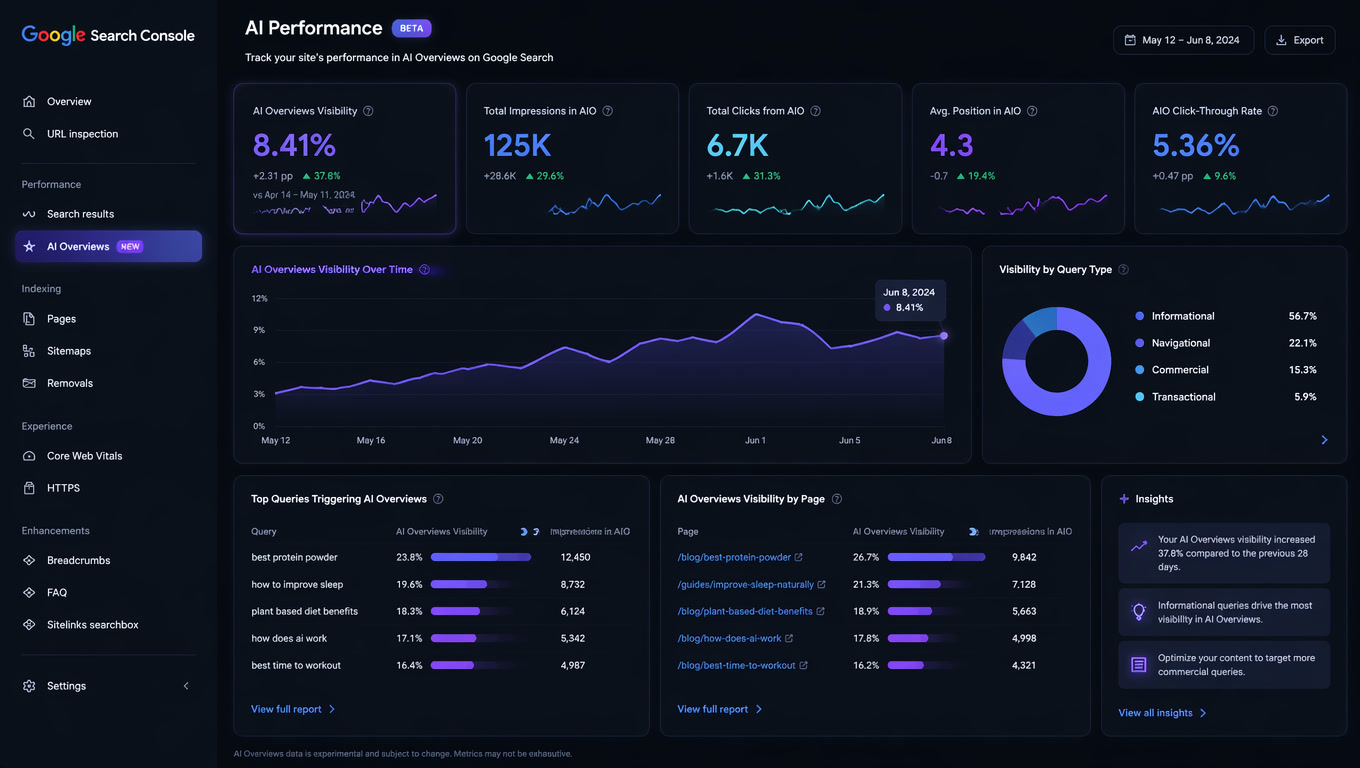
The only publisher-side control is the opt-out toggle Google activated in Search Console in June 2026, which we covered in detail in our post on the AI opt-out. It doesn't touch classic rankings, but it does remove your content from AI Overviews, AI Mode, and Discover. Sounds tempting. Our advice to clients is almost always the same: don't flip it.
The data explains why. In Similarweb's Gen AI Landscape report, ChatGPT referrals to transactional sites convert at 7% versus 5% for Google organic, and those visitors spend 15 minutes on site versus 8. More than half of Google searches now end without a click, per Similarweb's zero-click analysis. Visibility is moving into generated answers, and opting out hands that ground to competitors who stay. The toggle also doesn't cover Gemini, so even when you use it, the exclusion is partial.
There are two scenarios where turning it off makes sense. One: your content gets misquoted repeatedly and it causes real harm, like an outdated medical page the AI keeps repeating. Two: your business model depends on forcing clicks, and generated answers eat the traffic that paid the bills. For everything else, the right move is the opposite.
What to do instead of hiding
Our weekly LLM traffic report shows what AI engines actually cite from mintec.co: direct answer blocks at the top, FAQ sections with schema, comparisons with concrete data, and links to sources. It's not the longest posts or the most promotional ones. It's the pages that answer a question in a self-contained block, which is exactly what an AI can quote without rewriting.
We broke down the full pattern in how to get cited by ChatGPT search. The operational summary: put the direct answer in the first paragraphs, add FAQ schema to pages that answer real questions, and track your citations in Search Console plus your analytics, keeping AI referral traffic separate from organic. And if you want to skip months of useless reporting, the vanity metric problem in GEO shows which AI visibility scores are noise.
Disliking AI Overviews is reasonable. Pretending they don't exist is a strategy error. The people who hate them today are the same people who'll read the answer your competitor got cited for tomorrow. We'd rather be the answer.
Frequently Asked Questions
Can I turn off Google AI Overviews permanently?
There is no official toggle. Google removed the Labs opt-out that existed during the 2024 rollout for most accounts. What works: click the Web tab for a single search, set your default search engine to google.com/search?q=%s&udm=14, or install a browser extension that hides the AI panel.
Does disabling AI Overviews affect my website's SEO?
No. Turning them off in your own browser changes nothing for your site. The only control that affects your content is the Search Console opt-out toggle, which Google activated in June 2026 and which does not change regular search rankings.
Should my business opt out of AI Overviews?
Almost never. ChatGPT referrals convert at a higher rate than organic traffic (7% vs 5% in Similarweb's Gen AI Landscape report), and AI search keeps growing. Opting out makes sense only if your pages get misquoted repeatedly in ways that cause real harm, like outdated medical or pricing information the AI keeps repeating.