n8n Assistant September 2026: What the Agent, MCP, and Gateway Updates Mean for Small Teams
n8n shipped agents, MCP server connectivity, and Gateway Credits in its Assistant. Why this matters for businesses without a developer and what changed in the economics of automation.
In September 2026, n8n shipped three updates that change who can build automation: its Assistant now builds agents, connects MCP servers directly from the canvas, and runs with a single Docker command. If you're a small business without a dedicated developer but with repetitive processes that hurt, this is the window to go from "I'll do it someday" to "it's already running."
We've spent two years implementing automation with n8n for clients across Mexico, Colombia, and Central America: CRM workflows, lead generation agents, WhatsApp collections flows, and governance for AI-generated workflows. The September update is the most relevant for small businesses because it removes three barriers that kept adoption stuck: knowing which nodes to connect, setting up AI credentials separately, and spinning up a server. Let's break it down.
What Changed: Three Barriers Gone
1. The Assistant now builds agents — not just workflows
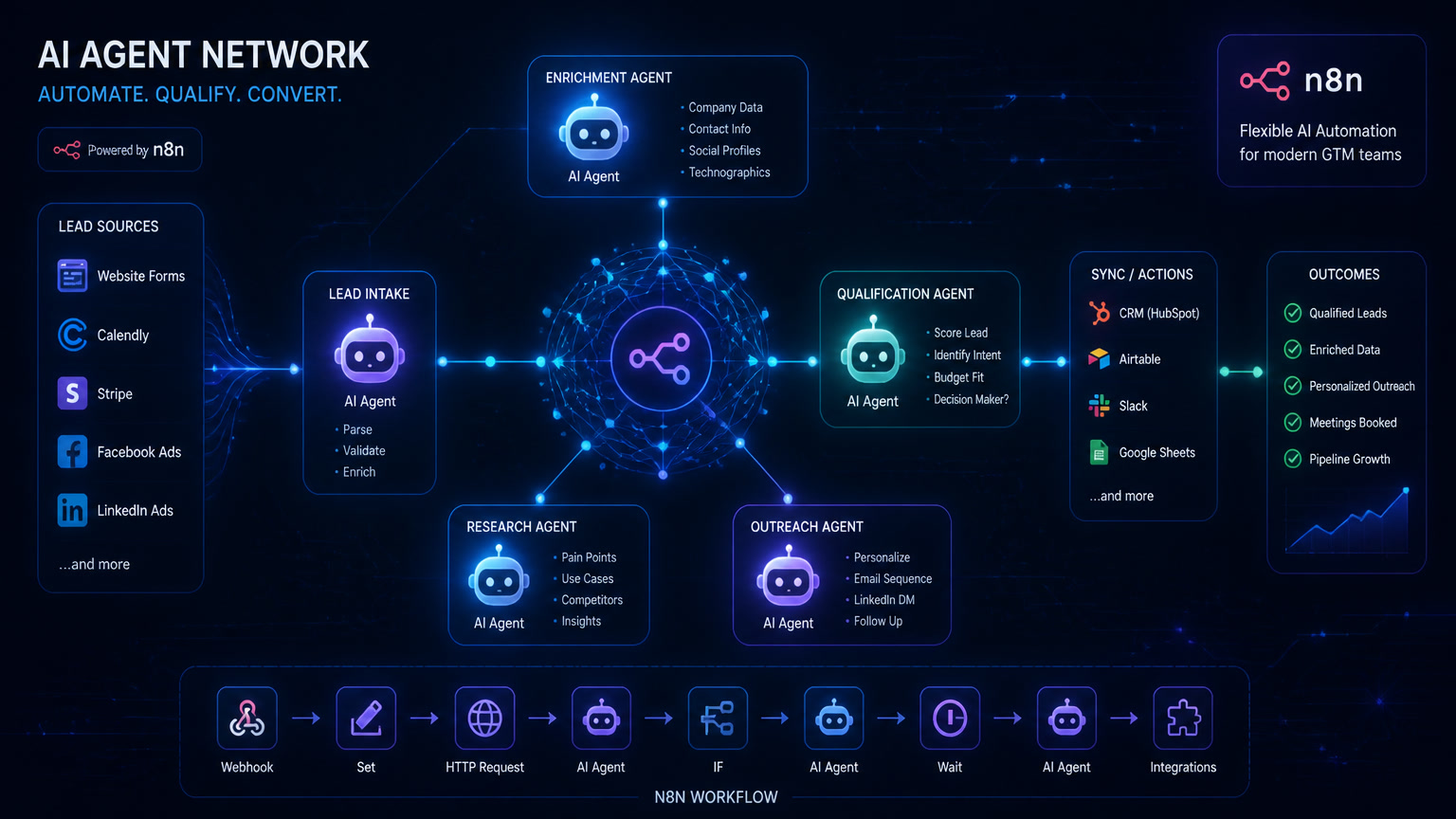
Before September, the Assistant created linear workflows: webhook → AI node → response. Now it can describe a full agent — its instructions, tools, and skills — and the Assistant proposes the architecture. It's not a generic chatbot: it's an agent with access to your CRM, your WhatsApp, or your spreadsheets via MCP.
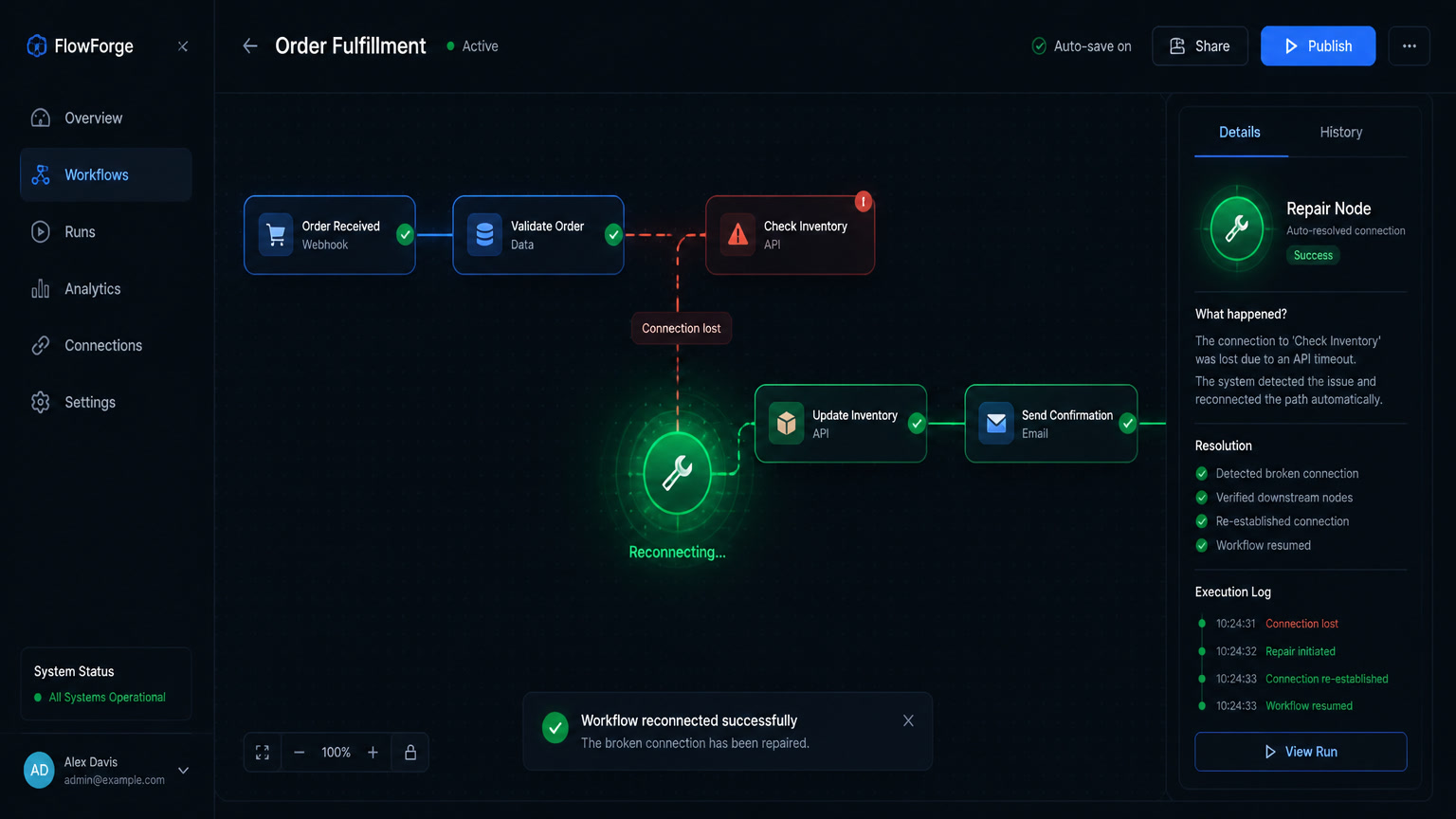
The difference from the old AI Workflow Builder (which n8n replaced) matters: the old builder generated a workflow once and stopped. The new Assistant builds, runs it, detects errors, fixes them, and runs again. When the enrichment node returns an empty array for sole traders, it doesn't halt — it fixes the issue and continues.
2. Gateway Credits: try models without opening accounts
The second barrier for small teams was credential proliferation. To use OpenAI in a workflow, you needed an OpenAI account, an API key, and n8n configuration. Same for Anthropic, Gemini, Brave Search, or any other tool. Each account meant another contract, another invoice, another failure point.
Gateway Credits remove that friction on n8n Cloud. They're a shared prepaid balance that works directly: select "Gateway credits" instead of adding credentials and the workflow runs. At launch, six model providers and five tool services are available:
| Category | Available Providers |
|---|---|
| AI Models | OpenAI, Anthropic, Google Gemini, Alibaba Cloud (Qwen), Kimi.ai, MiniMax |
| Tool Services | Brave Search, Browserbase, Firecrawl, LlamaParse, PDF.co |
For a team that's never used an AI model in automation, this cuts setup time from hours to minutes. For a team already experimenting, it means comparing models (does Gemini or Claude classify leads better?) without creating three separate accounts.
One practical note: Gateway Credits and AI Credits (used by the Assistant) are separate balances. Building with the Assistant consumes AI Credits; the resulting workflow consumes Gateway Credits only where it uses an AI node. New Cloud Starter and Pro users receive an initial balance of both.
3. Self-hosting with a single Docker line
If you self-host n8n (the most common setup in LatAm for data sovereignty), the previous Assistant configuration required separate environment variables, code sandbox, and web search setup. Since version 2.35, a single Docker command brings up n8n with the Assistant enabled, sandbox configured, and web search ready. You just add your model provider key (Anthropic, OpenAI, OpenRouter, or any OpenAI-compatible endpoint) in the UI.
This isn't cosmetic: in earlier implementations, configuring the Assistant on self-hosted was complex enough that many teams postponed it indefinitely. A single line removes that excuse.
What This Means for a Small Business
Automation no longer requires a technical profile
Before this update, the typical n8n user was someone who understood APIs, credentials, and node logic. The barrier wasn't cost (n8n is free or low-cost), it was knowledge. The Assistant inverts that equation: you describe what you want automated in plain language, and the Assistant does the technical work.
A real case that illustrates the change: a dental clinic in Mexico City asked us to automate post-appointment follow-up — reminders, satisfaction surveys, and rebooking. Before, that meant two weeks of workflow design, testing each node, and configuring credentials. With the Assistant, the first draft is ready in one session. Human review is still mandatory (we never publish an AI-generated workflow without reviewing it), but implementation time drops from weeks to days.
The key decision: Assistant vs. building manually
Not every workflow should start with the Assistant. The rule we apply:
| Situation | Best Approach |
|---|---|
| New workflow, 2-5 nodes, standard integrations | Assistant — builds fast, you review |
| Complex workflow with heavy conditional logic | Manual first — the Assistant can handle it but debugging is slower |
| Existing workflow that fails silently | Assistant to diagnose — describe the error and it suggests fixes |
| Anything touching customer data or billing | Manual + mandatory human review — the Assistant builds well but doesn't guarantee safety |
The trap is confusing "it works" with "it's safe for production." n8n documents this clearly: the first workflow isn't guaranteed production-ready. Reviewing it remains your responsibility.
MCP as the universal connector — and why it matters now
MCP (Model Context Protocol) is the standard that connects AI agents with external tools. Before September, using MCP in n8n required manual server configuration. Now the Assistant connects MCP servers directly from the registry — you can ask it to query a CRM or knowledge base via MCP before building a workflow.
For small businesses, MCP means a single agent can read your CRM, search your knowledge base, and write to your spreadsheet without you building three separate integrations. The analogy we use with clients: MCP is the USB-C of AI — one standard connector replacing the special cable from every manufacturer.
The Real Cost for a Small Business
| Component | Monthly Cost |
|---|---|
| n8n Cloud Starter | $20/mo |
| AI Credits (Assistant) | Included in plan (initial balance free) |
| Gateway Credits (models) | Prepaid — a typical lead scoring workflow uses ~$2-5/mo in credits |
| Total for basic automation | $22-25/mo |
| n8n self-hosted (VPS) | $6-20/mo |
| Own API keys (OpenAI, Anthropic) | $20-50/mo depending on usage |
| Total self-hosted | $26-70/mo |
Compared to an all-in-one platform like HubSpot Enterprise ($1,200+/mo), the modular stack with n8n + Clientify + API keys remains 10-20× cheaper. What changes with this update is the implementation cost: from 2-4 weeks of technical work to 2-5 days with the Assistant.
What n8n Doesn't Tell You
Three things the documentation mentions but that deserve emphasis for small businesses:
The Assistant isn't proactive. It doesn't monitor your instance, learn your preferences over time, or suggest automations you didn't ask for. It's a reactive tool: you describe, it builds, you review.
Gateway Credits are Cloud-only. The self-hosted version doesn't support Gateway Credits yet. If you self-host (as most of our LatAm clients do for data sovereignty), you still need your own credentials for each model provider.
Enterprise isn't available to everyone yet. Workflow Reviews (approval before publishing) is an Enterprise feature from version 2.36.9, but the Enterprise plan isn't open to all. For small businesses, governance depends on your internal process: the three-environment rule we covered before remains best practice.
How to Start This Week
- If you use n8n Cloud: update to version 2.35+ and enable the Assistant from settings. Use the initial Gateway Credits balance to test a simple workflow — something with at least two integrations and one step that could plausibly fail.
- If you self-host: run the new Docker install. Add your Anthropic or OpenAI key in the UI and enable the Assistant.
- If you don't use n8n: evaluate whether your current stack (Zapier, Make, or manual processes) is costing you more in lost time than a migration would cost. The barrier to entry just dropped significantly.
What you should not do: activate the first AI-generated workflow in production without reviewing it. The Assistant builds something that works. "Works" is not the same as "safe, correct, and robust for customer data."
Related articles: What Is MCP and Why Your Agents Need to Connect to Your CRM, n8n's AI Assistant and the Three-Environment Rule, Make vs n8n vs Zapier: How to Choose, Self-Hosted Automation for Data-Sensitive Industries.
Frequently Asked Questions
What is n8n Assistant and how does it work?
n8n Assistant is n8n's built-in AI tool that builds complete workflows from a natural-language description. It plans the nodes, wires them together, asks for credentials when needed, executes the workflow, and iteratively debugs errors. The result is a standard n8n workflow — visible on the canvas, editable by hand, and owned by your team.
How much does n8n Assistant cost?
n8n Assistant uses your plan's AI credits. New users receive an initial balance. A build that needs several rounds of debugging costs more than one that works first try. Gateway Credits (for models and tool services) are a separate prepaid balance activated when a workflow uses an AI node without your own credentials.
Can I use n8n Assistant without knowing how to code?
Yes, for creating workflows from natural language. However, human review before publishing to production is mandatory: the assistant builds something that works, but it does not guarantee the result is safe or correct for real customer data. Mintec's rule is always separate environments (exploration, staging, production).