n8n's AI Assistant Shouldn't Publish Your Workflows: The Three-Environment Rule
n8n's AI Assistant builds workflows from plain language, but it should not publish to production. A three-environment rule prevents expensive mistakes.
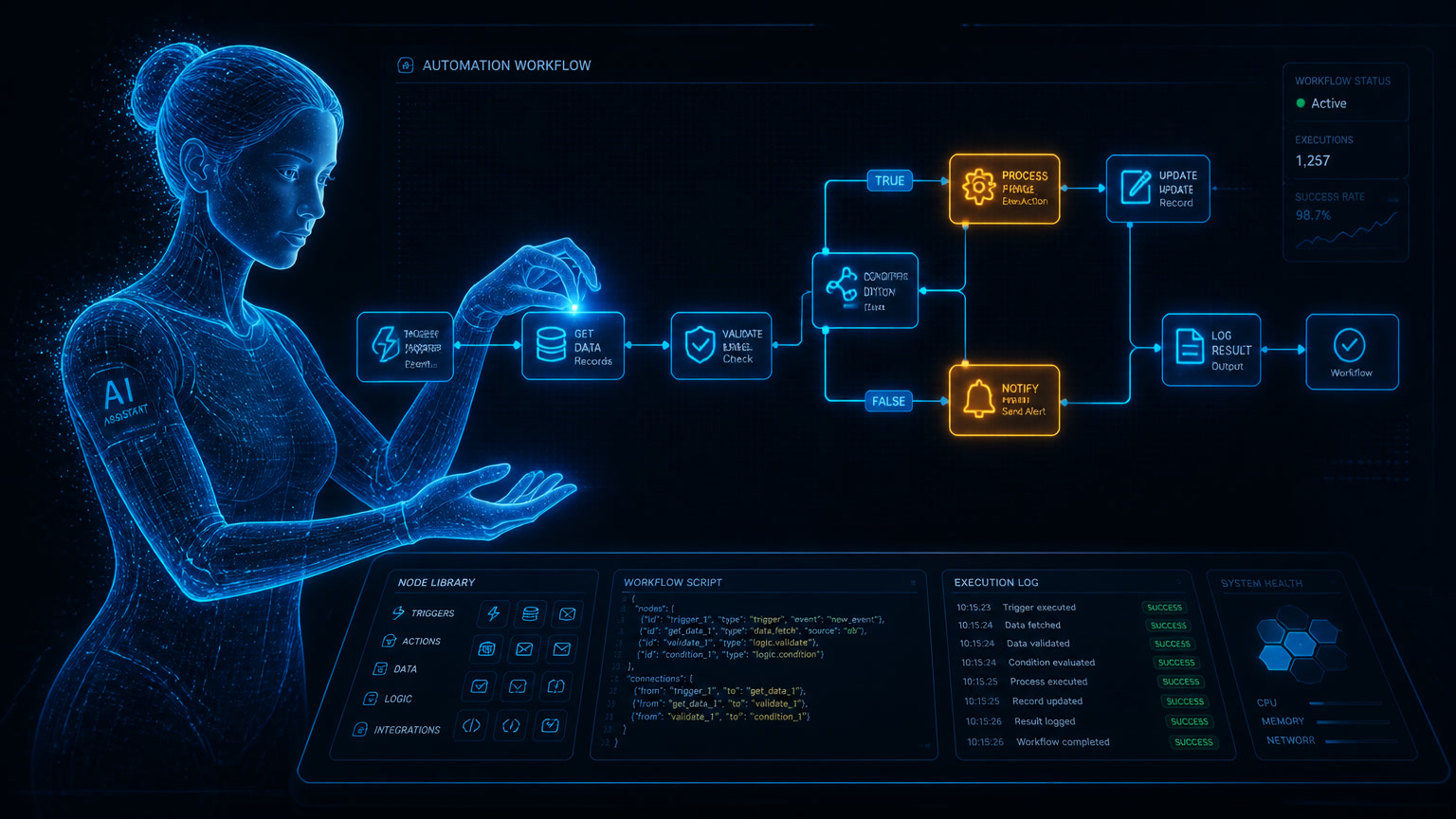
n8n's AI Assistant can turn a plain-language request into a workflow, edit it, test it, and help troubleshoot it. That makes the first draft much faster. It does not make the workflow ready to publish to production without human review and a hard boundary between exploration, staging, and production. That is the operating rule we use at Mintec when an automation touches a CRM, WhatsApp, billing, or any process that can affect a customer.
n8n introduced its AI Assistant in July as a Cloud preview available from version 2.29.9. It can create, edit, test, and troubleshoot workflows from natural language, while the final result remains a normal n8n workflow.[1] Small teams should care because this removes a lot of blank-canvas work. They should also be careful because it changes the failure mode. A person used to build a flawed workflow node by node. Now a polished-looking workflow can arrive quickly with a dangerous choice hidden inside one node, one credential, or one unhandled exception.
The assistant screen is not a safe testing environment. It operates with the permissions of the user who opens it.[1]
A generated workflow is a draft, not an operational decision
An invoice workflow can look perfect on the canvas and still be unsafe. It may extract the right amount from nine PDFs but have no idea what to do with a credit note. It may retry an unavailable API and create the same invoice twice. It may label a WhatsApp conversation as a new quote request when it is actually a complaint from an existing customer.
AI making a mistake is not the interesting part. People make them too. The bigger problem is skipping the step where the team defines what "correct" means for the process.
n8n makes the same point in its release announcement: users should review the proposed plan before the assistant builds or changes anything, then test and review the result before production use.[1] Its documentation also includes a human-fallback pattern: when an agent cannot answer a user, a second workflow sends the case to Slack for human help.[2] That example carries a broader lesson. A workflow needs to state what happens when it stops understanding the situation.
At Mintec, we treat an AI-generated workflow as an operational draft. It is similar to an AI-written proposal: useful for getting to a solid first version, but not authorized to set pricing or make promises without an accountable reviewer.
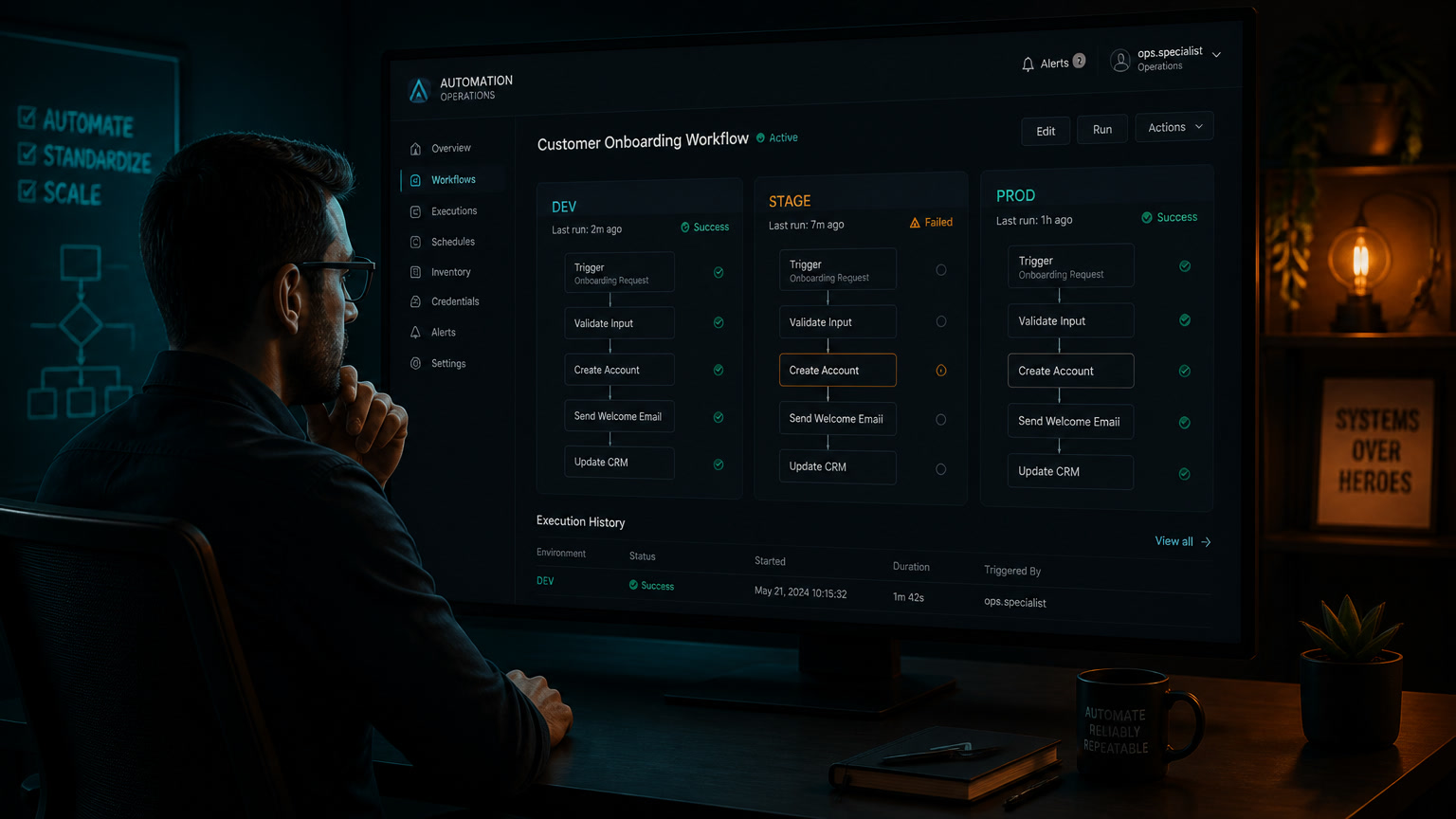
The three-environment rule
You do not need an enterprise platform or a six-month DevOps initiative to add control. You need three spaces with different jobs and different permissions.
| Environment | What it is for | Data and credentials | What the assistant may do |
|---|---|---|---|
| Exploration | Turn an idea into a first workflow | Mock data, sandboxes, test keys | Create, edit, and execute without outside impact |
| Staging | Test behaviour against realistic cases | Anonymized data, test accounts, limited-scope APIs | Test, debug, and propose changes |
| Production | Run an approved business process | Live data and least-privilege access | Read, explain, and prepare a change; never publish alone |
The last column is the important one. Let the assistant move quickly in exploration. Let it be useful in staging. Make it boring in production.
For a CRM, this means the assistant can propose a workflow that updates pipeline stages, but the production account should not be able to delete contacts, bulk-reassign owners, or trigger a campaign without a separate approval. For WhatsApp, it can classify intent and prepare a response draft, but it should not send a collection message or change a booking unless the exact rule and the accountable owner are already defined.
This separation also protects teams from their own urgency. A demo rarely contains duplicate names, empty fields, expired offers, and customers who reply in ways nobody expected. Our article on the Day 2 problem in AI automation explains why a flow that launches cleanly can still fail quietly weeks later.
Write the process contract before granting access
The prompt is not the contract. "Build a workflow that manages invoices" leaves too many choices for the system to invent. The contract makes those choices explicit:
| Question | Accounts-payable example | A sign you are not ready to automate |
|---|---|---|
| What triggers the process? | A PDF arrives in a named inbox | Any email with an attachment can enter |
| What is the correct result? | Create a validated invoice draft | "It should look reasonable" |
| What may it change? | A draft-invoice table | ERP records, payments, or final tax filings |
| Which cases must escalate? | Amount differs from PO, new vendor, missing tax field | There is no exception list |
| Who owns the result? | A named finance owner | "The team will look at it" |
A written contract turns a vague conversation into something the team can test. It also helps decide where AI belongs. An agent can interpret an unusual PDF or classify a supplier email. Tax validation, approval thresholds, and the final release of a payment should remain deterministic rules.
That distinction matters even more as agents gain access to tools. MCP can let an agent call complete business processes from n8n, a CRM, or WhatsApp. It is useful, but it expands the blast radius of a mistake. Our view on least-privilege access and approval for writes is laid out in our guide to MCP-connected business agents.
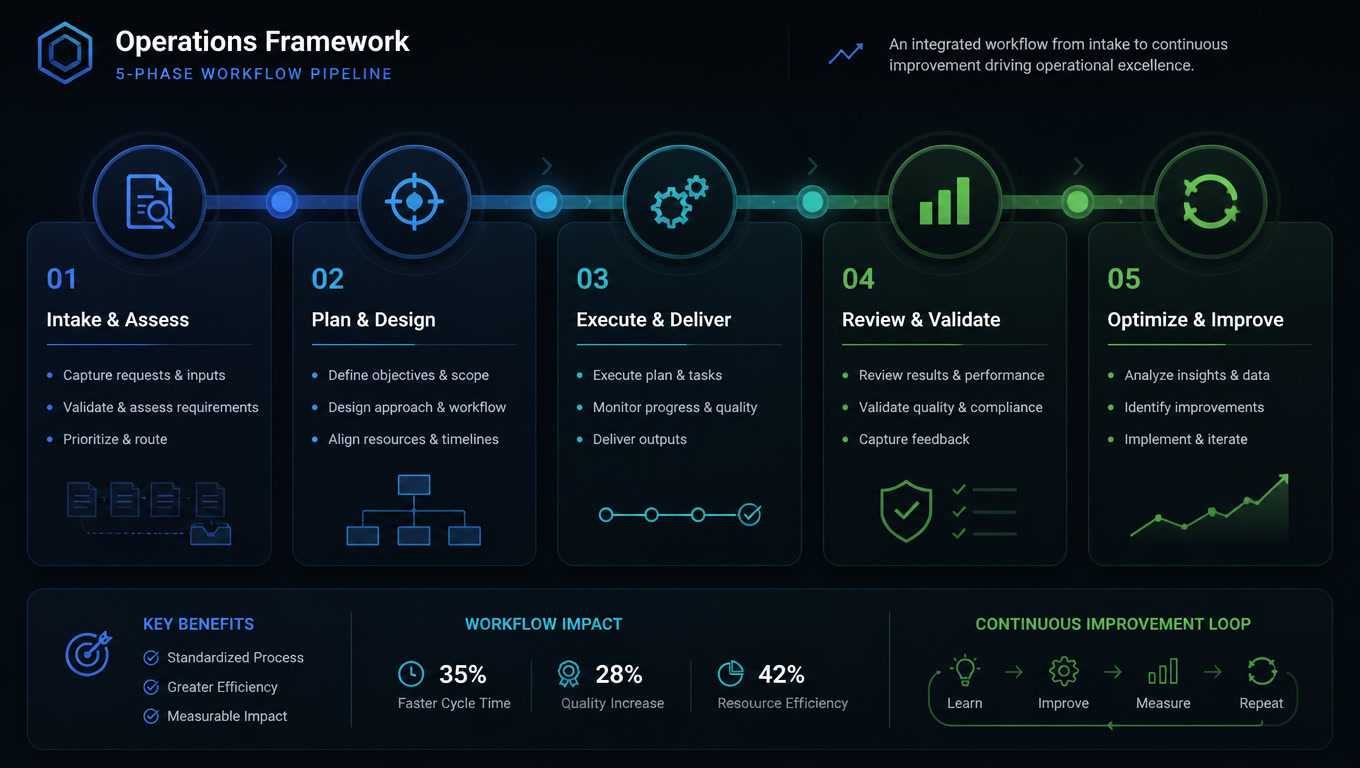
The publication gate: seven checks, not one green execution
Many teams stop reviewing after the workflow shows a successful execution. That is a technical test, not an operational approval. Before publishing, use this gate:
- Prove the happy path. The expected input produces the exact expected output.
- Run ten uncomfortable cases. Duplicate records, missing fields, ambiguous text, slow APIs, expired credentials, and data that does not fit the schema.
- Isolate irreversible actions. Sending, charging, deleting, or changing an owner requires a deterministic condition and, when the error cost is high, human approval.
- Apply least privilege. The workflow credential can do only what that workflow needs. Do not reuse an administrator key because it is convenient.
- Make the exception route visible. Every result that misses the rules must reach a queue, ticket, or named person, not a dead-end node.
- Test the rollback. The team knows which version to restore and how to stop executions before a bad change spreads.
- Name the owner and alert. One person owns the flow, and an alert fires when volume, error rate, or spend leaves its expected range.
This is not bureaucracy. It is what lets a team use speed without giving up control. n8n tells users to enter credentials through its normal credential screens rather than the assistant chat and says that high-impact actions require confirmation.[1] Treat that as the floor, not the full governance model.
Where the assistant can earn more autonomy
Not every workflow needs the same friction. An internal report that combines metrics from three spreadsheets and saves a draft to Google Drive has a low error cost. If it fails, it does not message a customer or change a record of consequence. After several weeks of consistent results, it can move from manual approval to scheduled publishing.
A flow that assigns a high-value lead, changes an opportunity, or replies to a customer does not earn that freedom by looking smart in a demo. Gartner places AI agents at the Peak of Inflated Expectations: 17% of organizations had deployed them, and more than 40% of agentic projects could be cancelled by the end of 2027 because of rising costs, unclear business value, or weak risk controls.[3] The practical reading is not "wait for the technology." It is to shrink the scope until the automation has evidence that it works.
| Workflow type | Reasonable autonomy | Human review |
|---|---|---|
| Consolidating internal reports | High after repeated tests | Weekly sampling |
| Classifying tickets and preparing drafts | Medium | Before external replies |
| Updating CRM records with normalized data | Medium-low | Exceptions and bulk changes |
| Payments, contracts, cancellations, or sensitive messages | Low | Every consequential action |
If the process does not have clear rules yet, do not add an agent on top of it. Map the workflow first. Our framework on why automation projects fail remains useful because it forces the team to define the business problem before adding another technology layer.
Start this week without pausing operations
Do not enable the assistant across the account and hope for good habits. Pick one low-risk internal process that already wastes time: assembling a report, creating tasks from a form, or flagging incomplete records. Ask the assistant to propose a plan, not to publish a workflow. Review the process contract, build it in exploration, run the uncomfortable cases, and have a person release the first production version.
When the flow has been stable for several weeks, document the limits that worked. That document becomes the starting point for the next workflow. The assistant does not replace operational judgment. It gives the team more time to use judgment where it still matters.
Sources
[1] https://community.n8n.io/t/introducing-the-ai-assistant-the-workflow-building-agent-inside-n8n/302667?tl=en — n8n Community: Introducing the AI Assistant [2] https://docs.n8n.io/advanced-ai/examples/human-fallback — n8n Docs: Set a human fallback for AI workflows [3] https://www.gartner.com/en/articles/hype-cycle-for-agentic-ai — Gartner: Hype Cycle for Agentic AI
Frequently Asked Questions
Can n8n's AI Assistant publish workflows to production?
It can propose changes and request confirmation for high-impact actions. Operationally, it should generate, test, and document changes in separate environments while a named owner reviews and publishes the production version.
What environments does an AI-generated automation need?
At minimum, use exploration, staging, and production. Exploration uses mock data and sandbox credentials; staging tests limited real integrations; production keeps permissions restricted, monitored, and owned by a human publisher.
What should I review before publishing an AI-generated workflow?
Review the process contract, permissions, test cases, exception routes, alerts, rollback path, and operational owner. A successful execution does not prove that a workflow is safe for customer-facing or financial work.