Your WhatsApp template gets rejected twice before it sends
Most WhatsApp template rejections are predictable before you submit. The category decision, the rejection-to-fix map, and the pre-submission checklist.
Template approval is where WhatsApp automation projects lose their schedule, and the loss is almost never diagnosed correctly: it gets budgeted as "the vendor is slow" when it is actually predictable rework. Most rejections are written long before anyone hits send — a category chosen wrong, marketing dressed up as utility, a missing sample. Meta reviews every template with automated systems plus manual review and publishes the rules that decide the outcome. This is the pre-submission decision tree, the rejection-to-fix mapping, and the checklist we run before submitting any template.
The category decides everything else before you write a word
A message template is the only type of message WhatsApp allows you to send outside the 24-hour customer service window. That privilege requires passing through a category — utility, marketing, or authentication — that decides what content is allowed, when the message can be sent, and what it costs. Choosing wrong does not produce an error — it produces an approved template that is not the one you wanted.
| Category | When it applies | Content rules | What disqualifies it |
|---|---|---|---|
| Utility | In response to a user action or request: order confirmation, shipping update, appointment reminder | No marketing material. One header, one body (1,024 characters), one footer, up to 10 buttons | Any promotional sentence. Meta re-categorizes it as marketing automatically |
| Marketing | Promotions, offers, cart reminders, proactive commercial content | Offers allowed, subject to the Commerce Policy and per-user sending limits | Commerce Policy violations, or content the user never opted into |
| Authentication | Verification codes and OTPs | No URLs, no media, no emojis; parameters capped at 15 characters | Any URL, media, or emoji, in content or parameters |
The rule that changed everything dates to April 9, 2025: if you declare a template as utility and WhatsApp determines its content is marketing, the template is approved as marketing. allow_category_change used to authorize that switch; it is now the default. They no longer reject you for the category — they approve you in the one Meta considers correct, at its rate. You have 60 days from the update to request a review in Business Support Home.
Our delivery rule does not negotiate with the copy: the category is chosen by the job the message does, not by the price you want to pay. Strip every promotional sentence; if the message still works, it is utility. If it needs the promo to justify existing, it is marketing — submit it as marketing. Disguising marketing as utility no longer saves a cycle; it guarantees the re-categorization.
The rejection was written before the submission
Meta publishes its rejection reasons, and almost all are verifiable in a two-minute read of your own draft — what triggers each one, how to fix it, and whether to resubmit or reclassify:
| Rejection or change | Why it happens | The fix | Resubmit or reclassify? |
|---|---|---|---|
INCORRECT_CATEGORY | Content does not match the declared category; arrives via a REJECTED webhook | Submit under the category the content actually belongs to; if it was already changed, accept it and split into two templates | Reclassify |
| Commerce Policy | Prices, offers, or product descriptions that break the policy | Align the offer with the catalog and the required disclosures | Fix and resubmit |
| Business Policy (sensitive identifiers) | Asking for full card numbers, financial account numbers, national IDs, or documents | Request partial identifiers only (last four digits, for example) | Fix and resubmit |
| Abusive or threatening content | Legal threats or threats to expose the customer publicly | Rewrite the tone; debt is communicated, not threatened | Fix and resubmit |
| Missing sample | Variables without example values, or media headers without an asset | Add a sample for every variable and media component | Resubmit (appeals require a sample too) |
Duplicate name (error 100, subcode 2388024) | The name already exists for that language in the account | Rename it: names are unique per account and per language | New template |
| Authentication rules | URLs, media, or emojis in OTP templates; parameters longer than 15 characters | Strip what is prohibited; start from the template library | Fix and resubmit |
Two ways to read it. First, half the rows resolve without ever pressing submit, by reading the draft against the relevant policy. Second, INCORRECT_CATEGORY is the only row where the fight is not worth it. When WhatsApp re-categorizes, the instinct is to delete words until it looks like utility again — almost always the wrong path, because the message was marketing. Accept the category, fix the economics (send less, better segmented), and create a separate transactional template for what genuinely is utility. Fighting the category with synonyms burns review cycles the schedule does not have.
What a resubmission needs that the first attempt did not have
Resubmitting with the same preparation produces the same result. A resubmission that works adds what was missing:
- Complete samples. Every variable needs a realistic example value and every media header needs its asset. Appeals require a sample; without one they do not enter review properly.
- The correct category. If the content is marketing, submit it as marketing from the first resubmission; the API lets you edit just the category, and that edit goes through validation and review again.
- The status webhook connected before the first send. Status changes arrive via
message_template_status_update(carryingREJECTEDandreason) andtemplate_category_update(carryingnew_categoryandprevious_category). A team without these webhooks learns about rejections from Meta's email, whenever it arrives. - The
categoryvscorrect_categorycomparison. OneGETagainst the template API with those two fields lists the templates Meta considers misclassified. Checking it before a big campaign avoids the surprise of a key template approved in a different category. - The category review inside its window. If Meta changed your category and you disagree, the appeal has a 60-day deadline. In practice it is rarely worth it — redesigning is.
There is no guaranteed approval timeline — but there is a habit that removes the pressure: submit the full template set at the start of the implementation, not in launch week. Meta's review then runs in parallel with development, and approval stops being the gate on the schedule.
The fallback while a template is in review
While a template is unapproved, the 24-hour service window is the only way out: if the customer messaged first, you have 24 hours to answer with free-form service messages. That is the operational cushion of any deployment — the flow degrades to in-window replies instead of blocking.
That cushion is no longer free: since October 1, 2026, service messages and utility templates inside the window are charged per delivered message, at per-country rates — the full breakdown is in our analysis of WhatsApp service messages and their rates. The fallback can still be used, but it costs per message, so it is designed to end fast.
Three rules that still hold when the budget bites:
- Never launch a flow whose exit depends on an unapproved template. Build the flow, submit the template, and launch with status
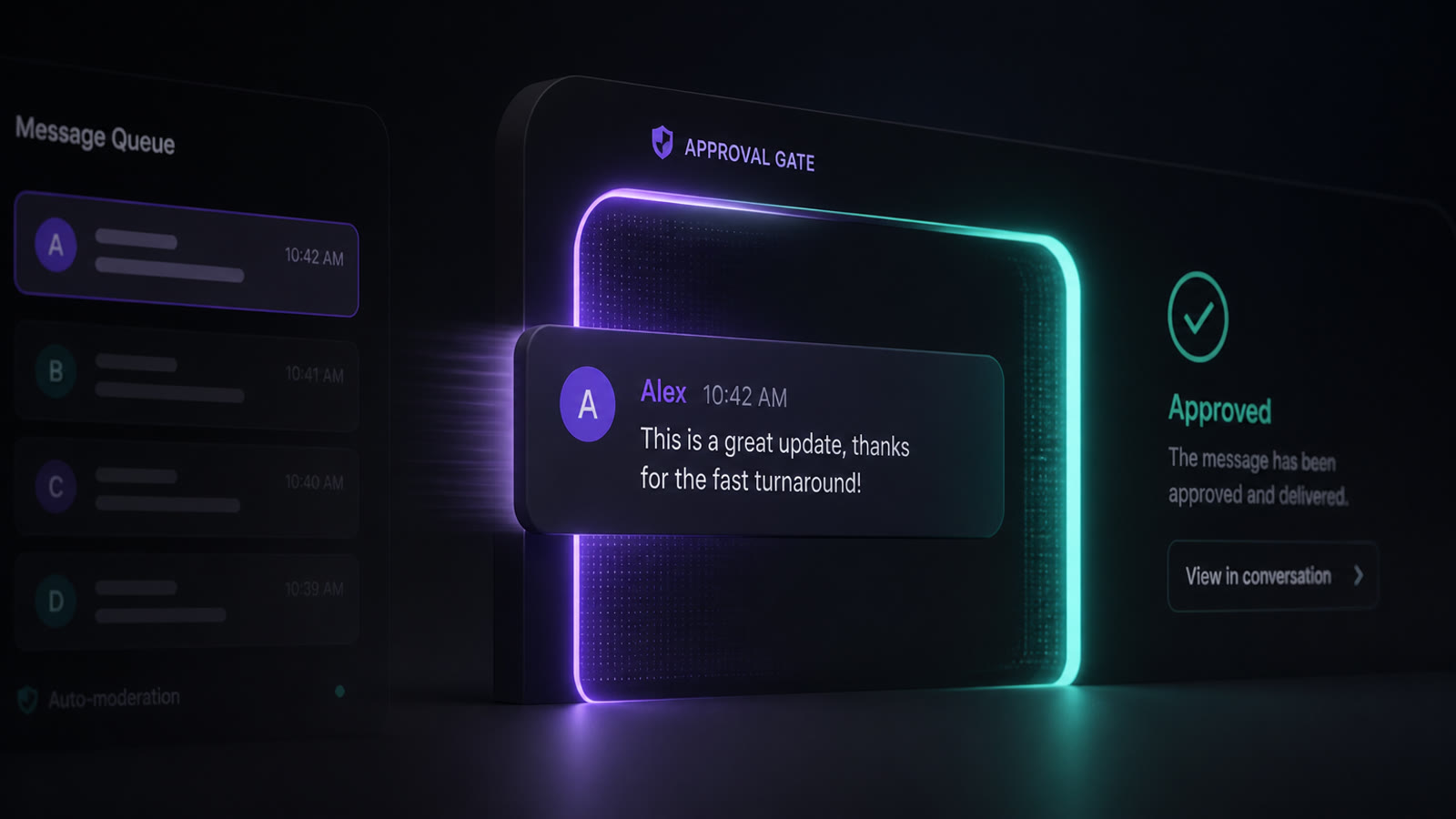
APPROVED("Active - Quality pending"). - Inside the window the bot answers; outside it only a template goes out. If the user has not written in 24 hours and the template is not ready, there is no proactive channel. Proactive notifications must cross the approval gate, not the launch gate — see how to design WhatsApp flows that do not depend on a single exit route.
- Approval is not the end of the lifecycle. Every template starts at
UNKNOWNand moves with real user feedback: green sends, yellow warns, red triggers automatic pausing — 3 hours, then 6, then disabled. Editing a paused template puts it back in review, and pacing pauses require a manual unpause. A disabled template does not come back by editing: it gets created fresh. Content quality is not a brand issue, it is infrastructure — the worst outcome is not a rejection, it is losing the template your production flow depends on.
Pre-submission checklist
Ten points before submitting any template. If one fails, it gets fixed in the draft, not in the review cycle.
- The trigger is named: a user action (utility) or a commercial calendar (marketing). The category is decided here, not later.
- The message was re-read with every promotional sentence deleted: if it still works, it is utility; if not, it is marketing.
- No marketing is hidden inside a template declared as utility — since 2025 Meta approves it as marketing anyway.
- If it is an OTP, it goes as authentication: no URLs, no media, no emojis, parameters capped at 15 characters.
- Every variable has a realistic sample value; every media header has its asset attached.
- Zero full sensitive identifiers: no full card, bank account, or national ID numbers, and no documents.
- Any mention of a price or offer complies with WhatsApp's Commerce Policy.
- The template name is unique in the account and per language (lowercase and underscores).
- The template status webhook is connected and tested before the first submission.
- The full template set was submitted at the start of the implementation, and the in-window fallback — with its per-message cost — is ready for the review period.
This prep work turns template approval from a lottery into a row of tasks. None of it requires special contacts: it requires reading the policy once and submitting prepared. In our automation and chatbots work this checklist runs before every submission, and it is why WhatsApp deployment schedules survive Meta's review. When a project cannot absorb that learning, the alternative is not pushing the vendor harder: it is reviewing the full WhatsApp intake path — from the intake layer into the CRM and the bot-to-human handoff once the approved template enters production.
Frequently Asked Questions
How long does WhatsApp template approval take, and what resets it?
Review combines automated systems with manual review and carries no guaranteed timeline. Approved templates land in 'Active - Quality pending' status and can be sent immediately. Editing a template's content or category returns it to 'In Review' and halts its sends until it is re-approved. If Meta changed your template's category and you disagree, you have 60 days from the update to request a review; appeals must include a sample, and Meta documents a decision within 24 hours.
Can a utility template be sent outside the 24-hour customer service window?
Yes. Message templates are the only message type that can be sent outside the 24-hour customer service window. But a utility template must answer a user action or request and cannot carry marketing material: since April 2025, if Meta finds marketing content in a template declared as utility, it approves it as a marketing template instead — with the rates and limits that come with it.