Turbopack chunking in Next.js 16.3: tuning the tradeoff between first load and navigation
Next.js 16.3 ships the first controls for how Turbopack splits your JavaScript: firstPageLoadPriority, priorityRoutes, clusters and generateComponentChunks. Here's how chunking works, the real benchmark numbers, and a decision framework for when to change the defaults.
Turbopack chunking in Next.js 16.3: tuning the tradeoff between first load and navigation
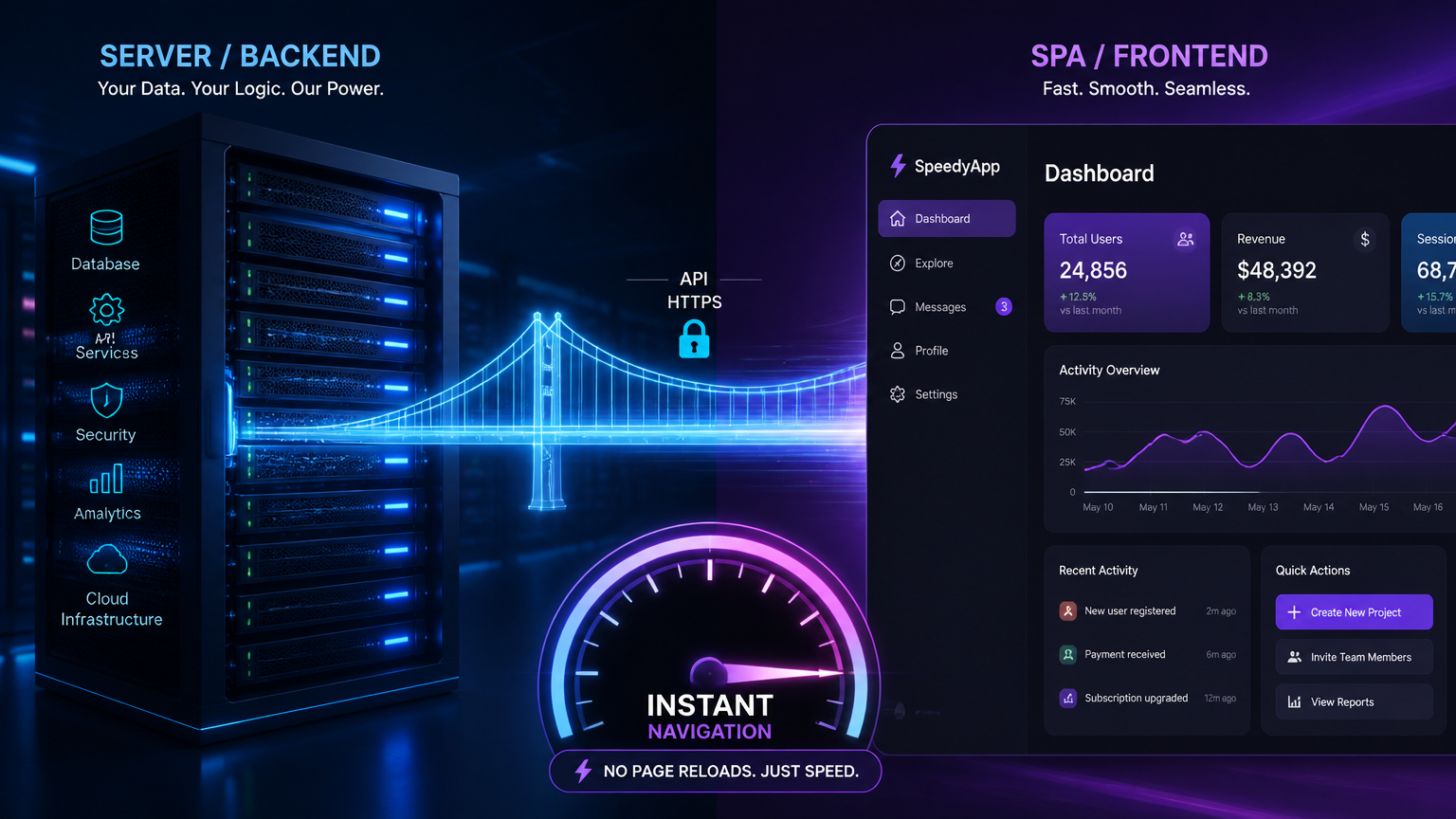
On September 3, 2026, the Next.js team published exactly how Turbopack decides which JavaScript goes into which chunk — and shipped the first configuration controls that let you change that decision per site. Chunking is the process of splitting your application's code into the files the browser downloads. Two goals fight each other: you want the fewest possible requests, and you want the least possible code shipped. Fewer, bigger chunks win on the first page load but get re-downloaded on navigation; smaller, more numerous chunks reuse more cache but add request overhead. In Next.js 16.3, experimental options like firstPageLoadPriority, priorityRoutes, clusters and generateComponentChunks let you tilt that balance to match how users actually move through your site. This article explains the tradeoff with the team's own benchmark numbers and gives you a decision framework to tune it — the same one we apply when we audit Next.js production apps.
The chunking paradox: fewer requests or less code
Open the network tab on almost any Next.js site and you'll see a pile of JavaScript files with names like 36wnellv-yn9q.js. That's Turbopack's output. The interesting part is how it decides to build them, because the extremes are both wrong.
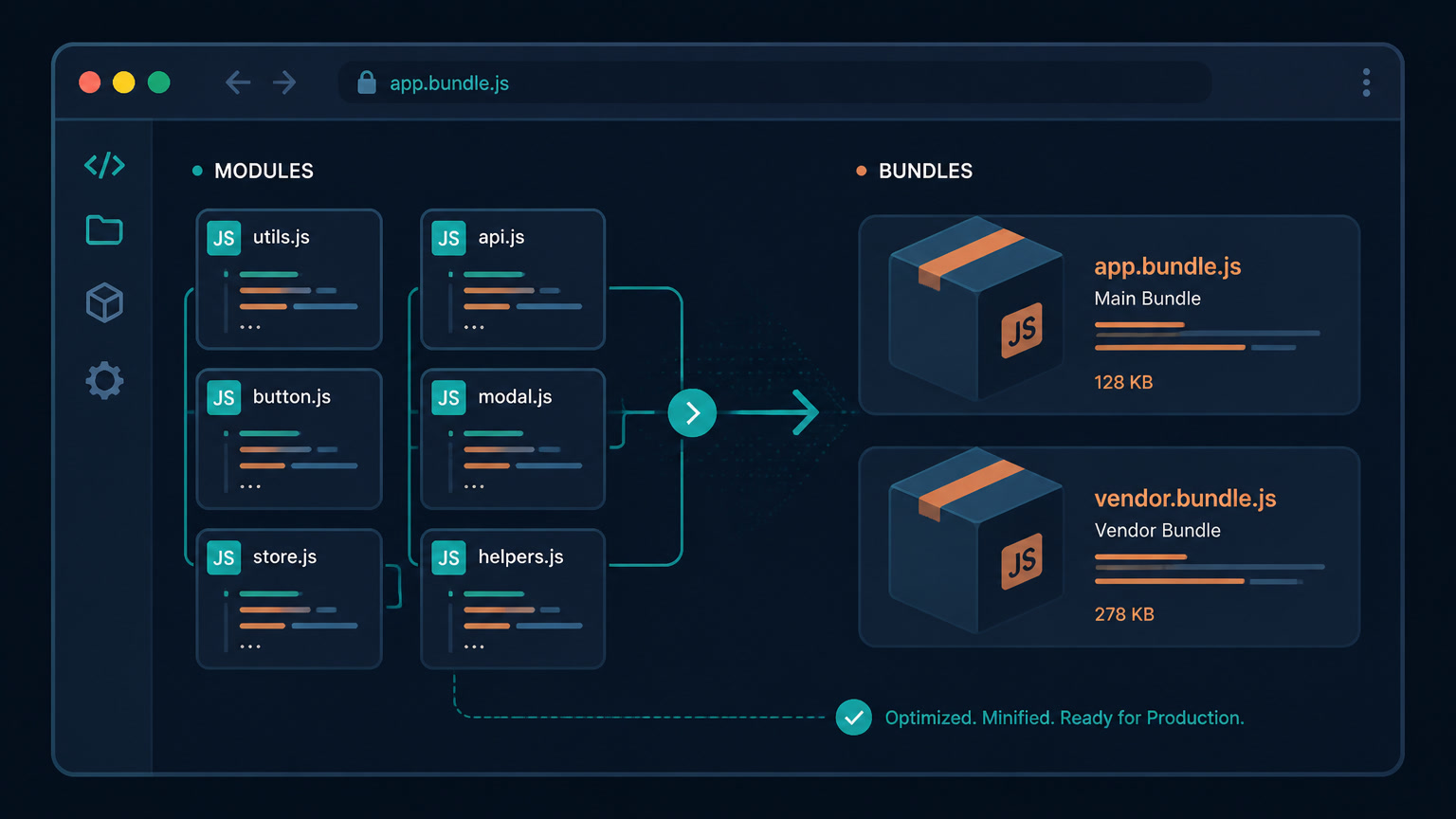
If you put all your modules in one chunk, every page loads 1.09 MB of JavaScript even when it needs almost none of it. The first load after a visit is a cache hit and navigation is fast — but every subsequent first-load gets heavier as the site grows. If you give every module its own chunk, nothing is ever over-shipped and shared code downloads once, but a large app becomes hundreds of tiny network requests, each with HTTP overhead, and compression performs worse on many small files because repeated patterns live inside separate files.
Turbopack's answer is to merge smaller chunks into larger ones, and to only merge chunks that belong to the same chunk group — the set of chunks a route loads together. Merging within a group can't add anything the page wasn't already downloading, so it's safe on a single visit. The problem is navigation: when a visitor moves from a page that needs chunk A to one that needs A and B, a merged A+B file forces the browser to re-download A. In a session that starts on the home page and ends on a legal page, the visitor downloads A twice. Merging only pays off across a navigation when both pages need both chunks.
The team measured the three strategies on nextjs.org itself, running the same series of page loads and counting requests and client-side JavaScript transferred:
| Chunking strategy | Initial load | Full 8-page session | Requests |
|---|---|---|---|
| No merging (per module) | 363.6 KiB (76 requests) | 561.6 KiB | 96 |
| Turbopack defaults | 344.2 KiB (24 requests) | 554.8 KiB | 38 |
| One chunk per group | 315.3 KiB (6 requests) | 610.0 KiB | 15 |
The defaults cut requests by more than half versus no merging while shipping less code overall. Maximal merging made the first load lightest but shipped about 10% more code over the whole session. In other words: the right answer depends on whether your users visit one page and leave, or browse several. That's the assumption the new configuration options let you change.
What's actually new in Next.js 16.3
Turbopack merges at build time, before anyone visits, so it can't react to what a browser already has cached, and it has to guess at how people move through the site — the default estimate is that two thirds of sessions are single-page. The September 3 post and the accompanying docs add four things, all experimental under next.config.js:
1. Smarter chunk fetching with generateComponentChunks. When enabled, Turbopack emits the un-merged component chunks alongside the merged ones, and tracks which modules are already loaded. At request time the runtime picks whichever is cheaper: the merged chunk, or just the missing pieces. The "download A twice" problem disappears for soft navigations — you get merging's benefits without its navigation cost.
2. Analytics-based chunking via firstPageLoadPriority, priorityRoutes and clusters. firstPageLoadPriority (0 to 1, default 0.67) shifts the weighting between single-page and multi-page sessions; the team suggests starting from your bounce rate. priorityRoutes is a list of paths whose load speed matters most, which get merged more aggressively. clusters groups routes commonly visited together as arrays of regular expressions, so Turbopack merges overlapping chunks inside a cluster.
3. Tree-shaking for CommonJS. experimental.turbopackCjsTreeShaking removes unused imports and exports from CJS modules, which previously shipped to the client because only ESM was tree-shaken. It will become the default in a future release.
4. A shared, lighter runtime. experimental.turbopackSharedRuntime replaces per-page runtime chunks with one shared chunk, saving a blocking request and about 10 KB of JavaScript on every navigation after the first. Separately, the default runtime no longer ships WebAssembly and Web Worker code unless you actually use those modules.
If you want to tune the raw size thresholds instead of the behavior, the docs expose minChunkSize (default 50,000 bytes of uncompressed code), maxChunkCountPerGroup (40), maxMergeChunkSize (200,000) and minComponentChunkSize (20,000). Note those are bytes of uncompressed, unminified code — roughly 5x the size of what actually goes over the wire.
A decision framework for your site
This is where most articles stop and the actual work begins. The defaults are tuned for a typical content site, so "leave them alone" is a valid recommendation for many projects — but not all. Here's the framework we use:
| Traffic pattern | Symptom you'll see | Recommended config |
|---|---|---|
| Content/blog, high bounce | LCP on landing pages, few navigations | Raise firstPageLoadPriority toward your bounce rate (e.g. 0.8) |
| E-commerce with deep flows | First load fine, slow transitions in category→product | priorityRoutes on the money pages + clusters per funnel step |
| Client portal / dashboard | Long sessions, many navigations, INP spikes | generateComponentChunks: true + turbopackSharedRuntime: true |
| Campaign landing pages | Ads landing with huge hero JS | priorityRoutes + high firstPageLoadPriority |
The underlying rule: raise firstPageLoadPriority when you care about the first screen, lower it when you care about the journey. A campaign landing page with a 60% bounce rate wants the fastest possible initial paint. A SaaS dashboard where a user clicks across 15 views in a session wants cache reuse on every transition — that's where generateComponentChunks and the shared runtime pay for themselves.
Where we've felt the navigation cost in production
This tradeoff isn't theoretical for us. On Next.js apps we audit, the pain almost never shows up on the landing page — it shows up in Interaction to Next Paint (INP) during navigation, which is exactly the metric the chunking decision controls. In portal-style projects, the worst spikes are on route transitions between modules, where the browser stalls waiting for JavaScript it effectively already had, just split across files it couldn't reuse. That's the precise scenario generateComponentChunks was built for, and it's also why we now treat chunking configuration as a per-project decision rather than a global default. Our debugging workflow for INP on interactive sites treats navigation transitions as first-class: measure, reproduce, then change one thing at a time.
It's also worth remembering why we moved mintec.co itself from Next.js to Astro on Cloudflare Pages — the migration numbers showed 94% less JavaScript on content pages, and our real benchmarks comparing both frameworks confirm that for content-heavy sites, shipping almost no client JS beats tuning how you ship it. But for genuinely app-like experiences — authenticated portals, interactive e-commerce, internal tools — Next.js stays the right call, and chunking is now the lever you pull instead of the framework switch. Our take: the chunking controls make Next.js more competitive in exactly the territory where its default bundle strategy used to hurt.
How to measure before you change anything
The new options are experimental, so test them on a branch and measure with real data:
- Pull your real bounce rate and multi-page session share from analytics. That's your
firstPageLoadPrioritystarting point, not a guess. - Baseline both sides of the tradeoff: field LCP (first load) and field INP (navigation) in CrUX or a lab tool. On media-heavy or dashboard pages, our performance-budgeting approach gives you the thresholds to target.
- Change one option at a time and re-run the same navigation path. The nextjs.org numbers above are a sanity check, not your target — your module graph and traffic differ.
- Watch total transferred over a full session, not just the first page. Maximal merging looks great on the first screen and costs you later, exactly like the table shows.
The chunking controls won't fix a site that ships a 400 KB third-party heap or blocks on a huge hero component — those are separate problems (and separate bundle-level conversations). But they do close a real gap: for the first time, you can tell the bundler how your users actually navigate, instead of accepting a global guess. That's a small config change with a real Core Web Vitals payoff — and it's the kind of lever worth pulling before you reach for a framework migration.
Frequently Asked Questions
What is Turbopack chunking?
Chunking is the process of deciding which JavaScript modules go into which file, or chunk. Turbopack merges small chunks into larger ones to reduce the number of requests, at the cost of cache reuse across pages — the core tradeoff between first-load and navigation performance.
How do I tune chunking in Next.js 16.3?
With the experimental.turbopackChunking options: firstPageLoadPriority (0–1, default 0.67), priorityRoutes, clusters, and generateComponentChunks. Add experimental.turbopackSharedRuntime and experimental.turbopackCjsTreeShaking to ship less runtime and drop unused CJS code. All require Next.js 16.3 or later.
What value should I set for firstPageLoadPriority?
Start with your bounce rate. Higher values (closer to 1) favor a fast initial load, which suits content and campaign landing pages; lower values favor navigation speed. The default is 0.67, matching Turbopack's estimate that roughly two thirds of sessions are single-page.