Next.js 16.3 Instant Navigations: What the Server-to-SPA Bridge Actually Changes
Next.js 16.3 adds Instant Navigations, 90% less dev memory, and AI coding tooling. Here's what each feature actually does, real benchmark numbers, and when to adopt each one.
Next.js 16.3 landed on August 3, 2026, and it's the most practical release since the framework went stable. Three features matter for agencies building real production apps: Instant Navigations (server-rendered pages that feel like SPA transitions), Turbopack's 90% memory reduction (your dev server stops melting), and AI coding agent tooling (your agents stop guessing).
At Mintec, we build production sites on both Astro and Next.js. We've already covered Astro 7's Rust compiler and Turbopack chunking in 16.3. This article is about the features we haven't covered yet — and what they actually change in production.
Instant Navigations: The Server-to-SPA Bridge
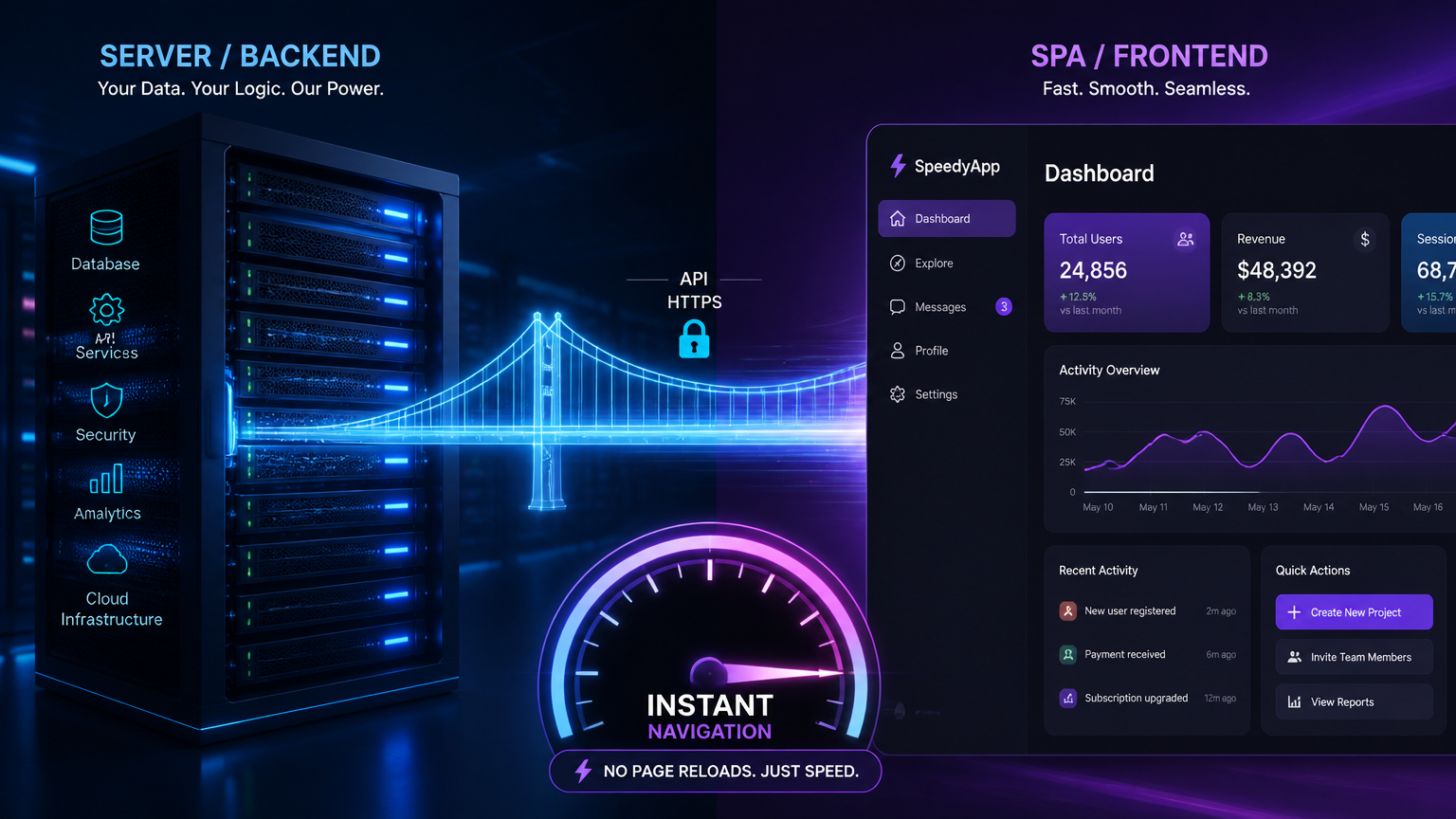
The pitch is simple: get SPA-like navigation speed without abandoning server rendering. The implementation is per-route, opt-in, and works through a combination of prefetching and loading shells.
Here's how it works in practice. You wrap your page component with the instant() helper from next/navigation. When a user hovers over or focuses a link to that route, Next.js starts fetching the data and rendering the server component in the background. By the time the user clicks, the content is ready or nearly ready — and the navigation shows a loading shell instantly instead of a blank white flash.
The technical breakdown:
- Instant Loading Shells: Pages you haven't prerendered serve an instant skeleton on first visit, then upgrade to the full content in the background. Every subsequent visitor gets the cached version. This is basically ISR with a better UX layer.
- Instant Prefetching: Links to instant routes are prefetched on hover, not on viewport entry. The prefetch is scoped to the data requirements of the target route, not the entire component tree.
- Per-Route Control: You decide which routes get instant navigation and which don't. Marketing pages? Instant. Admin dashboard with complex auth? Regular navigation. This granularity is what makes it production-ready.
The real benchmark: Vercel reports sub-100ms navigation times on their own dashboard when Instant Navigations is enabled on key routes. For context, that's the same feel as a native mobile app — and it's coming from a server-rendered React app.
Our take: This is the feature that makes Next.js 16.3 worth upgrading for agencies building marketing sites and content platforms. The gap between "server-rendered but slow-feeling" and "instant like a SPA" was the single biggest UX complaint we heard from clients. It's now solved at the framework level.
Turbopack Memory Eviction: 90% Less RAM
This one is invisible but massive. Turbopack's incremental compilation model caches everything in memory — fast recompilation, but unbounded growth. On large apps, that meant your dev server ate 20+ GB of RAM after an hour of work.
The fix in 16.3: Turbopack now evicts cached entries to disk using the same persistence layer from 16.1. Memory usage on Vercel's dashboard drops from 21.5 GB to 2 GB. The nextjs.org site goes from 4,600 MB to 840 MB.
This is on by default. You don't need to change anything. The only reason to disable it is when debugging cache behavior.
The persistent build cache is the other half: next build now reads from .next/cache on disk, skipping recompilation of unchanged files. On Vercel's design system, builds went from 30 seconds cold to 5.5 seconds cached. That's a 5.5x speedup that compounds over the workday.
Why agencies should care: Every developer on your team with a large Next.js project has experienced the "my dev server is using 15 GB of RAM" problem. This fixes it silently. The build cache makes CI/CD pipelines faster without any configuration.
AI Agent Tooling: llms.txt and MCP Compilation
The third feature is the most forward-looking. Next.js 16.3 ships a compiled llms.txt file that gives AI coding agents structured information about your project: routes, components, configuration, and dependencies.
This isn't a documentation file. It's a machine-readable map that agents like Cursor, Claude Code, and Copilot can parse to understand your project structure without reading dozens of files. It includes:
- Route tree with data requirements
- Component boundaries (server vs client)
- Configuration flags and their effects
- Compilation metadata via MCP-compatible tooling
For agencies using AI-assisted development, this means coding agents stop hallucinating file paths and component names. They can read your project architecture once and work within it reliably.
The bigger picture: This is Next.js betting that AI coding agents will be a primary way people interact with codebases. By shipping structured metadata at build time, they're making the framework agent-friendly by default — not as a plugin or afterthought.
Decision Framework: When to Upgrade
Not every project needs Next.js 16.3 immediately. Here's our decision tree:
Upgrade now if:
- Your app has slow-feeling navigation between key pages
- Your team complains about dev server memory usage
- You're using AI coding agents on Next.js projects
- You want faster CI/CD builds via persistent cache
Wait if:
- Your project is stable and performing well on 16.2
- You don't use Instant Navigations routes yet (no immediate UX benefit)
- Your build times are already acceptable
Skip if:
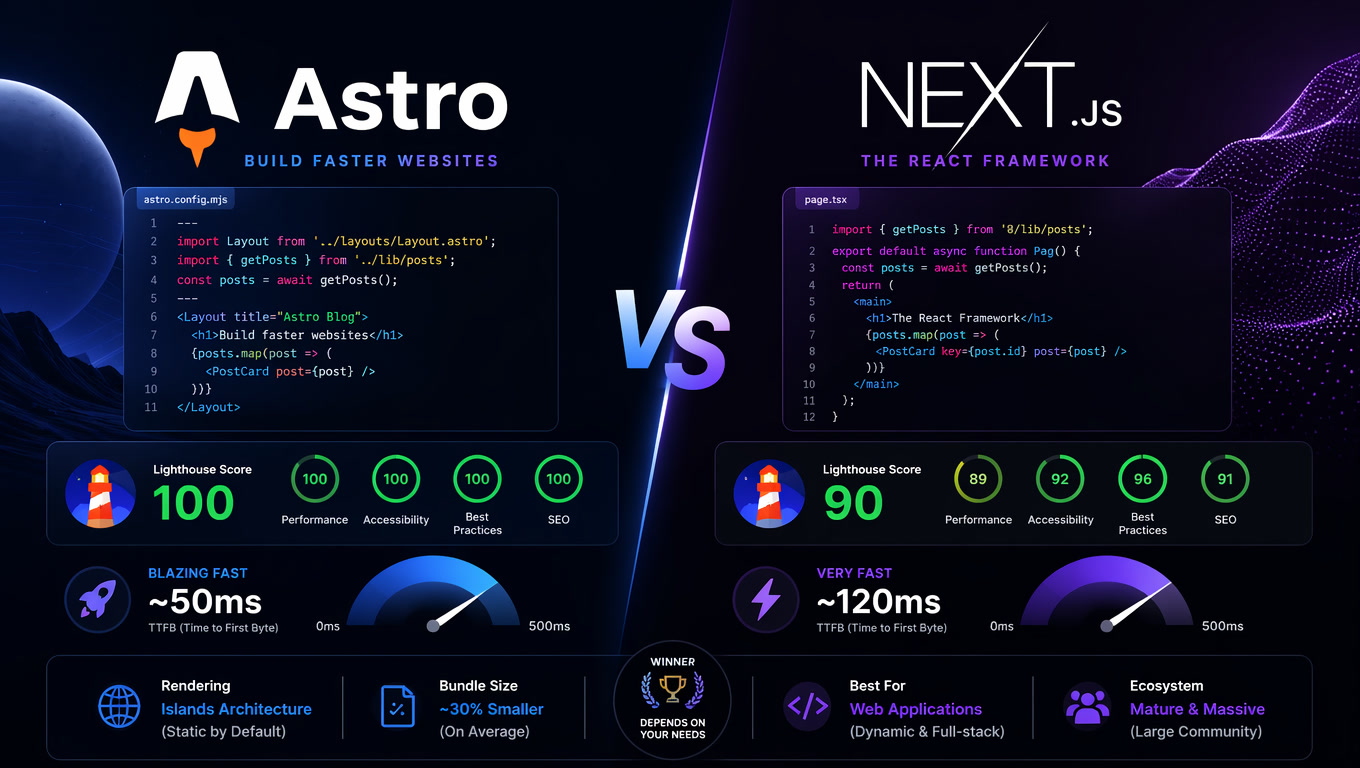
- You're on Astro and your site is content-focused (Astro's zero-JS approach wins for that profile — see our real benchmarks)
- You're on a legacy Next.js version and migration risk outweighs the benefits
The Framework War Is Over — The Compiler War Has Begun
Here's the honest opinion: the framework debate (Next.js vs Astro vs Nuxt) is increasingly irrelevant for most projects. What matters is the compiler and the tooling layer underneath.
Astro 7 rewrote its compiler in Rust. Next.js 16.3 shipped a persistent Turbopack cache and an experimental Rust React Compiler. Both are optimizing the same problem — build speed and runtime performance — from different architectural starting points.
The winner isn't the framework. It's the agency that understands the tradeoffs and picks the right tool for each project. For content-heavy marketing sites, Astro's zero-JS default still wins on raw performance. For interactive applications with complex state, Next.js 16.3's Instant Navigations and server-side capabilities are hard to beat.
Stop arguing about frameworks. Start benchmarking your specific project against both.
Frequently Asked Questions
What are Instant Navigations in Next.js 16.3?
Instant Navigations is an opt-in feature that makes server-rendered Next.js apps feel as fast as single-page applications during route transitions. It preloads data and shells before the user clicks, so navigation appears instant instead of triggering a full page reload.
How much does Turbopack memory eviction reduce dev server RAM in Next.js 16.3?
On Vercel's own dashboard app, memory dropped from 21.5 GB to 2 GB — a 90% reduction. Smaller apps see less dramatic numbers, but any project with more than a handful of routes benefits from the new disk-backed cache eviction that runs by default.
Does Next.js 16.3 have AI agent tooling for coding assistants?
Yes. Next.js 16.3 ships a compiled llms.txt file that gives AI coding agents structured access to your app's routes, components, and configuration. It also exposes compilation metadata through MCP-compatible tooling, letting agents understand your project architecture without hallucinating file paths.