Who's in Charge, the Agent or the Workflow? How to Decide with n8n Agents
n8n put agents and workflows side by side: three questions to decide who owns each process, and why the agent should never hold your CRM credential.
Who's in Charge, the Agent or the Workflow? How to Decide with n8n Agents
On September 25 n8n put agents and workflows side by side as first-class objects, and the question stopped being "agents or automation" and became "who's in charge of this process?" The short answer: the workflow is in charge when the sequence is known, repeats the same way every time and writes to a system of record; the agent is in charge when the next step depends on the previous answer and what it produces is a lookup, an analysis or a draft someone approves. What changed isn't the theory — we've argued about it for years — it's that the boundary between the two is now reversible: you can move a task from one side to the other without rewriting it.
We've been building automation on n8n for clients across Mexico, Colombia and Central America for two years: CRM flows, qualification, collections and support. We also wrote why most customer-service agents get pulled from production before they turn a year old. n8n Agents doesn't fix that on its own, but it ships the missing piece: putting the permission boundary outside the agent, in a workflow that does exactly one thing.
What n8n shipped, and why it changes a decision you already made
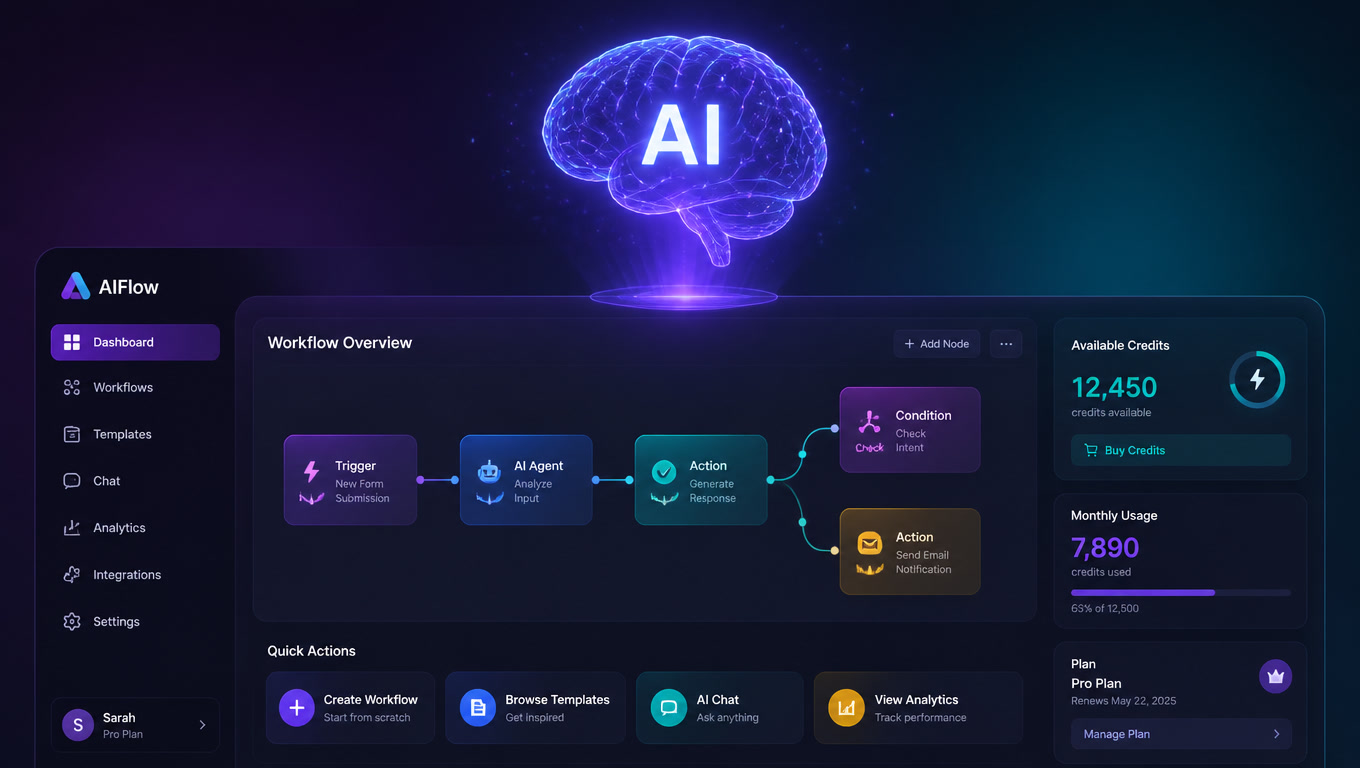
Before September, an agent on n8n was assembled by hand: a chat trigger, a memory node, an AI Agent node with a few tools, and a workflow around it. That still works — the AI Agent node didn't change. What n8n added is the pre-built agent: instructions, memory, sessions, channels, versions and approvals as standard, in its own tab.
Two directions, both first-class:
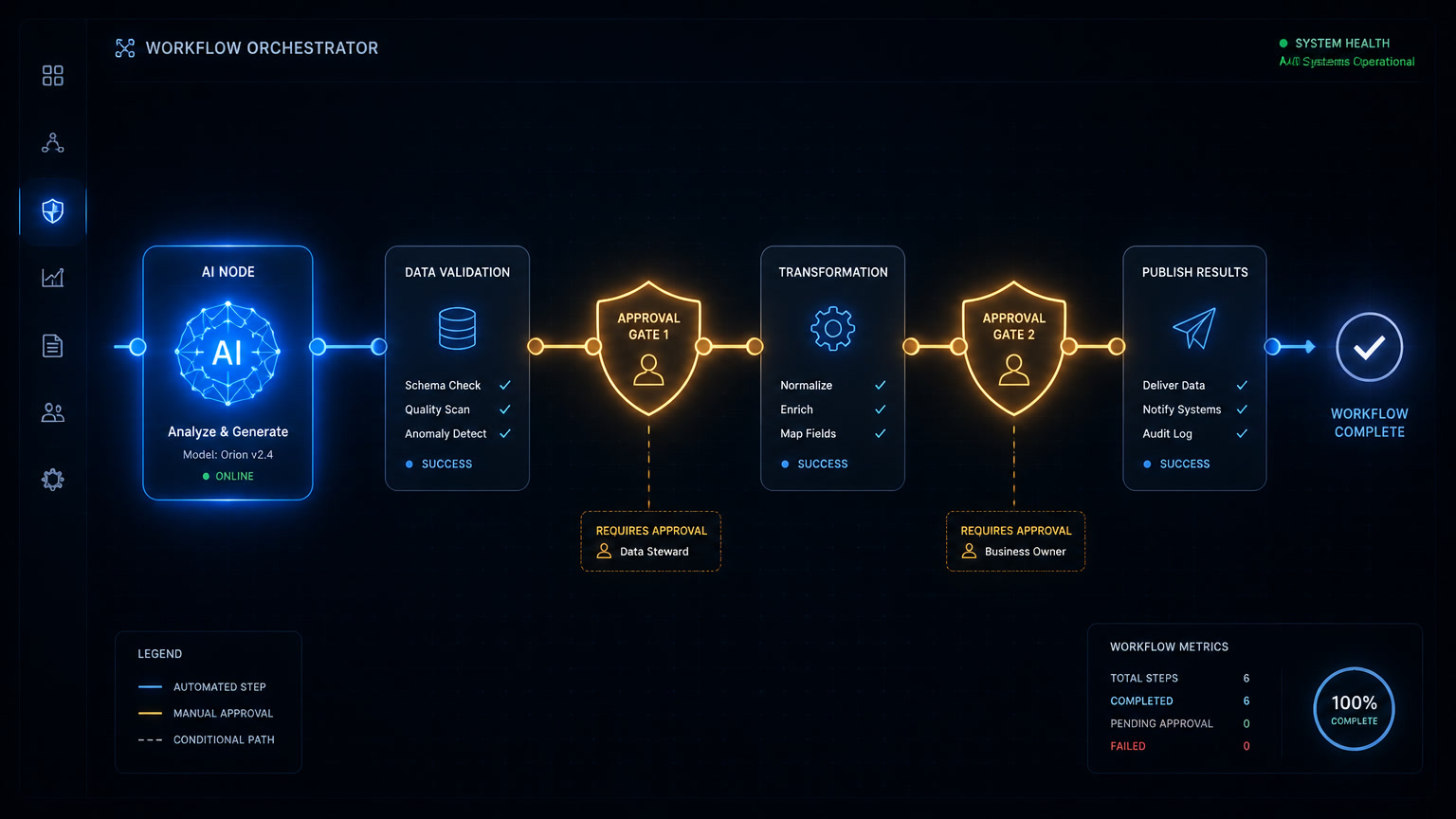
- The workflow is in charge, the agent is a step. The new Message an Agent node calls a published agent from inside a workflow and passes its answer to the next node. The agent brings its own instructions, tools and memory; the node stays simple.
- The agent is in charge, workflows are tools. The agent decides when each workflow runs. You decide what it can touch.
The sentence that sums up the launch, straight from n8n: "pull a task out of the agent into a workflow when you want it fixed, or hand a workflow to an agent when you want it used with discretion." You pull a task out of the agent when you want it fixed; you hand it over when you want judgment. That mobility — not the chat — is the news.
The three ways an agent can touch your systems
An n8n agent holds three kinds of tool, and the choice is per tool:
| Tool type | What it gives the agent | Control | Setup cost |
|---|---|---|---|
| MCP server | Every connected service at once; the agent works out how to use them | You can exclude tools, but the scope is wide | Lowest |
| n8n tool / node | One concrete action with the parameters you choose | Maximum: it can only do what you defined | Medium |
| Workflow | A whole process, run exactly as you built it | Maximum control of the logic; the agent only decides when to call it | Already paid for: work that exists |
Our rule: MCP to read, an n8n node to act on a field, a workflow to execute a process. A full CRM MCP hands the agent dozens of write actions and then you're relying on the instructions not to skip one. If you're not fluent in MCP, start with n8n tools.
The credential the agent no longer holds
This is the real reason the launch matters to anyone handling customer data.
n8n's example: a support agent that logs something on an account. Without a workflow in between, logging means giving the agent write access to your CRM and trusting its instructions to keep it in the notes field. With a workflow in between, the agent never holds that credential: it holds a workflow that adds a note and nothing else. Each tool runs with the credential you attached to it, and tools marked sensitive pause and wait for Approve or Reject.
This isn't cosmetic. In The State of Agentic AI, 2026, Forrester reports that three-quarters of enterprise leaders say they're adopting agents, but only a small minority have them in meaningful production beyond "chatbots that look agentish"; and in its Security Survey 2026, 49% of security decision-makers named agentic AI as a concern, with agents impersonating each other and escalating privileges. Its recommendation is literal: treat every agent as a governed identity, with unique credentials, least privilege, full logging and a named owner.
We'd already argued the same thing from practice, in why your agent shouldn't hold the keys to the CRM: write capability isn't delegated in the instructions, it's withdrawn at the execution layer. n8n turned that recommendation into a button. Concrete opinion: if your platform won't let you expose a whole process as a single-purpose tool, it forces you to trust the prompt.
The three-question rule for deciding who's in charge
It's the same logic we use for exception lanes, applied to placement:
- Does the next step depend on the previous answer? If not, it's a sequence: workflow. If yes — ask, interpret, look again — the process can't be laid out in advance: agent.
- Does it write to a system of record? If it writes to CRM, billing or inventory, that write lives inside a workflow or a single-purpose node. The agent decides; it doesn't execute.
- What's lost if it goes wrong? A badly worded email gets rewritten. A cancelled order doesn't. The higher the cost of being wrong, the closer to the workflow and the further from the agent — with a human approval in between.
Applied to five processes we actually automate:
| Process | Who's in charge | Why |
|---|---|---|
| Lead capture and routing | Workflow | Fixed sequence, high volume, writes to CRM |
| Scoring and qualification | Workflow with one AI step | Deterministic rules plus bounded interpretation |
| Support inbox triage | Agent with 2-3 workflows as tools | Every ticket asks for a different path |
| Cold lead recovery | Agent, with approval on any send | Low volume, variable judgment, medium error cost |
| Weekly operations summary | Agent on a schedule | Pure reads, writes nothing |
If anything in that table surprises you, the boundary moved: what used to demand three weeks of design now starts as a description.
Cost is measured in turns, not tool calls
n8n is explicit: one turn with an agent is one execution. Tool calls — including calls to your workflows and to sub-agents — are not billed separately, and agents share your workflow quota. The Assistant consumes AI credits, a separate balance.
Translated: cost is predictable per conversation, not per intermediate lookup. What does punish you is chatter: an agent wired into Slack where the team asks things all day consumes the same quota as your production workflows. In our Make vs n8n vs Zapier comparison you now have to add the agent's turns to the workflow row.
What n8n still doesn't do
Agents is in Preview. The docs and the forum are clear about what's missing, and for a team putting this in front of customers the catalogue of gaps matters more than the catalogue of features:
- It doesn't watch event streams continuously. Triggers are channels or schedules; an agent that just "sits there" reacting doesn't exist yet.
- No full multi-agent orchestration. Sub-agents run in parallel with a cap, but advanced coordination isn't there.
- It can't be called by agents outside n8n. Another system can't invoke it just yet.
- Self-hosted from 2.32.3 with extra setup; self-hosted Enterprise not yet supported. Knowledge bases need a Daytona sandbox and are in Preview, and episodic memory requires an OpenAI credential. If you run your own n8n for data sovereignty — the normal setup for our regulated clients — the full capability still lives on Cloud: as we covered in self-hosted automation, a platform restriction is an architecture restriction, not a billing one.
None of this disqualifies it: the rule is the usual one, start where the blast radius is small.
How we're rolling this out with clients
What we're doing this week, in order:
- Two weeks of read-only. It comes in with lookup tools — CRM read, knowledge base, calendar — and every write marked sensitive from day one. No exceptions.
- One agent, one purpose, one credential. The triage agent isn't the reporting agent. Two purposes mean two agents: an agent "for everything" is what Forrester describes when it talks about populations growing faster than anyone can track.
- Three environments, as always. The three-environment rule doesn't get suspended because the agent comes pre-built. Being built inside a conversation makes it easier to publish by accident, not harder.
- Move the line, don't rewrite. When the agent improvises on a process we already understand, we don't patch it with more instructions: we pull it out into a workflow and leave the agent the decision of when to call it. That's the lever that didn't exist before, and the one that reduces incidents fastest.
And an opinion: the real risk of agents isn't that they decide badly, it's that they decide well over too large a scope. So the useful question stopped being "agent or workflow" — it's almost always workflow for what repeats and agent for what varies — and became "what do I hand over first." That's where deterministic automation still wins, and where your team's judgment decides the outcome.
Before you publish your first agent
- For each process on the agent side, define the tool workflow that does the writing. If it doesn't exist, build it.
- Mark as sensitive every tool that writes to a system of record.
- Start read-only, on a test channel, with human approval on every write.
- Review the sessions: steps, tools, input and output. If you can't audit it, don't publish it.
- When a process stops surprising you, pull it out of the agent and turn it into a workflow: that's the signal you understood it.
The question is no longer whether agents will live alongside your automations — n8n just made them share the same tab. The question is what you hand over first, and with what lock on it.
Frequently Asked Questions
What is n8n Agents?
n8n Agents is a first-class object in n8n, released in September 2026, that lives in its own tab next to workflows. It is defined by a model, instructions, channels (Slack, Telegram, Linear, Discord or a schedule), tools, skills, knowledge and memory. It can use your existing workflows as tools, and workflows can call it through the Message an Agent node. It is in Preview.
When should the workflow be in charge and when should the agent?
The workflow is in charge when the sequence is known, repeats the same way every time and writes to a system of record — the agent can only invoke it as a tool. The agent is in charge when the next step depends on the previous answer, the input changes every time, and the output is a lookup, an analysis or a draft that a person approves.
What does n8n Agents cost?
One turn with an agent is one execution. Tool calls — including calls to your workflows and to sub-agents — are not billed separately, and agents share your workflow execution quota. Building an agent with the n8n Assistant consumes AI credits, which are a separate balance.