From WhatsApp to Payment: The Automation Pipeline That Turns Conversations into Revenue
How to build an automated pipeline from WhatsApp lead capture to payment, integrating CRM, proposals, and invoicing without manual handoffs.
Most businesses in Latin America receive leads through WhatsApp. They respond manually, qualify prospects with back-and-forth questions, send quotes through separate channels, and when the client accepts, they generate an invoice in another system. Then they wait for payment. This process can take days or weeks. Meanwhile, leads go cold, discounts get forgotten, and your team's billable time evaporates as they copy-paste data between windows.
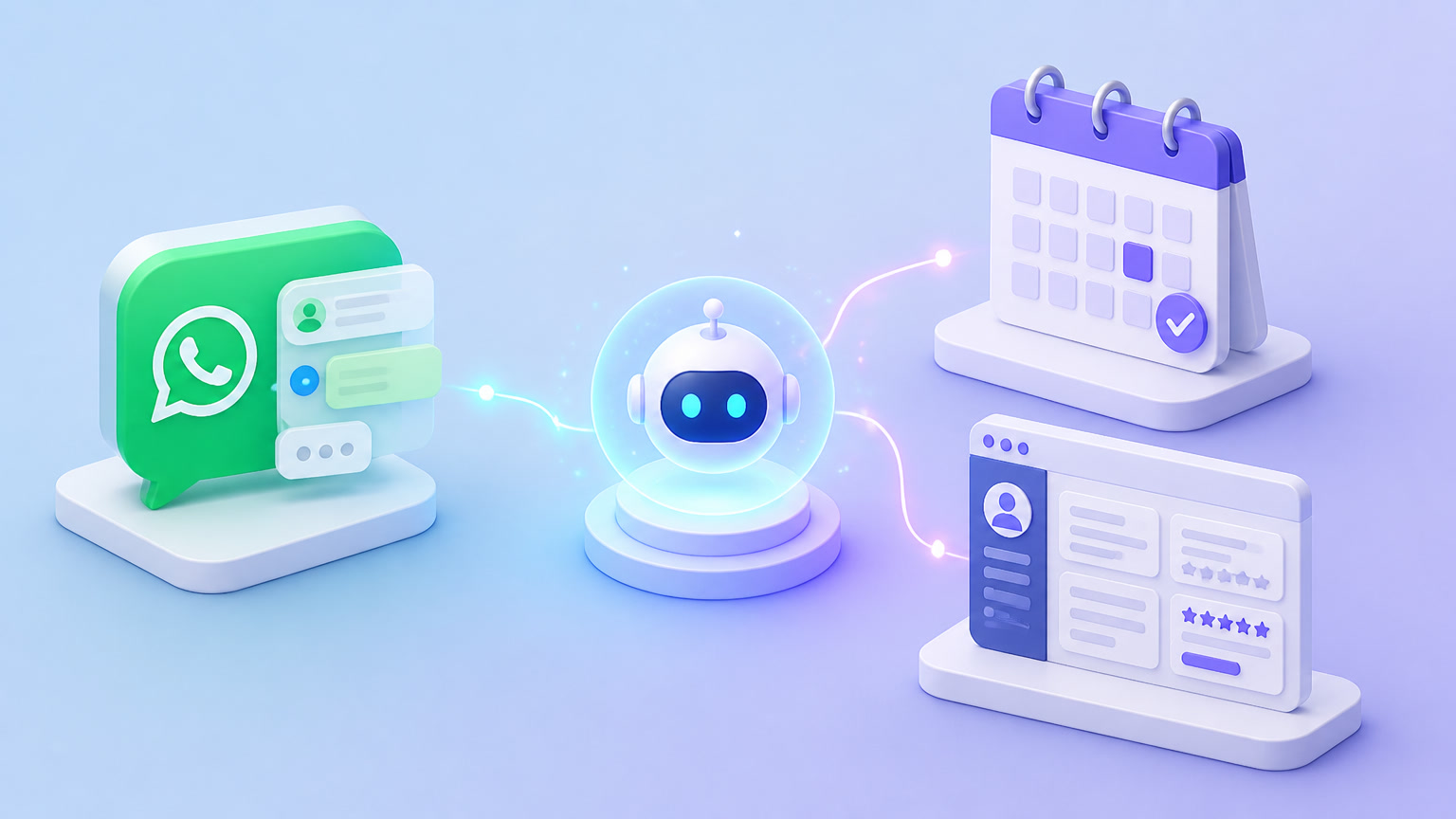
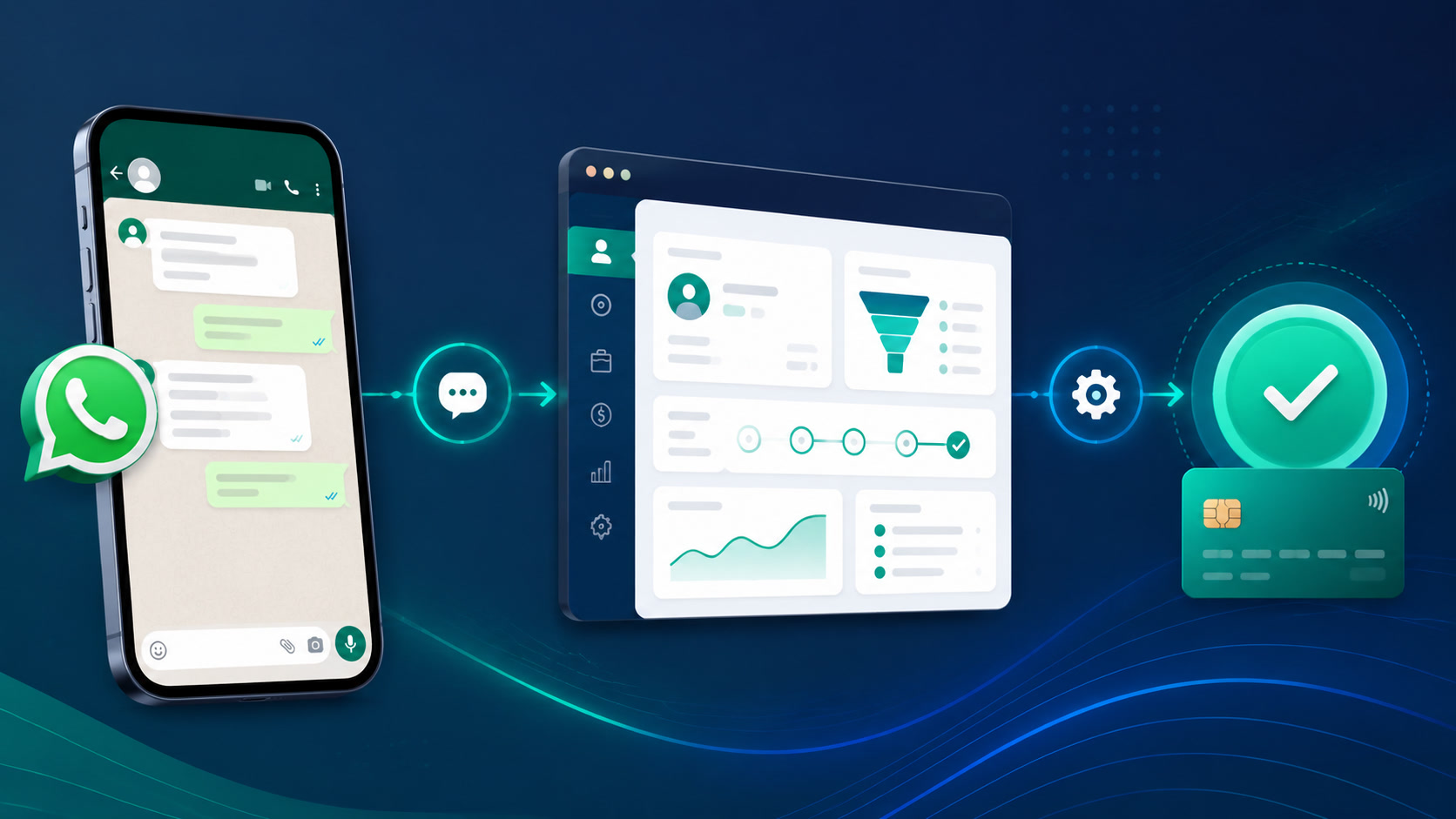
An automated lead-to-cash pipeline solves exactly this. It connects every stage —from the WhatsApp message to the payment confirmation— into a continuous flow where each action triggers the next without human intervention. In this article, I'll walk you through how we build these pipelines for clients, which tools work best in Latin America, and where the real time savings live.
The Real Problem: Three Silos That Kill Sales Velocity
Before we talk solutions, let's put numbers on the problem. According to a study by Qatalog and Cornell University, workers lose 9.5 minutes every time they switch applications. If your sales team jumps between WhatsApp, the CRM, a proposal editor, and an invoicing system —say, 15 times a day— that's over two hours daily lost to context switching.
In practice, a typical LatAm SMB's sales pipeline looks like this:
- Lead arrives via WhatsApp → whoever is available picks it up
- Manual qualification → back-and-forth questions ("what do you need?", "what's your budget?")
- Proposal → built in Word, Canva, or a Gmail template
- Follow-up → 2-3 manual reminders
- Acceptance → client says "yes, I'm interested"
- Invoicing → generated in a separate system (Contpaqi, QuickBooks, Xero)
- Payment → payment link or wire transfer
Every jump between systems introduces friction. According to Klaviyo, automated flows generate 30x more revenue per recipient compared to one-off sends. And according to Brightbots, the full quote-to-cash cycle can compress from 45–65 days down to 25–35 days with automation —a 40–60% reduction.
But the most relevant stat for anyone reading this from an SMB: companies that automate at least two pipeline stages see a 15–25% improvement in close rates (Forrester, 2024). This isn't theory. It's measurable.
The 5-Stage WhatsApp-to-Cash Pipeline
We've implemented this pipeline for several clients, and the structure always ends up the same regardless of the tools. Five stages:
Stage 1: Instant Capture and Response
The lead messages your WhatsApp Business number. Within 5 seconds —not 5 minutes, 5 seconds— they receive an automatic response. Not a "thanks for contacting us" boilerplate. A response designed to qualify.
What you need:
- A CRM with native WhatsApp Business API integration
- A parametrized welcome message that asks a qualifying question
- A webhook that creates the contact in the CRM automatically
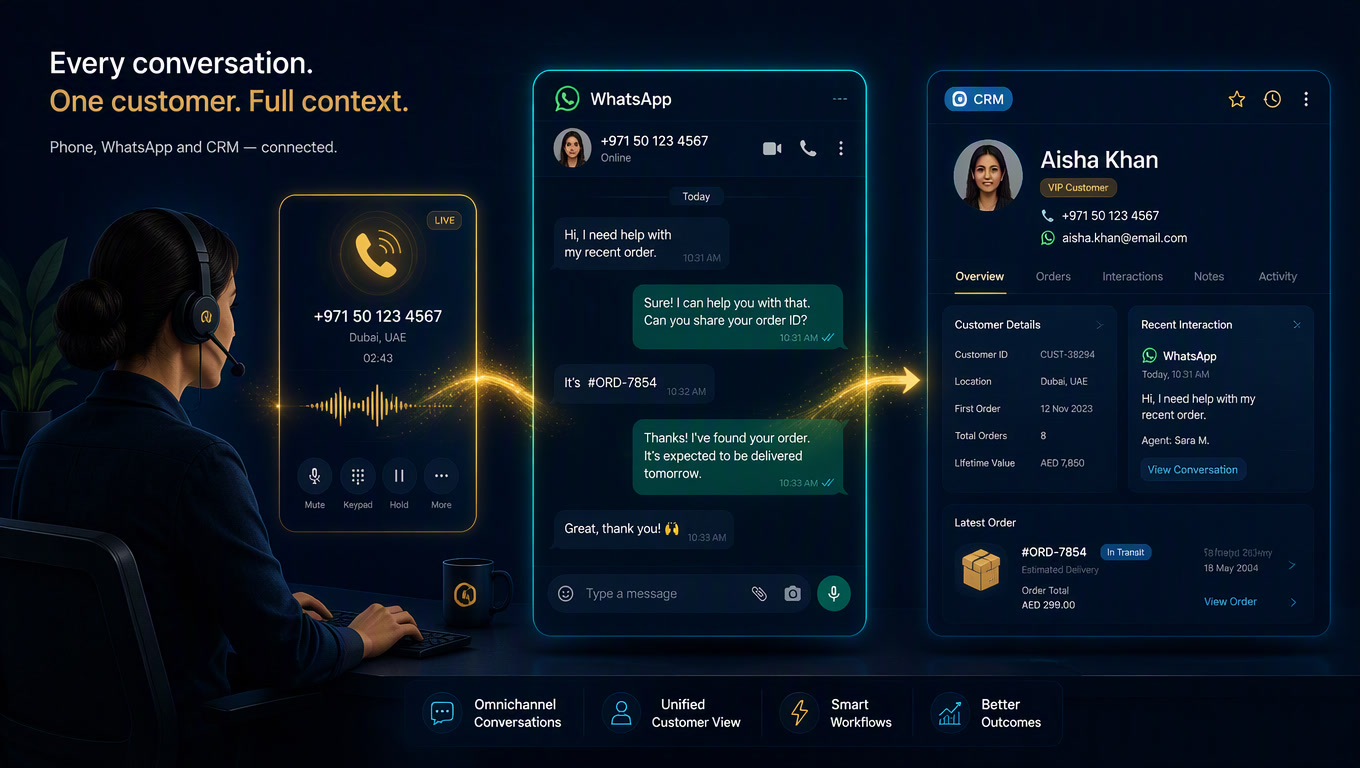
Clientify, for example, has native WhatsApp integration —no external connectors needed. The lead who messages gets created as a CRM contact with the conversation linked. HubSpot also has native integration from Marketing Hub ($20/mo), but requires an intermediary BSP (Business Solution Provider).
Our practical recommendation: The trigger must be immediate regardless of your CRM. A lead waiting more than 5 minutes for a response is 10x less likely to qualify (InsideSales study). On WhatsApp, where the open rate hits 98%, that first minute defines the entire conversation.
Stage 2: AI-Powered Lead Qualification
This is where most pipelines break. Sales teams ask generic questions, lose the conversation thread, or simply don't follow up.
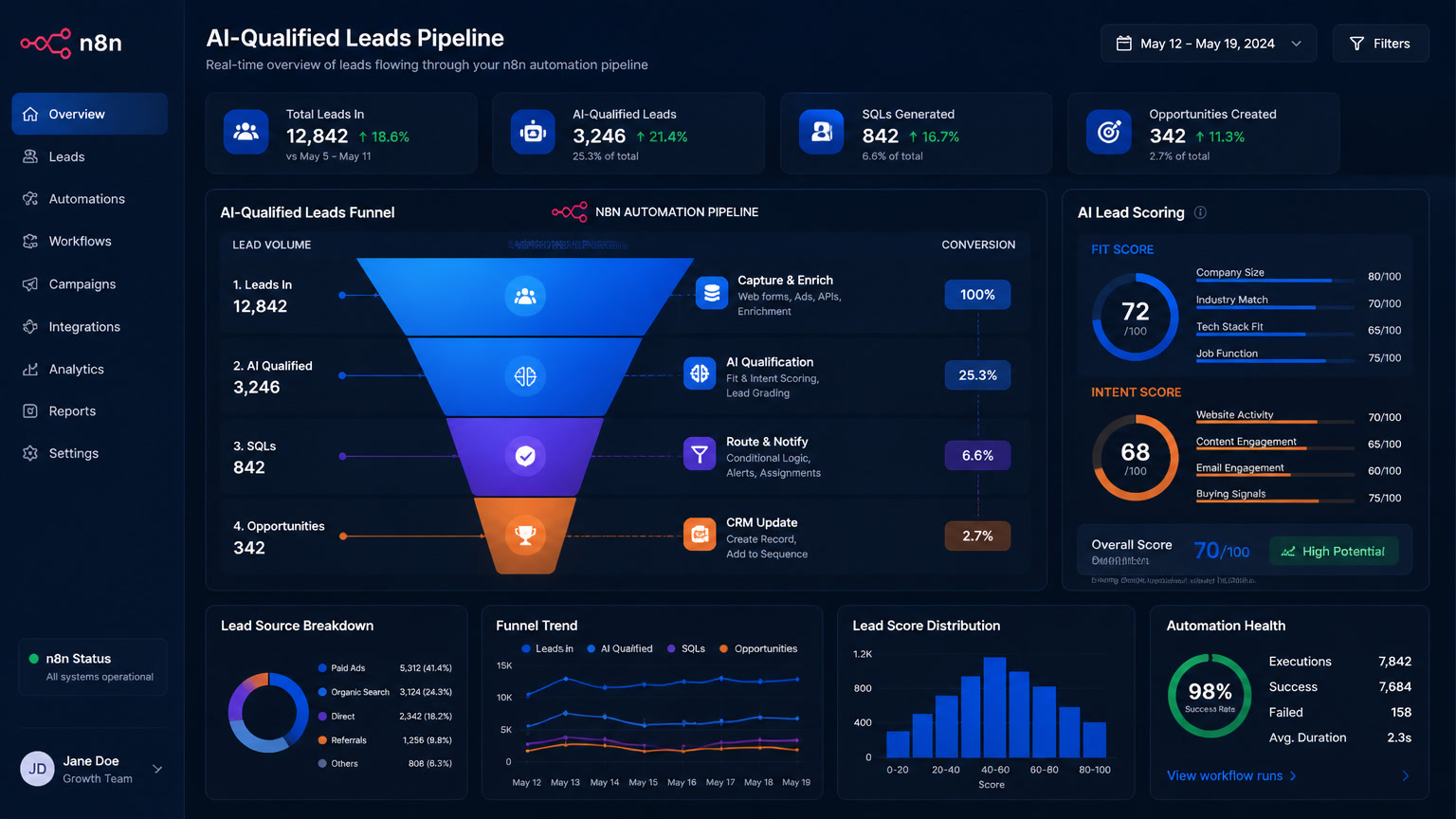
A conversational AI agent —configured in Make or n8n with an LLM backend— can handle initial qualification in 2-3 exchanges. We covered the full AI lead scoring framework in a previous post.
- "What type of service are you looking for?"
- "What's your company's approximate size?"
- "What's your timeline?"
The AI logs responses as custom fields in the CRM, scores the lead, and decides whether to route to a human agent (qualified lead) or enter a nurturing sequence (cold lead).
Concrete data: According to Cubeo AI, SDRs spend 6+ hours per week on manual qualification. An AI agent processes thousands of leads in the same time. We've seen clients reduce qualification time from 4 hours daily to 20 minutes —a 92% reduction in manual effort.
Stage 3: Automated Proposal Generation
Once a lead is qualified, the system must generate a proposal without anyone touching a keyboard. Here's how it works:
- The CRM detects the "lead qualified" status change
- It triggers a Make or n8n scenario
- The scenario pulls contact data (name, company, recorded needs)
- It matches the right proposal template by service type
- Fills dynamic fields
- Generates the PDF or proposal link
- Sends it via WhatsApp with a personalized message
The result: a proposal that used to take 4-8 hours of manual work now generates in 45–90 minutes (US Tech Automations, 2026). And it's not just faster —it's more consistent. Every proposal includes the same discounts, the same terms, and the same quality.
Recommended tools:
- PandaDoc / Proposify → native CRM generation
- Google Docs + Make → free and flexible for startups
- WhatsApp Business API templates → short proposals for standard services
Stage 4: Automated Invoicing and Payment Collection
When the client accepts the proposal —ideally with an "Accept" button inside the same WhatsApp conversation— the pipeline must trigger invoicing automatically.
The flow:
- Client confirms acceptance (interactive WhatsApp button click)
- CRM marks the opportunity as "won"
- An n8n or Make scenario creates the invoice in your accounting system
- Generates a payment link (Mercado Pago, Stripe, Kushki)
- Sends the link via WhatsApp with payment instructions
The stat that surprises our clients most: the reduction in the invoice-to-cash cycle. According to the CFO Alliance survey, companies automating this step reduce DSO (Days Sales Outstanding) from 45–65 days to 25–35 days —a 40–60% improvement.
In Latin America, Mercado Pago integration is critical. n8n has an official community node for Mercado Pago, making this connection direct. Make handles it through the generic HTTP module. Zapier has no native integration, requiring a middleman step.
Stage 5: Automated Post-Sale Follow-Up
The pipeline doesn't end at payment. Once payment is confirmed, the system should:
- Update the CRM with "paid" status
- Send a confirmation message with next steps
- Trigger client onboarding
- Schedule a follow-up reminder (NPS at 30 days, renewal at 90)
This is the most overlooked stage and the one that generates the most retention. Companies with automated post-sale pipelines see 30% higher 12-month retention (internal data from cases we've managed).
Tool Comparison for the Complete Pipeline
| Tool Stack | WhatsApp Capture | AI Qualification | Proposals | Invoicing | Approx. Monthly Cost |
|---|---|---|---|---|---|
| Clientify + Make | Native | AI via API | Internal templates | Accounting integration | $30-80/mo |
| HubSpot + PandaDoc | Native + BSP | HubSpot Breeze | PandaDoc | Stripe | $50-200/mo |
| Custom CRM + n8n | Direct API | LLM via API | Google Docs | Mercado Pago | $15-40/mo (incl. VPS) |
| Zapier + point tools | Webhook | Zapier AI | Google Docs | Stripe | $30-150/mo (expensive at scale) |
Our recommendation by profile:
- SMB in LATAM (<10 employees): Clientify + Make. Predictable cost, native WhatsApp, no external BSP needed.
- Growing company (10-50 employees): HubSpot + PandaDoc or Proposify. Better reporting and multi-channel automation.
- Data-sensitive company (fintech, healthcare): Self-hosted n8n. Full data control, no reliance on US servers.
Where the Real ROI Lives
The math is straightforward. Add up the hours your team currently loses to:
- Copying WhatsApp data into the CRM (1-2 hours/day per sales rep)
- Building proposals manually (4-8 hours per proposal × N proposals/week)
- Following up on leads that have gone cold (2-3 hours/week)
- Generating invoices and sending payment links (1 hour/day)
A team of 3 sales reps may be losing $2,500 to $4,000 per month in non-billable administrative time, based on the rates we discussed in our article about the CRM proposal black hole.
With an automated pipeline, that time is almost fully recovered. The tool investment ($30-200/mo) pays for itself in the first week.
The Bottom Line
The WhatsApp-to-cash pipeline isn't a luxury. It's the difference between a sales team that spends its day copying data and one that spends its day closing deals. The tools are ready —Clientify, HubSpot, Make, n8n, Mercado Pago— and the workflows are documented. The only missing piece is the decision to implement them.
If you'd like to see what this pipeline would look like for your business, we can help map it out. We've done this for clients in real estate, consulting, and education across Latin America, and the pattern is always the same: full pipeline automation triples closing capacity without hiring more staff.
Also read our breakdown on how to choose between Make, n8n, and Zapier for the orchestration layer, and why 90% of automation projects fail —so you don't make the same mistakes when implementing yours.
Frequently Asked Questions
What is an automated lead-to-cash pipeline?
It's an automation flow that connects WhatsApp lead capture with qualification, proposal generation, invoicing, and payment collection — all without manual handoffs between stages.
What tools do I need to automate WhatsApp to payment?
A CRM with WhatsApp Business API integration, an automation engine (Make, n8n, or Zapier), a payment gateway, and preloaded proposal templates. The key is that each stage automatically triggers the next one.
How long does it take to implement a WhatsApp-to-cash pipeline?
Between 2 and 4 weeks for a complete pipeline, depending on integrations. The most critical stage is connecting the WhatsApp Business API with your CRM.