AI Agents for Appointment Scheduling: From WhatsApp to Calendar Without the Friction
How to build an AI agent that understands natural language booking requests over WhatsApp, checks real-time availability, schedules in your CRM, and cuts no-shows. Architecture, tools, and real production results from client implementations.
If there's one process that still eats hours at small businesses across Latin America, it's appointment coordination. The client messages "hi, can I book a consultation on Thursday?" and a ping-pong of messages starts: "Thursday at what time?", "How about 3 PM?", "Let me check and confirm." That back-and-forth, which seems trivial, takes 8 to 12 minutes per appointment on average. Multiply by 30, 50, or 100 appointments a month, and you've got entire workdays lost to conversations that could resolve in seconds.
We've implemented AI booking agents for dental clinics, consulting firms, law offices, and esthetics centers. The pattern is always the same: the bottleneck isn't lack of clients — it's the friction between "I want to book" and the appointment confirmed on the calendar.
This article covers the architecture we use, the tools in each layer, and the production results we've seen.
The Real Problem: Invisible Coordination Friction
For a healthcare client, we measured their full intake process before deploying the agent. The numbers told the story:
- Average time per manually coordinated appointment: 9.7 minutes (WhatsApp + CRM + calendar)
- Inquiry-to-booked-appointment conversion rate: 41%
- Lost appointments due to slow response: 23% (client found another provider while waiting)
- No-show rate: 18% (no automated reminders)
These numbers aren't unusual. A 2025 study by the American Medical Association found that clinics automating appointment scheduling reduce no-show rates to 7–9% and increase first-time patient retention by 26%. The difference isn't service quality — it's scheduling friction.
The Architecture: Four Layers, One Conversation
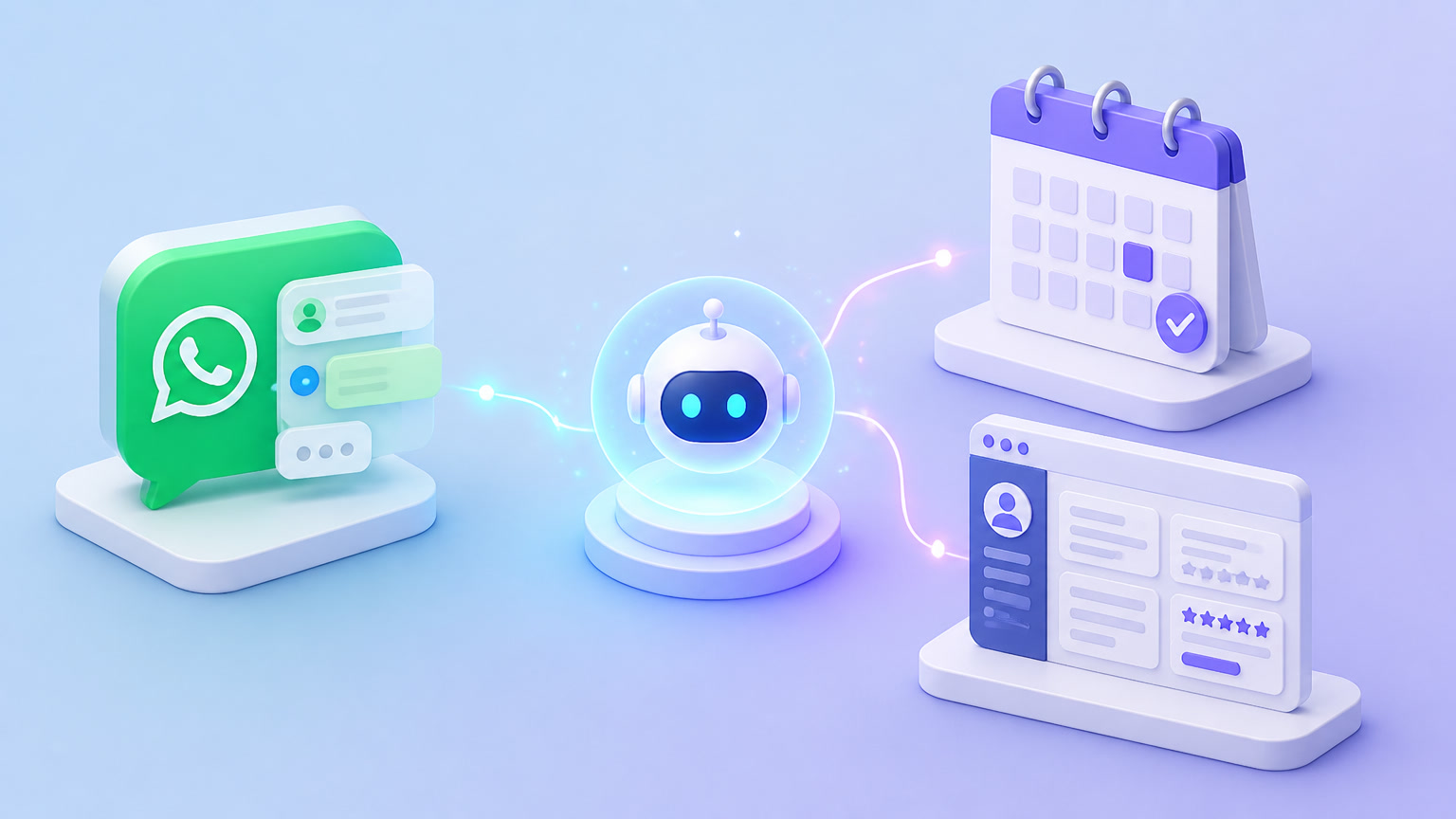
The AI booking agent we build has four well-defined layers. Each has a specific job and can be independently swapped.
Layer 1: Conversational Intake (WhatsApp Business API)
The client messages via WhatsApp. No app to download, no form to fill. They write naturally: "hi, I'd need a general consultation next Thursday morning if possible."
The WhatsApp Business API receives the message and passes it to the orchestrator. We prefer the direct API over intermediary solutions (WATI, BSPs) because it gives full control over templates, webhooks, and response timing. Meta caps the 24-hour window for business-initiated messages, but since the client starts the conversation, the agent has full freedom to run the complete flow.
Layer 2: Orchestration & Intelligence (n8n + LLM)
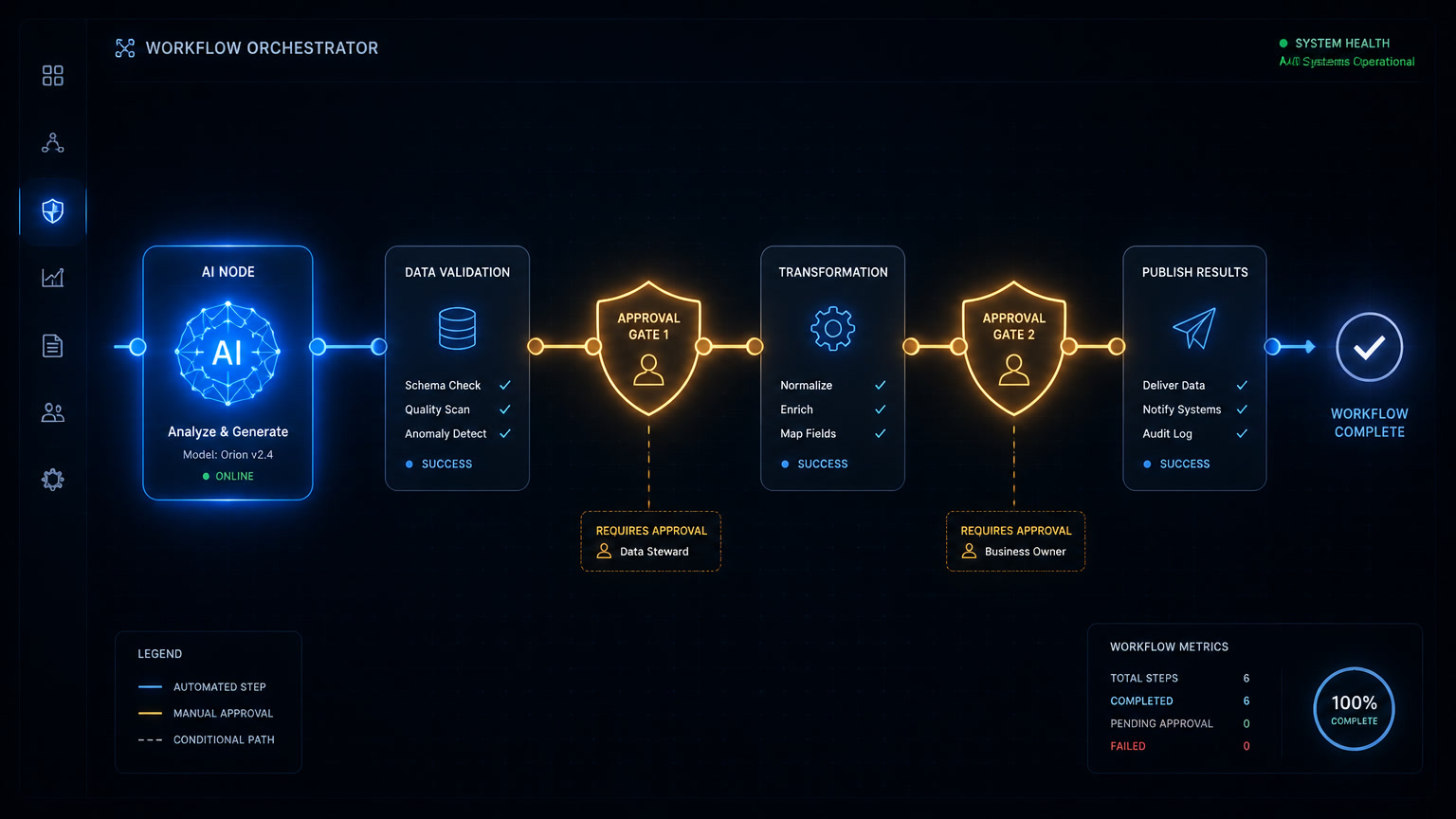
This is the brain. An n8n workflow receives the message, sends it to an LLM (OpenAI GPT-4o or Claude Sonnet) with a system prompt containing:
- Available services and their duration
- The professional's calendar (blocked vs. available slots)
- Business rules (minimum 2-hour advance notice, no Sundays, etc.)
- Instructions to extract: requested service, desired date, desired time, and contact info
The LLM returns a structured JSON object. n8n validates that required fields are present. If information is missing (e.g., the client said "Thursday" but no time specified), the agent responds with a targeted question: "We have Thursday at 10 AM or 2 PM available. Which do you prefer?"
This is the key differentiator: the agent doesn't force the user through a menu. It converses. It asks. It confirms. That flexibility makes the client feel they're talking to a person, not filling out a form on steroids.
Layer 3: Calendar & Availability (Calendar Integration)
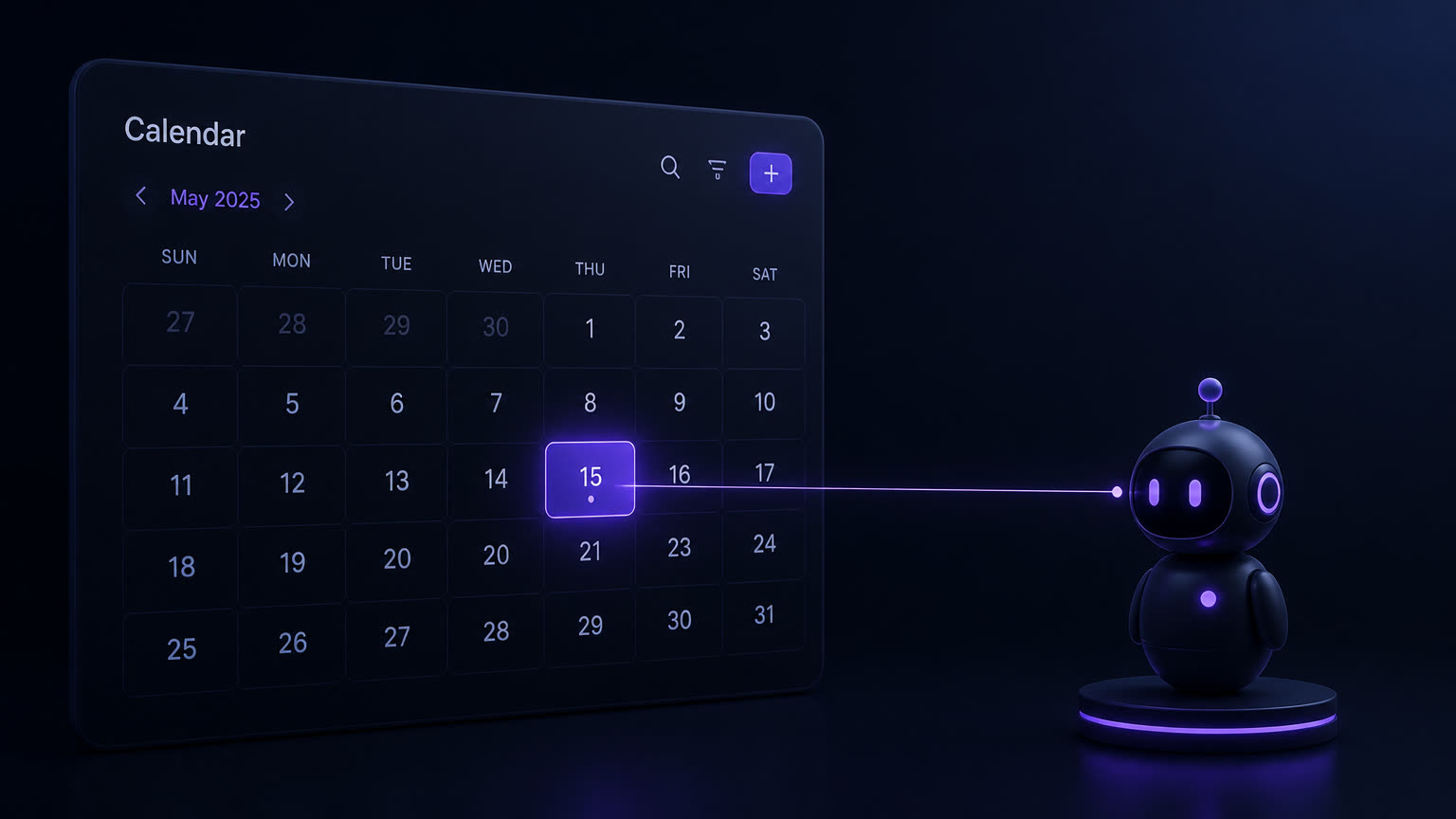
Once the LLM extracts structured data, n8n queries real availability against the calendar (Google Calendar, Outlook, or the CRM's built-in calendar). If the requested slot is taken, it suggests nearby alternatives. If it's free, it temporarily blocks it (for 15 minutes) while waiting for client confirmation.
We prefer Google Calendar API for its maturity and timezone handling, but for Microsoft 365 clients we use Graph API. The critical piece is the temporary hold — without this, two clients can book the same slot simultaneously.
Layer 4: CRM Recording & Follow-up (Clientify)
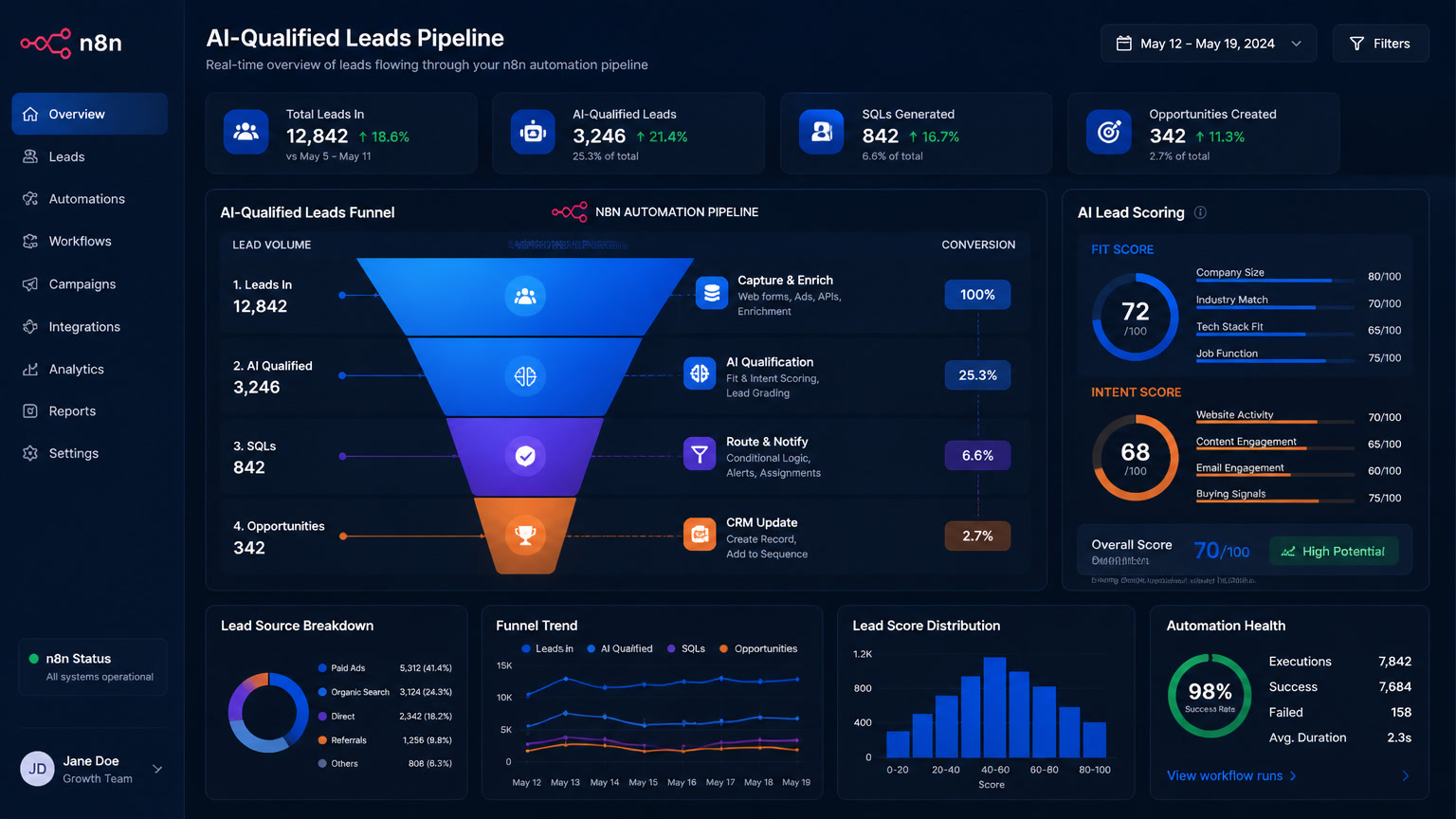
When the client confirms, n8n writes the appointment to Clientify as an activity linked to the contact. If the contact doesn't exist, it creates one automatically and assigns the source "WhatsApp Booking." Then it:
- Triggers a pre-appointment workflow (directions, intake form)
- Schedules automated reminders: 24 hours and 2 hours before via WhatsApp
- Adds a "upcoming appointment" tag so the team knows who's coming
Three weeks after implementing this for a client, the team stopped asking "did you send the reminder?" because the system handled it automatically with a 98% delivery rate.
n8n vs. Make vs. Dedicated Software: When to Use Each
The question we get most: should you build an agent with n8n/Make or just use Calendly/Acuity? Short answer: it depends on how your clients reach you.
| Criteria | Calendly / Acuity | n8n + AI | Make + AI |
|---|---|---|---|
| Entry channels | Link / web | WhatsApp, web, email, phone | WhatsApp, web, email |
| Natural language | No (fixed menu) | Yes (LLM) | Yes (LLM) |
| Base price | $16–40/mo | $20/mo (self-hosted) | $14/mo |
| AI + additional API | Not included | $70–150/mo | $70–150/mo |
| Data control | Medium (SaaS) | Full (self-hosted) | Medium (cloud) |
| Auto-rescheduling | Limited | Full (conditional flow) | Full |
| CRM integration depth | Shallow | Full (custom fields, workflows) | Full |
| Best for | Solo professional | Clinic, consultancy, law firm | SMB with defined processes |
Our recommendation: under 50 appointments per month and clients come through a link → Calendly is fine. If clients come through WhatsApp (like most in Latin America), an AI agent with n8n pays for itself in under 4 months.
What We Learned Building These Agents
We made plenty of mistakes before landing on a configuration that works. Here's what we learned:
The LLM prompt is 50% of the outcome
The system prompt has to be surgical. A generic "book appointments" prompt won't cut it. Ours specifies:
- Exact output JSON format
- Explicit business rules (not suggestions)
- Few-shot examples of valid and invalid inputs
- Disambiguation instructions (if client says "Tuesday" without context, ask for the date)
- A personality: the agent should be friendly but precise, not chatty
A vague prompt produces an agent that sometimes invents time slots, sometimes accepts past dates, and sometimes goes off on unrelated tangents.
Temporary holds prevent chaos
The most common mistake in booking agents is the double-booking race condition: two clients ask for the same slot nearly simultaneously. Without temporary holds, the agent confirms both appointments and someone has to call one back to apologize. The fix: when the agent proposes a slot, it blocks it for 15 minutes in the calendar. If the client doesn't confirm in time, it releases.
Reminders triple effectiveness
Across our clients' aggregated data, simply adding automated WhatsApp reminders cuts no-show rates from 18% to 6%. The 24-hour reminder catches the forgetful ones; the 2-hour reminder catches plan-changers. And if the client replies that they can't make it, the agent offers to reschedule automatically. That tiny automation recovers appointments that would otherwise be lost.
Production Results
Here are real numbers from clients running this agent over the past 6 months:
- First-response time: from 12 minutes to <30 seconds
- Inquiry-to-booked conversion: from 41% to 68%
- Appointments booked outside business hours: 37% of total (people messaging at night or weekends)
- No-show reduction: from 18% to 6% (with automated reminders)
- Coordination hours recovered: ~18 hours/month for a 100-appointment/month client
The 37% stat surprised us most. Nearly 4 out of 10 appointments would have been lost if the business relied on human response hours. The agent doesn't just save time — it captures demand that simply didn't exist for the business before.
Is It Worth It?
It depends. If your business gets fewer than 50 WhatsApp booking inquiries per month, a simple rules bot or a Calendly link probably solves the problem without needing a full AI agent. The implementation and maintenance costs don't justify it.
But if you handle over 100 appointments a month, lose clients because you respond slowly, have staff spending hours coordinating schedules, or want to capture demand outside business hours — the AI appointment scheduling agent is one of the highest-ROI automations you can deploy.
At Mintec we build these with Clientify as the CRM backbone, n8n as the orchestrator, and WhatsApp Business API as the primary channel. If you'd like to see how it would work for your business, we can show you a demo with your real data in 30 minutes.
Appointment scheduling shouldn't consume your team's time. It should just work — like a receptionist who never sleeps, never double-books, and always sends the reminder on time.
Frequently Asked Questions
What is an AI appointment scheduling agent?
It combines a conversational AI chatbot with an automation engine (n8n, Make) to understand natural language booking requests, check real-time availability, schedule in the CRM, and confirm with the client — all without human intervention. Unlike fixed-rule bots, the AI agent understands nuances like 'next Thursday at 3' or 'sometime next week in the morning' and resolves scheduling conflicts automatically.
How much does an AI booking agent cost to implement?
A functional agent for a small business runs $100–$300/month: $20–50 for the automation engine (n8n self-hosted or Make), $50–100 for the AI API (OpenAI or Claude), and $30–50 for WhatsApp Business API. Initial implementation takes 2–3 weeks if CRM and calendar are already configured. At Mintec we offer it from $1,500 setup + $250/month including maintenance, training, and monitoring.
Which platform is best for booking automation: n8n, Make, or a dedicated tool like Calendly?
It depends on volume and complexity. Calendly or Acuity work well if clients just need to pick from a fixed time slot list. But if you receive requests over WhatsApp in natural language ('hi, I'd like to book a consultation Tuesday afternoon'), you need an AI agent with n8n or Make. For businesses with over 200 appointments per month or multi-step flows (reminders, rescheduling, post-appointment), the AI agent pays for itself in 3–4 months.