Your Booking Agent Needs One Write Action. Scope It.
Agent credentials got solved this week. Booking actions did not. Start a booking agent with one write action — create — and gate move and cancel behind a human.
An AI booking agent should go live owning exactly one write action: create. Checking availability is read scope and safe on day one. Creating an event is reversible — a wrong slot can be deleted. Moving an appointment destroys the slot it replaced, and cancelling destroys the appointment itself; both are irreversible for the customer on the other end of the WhatsApp thread. So the honest go-live scope is: read everything, create, and nothing else. Move goes behind a human checkpoint only after the agent has logged weeks of clean creates. Cancel stays behind a person almost permanently. The question at go-live is never whether the agent can book — every demo agent can book. It is which single write action the agent owns on day one, who owns the failure when that action goes wrong, and what line it leaves in the log when it does.
The credential layer got solved this week. The action layer did not.
On October 22, 2026, 1Password shipped "1Password for Agents": an agent proves its identity with a unique digital key, approval happens on the user's own device, 1Password autofills the password or one-time code, access is granted per session and scoped to approved items — and the model never receives the credential. That was 1Password's own announcement, covered the same day by TechCrunch, Engadget and The Verge, with integrations already named for Muse, Claude Duet, ChatGPT Work and others. It is a clean answer to the question of how an agent logs in without learning your password.
The same day, Microsoft attributed the breach of IT vendor ConnectWise to a group that used AI agents to hack thousands of its customers. And in its coverage of the 1Password launch, Engadget drew the line that matters here: an agent that never sees your password "can certainly do things like make product ordering errors or book the wrong vacation with no option to cancel."
That sentence is the whole article. Credential approval protects the login. It does not protect the calendar. Once an agent holds a valid session, the only thing standing between it and your production schedule is the scope string the app requested when it asked for access — and in most builds we audit, that string was chosen by whoever followed the tutorial first. If you want the deeper credential-side picture, we covered why static agent permissions break when an agent can reach production systems; this piece is about the layer below it: what the agent may do once it is inside.
What the calendar API actually permits — and why the default is too wide
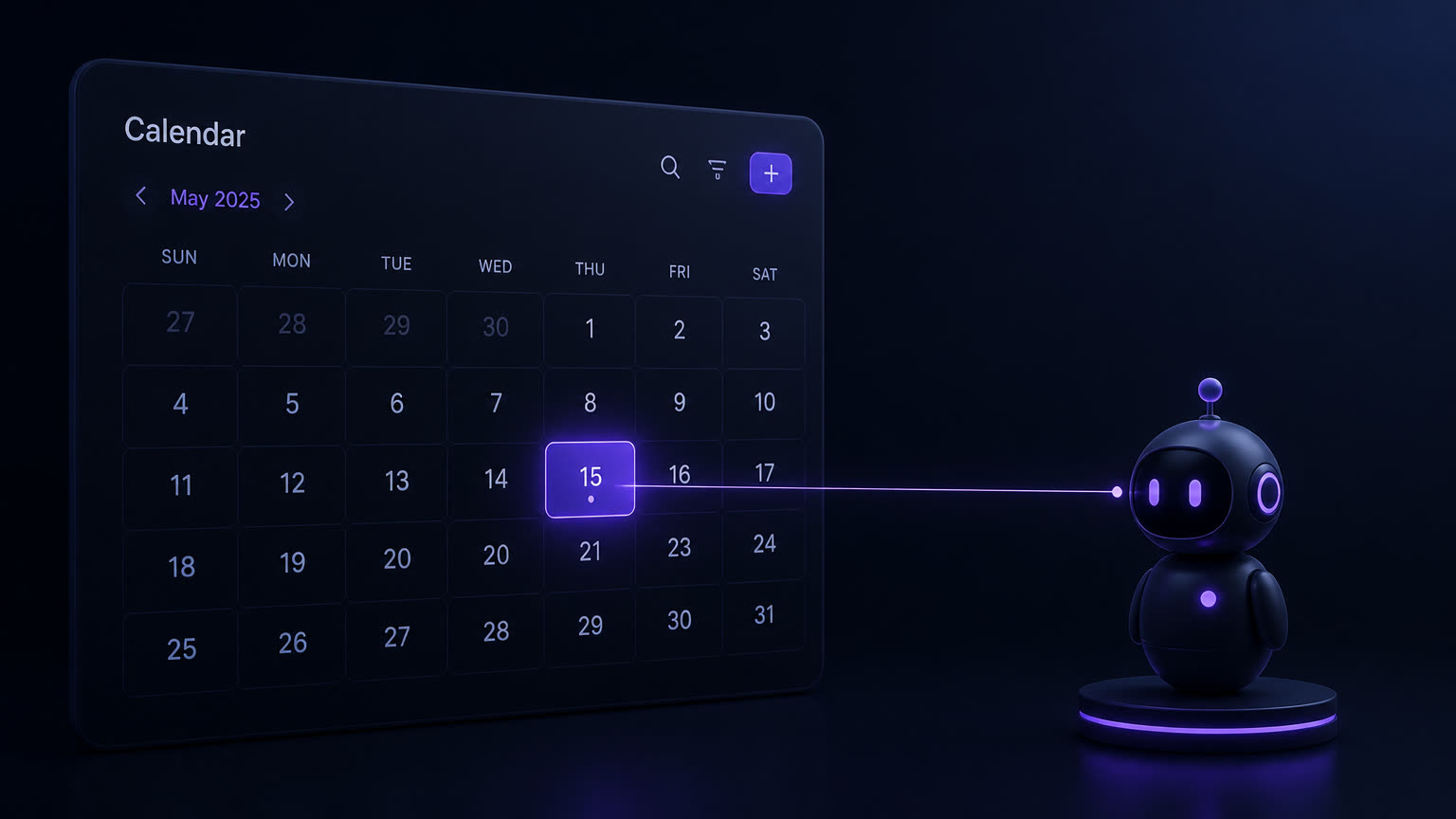
Google's Calendar API makes the hierarchy explicit in its scope list. calendar.readonly sees events and cannot write. calendar.events creates, updates and deletes events, and cannot touch calendar settings, sharing or membership. calendar is full control of the calendar, not just its events. Microsoft Graph draws the same line with Calendars.Read and Calendars.ReadWrite. A booking agent needs calendar.events at most. It never needs the full scope.
Yet in most of the builds we are asked to review, the agent authenticated with the calendar owner's own account under the full calendar scope — the path of least resistance. That means a parsing error at 2 a.m. has a blast radius that includes the calendar's sharing settings, not just a slot.
The part that surprises teams: per-session approval — the 1Password model — changes nothing about this. A credential that is approved per session and never exposed to the model is strictly better than a long-lived API key, and it should be adopted. But once the session exists, the scope string is the entire boundary. Credential hygiene and action scope are two different layers. Solving one does not buy you the other, and the industry solved only one of them this week.
The scope table: one row per action, one owner per failure
This is the table we put in front of every client before a booking agent touches a live calendar. The columns are not features — they are accountability. If you cannot fill the "failure owner" column for an action, that action is not ready to be automated, no matter what the API permits.
| Action | What it needs | Checkpoint | Failure owner | Log line |
|---|---|---|---|---|
| Check availability | Read scope | None | — | Access on a dedicated service account, not a human's login |
| Create an event | Write scope (calendar.events) | Duplicate check: same attendee, same day, within 90 seconds of the previous write | Front desk | Source message ID, slot, attendee as parsed |
| Move an appointment | Write scope plus human confirm | Operator approves; attendee notified automatically | Ops lead | Old slot, new slot, reason, approver |
| Cancel an appointment | Write scope; irreversible | Human-only, no exceptions at go-live | Business owner | Requester, timestamp, refund status |
| Message the attendee | WhatsApp template outside the 24-hour window | Templates pre-approved; no free-form sends | Ops lead | Template name, recipient, send status |
Read the last column twice. Every write the agent performs should leave a line a human can read in under a minute. This is not compliance theater — it is how you diagnose the wrong-slot booking at 9 a.m. instead of arguing about it for a week. And notice the second column: the same "write" word covers four different risk levels. Treating them as one permission is how a scoped agent becomes an unscoped one.
The WhatsApp half of the boundary
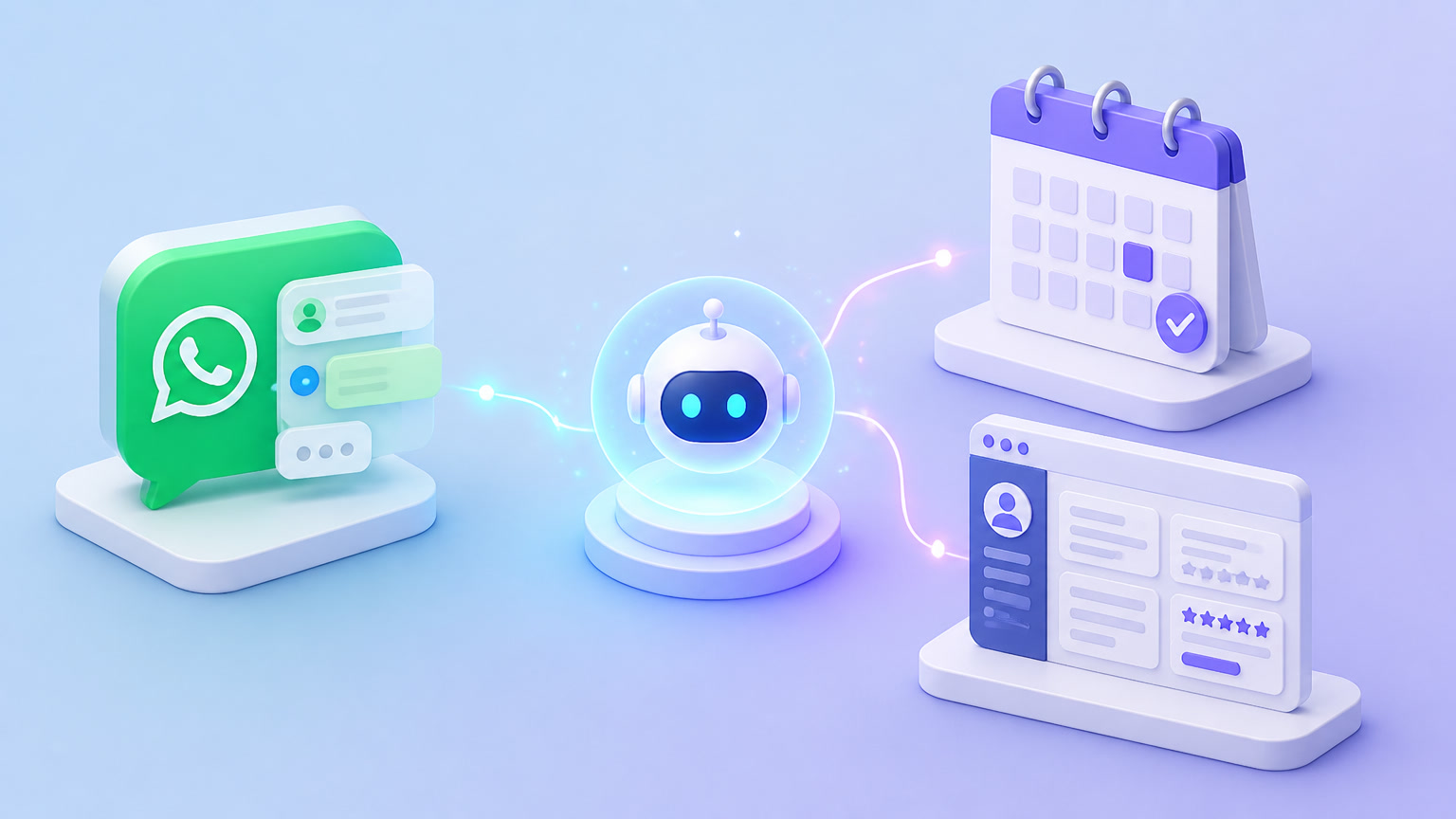
The calendar is not the only system the agent writes to. Every confirmation, reminder and reschedule notice is a message into someone's WhatsApp thread — a write action with a customer attached. WhatsApp Business API rules constrain this hard: free-form messaging lives inside a 24-hour session window, and anything outside it must use a pre-approved template. So the messaging scope splits exactly like the calendar scope does. Inside the session, the agent can confirm a fresh booking in natural language. Outside it — reminders, cancellation notices, day-before nudges — only templates, approved in advance.
We have seen builds where the booking logic was scoped correctly and the messaging layer was not: an agent, given a free-form send credential "for emergencies," sent a free-form message 26 hours after the customer's last reply. The customer had opted into a booking, not a conversation. The message itself was harmless; the flag on the provider account was not. Scope the message channel with the same paranoia as the calendar — chatbot security starts at the channel, not at the prompt. And if your receptionist also takes calls, the voice channel carries the same rule: what an AI receptionist costs includes what it costs when it speaks outside its scope.
The three tests the happy path never runs
Every demo booking agent works. The question is which bookings nobody rehearses.
The double-booking test. Two requests for the same slot arrive within seconds — same slot, two different attendees, or the same attendee re-sending after a flaky connection. Does the agent check availability immediately before writing, or did it check 40 seconds earlier at the start of the conversation? A read-then-write gap is exactly how double bookings happen at machine speed.
The cancellation test. Mid-flow, after the create went through, the customer writes "actually, cancel that." The agent now faces a decision it was not scoped for. The correct behavior at go-live is not to cancel — it is to hand the thread to a human with the context attached. The incorrect behavior is the confident one: an agent with cancel scope freeing the slot before checking the business's cancellation policy.
The no-show boundary. The agent books a slot, the customer never confirms, the slot burns. Whose failure is that? If nobody owns it in the table above, you have found the next row to add before scaling — usually a confirmation-hold policy: an unconfirmed booking expires back to the pool after a set number of hours, which is itself a write action, which itself needs a checkpoint and an owner.
How we stage the go-live in delivery practice
The pattern is consistent across our implementations. Week one: read plus create, duplicate check in front of every write, log lines streaming. A human watches every write for the first days, then samples. Two weeks of clean creates — zero duplicates, zero wrong-attendee bookings — is the promotion gate. Only then is move scope requested, still behind a human confirmation. Cancel scope, in our delivery practice, has never been the first promotion: it is the action with a customer attached and no undo, and most businesses are better served keeping a person on it indefinitely while the agent absorbs the volume around it.
This is what "scoped" means concretely: not that the agent is trustworthy, but that its worst day is recoverable. A wrong create is a delete. A wrong move is an angry reschedule. A wrong cancel is a lost client — and no session-scoped credential protects you from that.
The question to ask before your agent goes live
Ask not whether it can book — every agent can book in the demo. Ask which single write action it owns on day one, who owns the failure when that action goes wrong, and what line it leaves in the log when it does. If those three answers are on paper, the agent can touch your calendar. If they are not, it can still answer availability questions — read-only is a respectable first scope, and it earns the write.
If you want a second set of eyes on that scope before it meets your production calendar, talk to us: scoping agent write access is part of what our autonomous AI agents practice does before every go-live. And if you are still designing the booking architecture itself, start with our guide to AI agents for appointment scheduling — then decide, deliberately, which row of the table the agent gets first.
Frequently Asked Questions
Should a booking agent be allowed to cancel appointments?
Not at go-live. Cancellation is the one booking action a customer cannot undo: the slot is destroyed and the appointment with it. Start the agent with create-only scope, keep cancellations behind a human checkpoint until the agent has logged weeks of clean creates, and only then evaluate move scope — in practice, cancellation stays human-gated for good.
What should you log when an agent books the wrong slot?
Four fields on every write: the source message ID that triggered the action, the slot written (start and end), the attendee as the agent parsed it, and the checkpoint that approved it. With those four lines you can tell in minutes whether the failure was parsing, stale availability data, or excessive scope — and you can replay exactly what the agent saw.