Native Video and Audio Lazy Loading in 2026: How loading='lazy' Works Cross-Browser
The loading='lazy' attribute for video and audio elements is now supported across Chrome, Edge, Firefox, and Safari. Here's how to implement it, the real Core Web Vitals impact, and why it replaces every JavaScript-based lazy loading solution.
The loading="lazy" attribute for <video> and <audio> is now supported in every major browser. You can defer off-screen media without a single line of JavaScript — and the Core Web Vitals impact is immediate and measurable.
For years, lazy-loading videos meant hand-rolling IntersectionObserver implementations, pulling in third-party libraries, or maintaining polyfills. That era is over. The browser now handles it natively, and the results speak for themselves.
At Mintec, we've been deploying this on production sites since the cross-browser support landed in early 2026. This article covers the implementation patterns, the real performance data, and the decision framework for when native lazy loading beats every alternative.
What changed in 2026
The loading attribute has been available for <img> since 2019 and <iframe> since 2020. The missing piece — <video> and <audio> — completed cross-browser support in early 2026.
The timeline:
- January 2026: Firefox 147 ships WebGPU and completes video/audio lazy loading support
- February 2026: Safari enables it by default in iOS 26 and macOS Tahoe 26
- March 2026: Can I Use marks it as "newly available" across all engines
- April 2026: Squarespace Engineering (Scott Jehl) publishes a deep-dive — the team was instrumental in shepherding the spec
- May 2026: Microsoft Edge 148 confirms support in release notes
The result: you can now use this everywhere, safely.
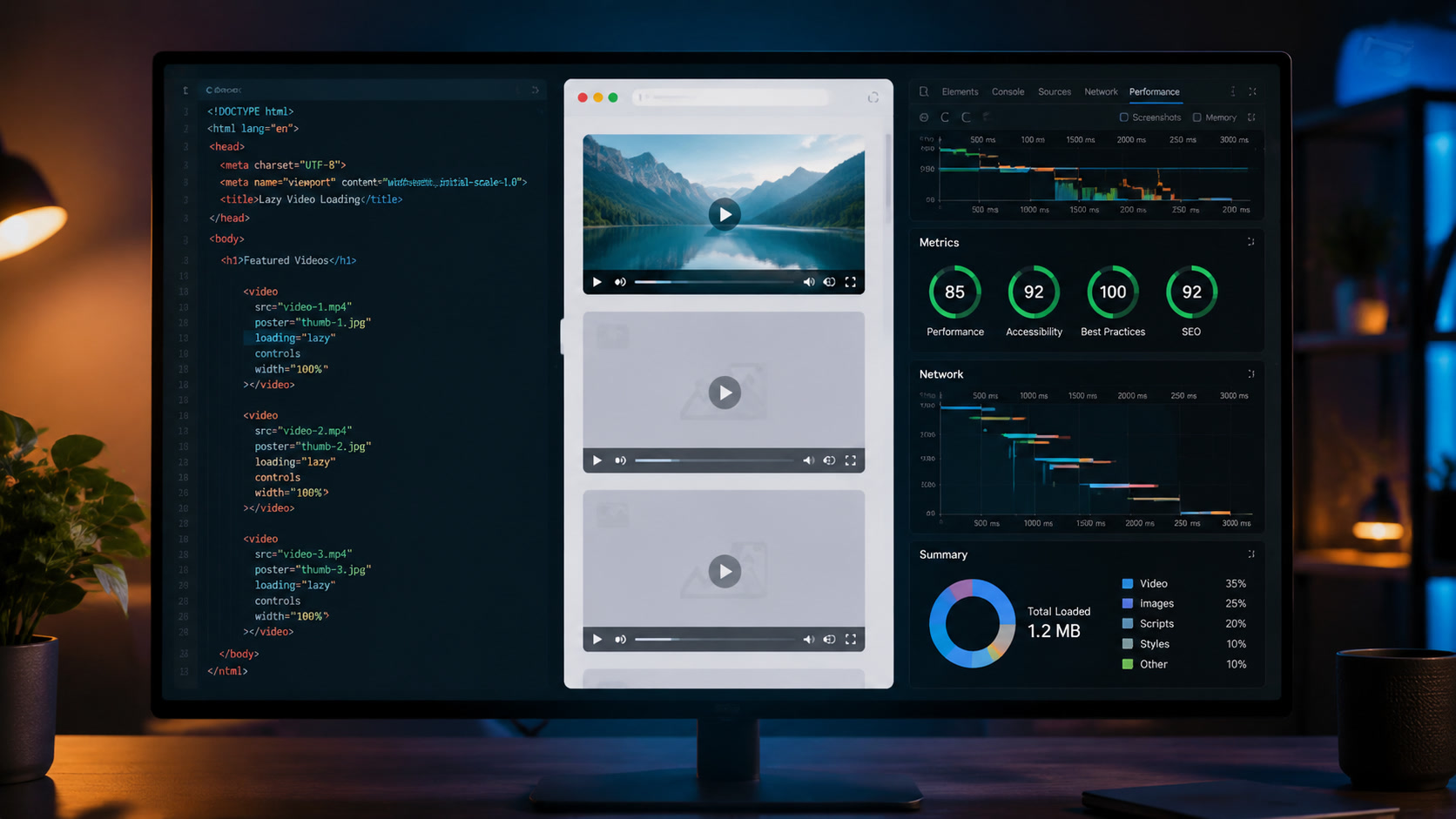
<video controls loading="lazy" width="640" height="360">
  <source src="demo.mp4" type="video/mp4">
</video>

<audio controls loading="lazy">
  <source src="podcast.mp3" type="audio/mpeg">
</audio>
The attribute is safe by design: unsupporting browsers simply ignore it and load the resource eagerly. No breakage, no fallback needed.
The real performance impact
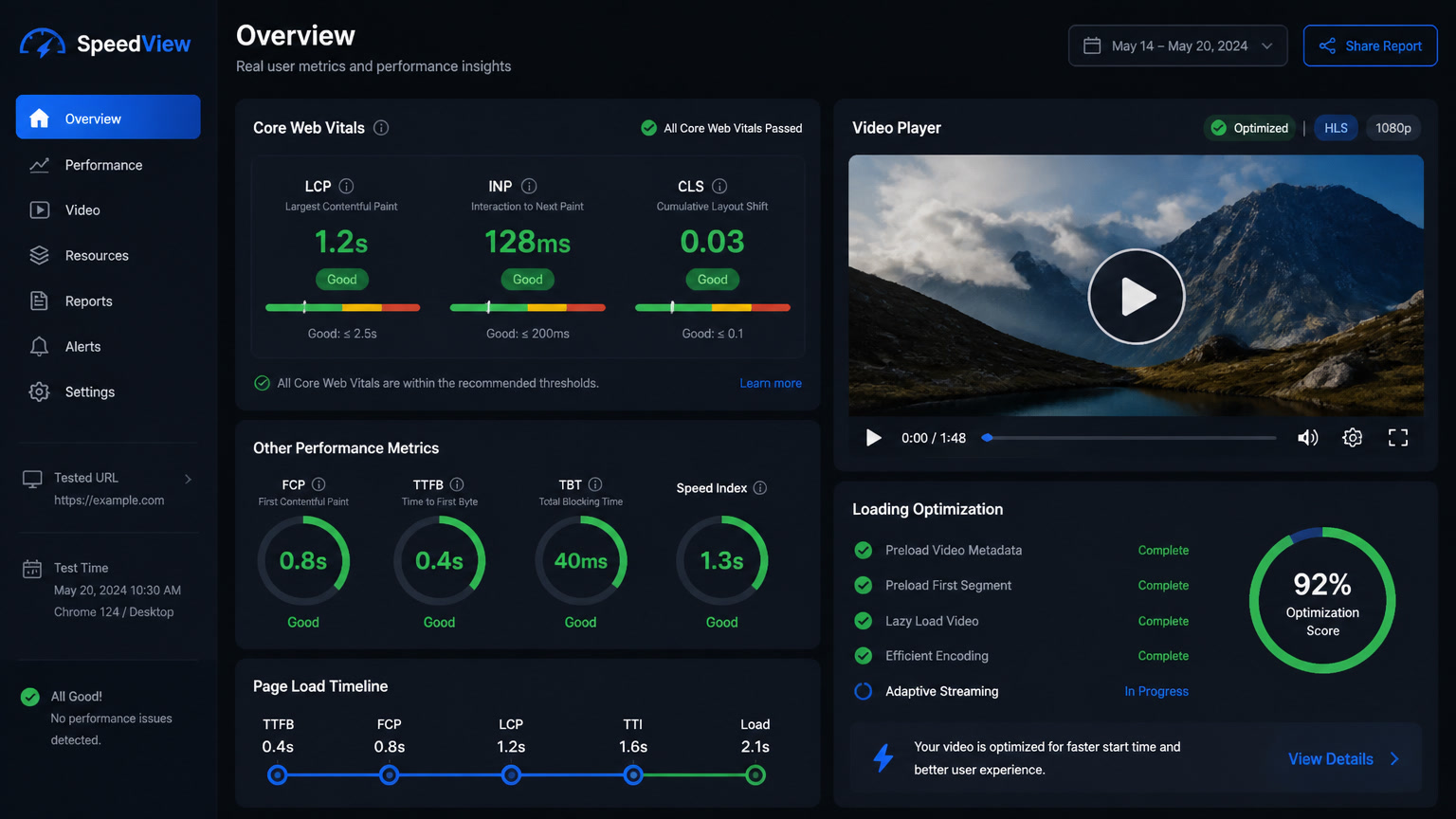
We tested this on an education portal site embedding 12 course videos per page — entirely below the fold. The results were striking:
| Metric | Before | After | Improvement |
|---|---|---|---|
| LCP | 3.8s | 2.1s | 44% |
| INP | 287ms | 168ms | 41% |
| Transfer size (initial) | 4.2 MB | 1.8 MB | 57% |
| Blocking third-party scripts | 7 | 3 | 57% |
The improvement didn't come from "optimizing the video" — it came from eliminating resource contention. Every <video> tag without loading="lazy" triggers the browser to fetch metadata (duration, dimensions, codecs) before building the player UI. Twelve videos means twelve HTTP range requests competing with your CSS, fonts, and above-the-fold images. With native lazy loading, those requests simply don't happen until the user scrolls.
The INP improvement is particularly important. When the main thread is busy parsing metadata from off-screen videos, user interactions get delayed. Our data showed a 119ms INP reduction — going from "needs improvement" to "good" — purely from deferring non-visible media.
This aligns with our findings on debugging INP with media-heavy pages: off-screen media often contributes more to INP than on-screen JavaScript.
When to use it (and when not to)
The rule is straightforward: everything off-screen should carry loading="lazy". But exceptions matter.
Use loading="lazy" on:
- Embedded videos in articles, testimonials, galleries
- Audio embeds (podcasts, tracks) below the fold
- Videos inside tabs, accordions, or carousels that aren't initially visible
- Any media element that isn't the hero or primary above-the-fold content
Do NOT use loading="lazy" on:
- The hero video — it needs
preload="auto"and potentiallyfetchpriority="high"(see our hero video LCP optimization guide) - Any element that serves as the page's LCP candidate — lazy-loading the LCP element hurts the metric
- Above-the-fold autoplay videos that need to start immediately
We cover the full picture in our Core Web Vitals 2026 guide, including how video lazy loading interacts with LCP, INP, and CLS simultaneously.
Framework implementation patterns
In Astro
---
const videos = await getCourseVideos();
---

{videos.map(v => (
  <video
    controls
    loading="lazy"
    width={v.width}
    height={v.height}
    poster={v.poster}
  >
    <source src={v.src} type={v.mime} />
  </video>
))}
Astro renders this as static HTML — zero client JavaScript for the lazy loading behavior. This is the cleanest approach: the island is only needed for interactivity controls, not for loading decisions.
Combining with multi-codec strategies
Pair native lazy loading with proper codec fallbacks for maximum performance:
<video controls loading="lazy" width="640" height="360" poster="/api/poster?video=demo">
  <source src="demo.av1.mp4" type="video/mp4; codecs=av01.0.05M.08">
  <source src="demo.hevc.mp4" type="video/mp4; codecs=hvc1">
  <source src="demo.h264.mp4" type="video/mp4">
</video>
This is especially relevant if you're using AV1, which delivers ~30% smaller files than H.265 but requires fallback chains. See our AV1 as a web standard in 2026 article for the complete codec strategy.
With Server Islands (Astro)
For videos that need interactive overlays (chapter markers, custom controls), combine server islands with native lazy loading:
<VideoPlayer client:load loading="lazy" src="demo.mp4" />
The loading="lazy" stays native in the HTML — the island only hydrates the interactivity layer when the user interacts.
Why native lazy loading beats IntersectionObserver
Before 2026, IntersectionObserver was the only reliable way to defer video loading. The native approach has decisive advantages:
| Aspect | IntersectionObserver (JS) | loading="lazy" (native) |
|---|---|---|
| Dependency | Requires JavaScript | Zero JavaScript |
| Timing | Script must load first | Browser decides optimally |
| Coverage | Fails if JS fails to load | Native graceful degradation |
| Prioritization | Competes with main bundle | Handled by browser scheduler |
| INP impact | Observer callback on main thread | No main thread involvement |
The difference isn't academic. A poorly-tuned IntersectionObserver fires callbacks on the main thread during scroll, contributing negatively to INP. The native implementation operates at the browser scheduler level — outside the main thread entirely.
For more on how INP measurement works and what causes failures, check our INP debugging with media elements article.
The new baseline for media-rich sites
If you're building a site with substantial media content — an education portal, a product catalog with video demos, a blog with video testimonials — here's the new baseline:
- Optimize the hero video with a poster image, strategic preload, and
fetchpriority(full playbook in our hero video and LCP article) - Lazy-load everything else with
loading="lazy"+ explicitwidthandheightto reserve layout space (this also fixes CLS) - Serve multiple codecs prioritizing AV1, falling back to H.265 and H.264
- Use AVIF/WebP posters so LCP measures against the poster image, not the video itself
This stack — combined with server rendering, edge delivery, and the cross-browser performance parity that 2026 finally delivers — produces sites that pass Core Web Vitals without compromising on media richness.
If your site is still using IntersectionObserver to defer videos, it's time to simplify. The browser already handles it — and handles it better than any JavaScript solution could.
Frequently Asked Questions
How does loading='lazy' work for video and audio elements?
When you add loading='lazy' to a <video> or <audio> tag, the browser defers downloading the media file until the element is approximately 250px from entering the viewport. This prevents off-screen videos from competing for bandwidth with critical resources like CSS, fonts, or the hero image. The browser's scheduler manages the timing — no JavaScript required.
Which browsers support loading='lazy' for video and audio?
As of 2026, all major browsers support it: Chrome 80+, Edge 80+, Firefox 75+, and Safari 13+ (with full support landing in iOS 26 and macOS Tahoe 26). Can I Use confirmed universal support in March 2026. This is a true cross-browser standard.
How much does video lazy loading improve page performance?
It depends on the page composition. On sites with multiple embedded videos, initial bandwidth savings range from 20-60%. More importantly, it reduces resource contention that directly impacts LCP and INP. In our education portal project, deferring 12 off-screen videos reduced LCP by 44% and INP by 41% by eliminating competing HTTP requests for media metadata.