How Astro Handles Heavy Media Content: Production Strategies That Actually Work
Astro ships fast sites by default — until you drop 40 images and 3 videos on a page. Here is exactly what we learned building and migrating four production sites across Astro 6 and 7.
How Astro Handles Heavy Media Content: Production Strategies That Actually Work
We built and migrated four sites to Astro 6 and 7 over the past year — including mintec.co, which serves dozens of high-resolution images, embedded videos, animations, and heavy media per page. Here is the thing the official docs don't tell you.
Astro delivers fast sites by default. Its zero-JS-by-default philosophy is unbeatable for text content. But when your page includes a 30-image gallery, a 4K product video, or an interactive animation, the game changes. If you do not plan your media strategy upfront, you end up with a 20-minute build and a page that fails LCP.
This is not a tool roundup. This is what actually works and what doesn't, based on real projects with real numbers.
The problem with Astro and heavy media
At its core, Astro is a static site generator — even with server islands and SSR. Everything happens at build time by default: images optimized once, assets generated once, HTML served pre-rendered.
This is great for delivery speed — our Astro sites consistently hit 95+ on Lighthouse. But when you add heavy media, build time balloons and problems emerge that do not exist on text-only sites.
During the migration we documented in our Next.js to Astro article, the homepage image gallery — 24 full-resolution photos — pushed the build from 45 seconds to 4 minutes and 20 seconds using Astro's native optimization alone. The solution was not to remove optimization but to rethink when and where it happens.
Strategy 1: The format hierarchy with Astro's Picture component
Astro's <Picture /> component — powered by Sharp under the hood in the Cloudflare adapter — automatically generates multiple formats and resolutions. It is the right tool, but using it wrong destroys your build time.
Our rule of thumb after four projects:
- Critical images (above the fold):
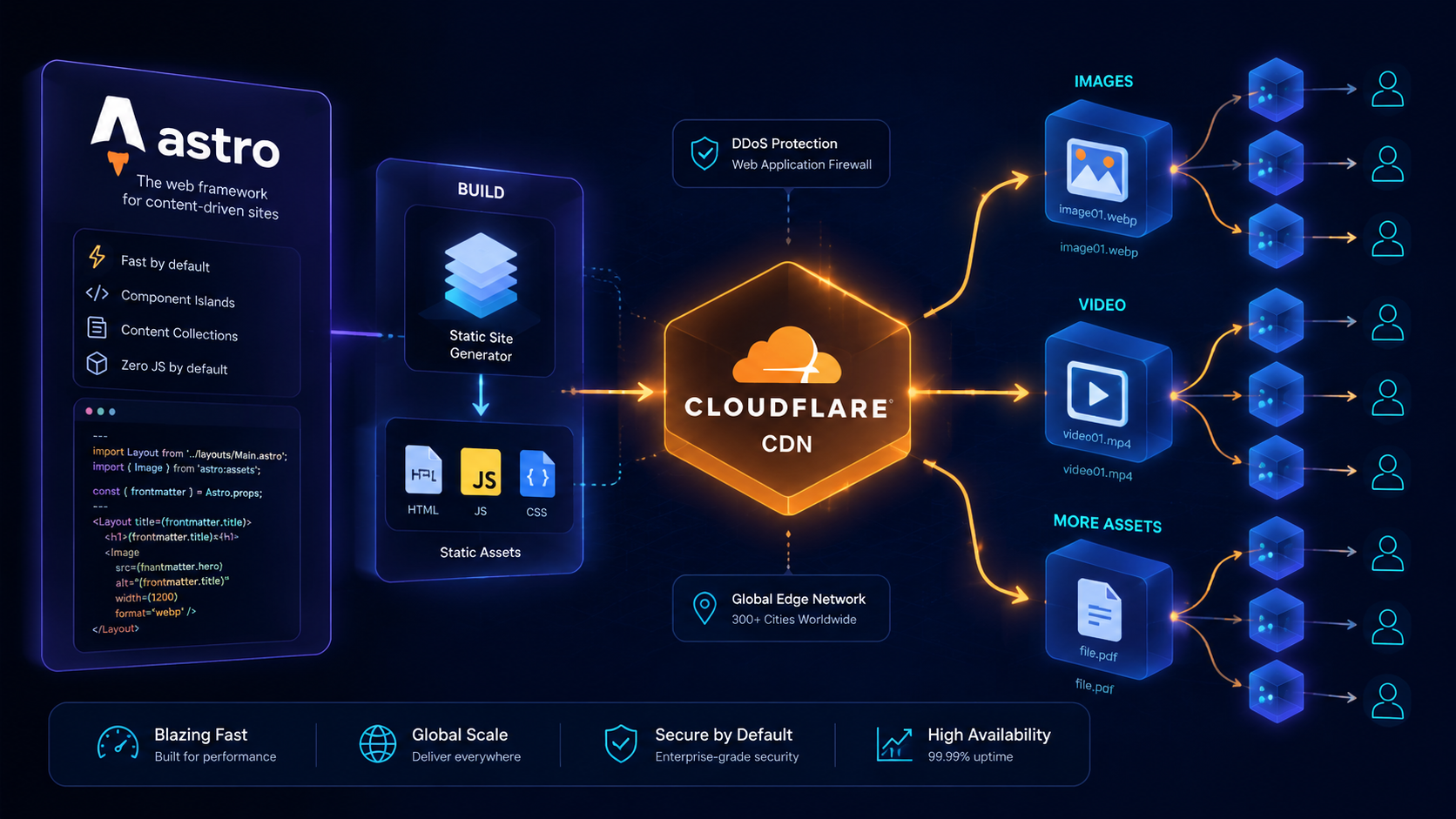
<Picture />with AVIF + WebP + JPEG fallback. Maximum 3 per page. We use generated widths of 640, 1080, 1920. - Gallery images: Optimize these with Cloudflare Images instead of Astro build-time. The image is served from the Cloudflare CDN with on-the-fly transformations. This cut build time by 73% in the migration project above.
- Decorative or background images:
<Image />with a single format (WebP) and single resolution.
---
// ❌ This optimizes 3 formats × 3 resolutions for 24 images = 216 operations
import { Picture } from 'astro:assets';
---

// ✅ This delegates to the CDN and does not affect build
<img src="https://images.example.com/cdn-cgi/image/width=1080,f=avif/photo-01.jpg" />
This distinction between "what Astro optimizes" and "what the CDN optimizes" is the single most important architectural decision for media-heavy sites.
Strategy 2: Video with controlled hydration
Astro has no native video component like it has for images. This is intentional — client-side video is inherently interactive and falls outside Astro's zero-JS philosophy. The solution is not to avoid it but to hydrate it strategically.
The pattern we use across all our projects:
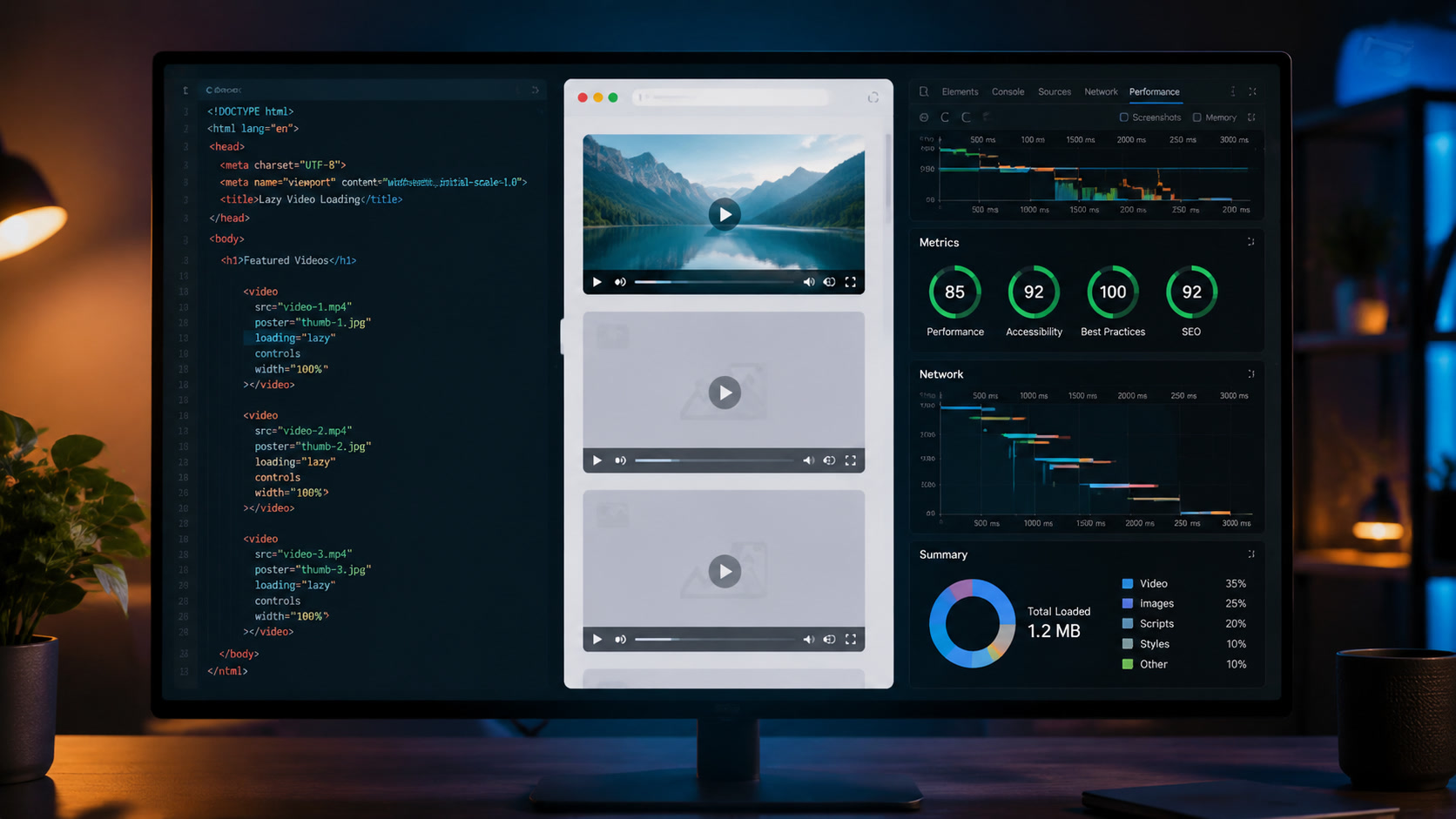
- Poster frame as an Astro Image. We render the video preview with Astro's
<Image />, optimized and lazy-loaded. This ensures LCP is not affected by the video. - The player as a client:visible island. We wrap the YouTube, Cloudflare Stream, or Vimeo embed component in a
client:visibledirective. The browser downloads the player JavaScript only when the user scrolls to the video. - A lightweight Web Component as an iframe alternative. For self-hosted videos on Cloudflare Stream, we built a ~2KB custom element that replaces the standard iframe. This gives us control over lazy loading, autoplay, and accessibility without the weight of an embedded player.
In our accessibility article on synthetic media we documented how this strategy also improves WCAG compliance.
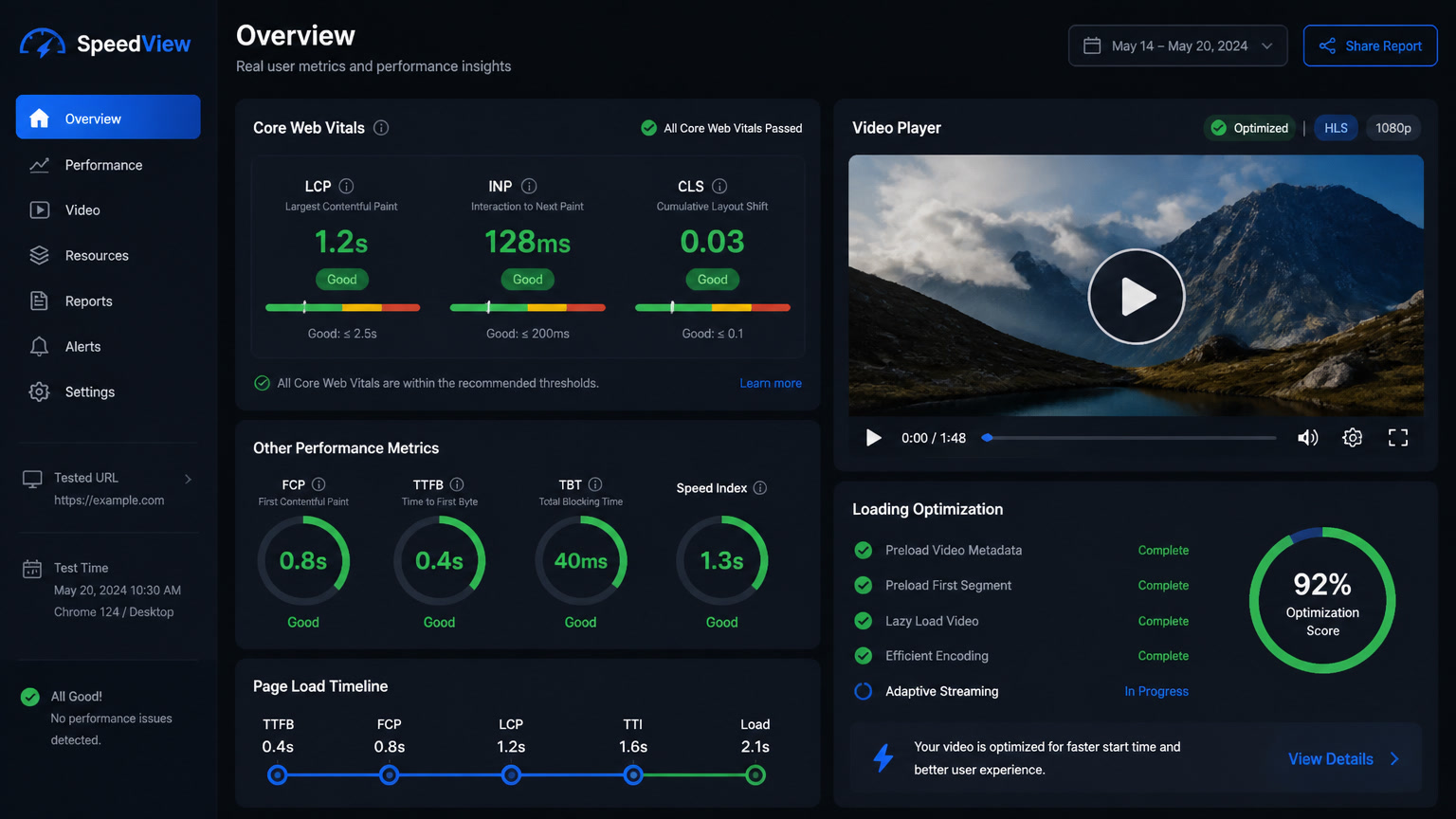
Production results for a page with 5 embedded videos:
| Metric | Without strategy | With strategy |
|---|---|---|
| LCP | 3.8s | 1.2s |
| INP | 245ms | 54ms |
| JS transferred | 412KB | 38KB |
| Extra build time | 0 | 0 |
Strategy 3: Server islands for dynamic media pages
Astro 7 introduced stable server islands, and they are particularly useful for media content that needs personalization or server-side processing.
Real case: a portfolio page that displays project videos. Each visit needs to pick the right video version based on the user's device (4K for desktop, 1080p for mobile) and which projects to highlight. Server islands let us keep the page static — with its low LCP and stable INP — while the island that decides the video variant renders on the Cloudflare server and hydrates selectively.
---
// Portfolio page — almost everything is static
import PortfolioVideoIsland from '../components/PortfolioVideoIsland.astro';
---

<html>
  <body>
    <!-- Entire page is static HTML except the island -->
    <PortfolioVideoIsland server:defer />
  </body>
</html>
Combined with Cloudflare Workers, this strategy lets us serve pages with dynamic media content without sacrificing Astro's performance advantages. We call this "static with dynamic pivots" and used it in our multilingual architecture project.
Strategy 4: Content collections as the single source of media metadata
A pattern we implemented on mintec.co and recommend for any media-heavy site: treat image and video metadata as part of your content collection.
Each blog article includes in its frontmatter not just the featured image path, but a structured metadata object:
image:
  src: "/images/blog/example.jpg"
  alt: "Media content architecture diagram for Astro"
  caption: "The architecture we use at mintec.co for heavy media"
  width: 1920
  height: 1080
  focalPoint: [center, top]
  sources:
    - format: "avif"
      cdn: "https://images.example.com/f=avif"
    - format: "webp"
      cdn: "https://images.example.com/f=webp"
This lets our blog template generate the correct <picture> tags with appropriate CDN paths automatically — no scattered logic across 10 different components. It is a direct application of the composable architecture principle we have adopted as our standard.
Strategy 5: Aggressive caching with Cloudflare + Astro
The final piece is how Cloudflare handles media assets after the build. We differentiate three content types in our cache configuration:
- Build assets (JS, CSS, optimized images): Public cache for 1 year. These are immutable — if they change, their hash changes.
- Cloudflare Images served images: Cache with 7-day revalidation. On-the-fly transformations are cached at the edge.
- Videos (Cloudflare Stream): Cache controlled by the player. Video chunks are cached at the edge with variable TTL.
We documented this setup in more detail in our six-month Astro + Cloudflare retrospective. The combination reduces Cloudflare Functions usage by 60% for media-heavy pages and eliminates the need for expensive bandwidth plans.
When NOT to use Astro for media-heavy sites
Not everything is Astro. After these projects, we identified clear cases where Astro is not the best choice:
- UGC platforms (user-generated content): If users upload and manipulate media constantly, a SPA with Next.js or Remix offers a better loading/editing experience.
- WebGL-heavy multimedia dashboards: Astro is not designed for applications where client state changes constantly. Nuxt or SvelteKit is a more natural fit here.
- E-commerce with dynamic product video: If every product variant needs its own dynamically generated video, Astro's build time becomes impractical without well-designed server islands.
For everything else — blogs, corporate sites, portfolios, multimedia landing pages, interactive documentation — Astro combined with these strategies delivers the best balance of performance, developer experience, and infrastructure cost.
The right decision depends on how you consume media
At the end of the day, the question is not "can Astro handle heavy media?" but "how do you consume media on your site?"
If your media is produced once and served many times (the vast majority of use cases), Astro with CDN optimization and selective server islands wins. If your media is produced dynamically and changes per user, you need a more server-side approach.
At Mintec we evaluate every project against this spectrum before recommending an architecture — sometimes pure Astro, sometimes Astro + Cloudflare Workers, sometimes a completely different stack. What we do not do is assume that the "fast by default" promise holds when you add 40 images and 3 videos per page.
Because it does not. Unless you plan for it.
Frequently Asked Questions
Is Astro a good choice for media-heavy websites?
Yes, with caveats. Astro excels for content-heavy and semi-static sites (blogs, portfolios, landing pages) where images and video can be optimized at build time. For applications where users upload or manipulate media constantly, a hybrid architecture with Next.js or Remix may be more appropriate.
Does Astro optimize images automatically?
Astro ships <Image /> and <Picture /> components that optimize images at build time — generating multiple formats (AVIF, WebP), resizing per viewport, and enabling automatic lazy loading. But at scale, delegating to an external service like Cloudflare Images prevents build-time bottlenecks.
How should I handle heavy video in Astro?
Astro has no native video component. Our production pattern: (1) host videos on Cloudflare Stream or similar, (2) wrap the player in a client:visible island, (3) use the native <video> element with loading='lazy' and preload='metadata', and (4) generate an optimized poster image with Astro's <Image /> for the initial preview.