AI-Generated Media Needs Accessibility, Too — Captions, Transcripts, and Descriptions for Synthetic Video
Kling, Veo, Sora, and Seedance generate impressive video, but none produce captions, transcripts, or audio descriptions. Here is exactly what you need to implement to make your synthetic media compliant with web accessibility standards.
AI-Generated Media Needs Accessibility, Too
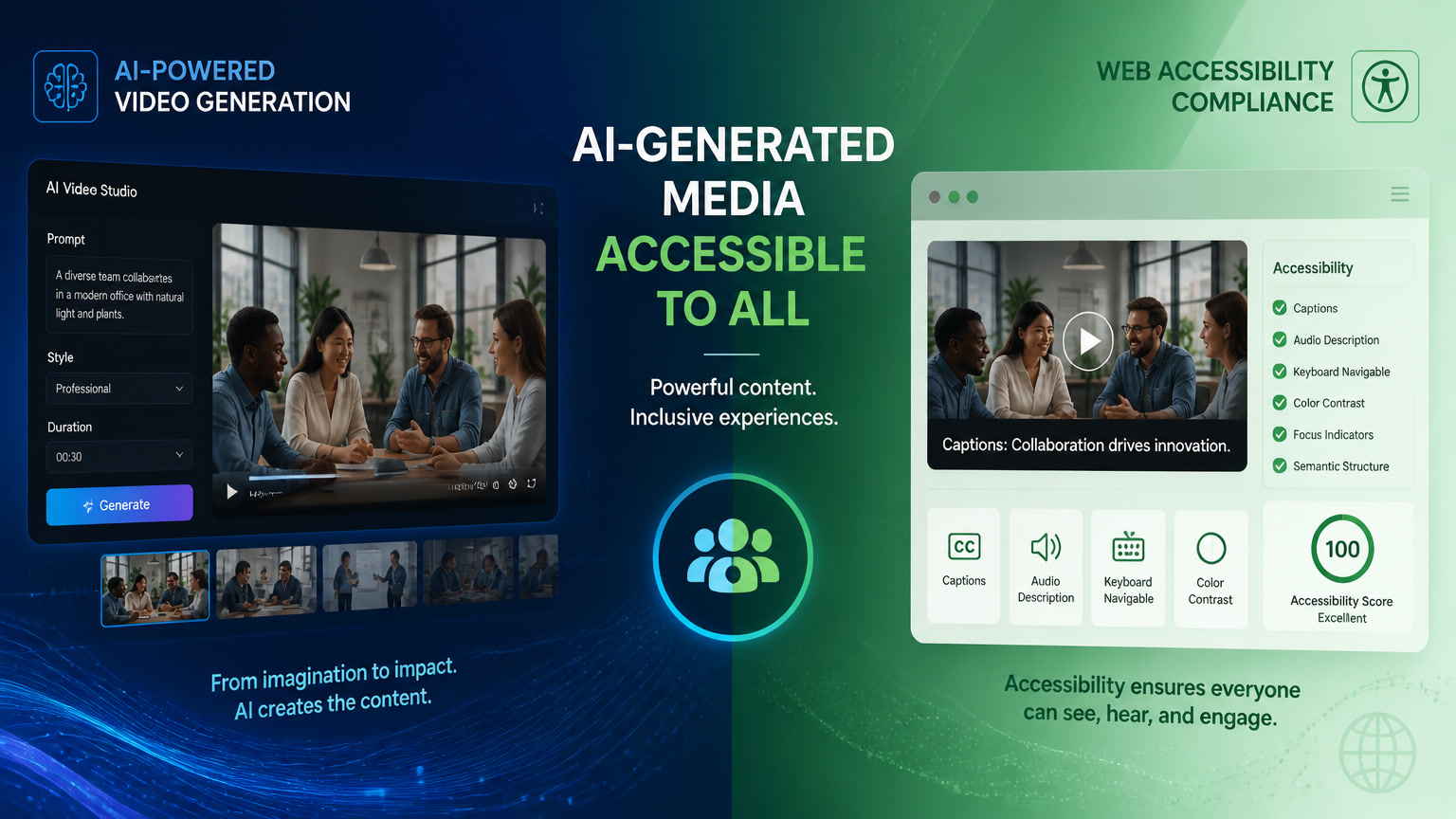
Yes, AI-generated media is subject to the same accessibility requirements as any other multimedia content on your website. And here is the problem: not a single AI video generation tool — Kling 3.0, Veo 3.1, Sora 2, Seedance 2.0, or Runway Gen-4 — produces captions, transcripts, or audio descriptions. Nor do they generate meaningful alt text for the images they create.
Over the past few months, we have worked with several of these tools as part of our media production pipeline (we documented the technical side in detail in our post-processing pipeline article). What we found is that there is a "final step" nobody mentions in synthetic media workflows: accessibility.
This article is a practical guide to closing that gap — which WCAG 3.0 outcomes apply to each type of synthetic media, how to implement them, and when the investment is worth it.
AI Tools Produce Zero Accessibility Metadata
We tested the five most popular AI video generators with the same prompt — a drone flying over a tropical forest at sunrise, 30 seconds — and evaluated what accessibility metadata each output included:
| Tool | Captions | Transcript | Audio Description | Alt Text |
|---|---|---|---|---|
| Kling 3.0 | ❌ | ❌ | ❌ | ❌ |
| Veo 3.1 | ❌ | ❌ | ❌ | ❌ |
| Sora 2 | ❌ | ❌ | ❌ | ❌ |
| Seedance 2.0 | ❌ | ❌ | ❌ | ❌ |
| Runway Gen-4 | ❌ | ❌ | ❌ | ❌ |
None. Zero. The table is disappointingly uniform, but it reflects a reality: these tools were designed to generate impressive visuals, not to integrate into accessible web publishing workflows. The result is that publishing AI-generated output directly on your site — as we observed in several client projects where teams experimented with these tools on their own — means you are publishing content that automatically fails at least three critical WCAG outcomes.
Which WCAG 3.0 Outcomes Affect Synthetic Media
The Bronze/Silver/Gold model of WCAG 3.0 (which we covered in detail in our previous article) evaluates individual outcomes scored from 0 to 100%. Overall conformance is determined by the lowest-scoring critical outcome. This means that a single video without captions can drag down your entire accessibility profile, even if the rest of your site is perfectly optimized.
Here are the outcomes that apply directly to AI-generated media:
| Outcome | Default Level | What It Means for AI Media |
|---|---|---|
| Text Alternatives | Bronze | Every AI-generated image needs alt text that describes its visual content. "AI-generated image" is not sufficient — describe what the image shows. |
| Captions (Prerecorded) | Bronze | Every video with audio needs synchronized captions. Synthetic video is not exempt. |
| Audio Description | Bronze | If the video has relevant visual information not conveyed through audio, it needs an audio description. AI video frequently falls here — generators produce rich visuals without narration. |
| Media Alternative (Prerecorded) | Silver | For video-only content (no equivalent audio), a text transcript is required as an alternative. Many AI-generated videos fall into this category. |
The principle is simple: WCAG does not distinguish between a video shot on an Arri camera and one generated with Kling. Synthetic media does not get a free pass.
The Accessibility Pipeline for Synthetic Media
Just as we documented the technical post-processing pipeline for AI-generated media (transcoding, posters, streaming metadata), here is the complementary accessibility pipeline:
Step 1: Audio Transcription
AI-generated video rarely comes with a script — there is no "original screenplay" because the audio was generated alongside the video. The solution is to extract the audio track and run it through a transcription engine:
ffmpeg -i ai_video.mp4 -vn audio_output.wav
whisper audio_output.wav --model base --output_format srt
This produces an SRT file with captions and timestamps. In our testing with Whisper (base model), accuracy exceeds 95% for English audio and 90% for standard Spanish. For AI-generated generic audio (synthetic voices, narrations), accuracy is even higher because the speech is typically cleaner than human recordings.
Step 2: Alt Text Generation
For AI-generated images (Stable Diffusion, DALL-E, Midjourney), alt text is not automatically generated. Most generators return the image without any descriptive metadata. Our recommendation is to integrate an automated description step:
Use a multimodal model (GPT-4o, Claude, Gemini) to describe the image and generate relevant alt text. In our production workflow, we send the image to a vision model with the prompt: "Describe this image in one sentence for accessible alt text, focus on the main visual content, max 125 characters."
Step 3: Full Transcript for Media Alternative
For videos that are purely visual (AI-generated product demos, synthetic landscapes, abstract animations), the transcript is not just dialogue — it is a narrative description of what happens visually. This requires more work than captions and is the step most frequently skipped.
Step 4: Audio Description
If the video has visual elements not covered by the audio (a user interface being navigated, a product shown without narration, an animated chart), you need an audio description track. For short synthetic media (<30 seconds), the description can be included as an extension of the transcript rather than a separate track.
Traditional vs Synthetic Video: The Accessibility Burden
An honest comparison reveals why synthetic media presents an extra challenge:
| Aspect | Traditional Video | AI-Generated Video |
|---|---|---|
| Caption source | Production script exists | No script — must transcribe from generated audio |
| Production metadata | Crew knows what is in each scene | Generator retains no semantic metadata |
| Visual consistency | Planned scenes, predictable descriptions | Visual "hallucinations" not in the original prompt |
| Extra time per video | 5-15 minutes of post-production | 10-30 minutes (transcription + verification) |
| Existing tooling | Mature workflows (Premiere, Final Cut) | Improvised workflow (Whisper + manual check) |
The key finding: a 30-second AI video requires 10 to 30 minutes of additional accessibility work that most teams do not budget for. In our projects, this step adds between 15% and 25% to the post-processing time of an AI-generated asset.
When to Invest in Accessibility for Synthetic Media
Not every AI-generated piece of content needs the full pipeline. This framework helps you decide:
| Content Type | Accessibility Required | Effort |
|---|---|---|
| Social media video (TikTok, Reels) | Platform auto-captions | Minimal |
| Website hero / banner | Transcript + alt text for poster | Medium |
| Product demo on website | Full: captions + transcript + audio description | High |
| Blog embedded video | Captions (SRT) + transcript | Medium |
| Internal prototype / moodboard | None — not public content | None |
| Email marketing | Alt text on preview image | Minimal |
The rule of thumb: if your synthetic media ends up on a public web page, full WCAG requirements apply. It does not matter whether the video was created by a human with a camera or an AI model with a prompt. The user with a disability faces the same barrier.
Why This Is an Opportunity, Not Just an Obligation
Here is a direct opinion: most teams adopting AI-generated media in 2026 are ignoring accessibility entirely. We have seen corporate sites with stunning Kling 3.0-generated hero sections that are completely inaccessible — no captions, no transcripts, no alt text.
That means there is a real competitive opportunity for teams that do implement these practices. When a client evaluates two media production proposals and one includes accessibility from the ground up while the other does not, the decision should be obvious — especially for regulated markets (Europe's EAA, government or healthcare sectors).
As we discussed in our article on web accessibility as a competitive advantage, accessibility is not a compliance checklist. It is a product decision that expands your audience, improves your SEO, and reduces legal risk.
What You Should Do Today
Three concrete actions for teams already using AI-generated media:
- Audit your existing synthetic content. Review every AI-generated video and image on your website. Do they have captions? Alt text? Transcripts? Odds are most do not.
- Integrate accessibility into your post-processing pipeline. Just as you already have a transcoding step to AV1 (as we covered in our AV1 codec analysis), add a transcription, alt text, and audio description step.
- Budget for the extra time. An accessible synthetic asset costs 15-25% more in post-production than an inaccessible one. If you are not charging for that time, you are giving away work and taking on compliance risk.
Accessibility is not optional for AI-generated media. It is the step that separates publishable content from content that excludes users, creates legal risk, and penalizes your WCAG profile. And unlike visual quality — where AI already competes with traditional production — in accessibility, AI tools offer no help at all. The responsibility is still entirely yours.
Frequently Asked Questions
Do AI-generated videos need captions?
Yes. From a WCAG standpoint, an AI-generated video is identical to a traditionally produced one — if it has audio, it needs synchronized captions. The difference is that AI tools produce zero accessibility metadata, so captions must be generated externally.
How do I generate captions for AI video?
The most practical approach is to extract the audio track, run it through an automatic speech recognition service like OpenAI Whisper, then sync the resulting timestamps with the video. Tools like Descript or Adobe Premiere Pro can also handle this semi-automatically.
Does accessibility apply to synthetic media on social media too?
It depends on context. For ephemeral content on TikTok or Reels, the platform's auto-captions are usually sufficient. But if that same content is republished on a website, full WCAG requirements apply — just like any other video.
Do AI-generated images need alt text?
Absolutely. WCAG's Text Alternatives outcome requires that all non-text content has a text alternative that serves an equivalent purpose. 'AI-generated image' is not sufficient alt text — describe what the image actually shows.