WCAG 3.0 Bronze, Silver, Gold: What the New Scoring Model Means for Your Development Team
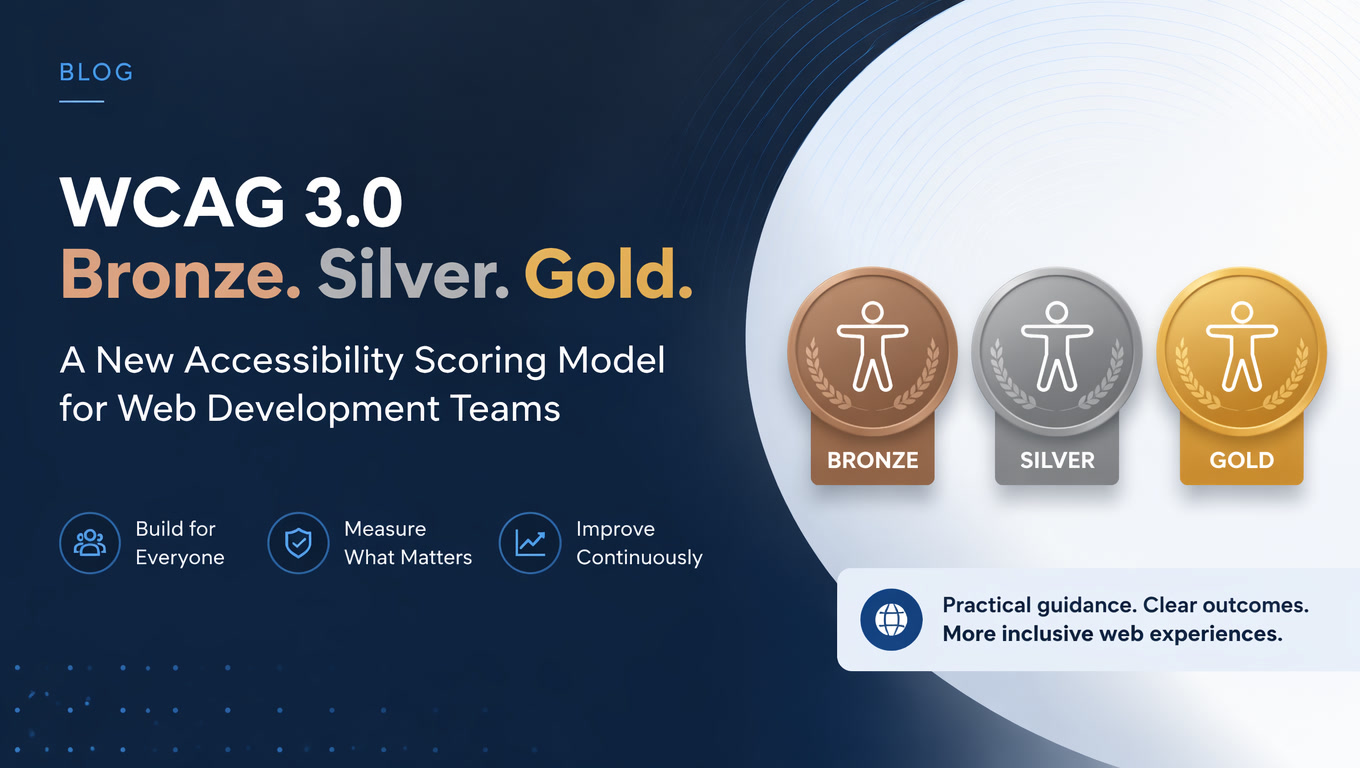
WCAG 3.0 replaces the binary A/AA/AAA pass-fail system with an outcome-based Bronze/Silver/Gold scoring model. The March 2026 Working Draft is out. Here is what changes for your development workflow, what stays the same, and how to prepare without falling into regulatory panic.
WCAG 3.0 Bronze, Silver, Gold: What the New Scoring Model Means for Your Development Team
If your team relies on WCAG 2.x to guide accessible development — and in 2026, nearly every team does — the Bronze/Silver/Gold model of WCAG 3.0 is not just a rename. It is a fundamental shift in how accessibility is measured, tested, and reported. And while the final recommendation is still years away, the direction of the change is already clear.
On March 3, 2026, the W3C published a new version of the WCAG 3.0 Working Draft (officially "W3C Accessibility Guidelines"). This is the third major draft since the project began, and it confirms a direction that many development teams have not yet internalized: accessibility is no longer measured in pass-fail checkboxes. It is measured by how well it works for real users.
This article is not a complete WCAG 3.0 guide — there are dozens of those. This is what changes for your development team, what stays the same, and how to start preparing without falling into regulatory paralysis.
The Fundamental Shift: From Checkboxes to Outcomes
WCAG 2.x uses a binary system: each criterion is either met or not met. Level A (minimum), AA (legal standard), AAA (ideal). It is simple to audit, simple to report, and simple to put in a contract.
WCAG 3.0 replaces this entirely.
The new model evaluates outcomes rather than technical criteria. Each outcome is scored from 0 to 100% based on how well it is implemented, using multiple testing methods. Overall conformance — Bronze, Silver, or Gold — is determined by the lowest-scoring critical outcome.
| Aspect | WCAG 2.x | WCAG 3.0 |
|---|---|---|
| Unit of measurement | Success criterion (binary) | Outcome (0-100% score) |
| Levels | A, AA, AAA | Bronze, Silver, Gold |
| Focus | Technical rules | User outcomes |
| Testing | Single methodology | Multiple combined methods |
| Flexibility | Low — strict checkboxes | High — adaptable methods |
| Current maturity | Stable W3C Recommendation | Working Draft (March 2026) |
Translated to development: your team can no longer run through a checklist of 50 criteria and declare the site "accessible." You need to demonstrate, with evidence from multiple sources, that users with disabilities can achieve the expected outcomes.
What Does NOT Change: WCAG 2.1/2.2 Remains the Legal Standard
This is critical, and most WCAG 3.0 coverage mentions it in passing without giving it the weight it deserves:
WCAG 3.0 is not required for legal compliance. And it will not be for years.
The European Accessibility Act (EAA), which took full effect on June 28, 2025, references WCAG 2.1 Level AA as the standard. Not WCAG 3.0. Latin American companies serving European markets — a massive and growing segment — need to comply with WCAG 2.1 AA today. Period.
The W3C has been explicit: WCAG 2.x will remain a valid recommendation even after WCAG 3.0 becomes a W3C Recommendation. The transition of legal frameworks to adopt WCAG 3.0 as a compliance standard will take additional years after that.
What this means in practice: do not stop your current accessibility program. Keep working toward WCAG 2.1/2.2 AA. But start incorporating the WCAG 3.0 mindset into your workflow so the transition, when it comes, is not an earthquake.
The Realistic Timeline for Development Teams
Based on the W3C's current pace and the history of previous standard adoption, this is the most likely timeline:
| Phase | Estimated date | What happens |
|---|---|---|
| Current Working Draft | March 2026 | Third draft published. 174 outcomes defined. |
| Candidate Recommendation | 2027-2028 | More stable specification. Implementation testing. |
| W3C Recommendation | 2028-2029 | Official publication. Available for voluntary adoption. |
| Legal adoption (EAA update) | 2030+ | EU updates EAA to reference WCAG 3.0. |
This means development teams have 3 to 4 years to prepare. It is not an emergency, but ignoring the direction of the change is a poor strategic move.
What Changes in Your Development Workflow
1. Automated Testing Is No Longer Enough
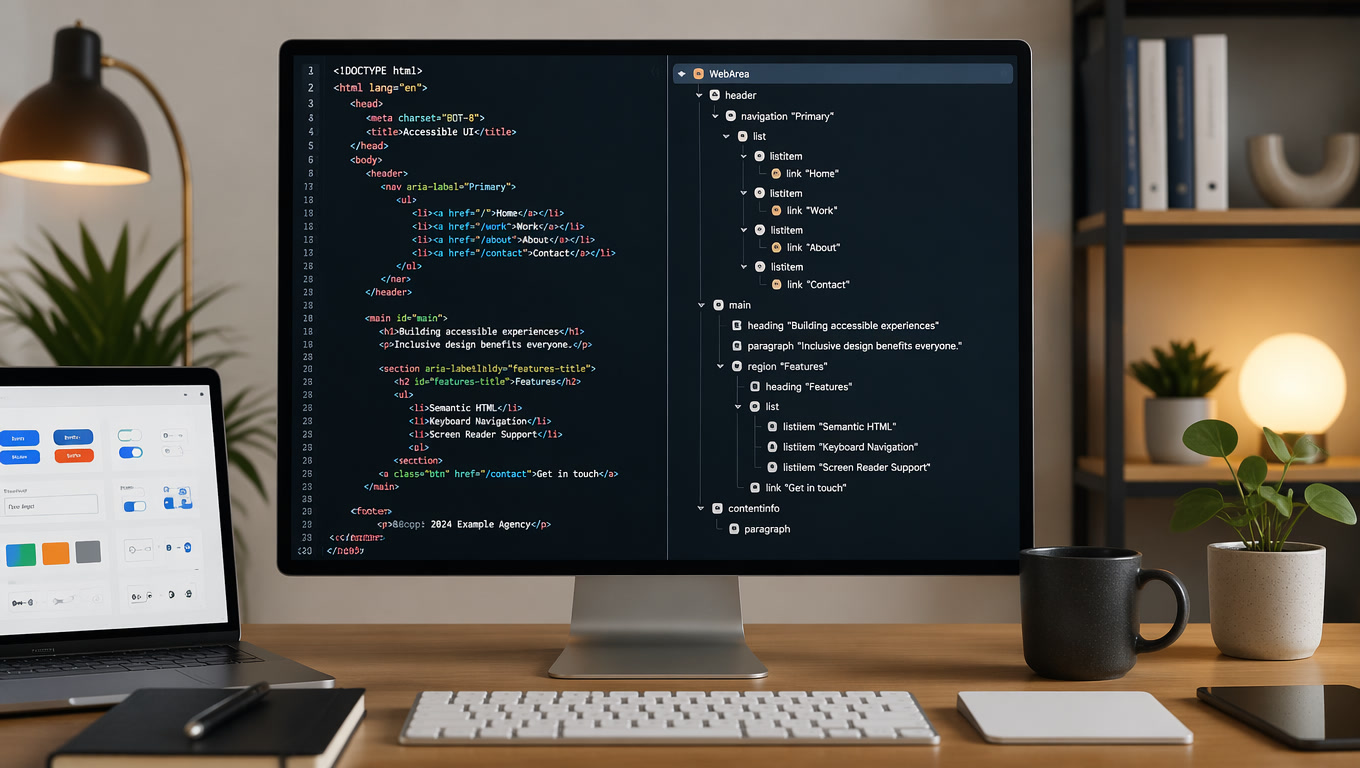
WCAG 3.0 requires multiple testing methods for each outcome. A tool like axe-core or WAVE can detect certain patterns, but it cannot evaluate whether a visually impaired user can complete a checkout flow.
This means your CI/CD pipeline needs to incorporate at least:
- Automated testing (axe-core, Lighthouse) for early detection of obvious errors
- Manual testing with screen readers (NVDA, VoiceOver, TalkBack)
- Keyboard-only navigation testing without a mouse
- And eventually, real user testing for critical outcomes
2. Accessibility Reporting Becomes More Complex
A WCAG 2.x report says: "5 AA criteria failed, 32 passed." Simple.
A WCAG 3.0 report needs to show: "Visual contrast outcome: 87% (Silver). Keyboard navigation outcome: 62% (Bronze). Error identification outcome: 45% (Bronze). Overall conformance: Bronze."
This requires more sophisticated reporting tools and, likely, specialized accessibility engineering roles.
3. Component Design Becomes Contextual
Under WCAG 2.x, an accessible component is accessible in any context. Under WCAG 3.0, the conformance level can depend on the usage context. A button in a toolbar might achieve Silver, but the same button inside a complex form might drop to Bronze because the usage context is more demanding.
This means design systems need to document not just "what this component looks like," but "in which contexts it achieves each conformance level."
4. Contracts and Accessibility SLAs Need Updating
For agencies like Mintec that build sites for clients: contracts specifying "WCAG 2.1 AA compliance" will need a transition clause for WCAG 3.0 within the next 2-3 years. We recommend starting to include language that allows migration without full renegotiation.
The Decision Framework: Which WCAG 3.0 Level Should Be Your Target
Not every project needs to target Gold. In fact, very few justify it. Here is the framework we use at Mintec to recommend levels:
| Project profile | Recommended level | Why |
|---|---|---|
| B2B corporate site (local market) | Bronze (minimum) | Covers basic accessibility requirements without over-engineering |
| E-commerce / SaaS (LatAm market) | Silver | Competitive differentiator, better UX for everyone, preparation for future regulation |
| Company operating in or selling to EU | Silver (minimum) | EAA requires AA-equivalent standard. Silver in WCAG 3.0 ≈ AA in WCAG 2.x |
| Government, education, healthcare | Silver | Regulated sector, high accessibility expectations |
| Inclusive brand / accessibility differentiator | Gold | Real competitive advantage. Target audience includes people with disabilities. |
EAA for Latin American Companies: What You Need to Know
The European Accessibility Act is not a European topic. It is an export topic.
If your Latin American company has a website, app, or digital product accessible to users in the European Union — even if you have no office there — the EAA applies. Non-compliance can mean fines, market access restrictions, and reputational damage.
Key points for LatAm development teams:
- WCAG 2.1 Level AA is the current legal standard. Not WCAG 2.2, not WCAG 3.0.
- Content must be accessible in the languages you operate. If your site is in Spanish, captions and alt text must be in Spanish, not just English.
- The tools and CMS you choose must support accessibility. A CMS that generates inaccessible HTML makes you responsible, not the CMS vendor.
- The deadline has already passed. The EAA took effect June 28, 2025. If you have not started, start today.
Where to Start Today
Three concrete actions any development team can take this week:
1. Run a WCAG 2.1 AA gap audit. Before thinking about WCAG 3.0, make sure your site meets the current standard. Use axe-core, Lighthouse, and a manual review with NVDA. You will be surprised at what you find.
2. Incorporate manual testing into your flow. Once per sprint, someone on the team navigates the entire site using only the keyboard. Document the results. This single habit prepares you for WCAG 3.0's outcome-based model.
3. Educate your team on outcomes, not checkboxes. The most important change in WCAG 3.0 is mental. Start asking: "Can a visually impaired user complete this task?" instead of "Does this button have an ARIA label?"
At Mintec, we have applied this approach in our web development projects over the past year. The results are clear: teams that think in user outcomes rather than technical checkboxes produce sites that are not only more accessible but also have better UX for everyone — and that is exactly what WCAG 3.0 aims to measure.
Need help assessing your site's readiness for WCAG 3.0 or EAA? Contact us. We have experience auditing and migrating sites for accessibility compliance in both Latin American and European markets.
For a broader analysis of the state of web accessibility in 2026, read our article Web Accessibility: Why Your Website Is Costing You Customers. You may also find Core Web Vitals: What Changed and What Still Matters for SEO and INP at 200ms: Why This Metric Is Killing Your Conversions useful — accessibility and web performance are more connected than most teams realize.
Frequently Asked Questions
What exactly changes with WCAG 3.0 compared to WCAG 2.2?
WCAG 3.0 replaces the binary pass-fail system (A, AA, AAA) with an outcome-based scoring model using three tiers: Bronze, Silver, and Gold. Each outcome is scored 0-100% based on how well it is implemented, and overall conformance is determined by the lowest-scoring critical outcome.
Is WCAG 3.0 legally required yet?
No. WCAG 3.0 is still a Working Draft (last updated March 2026) and is not yet a W3C Recommendation. For legal compliance, WCAG 2.1 Level AA — referenced by the European Accessibility Act (EAA) since June 2025 — remains the current standard. The transition to WCAG 3.0 as a legal benchmark will take years.
How should a development team prepare for WCAG 3.0?
Three immediate actions: 1) start thinking in terms of user outcomes rather than technical checkboxes, 2) implement multiple testing methods (automated + manual + real user testing), and 3) document your accessibility testing approach now. The mindset shift is more important than any technical change.