Sales Force Automation: The First Automation Layer Your CRM Needs
What sales force automation is, why it belongs before marketing automation and AI agents, and which workflows to automate first: priorities, tools, real mistakes.
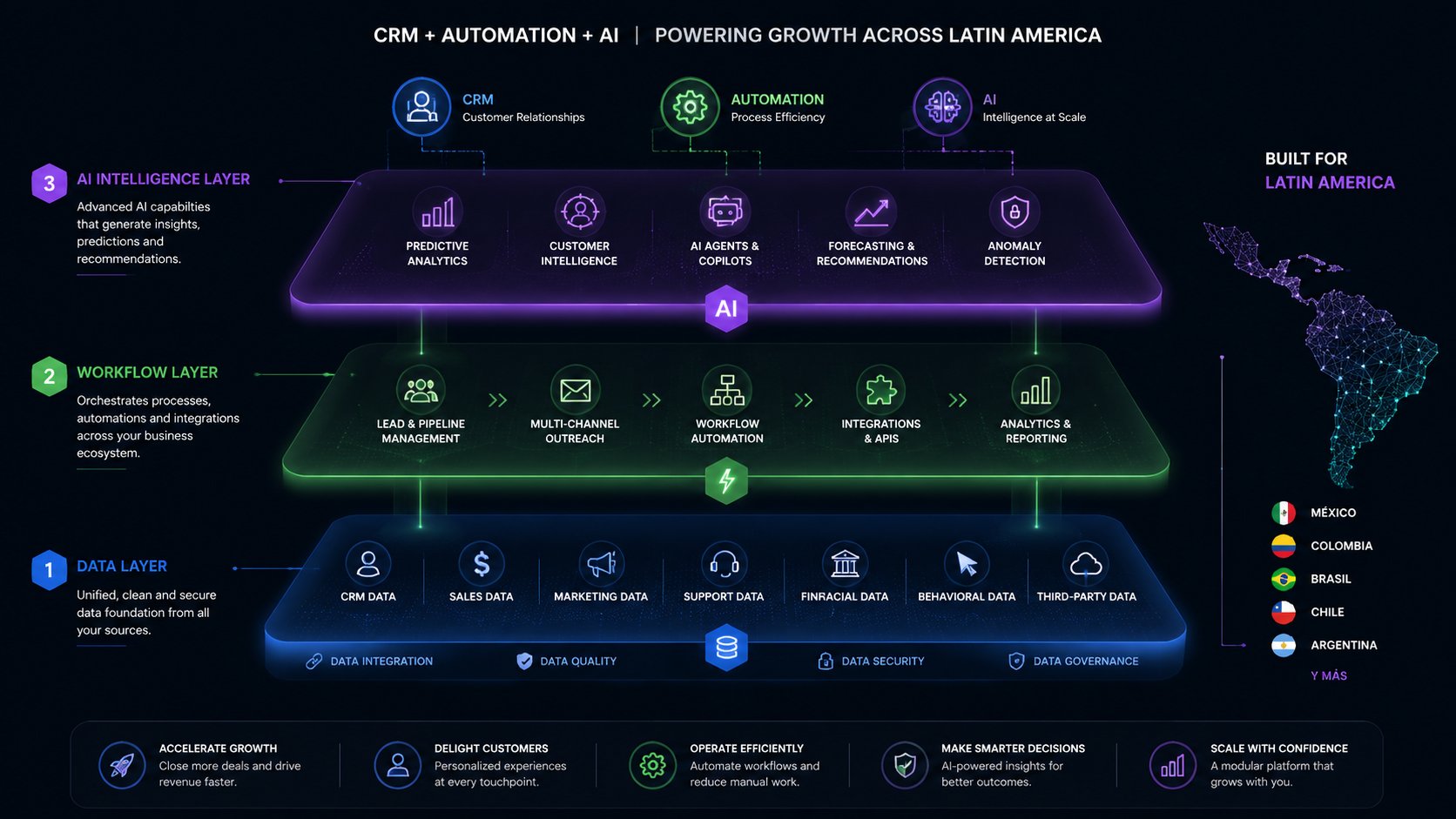
Sales force automation (SFA) is the set of CRM automations that handle the repetitive selling tasks — assigning leads, creating follow-ups, logging activity, moving pipeline stages — so salespeople spend their time talking to buyers instead of capturing data. At Mintec we treat it as layer zero of any automation stack: it comes before marketing automation and before AI agents, because it touches revenue directly and only needs the data your CRM already has.
SFA is the least fashionable term in business software, and that's the point: it's boring and it works. According to SuperOffice's 2026 CRM statistics roundup, 50% of CRM use cases today are sales force automation — the most common entry point for any company.[1] The reason is simple: it's the layer whose return shows up in the same week, in the same pipeline, without depending on content, audiences, or models.
Why SFA comes first: money flows through the pipeline
The data points the same direction from two sides. First, who wins: 61% of over-performing sales leaders automate parts of their sales process, versus 46% of underperformers, per LinkedIn's State of Sales.[1] Second, what's lost: response speed to a lead is the cheapest multiplier that exists in sales. Artemis GTM's 2026 benchmarks lay out the drop-off precisely:
| First contact time | Conversion |
|---|---|
| Under 5 minutes | 21% |
| 5-30 minutes | 13% |
| 30-60 minutes | 8% |
| 1-24 hours | 5% |
| Over 24 hours | 2.3% |
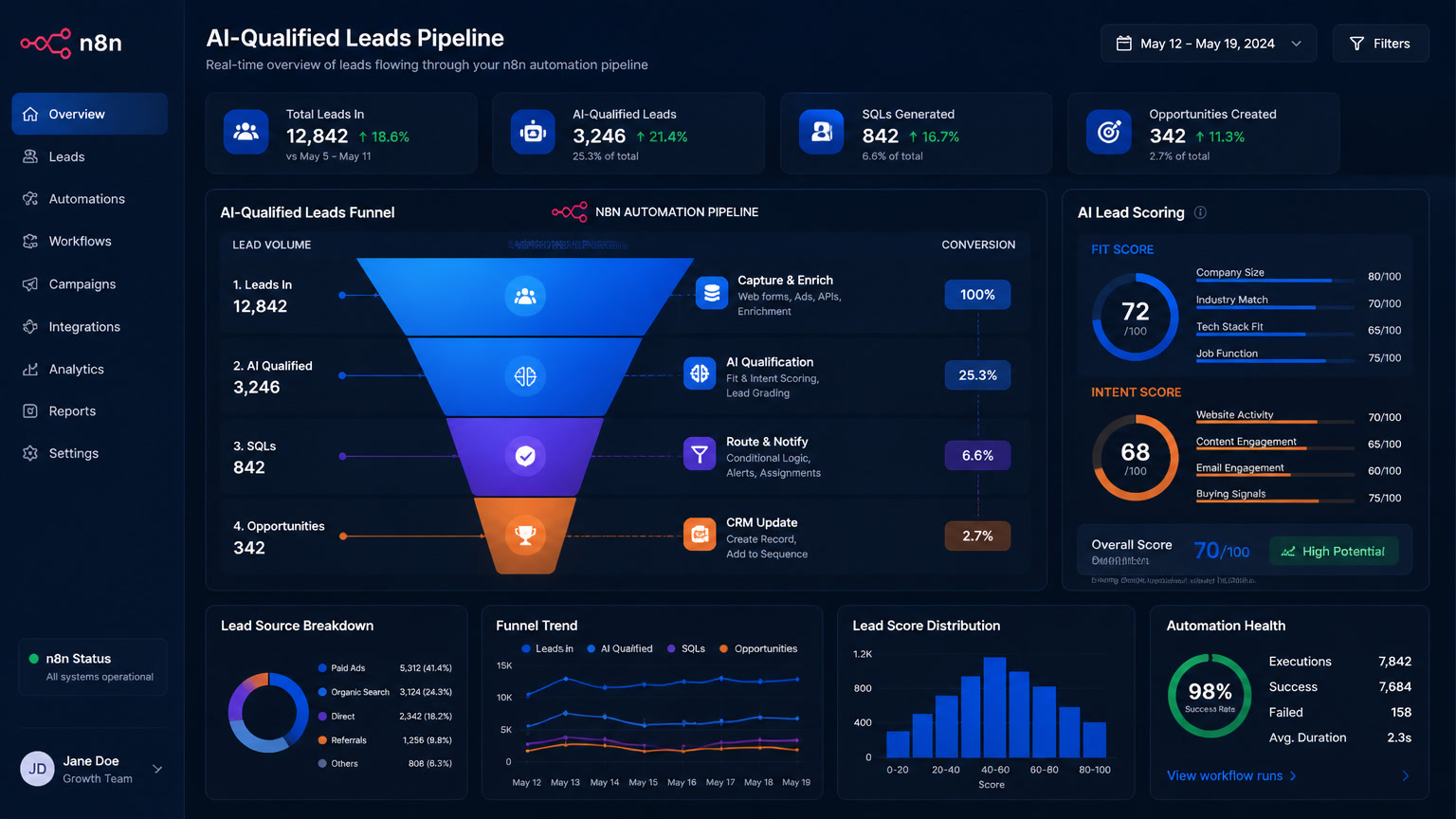
That's a 62% drop between answering in 5 minutes and answering in an hour.[2] No ad budget, discount, or rebrand recovers margin that cheaply. With one IT consulting client, automated routing plus a speed alert took response time from 6 hours to 90 seconds, and conversion moved from 6% to 19%. We didn't touch the offer. We removed the waiting.
The third leg of the argument is stolen time. Sales teams lose up to 71% of their time to data entry instead of selling.[3] Every call that ends with "let me log this" is a deal that isn't being worked. SFA removes that task: activity logs itself.
What SFA actually automates: the five base workflows
When we say "sales automation" at Mintec, we don't mean agents that negotiate on their own. We mean five deterministic flows that go live in weeks:
| Workflow | Trigger | Action | Metric to watch |
|---|---|---|---|
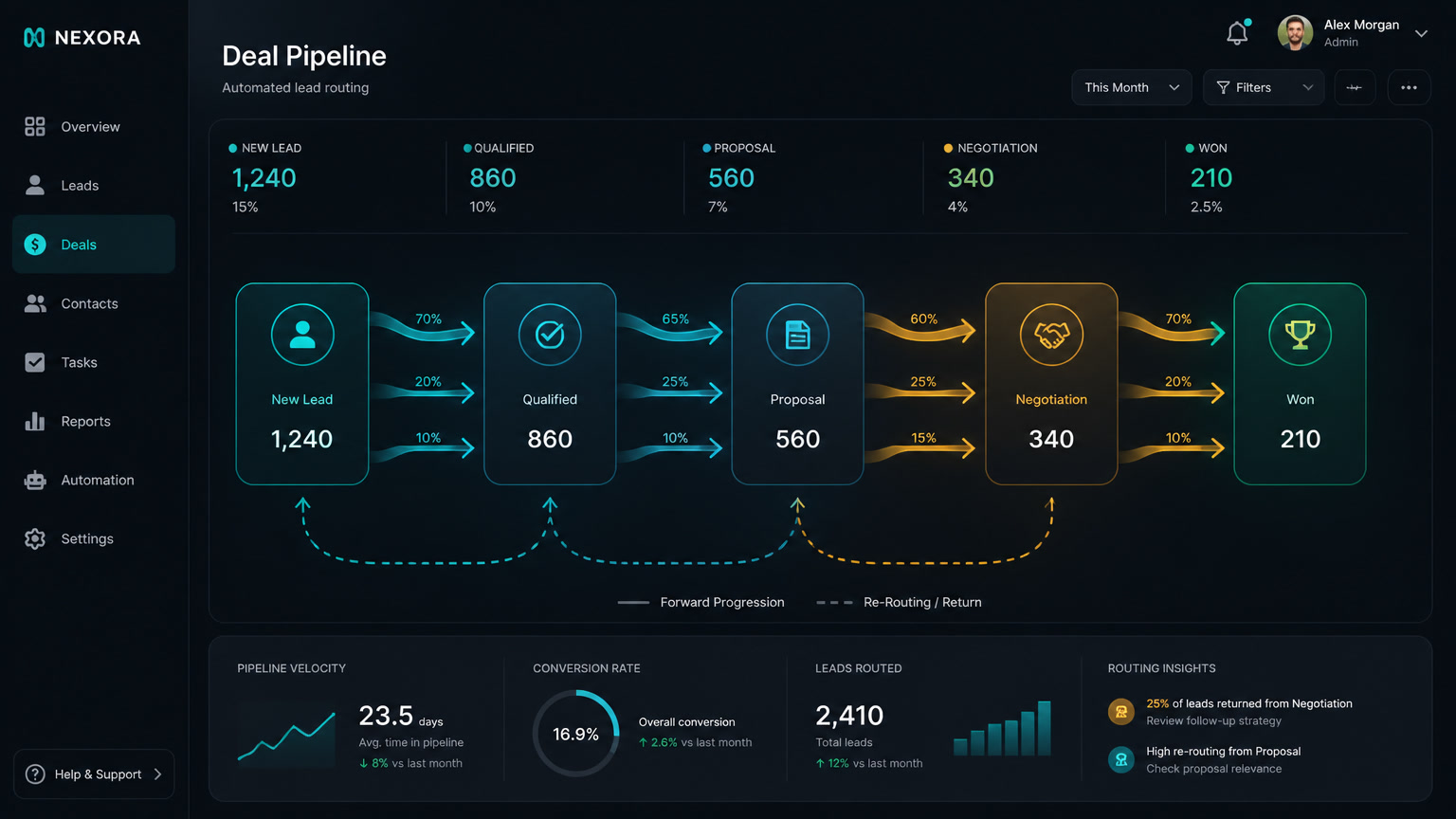
| Lead routing | A lead arrives (form, WhatsApp, ad) | Rule-based assignment: territory, product, or round-robin | Time to first contact |
| Speed alert | Lead assigned, no contact after X minutes | Context-rich notification to the rep (and manager if expired) | % of leads contacted in <5 min |
| Follow-up cadence | Lead stage or status change | Sequence of tasks and messages with defined timing | % of leads with consistent follow-up |
| Activity logging | Call, meeting, or email completed | Automatic update of fields, activity, and stage | Admin hours per rep |
| Pipeline hygiene | Deal with no activity in 7+ days | Alert to owner with history and suggested next action | Stalled deals and pipeline age |
None of these need AI. All of them need clear rules, an owner, and a baseline measurement. That last one is what almost nobody does — and it's what separates SFA that works from SFA that gets switched on and forgotten.
The implementation order: effort-impact matrix
The sequence isn't a matter of taste: it sorts by impact on revenue with the least possible effort.
| Week | Workflow | Effort | Impact | Why this position |
|---|---|---|---|---|
| 1 | Lead routing + speed alert | Low (2-3 days) | Maximum | Attacks the most expensive loss: the unanswered lead |
| 2-3 | Follow-up cadence | Medium (3-5 days) | High | Turns one-off contacts into a repeatable process |
| 3-4 | Activity logging | Low (1-2 days) | Medium-high | Produces the clean data future layers need |
| Month 2 | Pipeline hygiene | Medium | Medium | Unblocks forecasting and dormant-deal recovery |
| Month 3 | Quotes and proposals | Medium-high | Medium-high | Shortens close cycle once the pipeline flows |
We've seen this pattern across dozens of implementations: teams that start with quotes (because "that's where we lose time") end up with a dirty pipeline where quotes arrive fast — for the wrong lead. The order exists for a reason: each layer produces the data the next one consumes.
Where SFA lives: native CRM, orchestrator, or AI layer
The second decision is architectural. Each automation has three possible homes, and the rule is to start closest to the data:
| Option | Tools | When to use it | Monthly cost |
|---|---|---|---|
| Native to the CRM | Clientify, HubSpot Sales Hub, Zoho | The process lives inside the CRM (routing, tasks, stages) | $0-99 |
| External orchestrator | n8n, Make | The flow crosses systems: WhatsApp, calendar, invoicing, email | $6-49 |
| AI layer | OpenAI/Claude API in n8n | Judgment points: classify intent, summarize, draft | $20-50 |
Our rule at Mintec: start native, extend with n8n when the process crosses systems, and add AI last, only at the judgment points. Simple routing built in n8n is unnecessary complexity; a cadence that fires WhatsApp and opens a CRM task needs the orchestrator. AI enters when there's unstructured text to interpret — not before. The full detail of how we design those AI-plus-n8n pipelines is in our article on AI lead generation agents with n8n and CRM.
The mistakes that kill SFA before you switch it on
After reviewing implementations that never took off, the patterns are always the same:
- Automating before cleaning the pipeline. If the CRM has duplicates and empty fields, automation distributes duplicates and logs blanks, faster. Clean first, then write rules. The full sequence — clean, enrich, automate, score — is in our breakdown of why AI lead scoring fails without clean data.
- No baseline measurement. If you don't know your previous response time, you can't prove the automation worked. Measure for a week before switching anything on.
- No owner per alert. An alert nobody responds to stops being an alert within two weeks. Every flow needs a named owner and a reaction SLA.
- Over-automating the human touch. On high-ticket deals, the first contact is still a person. Automation prepares and accompanies; it doesn't replace the conversation that closes.
Once the base flows are running, the next level isn't more flows — it's designing what happens when they fail. Exception lanes — what to do with the lead that doesn't exist, the webhook that repeats, the ambiguous field — are the subject of our article on designing exception lanes in CRM automation.
The layer order: SFA, then marketing automation, then AI
We close with the opinion that titles this article. The order we recommend to any SMB or agency:
SFA first. It touches revenue directly, needs only the data in your CRM, and its failures are visible within the same week.
Marketing automation second. Nurture and email flows amplify a pipeline: if the pipeline leaks leads through missing follow-up, marketing automation amplifies the leak. Seal the leaks first, then inject volume.
AI agents last. Scoring, classification, and agents need clean, consistent data to work — and SFA produces that data. Without the base layer, the agent learns from a dirty CRM and scales the errors.
If you don't know where to start because the problem isn't obvious, there's a step before all of this: diagnosis. Our operational bottleneck diagnostic tells you in five questions whether your problem is lead volume or operations. In most cases we see, it's operations — and there, SFA is the cheapest and fastest answer.
SFA is the least glamorous layer in the stack. It's the kind of automation nobody notices in a demo and everyone feels at month-end close.
Sources
[1] https://www.superoffice.com/blog/50-crm-statistics/ — SuperOffice: 50+ CRM statistics (2026), incl. LinkedIn State of Sales data [2] https://artemisgtm.ai/research/speed-to-lead-benchmark-2026/ — Artemis GTM: Speed to Lead Benchmark 2026 [3] https://coffee.ai/articles/ai-crm-predictive-lead-scoring — Coffee.ai: AI CRM predictive lead scoring [4] https://www.apollo.io/insights/crm-sales-force-automation — Apollo: What is CRM sales force automation (2026)
Frequently Asked Questions
What is sales force automation in a CRM?
It's the set of CRM automations that handle repetitive selling tasks: assigning leads, creating follow-up tasks, logging activity, moving pipeline stages, and generating quotes. The goal is to keep salespeople talking to buyers instead of capturing data.
What's the first sales automation I should set up?
Lead routing with a speed alert: when a lead arrives, the CRM assigns it by rules and notifies the rep within minutes. It's the lowest-effort, highest-impact flow, because every hour of delay in first contact cuts conversion probability.
How much does sales force automation cost to implement?
With a CRM like Clientify, the native sales automation layer costs $0-99 USD/month depending on plan. When a process crosses systems (WhatsApp, calendar, invoicing), you extend it with n8n or Make for $6-49/month. A full implementation with measurement takes 2-6 weeks.