WhatsApp Business API: How Automation Is Reshaping Sales and Customer Support
With 3 billion monthly active users and a 98% open rate, WhatsApp is the most effective business messaging channel. We break down the 2026 API landscape, automation strategies, and real ROI data.
WhatsApp Business API: How Automation Is Reshaping Sales and Customer Support
Here's a number that stopped me: WhatsApp has 3 billion monthly active users as of early 2026. That's according to Exploding Topics' messaging app rankings, which track this stuff quarterly. Three billion people. Nearly 40% of the global population. And yet, most businesses still treat it as a casual chat app rather than a business channel.
That's changing fast. Meta has been investing heavily in the WhatsApp Business Platform, rolling out API updates throughout 2025 and 2026 that make it viable for serious customer engagement at scale. The businesses that figure this out now will have a real advantage — not because the channel is new, but because the tooling finally works.
The Numbers That Matter
Let's start with the data that justifies the investment.
98% open rate. This gets thrown around a lot, but it's real. Multiple sources — Trengo, Hyperleap AI, MessageCentral — all cite the same figure. Compare that to email's 20-25% average open rate, and the difference is stark. Your message lands in their primary inbox, not a promotions folder, not a spam filter.
Businesses with automated 24/7 WhatsApp availability see 40% more customer-initiated conversations compared to those operating only during business hours, according to Twilio's customer analytics data cited in Hyperleap's 2026 report. That makes sense — customers message when they have a question, not when you're available to answer it.
Click-to-WhatsApp ad conversion rates in markets like Brazil run between 25-45%, according to MessageCentral's 2026 analysis. That's click-to-conversation conversion — the user actually sends a message after tapping the ad. Compare that to standard web form conversions, which typically sit below 10%, and the channel economics become obvious.
What Changed in the WhatsApp Business API for 2026
Meta announced several updates in early 2026 that I think are underappreciated.
Portfolio pacing limits were raised significantly. If you manage multiple business accounts under one portfolio, you now get higher messaging limits shared across your portfolio. For agencies and multi-brand operations, this removes a bottleneck that made scaling difficult.
The 100K customer verification threshold was relaxed. Previously, verifying large customer lists required manual review above certain thresholds. The new API streamlines this process, making it faster to onboard existing customer bases into WhatsApp messaging.
Template approval turnaround improved. Message templates — required for proactive outreach — now go through a faster review pipeline for most categories. Utility and authentication templates are typically approved within hours rather than days.
AI-powered suggestion tools were added to the API. Meta now provides intent recognition and suggested reply APIs that integrate directly with the WhatsApp Business Platform, making it easier to build automated flows without third-party NLU services.
These updates matter because they remove the operational friction that made WhatsApp automation feel fragile in previous years.
Building an Automated WhatsApp Workflow
The most effective WhatsApp automation setups I've seen follow a layered approach.
Layer 1: Inbound Triage
When a customer messages your business, the system needs to understand intent quickly. Common intents for most businesses:
- Order status inquiries
- Product questions
- Support requests
- Appointment scheduling
- Sales inquiries
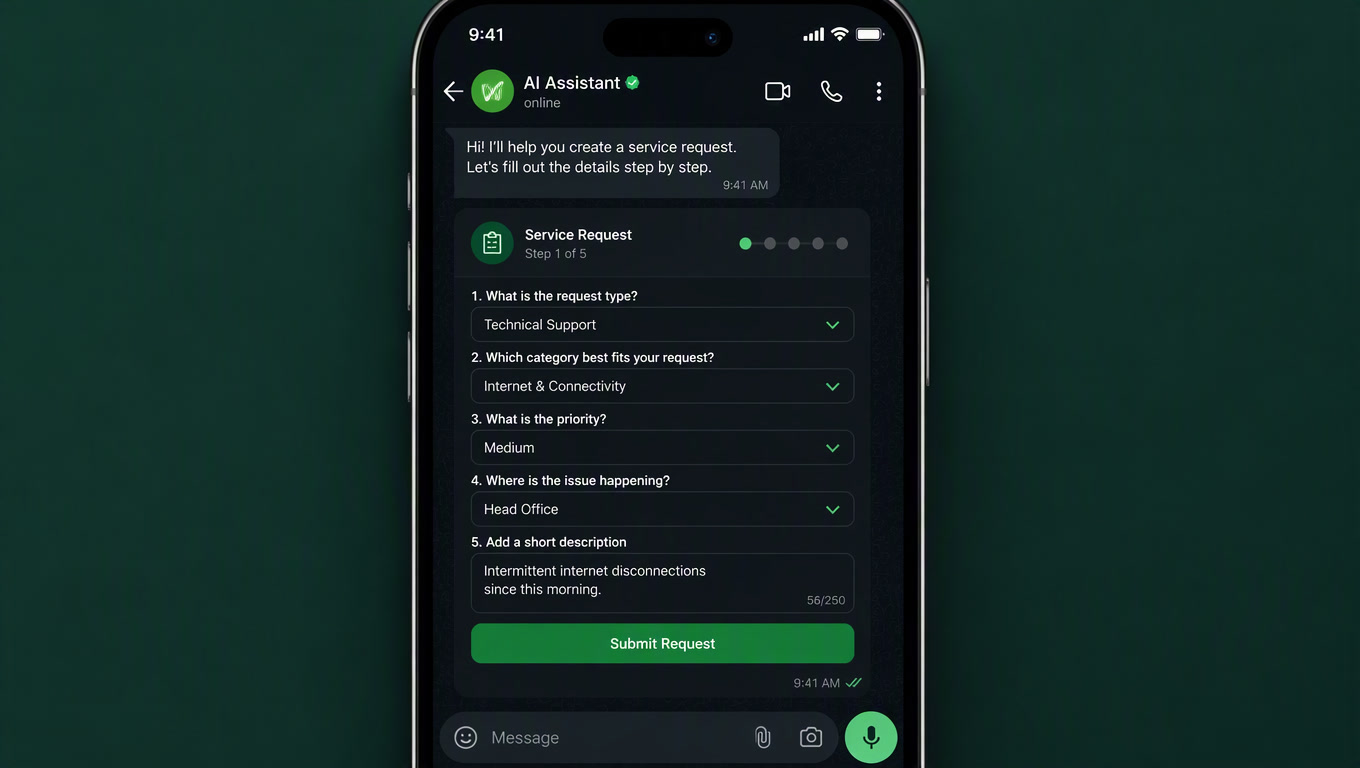
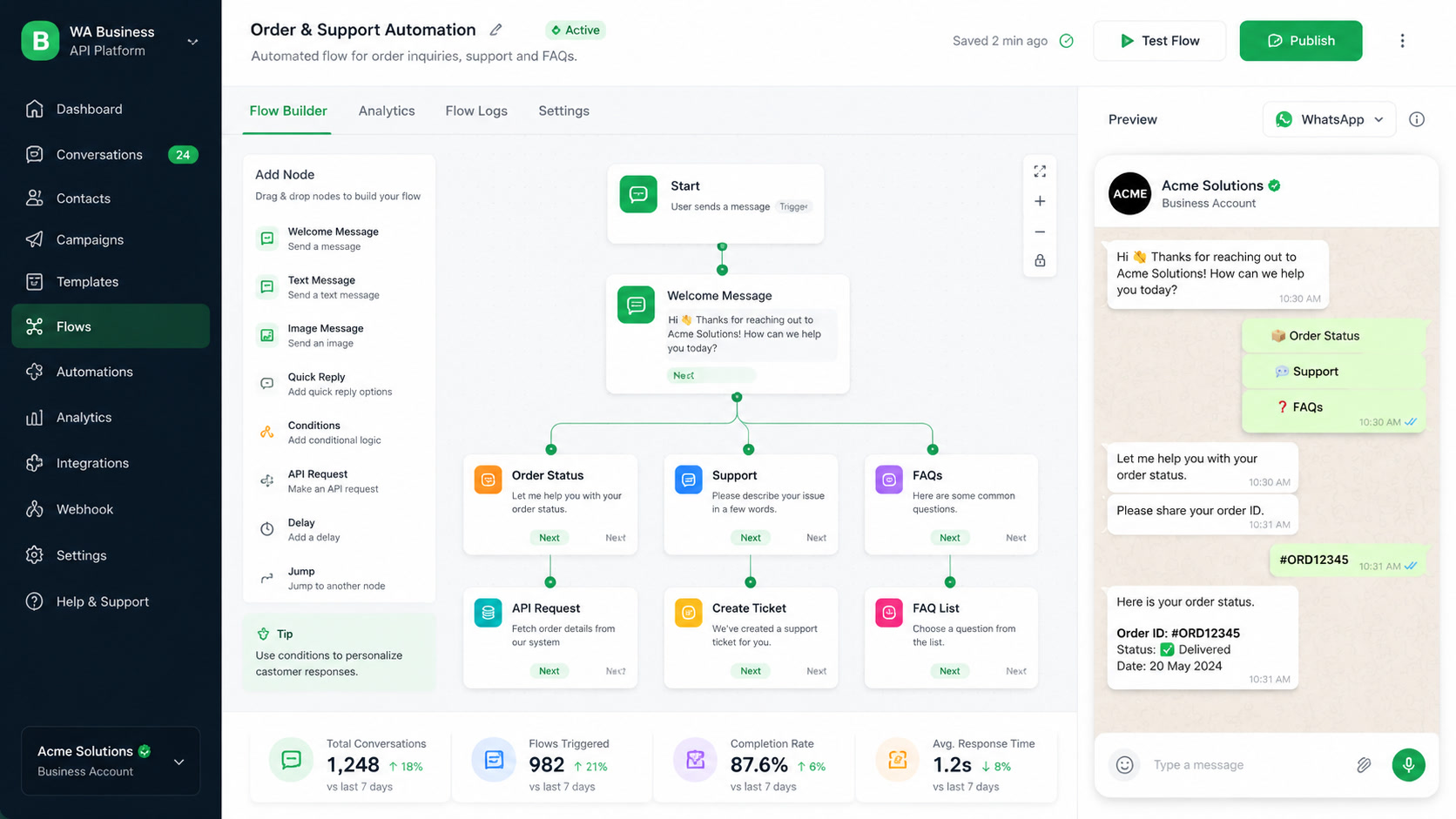
A well-configured automated reply can acknowledge the message, set expectations, and route the conversation — all without a human touching it. The key is being transparent about the bot. Say "I'm an automated assistant, here's what I can help with" rather than pretending to be human. Customers appreciate the honesty and will escalate when they need a real person.
Layer 2: Proactive Engagement
This is where WhatsApp outperforms email and SMS. With template messages approved by Meta, you can send proactive updates about:
- Order confirmations and shipping updates (utility templates)
- Appointment reminders (service templates)
- Abandoned cart follow-ups (marketing templates, opt-in required)
- Post-purchase satisfaction surveys
The 98% open rate means these messages get seen. But there's a responsibility dimension too. WhatsApp users are protective of their primary messaging space. If you send irrelevant or excessive messages, they will block you — and that's permanent.
Layer 3: Human Handoff
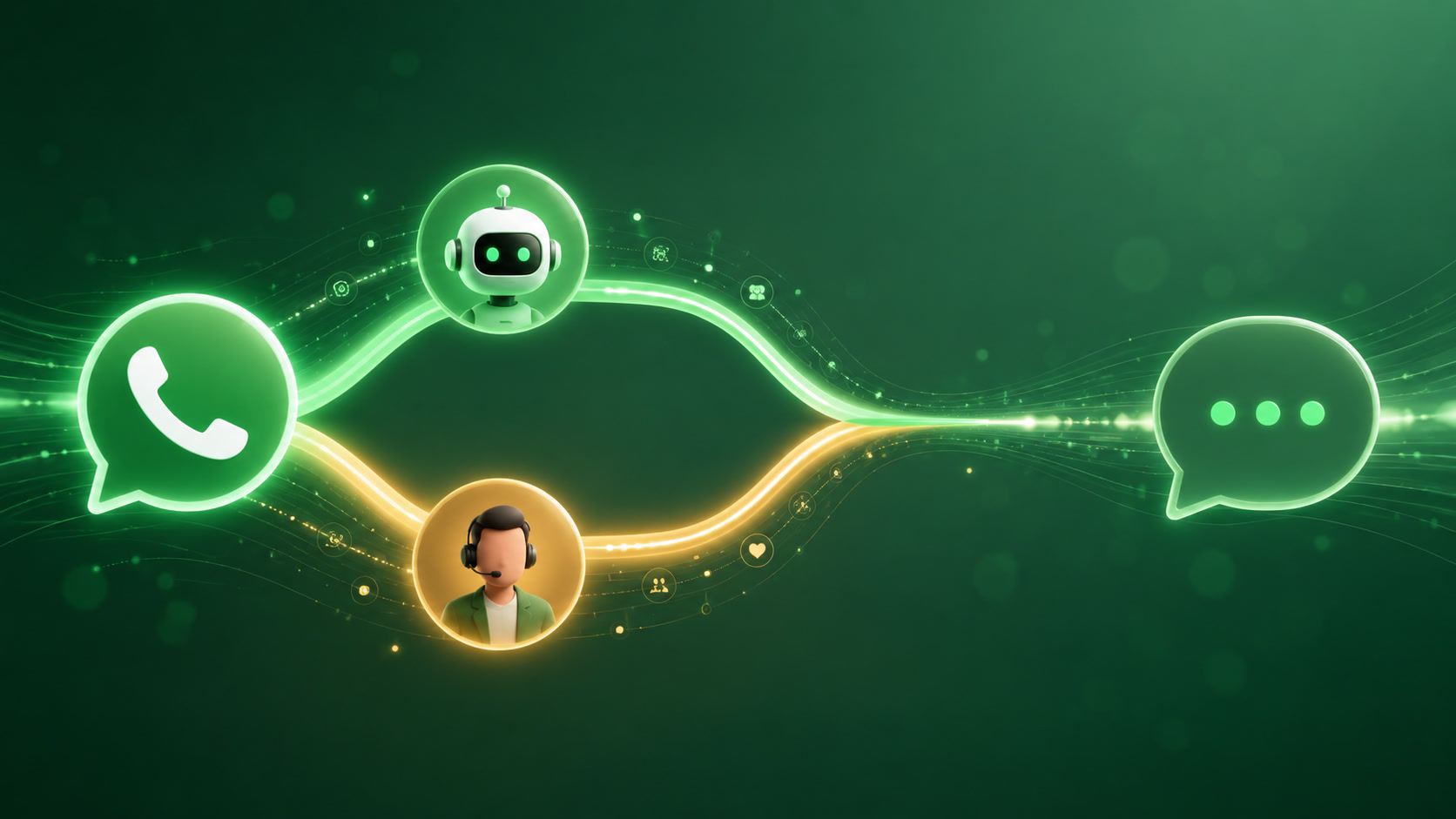
When automation hits its limit, the handoff to a human agent needs to be seamless. The worst WhatsApp experiences are the ones where the customer repeats information they already gave to the bot. A good setup passes conversation context — intent classification, what options were offered, what the customer chose — directly into the agent's interface.
Real Costs and ROI
Let's talk money. The WhatsApp Business API pricing model changed in late 2025. As of 2026:
- Marketing conversations: ~$0.065 per conversation (varies by region)
- Utility conversations: ~$0.035 per conversation
- Service conversations: Free for the first 1,000 per month, then ~$0.015
- Authentication conversations: ~$0.025
Compared to SMS ($0.01-$0.10 per message depending on volume) or email (essentially free), WhatsApp sits in a premium-but-reasonable tier. But the 98% open rate and higher conversion rates shift the unit economics dramatically.
A business sending 10,000 utility messages per month at $0.035 each spends $350. If those messages drive even 5% more repeat purchases from an average order value of $75, that's $375,000 in incremental revenue. The math works.
Common Mistakes
I've seen teams make the same errors repeatedly.
Treating WhatsApp like email. WhatsApp is a personal channel. The tone needs to be conversational, not broadcast. No newsletters. No promotional blasts. Every message should feel like it belongs in a chat thread.
Skipping opt-in validation. The WhatsApp API requires explicit opt-in from customers before you can message them. Some teams try to fudge this with pre-checked boxes or buried consent forms. Meta audits for compliance, and getting flagged means your business access can be suspended.
No escalation path. An automated WhatsApp flow without a clear path to a human is a customer experience disaster. Always give users an easy way to reach a real person.
Industry-Specific Use Cases
Some verticals are particularly well-suited.
E-commerce. Abandoned cart recovery on WhatsApp converts significantly better than email. Order status updates reduce inbound support volume. Post-purchase surveys get higher response rates. We've seen a fashion brand recover 18% of abandoned carts using a WhatsApp sequence — two messages, spaced six hours apart, with a direct link to the checkout page.
Healthcare. Appointment reminders with rescheduling options. Prescription refill notifications. Post-visit follow-ups. The utility template category covers most healthcare communications. One dental practice we worked with reduced no-shows by 34% within two months of deploying WhatsApp reminders, compared to the 22% reduction they were getting from SMS.
Financial services. Transaction alerts. Fraud notifications. Document collection for loan applications. The authentication templates work well for verification flows. The key constraint is regulatory — financial institutions in most jurisdictions need to log all customer communications, and the WhatsApp Business API supports message archival and audit trails.
Real estate. Property inquiry follow-ups. Tour scheduling. Document collection. Automated responses for common buyer and seller questions. A real estate agency in Mexico City automated their initial qualification flow: a prospect sends a message about a listing, the bot asks about budget range, preferred neighborhoods, and timeline, and the system schedules a viewing only for qualified leads. Their conversion rate from inquiry to showing went from 12% to 31%.
Related articles
- AI-Powered Customer Support Automation: Chatbots, Agents, and Real Results
- AI Agents vs. Traditional Automation: What Actually Works for Business Processes
- Complete Guide to AI for Business: Automation, CRM & Growth
Getting Started
If you want to implement WhatsApp automation, here's the practical path:
- Choose a BSP (Business Solution Provider). Twilio, MessageCentral, WATI, and others offer different pricing and feature sets. Pick one that matches your volume and technical capability.
- Audit your current messaging. What questions do customers ask most? What notifications do you send? Map these to WhatsApp use cases.
- Start with one automated flow. Pick your highest-volume, lowest-complexity use case — typically order status or appointment reminders. Get that working before expanding.
- Design the human handoff. Plan for what happens when the automation can't resolve the issue. This is usually the hardest part.
Mintec builds WhatsApp automation workflows for clients across industries — from e-commerce abandoned cart recovery to healthcare appointment scheduling. We handle the API integration, template approval process, and conversation flow design.
Learn about our automation and chatbot services →
For more on business automation, check out our guide to autonomous AI agents as the new digital workforce, our breakdown of Facebook bots for business, and the case for automating your digital marketing strategy.
Sources
- Exploding Topics, "Most Popular Messaging Apps 2026" (https://explodingtopics.com/blog/messaging-apps-stats)
- Hyperleap AI, "WhatsApp Business Statistics 2026: 100+ Data Points" (https://hyperleap.ai/blog/whatsapp-business-statistics-2026)
- Trengo, "45 WhatsApp Business Statistics You Need To Know In 2026" (https://trengo.com/blog/whatsapp-business-statistics)
- MessageCentral, "Click-to-WhatsApp Ads for Brazilian Businesses 2026" (https://www.messagecentral.com/blog/click-to-whatsapp-ads-brasil)
- LinkedIn, "WhatsApp Business API 2026 Updates: Portfolio Pacing, 100K Messaging" (https://www.linkedin.com/pulse/whatsapp-business-api-2026-updates-portfolio-pacing-100k-messaging-yvdhc)