PSA vs Modular Stack: Choosing the Right Automation Architecture for Your Consulting Firm
Should you buy an all-in-one PSA (Kantata, Accelo, Scoro) or build a modular stack (Clientify + n8n + specialized tools)? Based on real implementations with consulting firms in Latin America — with hard numbers on cost, implementation time, and integration tax.
The false choice between integrated and modular
When a mid-sized consulting firm or agency starts asking "do we need a PSA?", they usually fall into a trap: assuming the only alternative to tool chaos is buying an all-in-one platform that promises to solve everything.
After implementing both models with clients across Latin America, the reality is more nuanced. A PSA like Kantata, Accelo or Scoro works brilliantly for the right profile — and is a source of friction and sunk cost for the wrong one.
The PSA market hit an estimated $15.21 billion in 2026, growing at 12.6% CAGR. That growth reflects genuine demand: professional services firms need unified visibility into projects, resources, and finances. This is the same challenge we explored when looking at why 90% of automation projects fail — the tool choice is often the difference between success and stalled adoption. But there's a massive gap between needing that visibility and needing a PSA to get it.
What a PSA actually does (and doesn't do)
A PSA consolidates into a single platform: project management, resource allocation, time tracking, billing, and profitability reporting. It's the system of record for a consulting firm's operations.
The catch: most PSAs were designed for large consulting, engineering, or IT firms in the US or Europe. When a 20-person LatAm firm implements Kantata or Accelo, they pay for features they won't use, absorb a 2-4 month learning curve, and discover that local integrations (e-invoicing, CFDIs, Mercado Pago) don't exist natively and require expensive middleware.
According to Deelo's April 2026 research, the integration tax — the hidden cost of connecting tools that don't talk to each other — adds 40-70% to the real cost of any automation stack. We covered this in detail before: disconnected tools cost far more than most firms realize, and the problem compounds with every new subscription. On an enterprise PSA like Kantata starting at $59/user/month, the integration tax turns that into $83-100/user.
For a 20-person firm: $1,180-2,000/month in licenses alone + middleware.
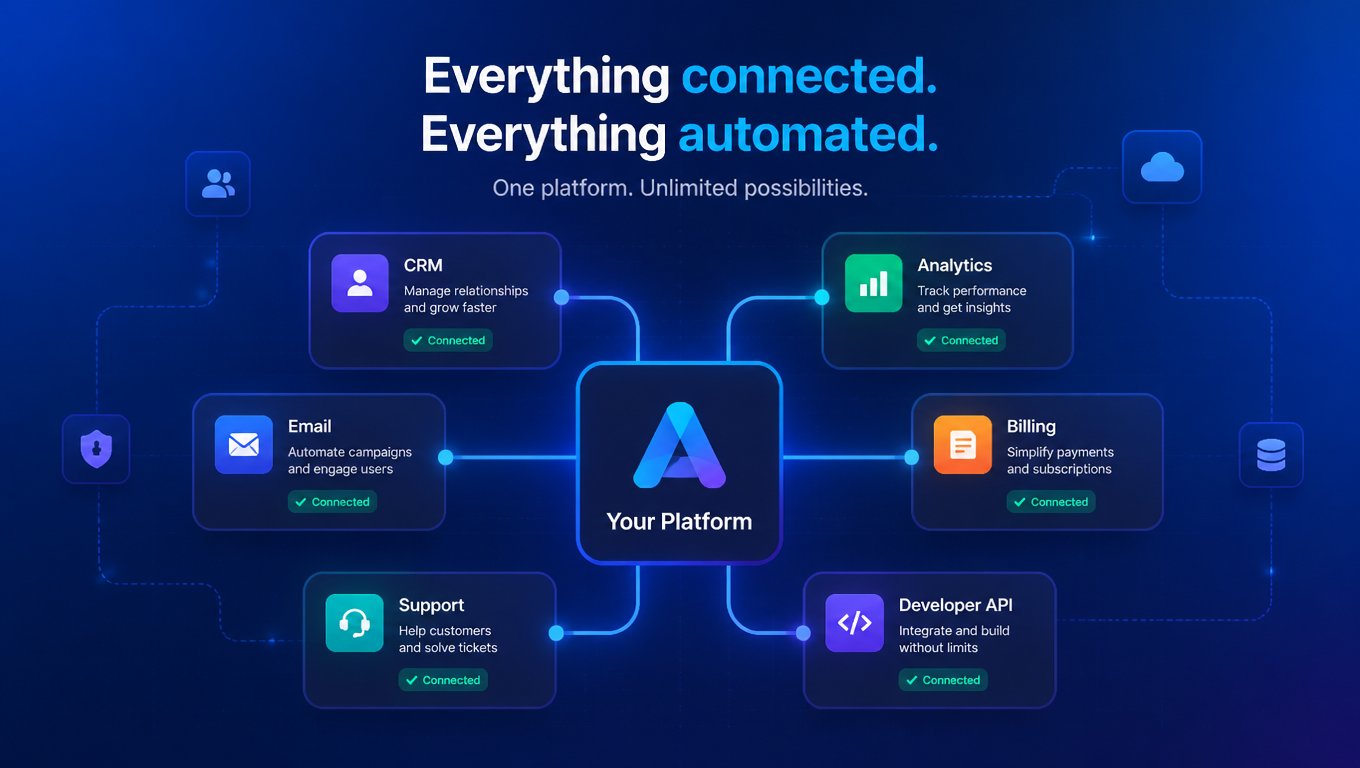
That's why more mid-sized consulting firms are opting for a modular stack: an ecosystem of specialized tools wired together by a workflow orchestrator.
| Dimension | Integrated PSA (Kantata, Accelo, Scoro) | Modular Stack (Clientify + n8n + tools) |
|---|---|---|
| Monthly cost | $30-60+/user | $70-200/month total (flat, not linear) |
| Implementation time | 2 to 6 months | 1 to 3 weeks |
| Learning curve | 2 to 4 months | 1 to 3 weeks per tool |
| Local integrations | Limited (requires middleware) | Native or API-configurable |
| Data control | Vendor-dependent | Self-hosted (n8n) on local server |
| Customization | Vendor roadmap bound | Unlimited (open source + APIs) |
| Scaling cost | Linear with users | Fixed infrastructure cost |
The profile where a PSA makes sense (and where it doesn't)
Based on implementations with consulting firms ranging from 10 to 80 people across Mexico, Colombia, and Chile, clear patterns emerge:
A PSA works when:
- The firm has 30+ people and team coordination is the bottleneck — not tool cost.
- Margins are high (35%+) where $60/user is noise compared to coordination overhead.
- They bill in USD or EUR to international clients, removing FX friction.
- They have a dedicated operations team that can absorb the PSA learning curve.
- They don't need local integrations — their accounting runs on QuickBooks, Xero, or NetSuite.
A modular stack works when:
- The firm has 5 to 25 people and PSA cost eats into operating margin.
- They bill in local currency and every dollar of subscription costs 3-12× more than in the US due to purchasing power disparity.
- They need local integrations: e-invoicing (CFDI, DTE, Colombian electronic invoice), local payment gateways (Mercado Pago, Oxxo), local payroll systems.
- They handle sensitive client data (healthcare, finance, legal) and prefer to keep it on their own servers.
- They evolve fast — changing processes every 3 to 6 months. Modular flexibility is an advantage, not a limitation.
The 4-question decision framework
Before buying any PSA, answer four questions. The answers will tell you which path to take:
- What are you paying per person in tools today? If your CRM + project management + time tracking + invoicing comes to less than $15/person/month, no PSA will save you money — it will cost you more.
- Do you have a dedicated operations person? If not (the CEO or a partner runs operations), the PSA learning curve kills ROI. A modular stack lets you start with what you need today and add layers.
- Are your clients local or international? If you invoice in Mexico to Mexican clients, you need Mexican e-invoicing. If you invoice US clients in dollars, QuickBooks or Xero work fine. These are two completely different realities.
- Is your team technical or non-technical? If someone can connect APIs (even visually with Make or n8n), the modular stack gives you 10× more flexibility. If not, a PSA with included support is worth the premium.
The real cost comparison: PSA vs modular stack for a 15-person firm
Let's run actual numbers — automation decisions get made in dollars, not promises.
Option A: All-in-one PSA (Accelo or Scoro)
- Accelo: ~$39/user/month × 15 = $585/month
- Scoro: ~€26/user/month × 15 = ~$510/month (current FX)
- Implementation: 4 to 8 weeks
- Local integration middleware (e-invoicing): $100-300/month extra
- Estimated total: $610-885/month
Option B: Modular stack (Clientify + n8n)
- Clientify: $49/month (Growth plan)
- n8n self-hosted: $6-20/month (VPS server)
- Make (for visual complementary flows): $9/month
- AI APIs (OpenAI/Claude for scoring and proposals): $20-50/month
- Specialized tools (time tracking, local invoicing): $20-50/month
- Estimated total: $104-178/month
That's 3.4× to 8.5× cheaper. This aligns with what we found analyzing back-office automation ROI: the implementation order matters, and invoicing is always the first place to start because it delivers the fastest payback.
And there's an advantage the spreadsheet doesn't capture: the modular stack doesn't scale linearly. If the firm grows to 30 people, PSA cost jumps to $1,170-1,770/month. The modular stack increases by only $30-50/month (higher Clientify tier + more API capacity). Cost structure is flat, not linear.
Two real-world implementations
Note: These are composite cases based on patterns we've observed across multiple clients.
Case 1: Mexican IT consultancy, 40 people, international clients. They ran on Salesforce + Jira + QuickBooks + spreadsheets. The CEO wanted "a PSA to unify everything." We deployed Kantata. Licenses cost $2,360/month. Implementation took 4 months. By month 6, only time tracking and project management were in active use. Invoices still came out of QuickBooks. The projected 18-month ROI evaporated because integrating with Mexican e-invoicing (CFDI) required $400/month in additional middleware.
Lesson: For large international firms, Kantata is solid if they use international accounting. For firms with local operations, the integration tax eats the PSA ROI.
Case 2: Colombian strategy consultancy, 18 people, local clients. They ran on Clientify + n8n + Google Workspace + Colombian e-invoicing. Clientify handled CRM with pipeline tracking and email automation. n8n connected Clientify to their invoicing system, Slack for internal notifications, and OpenAI for call summaries and proposal drafts. Total cost: ~$130/month. Implementation: 2 weeks for core, 2 more weeks for advanced flows.
Lesson: A modular stack isn't "less professional" than a PSA. In many cases, it's more professional — because each piece does exactly what it needs to, with no phantom features you're paying for but not using.
When the modular stack is the only realistic option
There's one scenario where the modular stack isn't a choice — it's the only viable path.
For firms in emerging markets, USD-denominated subscriptions face three layers of friction that US firms don't:
- FX friction: bank spreads of 2-5% over official rates, plus Argentina's 40-60% blue-dollar gap.
- Purchasing power disparity: $39/user represents 3-6% of average monthly income in LatAm vs 0.5% in the US.
- Local integration tax: global PSAs lack native connectors for Mercado Pago, Chilean/Colombian/Mexican e-invoicing, or local payroll systems. Each integration requires middleware that doubles the cost.
For a 12-person firm in Colombia billing COP 60-80 million/month, a $585/month PSA represents 4-6% of gross revenue in tools alone. With the modular stack, that drops to 0.8-1.2%.
Verdict: it's not binary
The decision isn't "PSA good, modular stack bad" or the reverse. It depends on:
- Size: < 15 people → modular stack almost always. 15-30 → depends on the 4 questions. 30+ → PSA starts making sense if margins support it.
- Currency: bill in USD → more PSA options open up. Bill in local currency → modular stack wins on cost.
- Integrations: need local e-invoicing → modular stack or PSA + expensive middleware.
- Change velocity: your operation evolves every quarter → modular stack (swap one piece without migrating everything). Stable → PSA works fine.
The good news: both routes lead to the same destination — an automated, visible, profitable operation. The bad news: choosing the wrong route costs 3-6 months of lost implementation time and thousands in unused licenses.
If you're evaluating options for your firm, start with the 4 questions. The answers — not the vendor's marketing — should define your automation architecture.
At Mintec, we've implemented both models and help firms choose based on their real needs, not what's trending. Talk to us if you want an honest opinion on which path fits your reality.
Frequently Asked Questions
What is PSA (Professional Services Automation) software?
A PSA platform unifies project management, resource planning, time tracking, billing, and financial reporting into a single system. Examples: Kantata, Accelo, Scoro, BigTime, Forecast.
When does a modular stack make more sense than a PSA?
A modular stack is usually better when your firm has fewer than 15 people, needs local integrations (e-invoicing, local payment gateways), or operates in markets where USD subscription prices create a 3-12× cost burden compared to US firms.
What's in a typical modular stack for a consulting firm?
A CRM like Clientify ($0-99/mo), a workflow orchestrator like n8n self-hosted ($6-20/mo server) or Make ($9-29/mo), specialized time tracking and invoicing tools, and AI APIs for proposal generation or lead scoring ($20-50/mo). Total: $70-200/mo vs $500+ for an all-in-one PSA.