overflow-anchor is Baseline: how to stop scroll jumps without breaking CLS
overflow-anchor is available in current browsers. Here is how to debug scroll jumps, protect the content a reader is using, and measure the result without trading one layout problem for another.
overflow-anchor is Baseline: how to stop scroll jumps without breaking CLS
Yes: overflow-anchor is ready for production, but it does not fix CLS by itself. The browser can keep the content a reader is using in place when something changes outside the viewport. overflow-anchor: none is the opt-out for a region that interferes with that behavior. The real fix depends on identifying the node the browser anchors and the part of the page that is changing.
In our audits, we keep seeing the same mismatch: CLS looks clean while a reader loses the paragraph they were using. The cause is not always an image without width and height. A component can be inserted, reordered, or repositioned after the user has already scrolled away from the top.
MDN now labels the module Baseline 2026, newly available. Current browsers support it, so the useful question is no longer whether to try it. It is where the document needs intervention.
What the browser is actually solving
The CSS Scroll Anchoring Module defines an anchor node for a scrolling box. When content changes above the visible area, the browser can adjust the scroll offset to keep the node the user is reading in the same visual position.
MDN confirms that the behavior is enabled by default in supporting browsers. auto is the initial value. none excludes an element or container from anchor selection.
.article {
  /* The browser may choose a descendant as the anchor */
  overflow-anchor: auto;
}

.dynamic-island {
  /* This region should not compete to be the anchor */
  overflow-anchor: none;
}
The common mistake is adding overflow-anchor: none to the whole document "just in case." That removes a native protection and brings back the problem you were trying to solve.
Why CLS can stay green
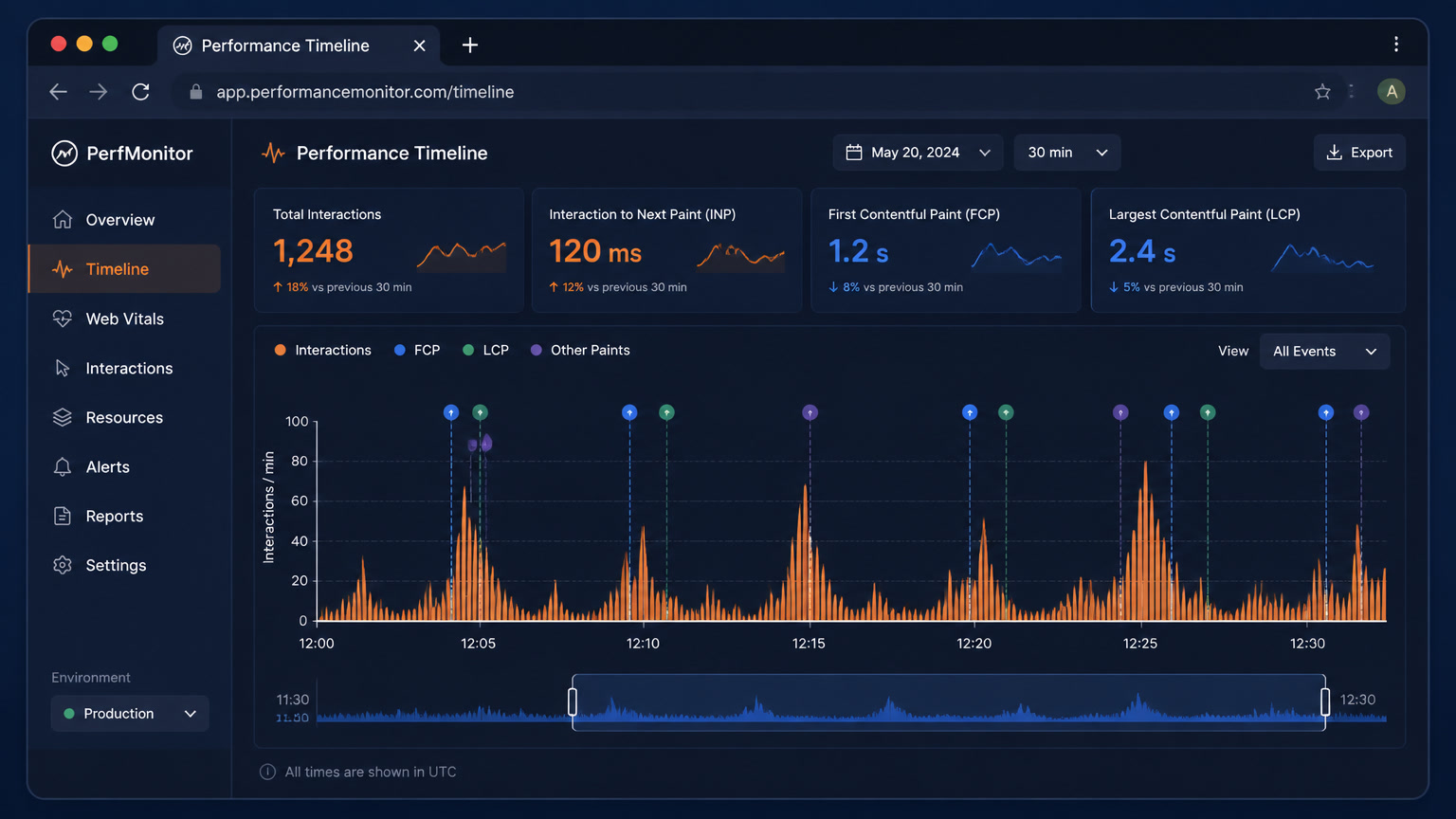
CLS measures unexpected movement of visible content. It does not fully measure whether someone lost their place. Google explains in its CLS guide that shifts within 500 ms of user input are excluded. It also separates lab CLS from field CLS: CrUX observes the full page lifecycle, while a Lighthouse load may not show later shifts.
| What the user sees | What may be happening | What CLS may say |
|---|---|---|
| A block jumps after scrolling | The anchor changed or content was inserted outside the viewport | It may not count |
| A paragraph moves after a JSON response | Content updates in a container and the anchor becomes unstable | It may stay out if it follows input |
| An image pushes everything down | Space was not reserved before loading | It usually counts |
A position change breaks anchoring | The browser suppresses anchoring in that region | It may not match the reported score |
If a user says "my reading position moved," do not dismiss it because CLS is 0.08. Record the session or inspect the Layout Shifts track to identify the affected node.
The pattern that changes the diagnosis
The pattern that changes our diagnosis appears in pages with filters, tables, and cards that update after the reader has scrolled. CLS can look low while the person loses the line they were reading. You do not need to invent a percentage to find the problem: reproduce the change and inspect where the anchor node ends up.
The first hypothesis is usually "missing dimensions." The table may have a calculated height, but its content is inserted into a container that reorders when state changes. If the node the browser can select sits inside an animated card, a size change can suppress anchoring and leave the scroll offset where it was.
The sequence for confirming the diagnosis is:
- Reserve a minimum height for the block that can change.
- Exclude the animated region from anchor selection with
overflow-anchor: none. - Record the paragraph's visual position before and after the update.
- Repeat the test on a slow connection and with a mobile-sized viewport.
The second step is the one teams miss. overflow-anchor does not create space. It controls which node can be used to compensate for a change. If the layout is badly dimensioned, disabling anchoring changes the symptom, not the cause.
A decision table for the audit
After comparing pages with banners, animated cards, and filters, this is the framework we use before changing CSS:
| Component | Changes outside the viewport? | Is the user reading nearby? | Recommended action |
|---|---|---|---|
| Static hero | No | No | Leave auto |
| Card with a late image | Yes, above | Sometimes | Reserve space and leave auto |
| Animated banner above the reading area | Yes | Yes | Exclude that region with none |
| Filter that replaces results | Yes | Frequently | Separate the block and reserve height |
Panel with position: fixed | No | No | Review stacking and scroll |
| JavaScript-inserted content | Yes | Variable | Measure the shift and fix the cause first |
This is a per-component decision. A carousel above the viewport may not need none. The same carousel inserted between two paragraphs can be a poor anchor.
How to debug it in the browser
Google's layout-shift debugging guide recommends the Layout Instability API. It is available in Chromium browsers and remains the most useful starting point for identifying moved nodes.
This snippet records the value and affected elements while ignoring shifts that follow recent input:
let cls = 0;

new PerformanceObserver((entryList) => {
  for (const entry of entryList.getEntries()) {
    if (entry.hadRecentInput) continue;

    cls += entry.value;
    const sources = entry.sources
      ?.map(({ node, previousRect, currentRect }) => ({
        node: node?.id || node?.className || node?.tagName,
        previousRect,
        currentRect,
      }))
      .slice(0, 5);

    console.table({ value: entry.value, startTime: entry.startTime, sources });
  }
}).observe({ type: 'layout-shift', buffered: true });
Do not leave verbose logging enabled in production. Use a diagnostic build or a local flag so the debugger does not add noise.
The test that finds the problematic node
Reproduce the case in a window with a mobile-like height. Scroll to a specific line. Record the paragraph's visual position. Insert or change the suspected block. The important value is not scrollY; it is where the text appears on screen.
const before = paragraph.getBoundingClientRect().top;
updateContent();

requestAnimationFrame(() => {
  const after = paragraph.getBoundingClientRect().top;
  console.log({ before, after, visualDelta: after - before });
});
If visualDelta is close to zero, scroll anchoring is doing its job. If the number matches the height of the inserted block, anchoring is not correcting that region. You now have evidence for choosing between reserved space, an excluded anchor, or a different component flow.
overflow-anchor: none does not fix CLS
The property controls perceived stability while content changes. It does not fix images without dimensions, fonts that change height, iframes without reserved space, or a container that resizes before the user can read it.
Google separates load CLS from field CLS. Labs usually capture the load block; CrUX records shifts across the session. A shift triggered by scrolling can appear in field data even if Lighthouse did not show it, and post-input shifts receive a 500 ms grace period.
Use this order:
- Find the node that moves.
- Fix dimensions, reserved space, or layout flow.
- Measure before and after.
- Use
overflow-anchor: noneonly for a region that interferes with reading.
Putting * { overflow-anchor: none; } at the start of a project looks like a performance policy. In practice, it removes the native behavior that keeps content stable while it loads. Do not use it as a blanket rule.
A pattern for Astro and Next.js
In Astro, the HTML is generated before the page reaches the browser. A component that can change should have a known height or a container that is not reinserted above the reading area:
<article>
  <div class="article-copy">
    <slot />
  </div>

  <aside class="related-content" aria-label="Related content">
    <slot name="related" />
  </aside>
</article>

<style>
  .related-content {
    min-height: 18rem;
    overflow-anchor: none;
  }
</style>
In Next.js, I would not anchor a Server Component that is replaced after a mutation. Keep the shell and change only its contents:
export function ResultsPanel({ children }: { children: React.ReactNode }) {
  return (
    <section className="results-panel">
      {children}
    </section>
  );
}
.results-panel {
  min-height: 24rem;
  contain: layout;
}
contain: layout can limit the panel's reflow, but it does not replace explicit dimensions or prevent a component from mounting twice. Use it with a stable structure, not as a patch.
Final decision: auto, none, or fix the cause first
| Situation | Decision |
|---|---|
| Content changes above and the reader stays with the text | Leave auto |
| The selected anchor does not represent the reading area | Use none only in that region |
| Content has no known dimensions | Fix dimensions first |
| A shift follows a user interaction | Audit the interaction; it may not count in CLS |
| CLS is low but reading still jumps | Measure with getBoundingClientRect() |
For the wider performance context, read our cross-browser performance guide, the performance budget framework for synthetic media, and our native video and audio lazy-loading implementation.
Scroll anchoring is now Baseline. The useful part is not that the property exists. The browser now provides infrastructure that teams used to recreate with fragile scripts. The bigger quality gain still comes from the HTML: a sized image, a panel with reserved height, and a component that does not move the content someone is reading.
We do not turn on overflow-anchor as a feature. Diagnose first, measure second. Code should be the last step of an investigation, not the first patch.
Sources
Frequently Asked Questions
What does overflow-anchor do in CSS?
It excludes a region from the browser's scroll-anchor selection. Scroll anchoring is enabled by default; overflow-anchor: none removes that protection only in the region you select.
Does overflow-anchor improve CLS?
Not always. It can reduce perceived jumps when content changes outside the viewport, but CLS excludes shifts within 500 ms of user input. The metric and the reading experience are not the same measure.
When should I use overflow-anchor: none?
Use it when the automatic anchor is a carousel, animated block, or dynamic panel that does not represent what the user is reading. It is not a global fix for missing dimensions or a broken layout.