Personalized onboarding starts after the sale, not before
Personalized onboarding is not more email. It uses behavioral signals to choose the next step, retain context, and escalate only real risk.
Personalized onboarding should not start with a segment built when the contract is signed. It should start when a client does, or fails to do, something specific. A well-configured CRM sees that signal, selects the next useful action, and gives someone ownership. If your automation only inserts a company name into a sequence, it is not personalization. It is bulk email with better manners.
Most agencies personalize too early. They split clients by industry, company size, or plan; build five sequences; then hope the system feels attentive. Those fields describe who bought. They do not show whether that client is moving forward. A 20-person consultancy that has already shared every intake item needs a different intervention from a 200-person company that has not opened the kickoff link.
The evidence supports the instinct. UserGuiding reports that 74% of users prefer onboarding that adapts to their behavior, such as skipping steps they already know.[1] In a separate customer-onboarding compilation, the company reports that 58% of customers consider a personalized experience crucial when dealing with a business.[2] That does not mean every agency needs a recommendation engine. It means progress, silence, and blockage cannot be treated as the same condition.
Mintec's operating rule is simple: automate evidence, not labels. Industry can shape the welcome content. It should not determine the next action by itself.
A segment at closed-won is usually a weak prediction
A closed deal enters the CRM with useful commercial facts: the service sold, start date, owner, budget, and perhaps the buyer's industry. Keep them. They do not explain what the client needs to start moving.
Three design errors keep appearing:
- Treating profile as readiness. An ideal client may still have failed to provide access, fiscal data, or a brief. Sending the same reminder as someone who has completed everything creates noise.
- Treating activity as progress. An email open does not prove that someone understands the next action. A client can open the same message five times and still be blocked by an unclear owner, link, or priority.
- Using AI for a decision that already has a rule. If a required input is missing, a model does not need to infer intent. The system needs to create a clear request, assign an owner, and set a due date.
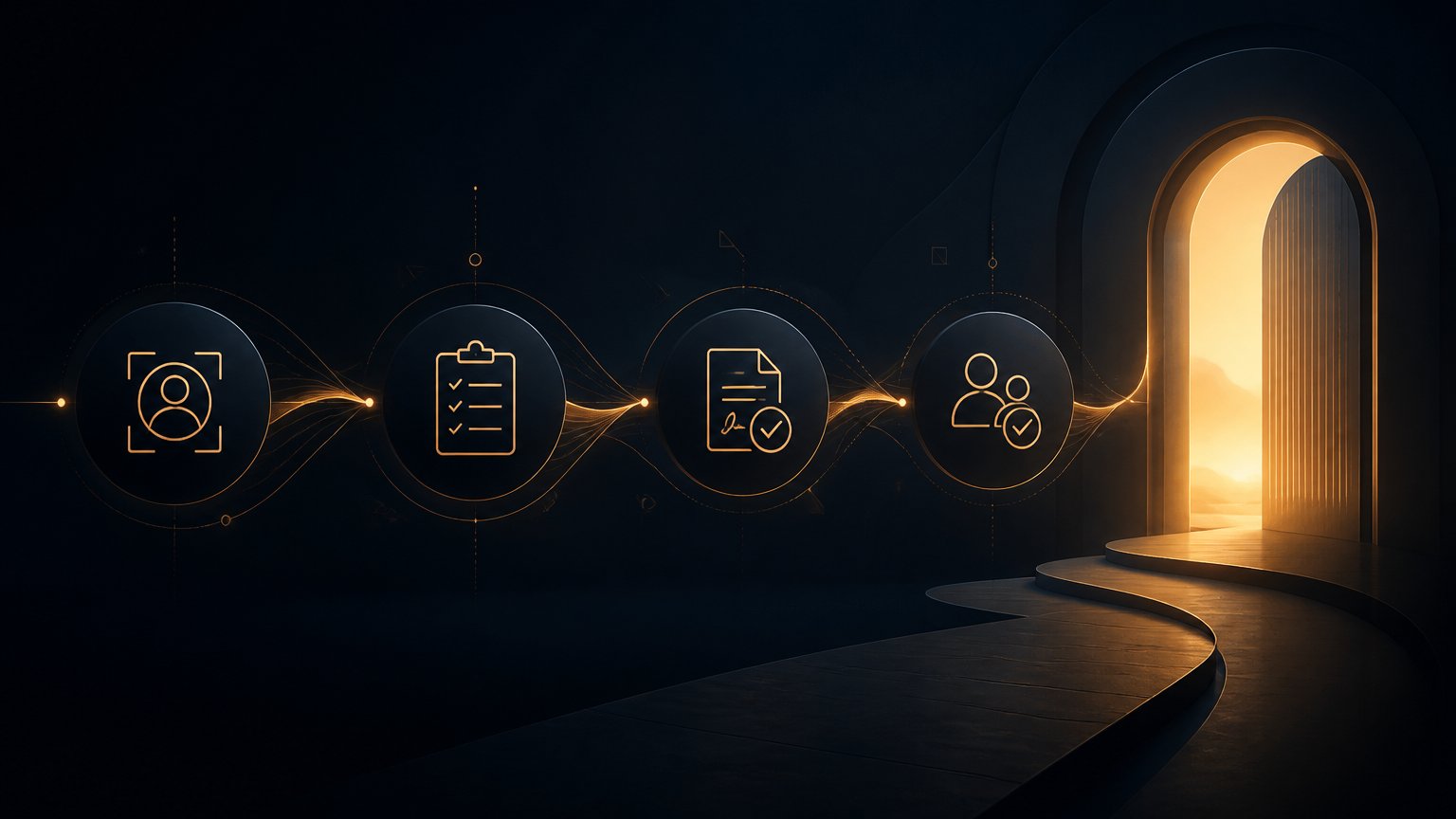
Our four-phase agency onboarding framework covers what to capture, how to welcome a client, activate the work, and hand off to delivery. The missing layer is usually the routing inside those phases: how each account earns its next step.
The four-signal model for choosing the next action
This is Mintec's framework for preventing onboarding from becoming a collection of campaigns. Each signal requires an observable event, a bounded action, and an exception path. If you cannot write all three, you do not have automation yet. You have an intention.
| Signal | Confirming event | Automated next action | Do not automate when |
|---|---|---|---|
| Commitment | The client completes intake, accepts an invite, or supplies the first document | Update state, unlock the next task, and confirm only what remains | The form contains a contradiction or sensitive information that needs review |
| Readiness | Required access, main contact, and minimum materials are present | Create a kickoff checklist and offer the first-value milestone | Contacts are duplicated or it is unclear who can authorize delivery |
| Progress | The client attends kickoff, approves a milestone, or views the first deliverable | Send the approved next resource and record the first-value date | Progress depends on a scope, pricing, or commercial decision |
| Risk | A client stops replying, misses a meeting, leaves a critical item incomplete, or expresses frustration | Create an SLA-bound task and a short context summary for the owner | The message contains a complaint, cancellation, or sensitive matter; a person needs to enter first |
The model does not ask AI to guess a client's feelings. It asks the system to treat verifiable facts as facts. AI may help later by summarizing a long intake answer or flagging a technical dependency in a note. It should not replace the threshold that determines when an account needs a human.
That distinction matters because teams often celebrate the wrong automation. An email was sent. A task was created. A dashboard changed color. None of those proves the client received value. The evidence that protects the relationship is movement toward the first meaningful result, which is why time to first value deserves its own operational metric.
Store operational states, not vague notes
A CRM does not need a field called "personalized client." It needs records that allow a decision without forcing an account manager to rebuild the story from Slack, calendars, and memory.
For a service business, the minimum record can stay small:
| Field | Example | Why it matters |
|---|---|---|
onboarding_state | intake_pending, kickoff_ready, first_value_pending, at_risk | Prevents two workflows from sending the account down different routes |
evidence_event | brief_received, kickoff_missed, report_viewed | Makes the state change traceable |
next_action | schedule_kickoff, request_access, human_follow_up | Turns a state into concrete work |
owner and due_at | Maya, 2026-08-25 14:00 | Keeps an exception from being assigned to "the team" |
suppression_reason | complaint_open, scope_pending, duplicate_contact | Stops messages and reminders that would make a problem worse |
That last field often saves more relationships than an elegant sequence. If a complaint is open, the system must not send a cheerful message about onboarding progress. If scope is still under discussion, it should not create delivery tasks. Personalization also means knowing when to say nothing.
A lightweight CRM, n8n, and human-review architecture
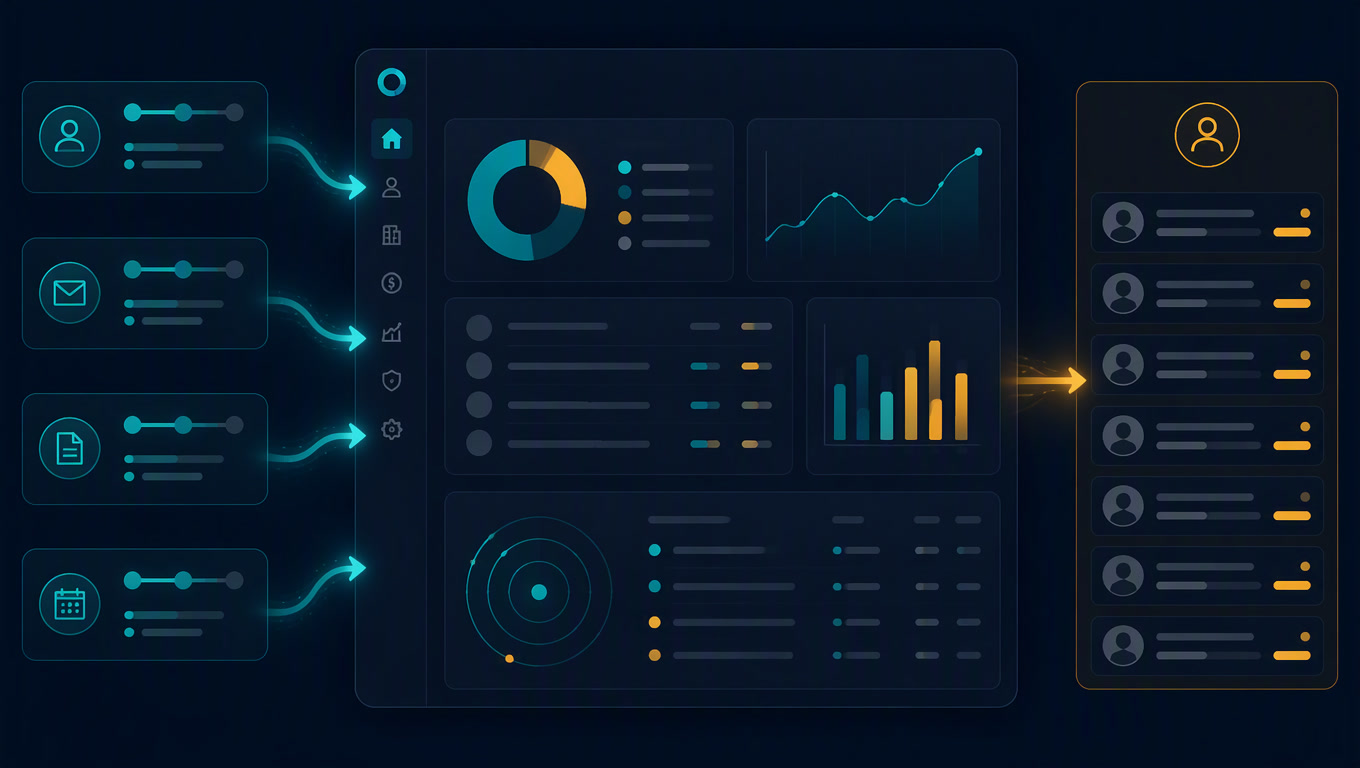
You do not need to buy a customer-success platform to test this design. For a small team, Clientify or another CRM can store states and owners; n8n or Make can receive events and apply the rules; email, calendar, and project management tools can route the action to the right person.
Keep five responsibilities separate:
- Event: an intake form arrives, a meeting is booked, a file is delivered, or a task expires.
- Normalization: the workflow turns the event into defined fields rather than leaving free text as the only source of truth.
- Decision: deterministic rules update
onboarding_stateand select onenext_action. - Execution: the system creates a task, sends an approved resource, or proposes a calendar slot.
- Exception: a human queue receives duplicates, scope changes, frustration, missing critical data, and anything that can alter the client relationship.
Our position is direct: personalization must not expand permissions. A workflow can prepare a summary and propose a step. It should not promise a date, change scope, or answer a complaint on behalf of the team. The bad design hides a decision that someone still needs to own behind an automation tool.
Test the awkward routes before you activate the workflow
This sort of automation looks simple until it meets real data. A client completes intake from a colleague's email address. Someone confirms a meeting, then cancels. A contact opens every message but never authorizes access. If the workflow only handles the happy path, the only thing it automates reliably is confusion.
n8n recommends creating an evaluation dataset with test cases, each containing an input and, where possible, an expected result. It also recommends adding the inputs that caused production failures and rerunning the full dataset as a regression test.[3] The principle holds whether you use n8n, Make, Zapier, or native CRM rules.
Run at least these five cases before activation:
| Case | Expected result |
|---|---|
| The client completes intake but an approval is missing | Do not advance to kickoff; request only the missing approval |
| Two contacts reply for the same account | Flag a possible duplicate and assign review instead of creating two projects |
| The client misses kickoff | Create a human-owned task with a due date; do not begin a generic commercial sequence |
| The first deliverable is shared but never viewed | Schedule contextual follow-up, not an automatic "everything okay?" message |
| The client expresses frustration | Pause promotional automation and route the context to an accountable person |
This is not process theater. It prevents an experience improvement from becoming a machine for sending absurd messages. If a route has no owner, the workflow is not ready.
Personalize less, with more intent
The temptation is to add branches, labels, and dynamic content until the system appears sophisticated. In service businesses, that usually creates an operation no one understands two months later. Start with four signals, one action per state, and an exception that always reaches a person.
The practical order is:
- Define the evidence that proves a client is ready for kickoff.
- Define the evidence that proves they have seen first value.
- Select two risk signals that deserve an owner, not another email.
- Write the five awkward cases and test them with safe data.
- Review stalled accounts every week: why they stopped, how long they lacked an owner, and whether the rule needs adjustment.
That is part of the Day 2 automation problem. A workflow is not good because it worked at launch. It stays good when each exception leaves evidence, an owner, and a way to improve the rule without damaging what already works.
Personalized onboarding worth building does not prove that your CRM knows the client's company name. It prevents the client from receiving a next step that does not fit their reality. That is a harder promise than "personalization at scale," but it is the one that protects trust when a new relationship is still fragile.
Sources
[1] https://userguiding.com/blog/user-onboarding-statistics — User Onboarding Statistics [2] https://userguiding.com/blog/customer-onboarding-statistics-trends — Customer Onboarding Statistics and Trends [3] https://docs.n8n.io/advanced-ai/evaluations/overview — n8n evaluations overview
Frequently Asked Questions
What is automated personalized onboarding?
It is a system that changes the next onboarding action based on observable signals, such as completing intake, attending kickoff, or providing a required input. It is not simply sending more emails with the client's name.
Which CRM signals should drive onboarding personalization?
Start with commitment, readiness, progress toward first value, and risk. Every signal needs a concrete action, an owner, and an escalation rule.
Do I need AI to personalize onboarding?
Not for the first decisions. Deterministic rules should handle states and deadlines; AI can summarize open-ended inputs or flag exceptions, with clear limits and human review for high-impact actions.