Meta Rewired Conversion Attribution in March 2026 — How to Read Click-Through vs Engage-Through
Since March 2026, Meta redefined what counts as a click in your ads. Only link clicks qualify as click-through attribution now. Likes, shares, saves, and video views moved to a new category called engage-through. After managing client campaigns through the transition, here's what the data shows, how to read your dashboard without panicking, and when to keep engage-through on.
Meta Rewired Conversion Attribution in March 2026 — How to Read Click-Through vs Engage-Through
If your click-through conversions dropped in March 2026 and you didn't change a single campaign setting, your performance isn't broken. Meta changed the attribution rules — and most advertisers still haven't adjusted how they read their dashboard.
On March 3, 2026, Meta made a change that sounds technical but has direct consequences for how you interpret campaign performance: click-through attribution now only counts link clicks. Likes, shares, saves, comments, profile taps, and image expansions no longer qualify as click-through interactions.
What used to collapse into a single column now lives in two separate categories. And if you manage campaigns for clients — as we do at Mintec — this affects not just your data reading but how you justify results in Q3 reporting.
Here's what actually changed, what we've seen in the accounts we manage, and how to adjust your reporting for the rest of 2026.
The timeline of Meta's 2026 attribution changes
Meta has been tightening attribution in two moves since January:
January 2026: Meta removed longer view-through attribution windows (7+ days) from the API. Advertisers stopped seeing view-through conversions beyond the 1-day window. It was the first signal that Meta was tightening its attribution model.
March 3, 2026: The big one. Meta announced that click-through attribution now requires an actual link click — a click that sends the user to a website, app, or lead form. All social interactions (likes, shares, saves, comments, profile visits) moved to a new category: engage-through attribution.
Meta's official announcement stated: "Click-through attribution now requires an actual link click: a click that sends the user to a website, app, lead form, or other destination. Likes, shares, saves, and other non-link interactions no longer qualify as click-through conversions." (Source: Meta Business Blog)
As Search Engine Land and Dataslayer covered in detail, this change closes the gap between Meta's reporting and how Google Analytics (GA4) has always measured: only link clicks generate attributable sessions.
Click-through vs engage-through: the new attribution map
Here's how the attribution schema changed:
| Interaction type | Before March 2026 | From March 2026 |
|---|---|---|
| Link click (to website, app, lead form) | Click-through attribution | Click-through attribution (unchanged) |
| Like, share, save, comment, profile tap | Click-through attribution | Engage-through attribution (1-day window) |
| Video view (5+ seconds) | Engaged-view (10s threshold) | Engage-through (threshold reduced to 5s) |
| Impression with no interaction | View-through (1-day window) | View-through (1-day, unchanged) |
The subtlest change — and the one with the biggest impact on reported numbers — is the video threshold dropping from 10 seconds to 5 seconds. More views now qualify for engage-through attribution. If your strategy relies on video ads — and in 2026 it should — you'll see more conversions reported under engage-through simply because the bar is lower.
What we've seen in client accounts since March
We manage Meta Ads campaigns for clients across LATAM and the US. Here's what the real data has shown since the change:
1. An immediate 15-30% drop in reported click-through conversions. Accounts with high social interaction volume (brand awareness or consideration campaigns) saw the steepest drop. Performance-oriented accounts with direct website traffic were less affected because most conversions already came from real link clicks.
2. Engage-through isn't a perfect replacement bucket. Some conversions simply disappeared from attribution entirely: those that happened between day 2 and day 7 after a non-link social interaction. This is the most dangerous consequence — not reclassification, but outright disappearance from reported data.
3. The GA4 gap narrowed but didn't close. The new click-through definition aligns more closely with how GA4 counts sessions from paid social. But Meta still attributes conversions within its 7-day click window while GA4 measures sessions. The gap is smaller but not zero.
4. Video campaigns benefited from the 5s threshold. If you were running Reels or in-feed video ads, the reduced engaged-view threshold meant more views qualified for engage-through credit. Good for reporting volume, but caveat emptor: a 5-second view isn't as valuable as a 10-second one.
When to keep engage-through on (and when not to)
Engage-through is enabled by default for campaigns optimizing for website or in-store conversions. The default configuration in Ads Manager is now: 7-day click-through, 1-day engage-through, 1-day view-through.
Our recommendation after three months of live data:
✅ Keep engage-through for purchase campaigns. A user who saves or shares a product is showing genuine intent. Attributing a later conversion is reasonable — the signal correlates with real purchase behavior.
⚠️ Review it for lead generation campaigns. If someone liked your ad but never clicked the lead form, attributing their subsequent conversion is less defensible. Especially with remarketing audiences: engage-through can inflate numbers and make a campaign look profitable when it's not.
⛔ Turn it off for creative A/B tests. Engage-through contaminates clean test results because it attributes conversions to non-link interactions. For clean tests, you want to compare only real link clicks.
How to adjust your reporting for the new model
Here's what we've implemented across client reports:
1. Don't compare pre- and post-March data directly. You're comparing two different measurement systems. Any click-through conversion drop between February and March is an artifact of the change, not a performance signal. Set a new baseline from mid-March 2026 onward.
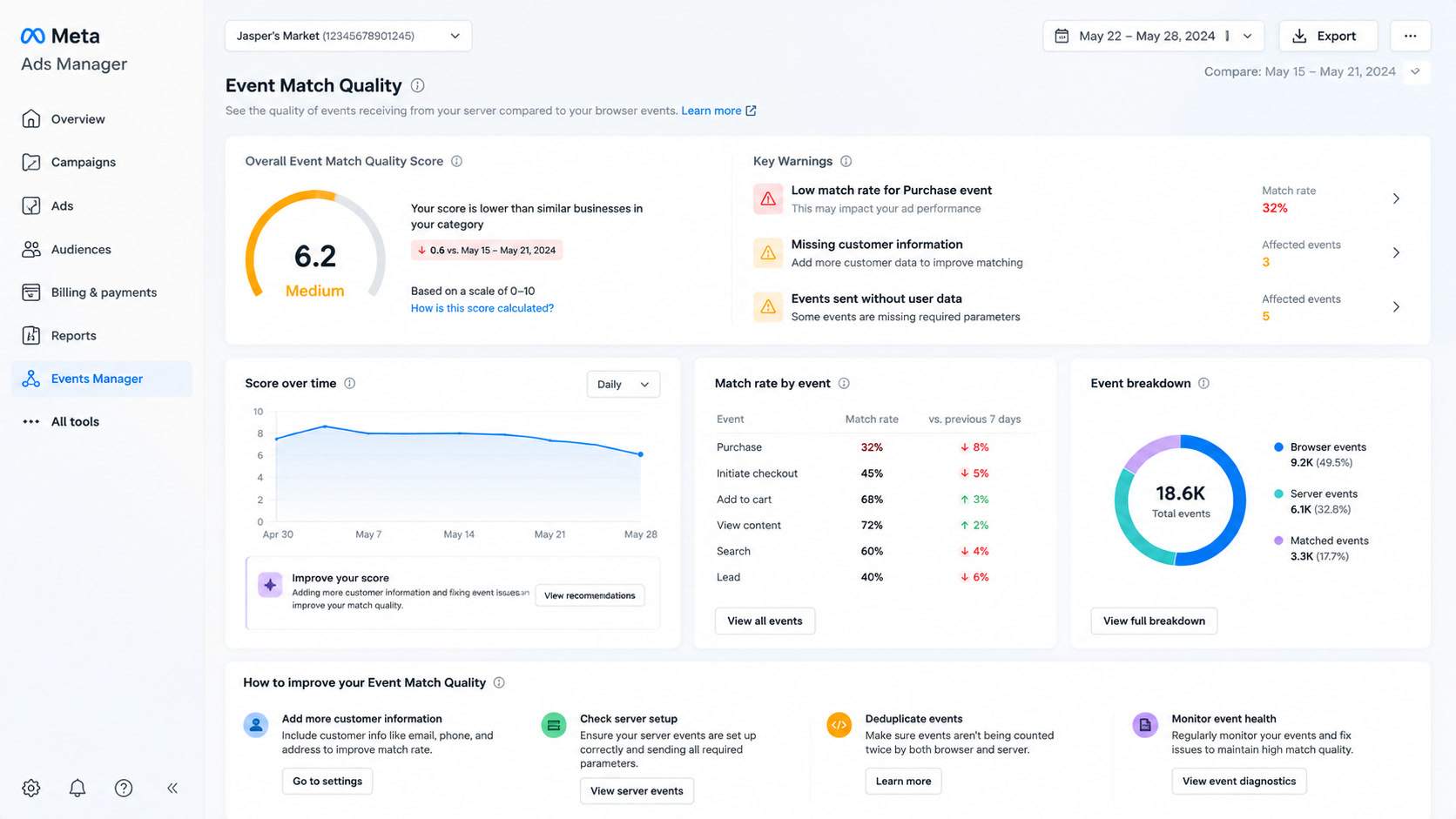
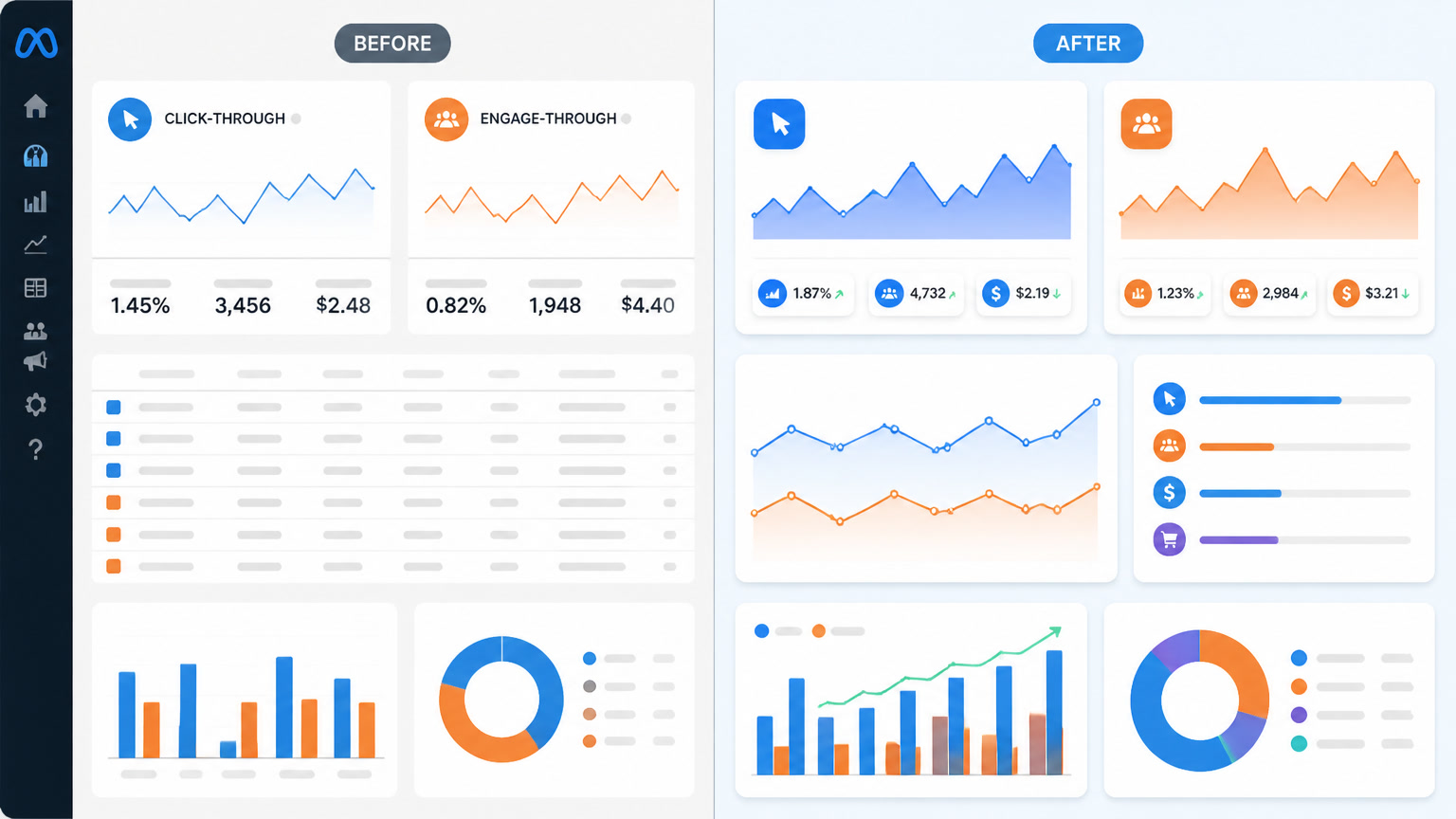
2. Separate click-through and engage-through in your reports. Reporting "total conversions" without this breakdown creates confusion when stakeholders compare numbers to GA4. Our reports now show three columns: Click-Through (link clicks), Engage-Through (social interactions), View-Through (impressions).
3. Use Meta's Compare Attribution Settings tool. This Ads Manager feature lets you see how your conversions distribute across different attribution windows without changing live settings. It's the fastest way to understand how much volume comes from engage-through before deciding whether to keep it on.
4. Be careful changing attribution on live campaigns. Switching from 7-day click to 1-day click mid-campaign can trigger a learning phase reset if weekly conversions drop significantly. Test new settings at the start of a new campaign or flight period.
What this means for the rest of 2026
Meta is moving toward a stricter attribution model that increasingly mirrors GA4. This is good for accuracy but bad for advertisers who relied on inflated social interaction reporting.
Engage-through isn't inherently bad — it captures genuine interest signals. But you need to read it in context. A retargeting campaign reporting 100 engage-through conversions may be counting users who would have converted anyway because they were already in your remarketing audience.
The change reinforces something we've known for a while: link clicks are the cleanest metric for cross-platform comparison. If your dashboard mixes Meta, Google, and TikTok data, using link clicks as the unified metric reduces attribution noise.
At Mintec, we've updated all client reports to reflect the new attribution model. If you're managing Meta Ads campaigns, we recommend doing the same before Q3 review season begins.
Also read our analysis of how Meta overtook Google in ad revenue and what it means for budget allocation. And if you're dealing with Meta concentrating 90% of your budget into one ad, we have a practical guide for forcing fair distribution.
Frequently Asked Questions
What did Meta change in attribution in March 2026?
Meta redefined click-through attribution: only link clicks (clicks that send users to a website, app, or lead form) now count as qualifying click-through interactions. Likes, shares, saves, comments, and other non-link interactions were moved to a new category called engage-through attribution, with a 1-day conversion window.
Why did my click-through conversions drop if I didn't change anything?
Your actual campaign performance didn't drop. The reported click-through conversions dropped because Meta reclassified social interactions. Conversions that were previously attributed to a 'like' or 'save' now report under engage-through. Some conversions that occurred between day 2 and 7 after a social interaction disappeared entirely because engage-through only has a 1-day window.
Should I turn off engage-through attribution in my Meta campaigns?
It depends on your campaign objective. For purchase campaigns, keeping 1-day engage-through on is generally reasonable — a user who saves or shares a product is showing genuine intent. For lead generation campaigns, the logic is less clear: if someone liked your ad but didn't click through to the lead form, attributing their subsequent conversion can inflate reported performance. We recommend reviewing per campaign using the Compare Attribution Settings tool in Ads Manager.