Meta Engage-Through Attribution: The Hidden Column Your Ads Manager Isn't Showing You
In March 2026, Meta split click-through attribution into two separate buckets: only actual link clicks count as click-through now. Likes, saves, shares, and comments moved to a new 'engage-through' category with a 1-day window. Here's how to find the hidden column, when to keep engage-through on, and the reporting framework we built at Mintec after the change hit our clients' accounts.
Meta Engage-Through Attribution: The Hidden Column Your Ads Manager Isn't Showing You
If you opened Meta Ads Manager sometime between March and June 2026 and saw reported conversions drop 15–30% without touching a single campaign, here's the most likely explanation: you're looking at half the picture.
On March 3, 2026, Meta redefined what counts as a "click" in its attribution system. Likes, saves, shares, comments, and profile visits —all of which used to qualify as click-through interactions— were moved into a new category called engage-through attribution, with a fixed 1-day window.
The result: thousands of advertisers saw click-through attributed conversions plummet. Some cut budgets. Others paused campaigns that were still working. Most never knew there was a new column in Ads Manager where those "lost" conversions were sitting.
At Mintec, the anomaly showed up in our weekly client audits before Meta made the official announcement. Accounts showed 18–25% drops in click-through conversions. But CRM revenue was flat. That gap told us this wasn't a performance issue —it was a measurement change.
This isn't another "what changed" article. It's the practical framework we've been using since March to read the new report, decide when to keep engage-through on, and when to turn it off.
What Actually Changed in March 2026
Meta published the change on March 3, 2026 in its official business blog. The reasoning: align Meta's click-based attribution with third-party tools like Google Analytics, which have always counted only actual link clicks.
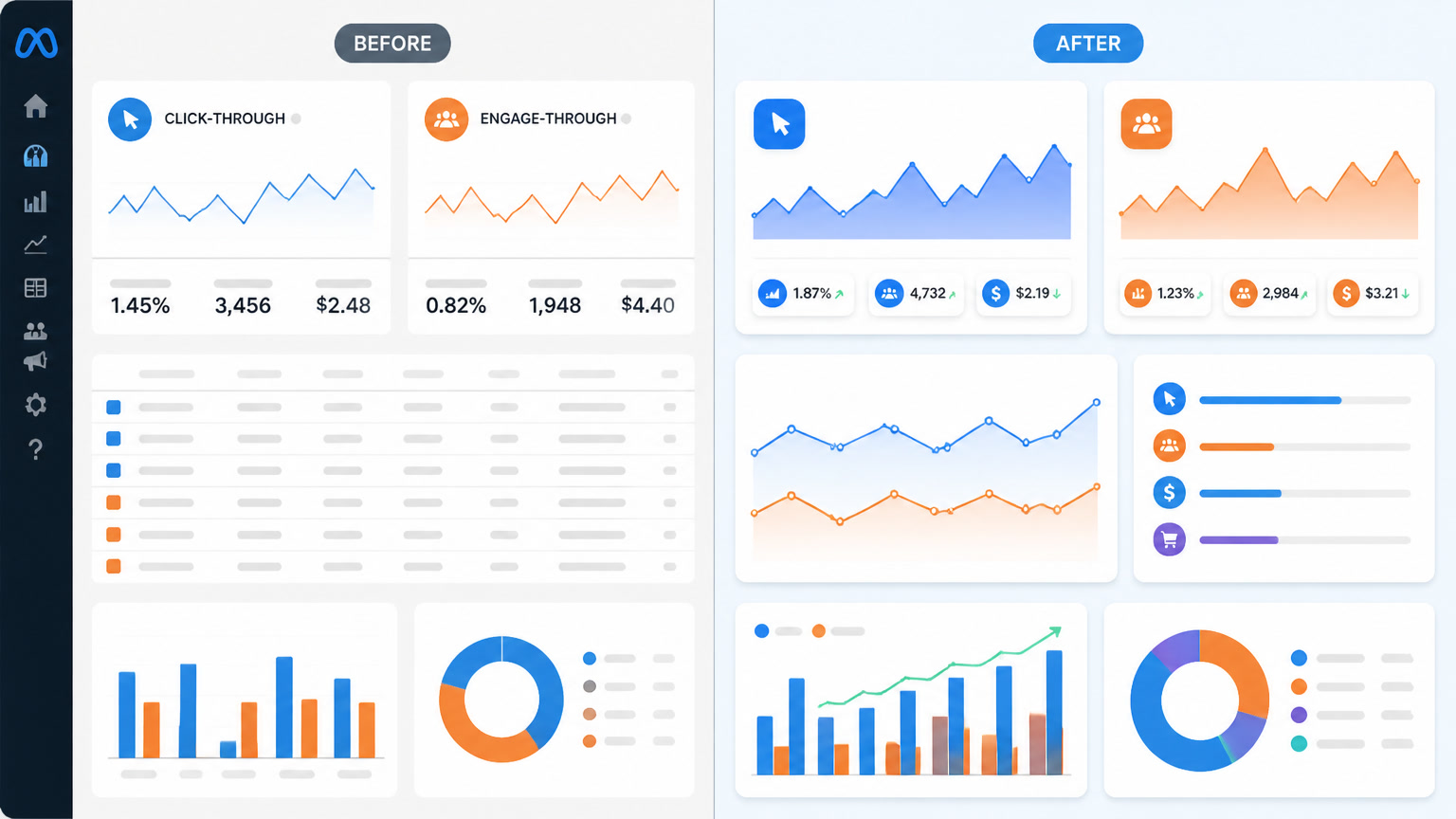
Before March 2026: Any click on an ad —link click, like, share, save, comment, profile tap— counted as a click-through interaction with a 7-day window.
After March 2026: Only link clicks that send a user to a website, app, or lead form qualify as click-through. Everything else —likes, saves, shares, comments, profile visits— moved to engage-through with a fixed 1-day window.
Meta also lowered the video engaged-view threshold from 10 seconds to 5 seconds and folded it into engage-through.
| Interaction type | Before March 2026 | From March 2026 |
|---|---|---|
| Link click (to website, app, lead form) | Click-through attribution | Click-through attribution |
| Like, share, save, comment, profile tap | Click-through attribution | Engage-through (1-day window) |
| Video view (5–10 seconds) | Engaged-view (10s) | Engage-through (5s) |
| Ad impression with no interaction | View-through (1-day) | View-through (1-day, unchanged) |
Sources: Meta official announcement, Dataslayer analysis, GoodMorning breakdown, Gromerce guide
This Is Not the Same as January's Window Removal
Important distinction: the March change is different from Meta's January 2026 removal of 7-day and 28-day view-through windows. January removed longer time windows for view-through attribution. March redefined what type of click qualifies for click-through attribution.
If you haven't adjusted your reporting since January, read our attribution window breakdown first. Together, these two changes have fundamentally rewritten how every Meta advertiser should read their reports.
The Two-Column Reporting Framework
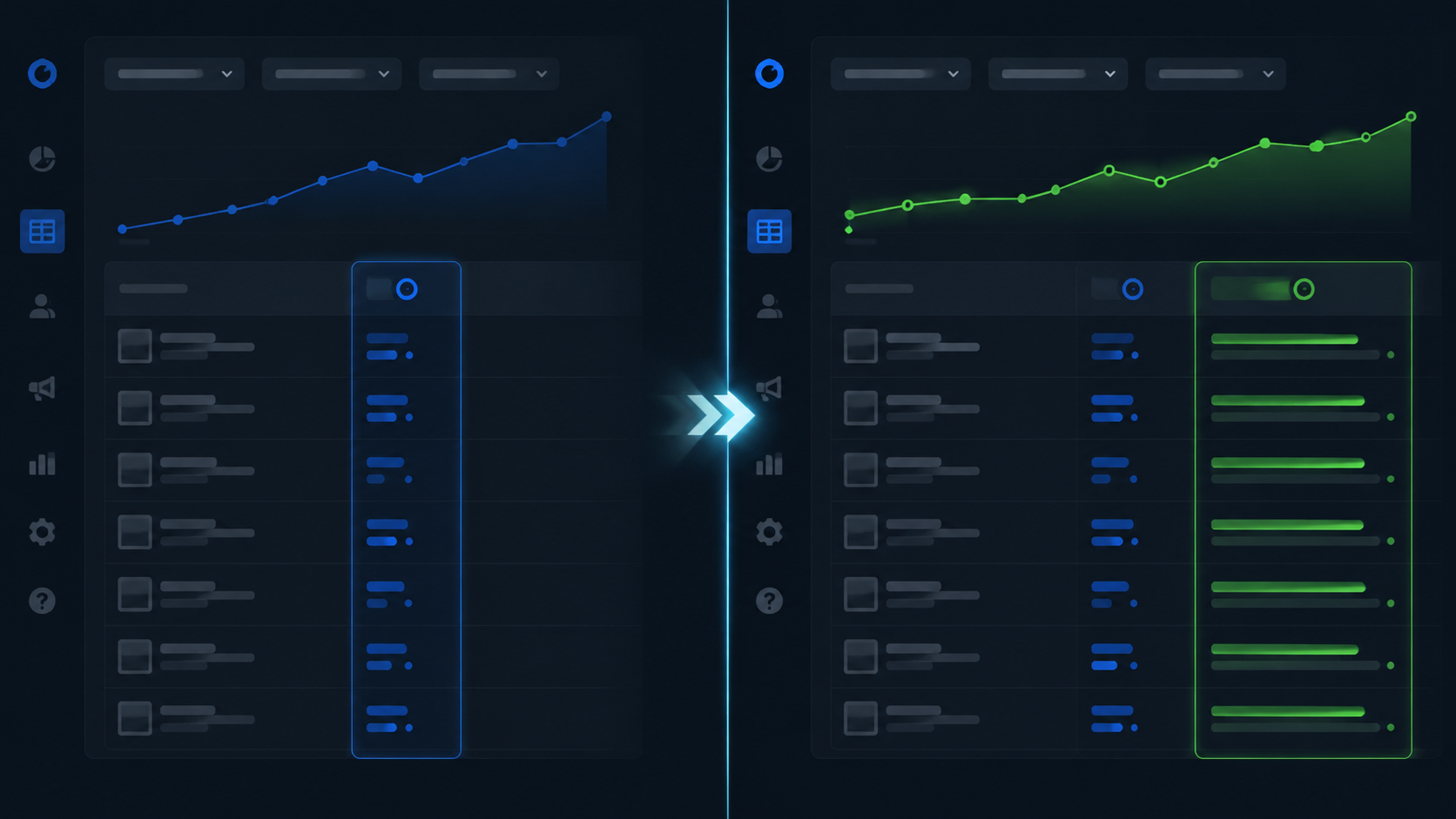
The most common problem we saw across our client accounts wasn't the conversion drop itself —it was that nobody had added the engage-through column to their reporting view.
By default, Ads Manager shows click-through. Engage-through is hidden. You have to go to Columns → Customize Columns → search "engage-through" —and add it manually.
Once both columns are visible, the framework is straightforward:
Click-through column: Conversions where the user clicked a link. This is the metric closest to what GA4, Triple Whale, or your CRM records. Use it for tactical decisions: bid adjustments, creative rotation, budget scaling.
Engage-through column: Conversions where the user engaged (like, share, save) but didn't click a link. It's a signal of interest, but with only a 1-day window. Use it as an engagement indicator, not a performance metric.
Total view (the sum): The combination gives you the full picture. But never make budget decisions based on the total without knowing how much comes from each column.
When to Keep Engage-Through On (and When to Turn It Off)
This is the question every client has asked us since March. The answer isn't binary —it depends on campaign objective.
✅ Keep it on for ecommerce purchase campaigns
If a user saves or shares your product ad and purchases within 24 hours, that conversion carries real intent. Engage-through captures purchase behavior that doesn't involve a direct click. For short-cycle ecommerce, keeping the default setting (engage-through on) is reasonable.
⚠️ Evaluate case by case for lead generation
The logic is weaker here. If someone likes your lead gen ad but doesn't click through to the form, can you confidently attribute their subsequent conversion to the ad? In our experience, engage-through on lead gen campaigns tends to inflate numbers and makes CRM reconciliation harder. We recommend turning it off (selecting "none" in attribution settings) for a 2-week test to see the difference.
❌ Consider turning it off for remarketing
Remarketing campaigns got hit hardest by this change. Warm audiences already know your brand —they're more likely to engage (like, save) without clicking, then return days later to convert. Before March, that pattern was captured in the 7-day window. Now, if the conversion happens beyond 24 hours of the interaction, it falls into neither column.
Mintec recommendation: for remarketing, turn engage-through off and base decisions on click-through + CRM data. It's more conservative, but it's honest about what's actually driving conversions.
Decision framework summary
| Campaign type | Keep engage-through? | Why |
|---|---|---|
| Ecommerce purchases (short cycle) | ✅ Yes (default) | Save/share reflects genuine purchase intent |
| Lead generation | ⚠️ Evaluate | Can inflate leads that never reach the CRM |
| Remarketing / warm audiences | ❌ Turn off | 1-day window doesn't capture the real cycle |
| Awareness / video views | ✅ Yes | Useful for measuring view-through impact |
| Traffic / link clicks | Indifferent | Optimization is already click-based |
How to Fix Your Reporting (What We Did at Mintec)
Here's the exact process we rolled out for our clients after the March change:
1. Add the engage-through column
Go to Ads Manager → Columns → Customize Columns → search "engage-through" → add it. Do this for every account you manage. Without this step, you're making decisions with half the data.
2. Set a new baseline
Don't compare February 2026 data to March 2026 directly. You're comparing two different measurement systems. Start your baseline from mid-March onward. If you need a year-over-year comparison, use click-through only —the most restrictive definition is the only comparable one.
3. Review attribution settings campaign by campaign
Don't assume every campaign uses the same setting. Go to ad set level and verify: is engage-through on or off? Does it make sense for that campaign's objective?
Use "Compare Attribution Settings" in Ads Manager to see how your conversions distribute across windows without changing live settings.
4. Update your KPIs
If your ROAS target was 4x before March, that number no longer means the same thing if you're now measuring a different attribution mix. Recalculate benchmarks using post-March data only.
5. Reconcile with CRM weekly
The acid test: if your CRM shows flat revenue but Ads Manager shows a drop, you're looking at an attribution reclassification, not a performance problem. We do this weekly —same process we covered in our CAPI and signal quality article.
What We Learned Managing the Transition
Three frontline lessons from managing dozens of accounts through this change:
First: accounts with CAPI already in place barely noticed. They were already used to cross-referencing Meta vs CRM. Accounts relying only on the pixel spent 3–4 weeks diagnosing a problem that didn't exist.
Second: panic led to bad decisions. Several clients doubled budgets thinking "something stopped working." When we checked actual sales —what their CRM recorded— the business hadn't changed. Only the metric had. We covered similar dynamics in our Meta Advantage+ framework —the theme across 2026 is that platform reporting is becoming less reliable as a standalone truth.
Third: attribution changes won't stop. Meta, Google, TikTok —every platform is moving in the same direction: less transparency, more modeled data, more dependency on first-party signals. This isn't the last change. The two-column framework isn't a temporary patch —it's how reporting works now.
Conclusion
Meta's engage-through attribution isn't a bug. It's a deliberate move toward more conservative —and arguably more accurate— measurement. But it comes with transition costs: reports that look broken, KPIs that no longer hold, and decisions made with incomplete information if you don't know the second column exists.
Three things to do this week:
- Add the engage-through column to your Ads Manager view. It takes 30 seconds and it's the single highest-impact fix.
- Review attribution settings campaign by campaign. Don't assume the default is right for your objective —especially for lead gen and remarketing.
- Cross-reference Meta conversions with your CRM this week. If the gap widened compared to February 2026, you now know why.
Want us to audit your attribution setup and tell you if you're leaving conversions in the wrong column? Talk to our paid media team. No fluff —just diagnostics, fixes, and real measurement.
Frequently Asked Questions
What is Meta engage-through attribution?
It's a new attribution category Meta created in March 2026 for conversions that follow non-link-click interactions — likes, saves, shares, comments, profile visits, and 5+ second video views. It has a fixed 1-day attribution window. Before this change, all of these interactions counted as click-through conversions.
Why did my Meta Ads reported conversions drop if my campaigns didn't change?
Because Meta reclassified how conversions are attributed. If someone liked your ad on Monday and purchased on Wednesday, it used to count as a 7-day click-through conversion. Now that same conversion either appears in the engage-through column (if it happened within 1 day) or disappears from attribution entirely (if it took longer than 1 day). Your actual sales didn't change — only the reporting did.
Should I turn off engage-through attribution in my campaigns?
It depends on your campaign objective. For ecommerce purchase campaigns, keeping it on is reasonable — a user who saves or shares a product shows genuine purchase intent. For lead generation campaigns and remarketing, we recommend evaluating case by case, as engage-through can inflate reported conversions and obscure real click performance.