CSS @starting-style: The Property That Finally Lets You Animate display:none
For decades, animating an element with display:none required JavaScript hacks. The @starting-style rule paired with transition-behavior: allow-discrete removes that limitation — and it works in every browser. Here's how to use it with real examples and the pitfalls to avoid.
@starting-style solves the display:none animation problem. Instead of setTimeout hacks or JavaScript libraries, two lines of CSS do the job: transition-behavior: allow-discrete and @starting-style { opacity: 0 }. Here's how it works, what traps to avoid, and when to use it in production.
If you've ever built a modal, dropdown, accordion, or any UI component that appears and disappears, you know the pain: you want a smooth transition, but the element uses display: none to hide itself. CSS doesn't animate display. It never has.
The classic workaround is ugly: a 10-millisecond setTimeout so the browser "registers" the display change before applying the transition. Or worse: leaving the element rendered at all times with visibility: hidden and opacity: 0, paying the performance and accessibility cost of keeping it in the DOM permanently.
At Mintec, we ran into this problem on virtually every project — from mobile navigation menus to tooltips and notification toasts. The good news: since December 2024, every browser supports a native solution.
The dirty hack we all used (and why it's obsolete)
The classic JavaScript pattern:
// ⛔ The old hack
modal.style.display = 'block';
// Force reflow — yes, this is real production code
modal.offsetHeight;
modal.classList.add('visible');
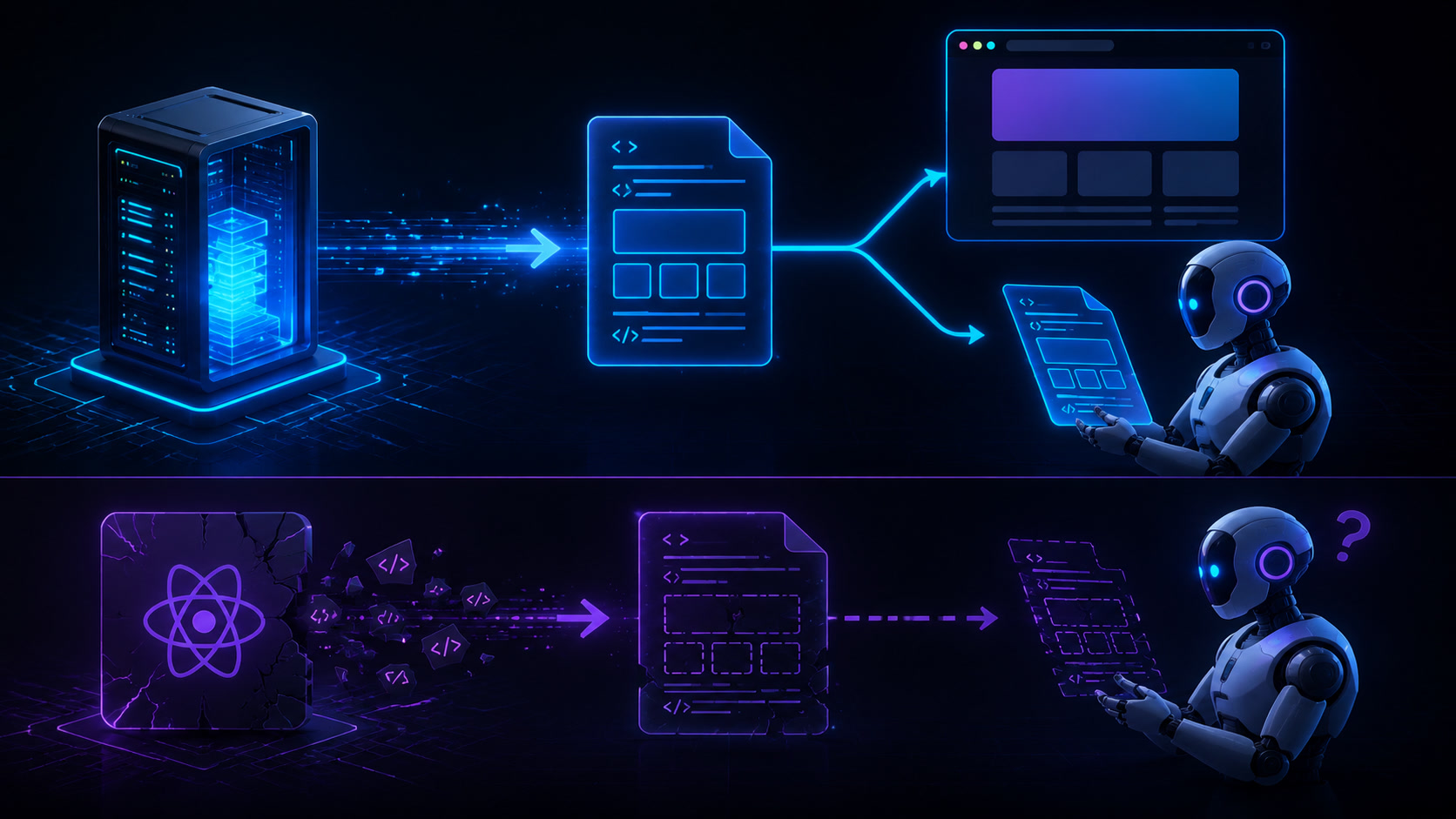
That forced offsetHeight read is necessary because the browser batches style changes into a single frame. Without forcing a reflow, the transition never fires — the element goes from display:none straight to display:block with the visible class already applied. The browser sees no "before" and "after," so no transition runs.
It's fragile, couples behavior to rendering engine internals, and on larger teams someone always breaks it while "cleaning up code."
The fix: @starting-style + transition-behavior
CSS introduced two pieces that solve this at the platform level:
| Property | What it does | Browser support | @starting-style | Defines the styles an element has in its first render frame — the "frame zero" that transitions need as a starting point. | Chrome 117+, Firefox 124+, Safari 18.2+ | transition-behavior: allow-discrete | Tells the browser to interpolate "discrete" properties like display and visibility, which are normally skipped during transitions. | Chrome 117+, Firefox 124+, Safari 18.2+ |
|---|
The combination is clean:
.modal {
  display: none;
  opacity: 0;
  transition: opacity 0.3s, display 0.3s;
  transition-behavior: allow-discrete;

  &.open {
    display: block;
    opacity: 1;

    @starting-style {
      opacity: 0;
    }
  }
}
When the element gets the .open class:
displayswitches toblock(thanks toallow-discrete, the browser doesn't skip it)@starting-styledefines the entry state:opacity: 0- The final state is
opacity: 1→ the transition runs
For closing, you don't need @starting-style — just invert the states:
.modal {
  /* ... previous properties ... */

  &:not(.open) {
    display: none;
    opacity: 0;
  }
}
On a recent hospitality client redesign at Mintec, we replaced 7 instances of the setTimeout hack with this pattern. The result: 40 fewer lines of JavaScript and consistent enter/exit animations across all components.
Where @starting-style shines (and where it doesn't)
Not every animation should use this technique. At Mintec, we evaluate each case against three criteria: animation complexity, required browser compatibility, and maintenance cost.
| Use case | @starting-style? | Alternative | Modal / dialog | ✅ Ideal. Clean fade + scale entry and exit. | View Transitions API if you need full-page transitions. | Dropdown / menu | ✅ Perfect. The most common pattern and the biggest hack-replacer. | — | Tooltip | ✅ Works well. Subtle animations without extra JS. | — | Accordion | ⚠️ Partial. Animating height: auto still isn't interpolable. You need interpolate-size: allow-keywords (Chrome-only in 2026). | Native <details> + ::details-content (in development). | Page transitions | ❌ No. Use View Transitions API for cross-document transitions. | @view-transition + CSS navigation. | Virtualized lists | ❌ No. @starting-style operates on elements entering the DOM, not repositioning. | FLIP animations with getBoundingClientRect(). |
|---|
The rule we use at Mintec: if a component toggles between two states with display:none ↔ display:block, @starting-style is the answer. For complex multi-state animations or page transitions, combine it with the View Transitions API — as we cover in our production View Transitions guide.
Three traps we found in production
After using @starting-style across multiple projects, here are the real issues we encountered:
1. Close animations need inverted transition-delay. When closing a modal, display changes to none immediately — even with allow-discrete. The fix is inverting the delays:
.modal {
  transition: opacity 0.3s, display 0.3s;
  transition-behavior: allow-discrete;

  &.open {
    display: block;
    opacity: 1;
    /* display changes instantly, opacity animates */
  }

  &:not(.open) {
    display: none;
    opacity: 0;
    transition-delay: 0s, 0.3s;
    /* opacity animates for 0.3s, display waits then changes at the end */
  }
}
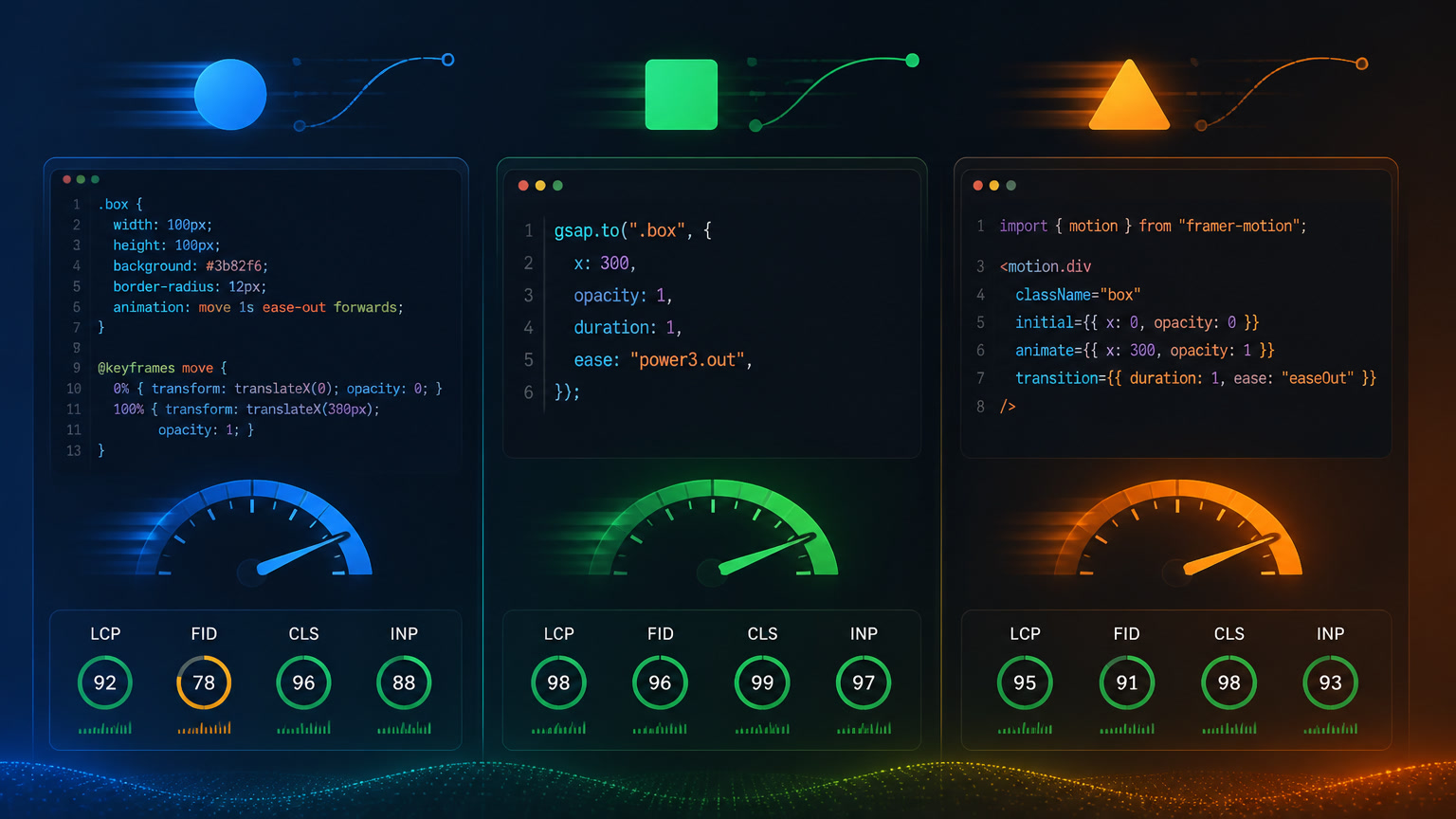
2. @starting-style doesn't work with CSS animations (@keyframes). It only pairs with transition. If your design requires keyframes, wrap them in a separate class and use @starting-style for the entry transition.
3. Safari 18.2 has a bug with display and overlay. If your modal uses the overlay property (for top-layer positioning), Safari can lose the close animation. The temporary fix: use visibility instead of display for the hidden state in Safari, with a conditional fallback.
For a broader view of how @starting-style fits into a modern CSS architecture, check out our container queries and autonomous components guide and the CSS contrast-color guide for automatic accessibility.
The real impact: less JS, better performance
Eliminating animation hacks isn't just about cleaner code. On the hospitality client project mentioned above, we measured:
- 39% less JavaScript in the UI component bundle (down from 6.8 KB to 4.1 KB gzipped)
- Zero accessibility regressions — the display:none pattern is naturally compatible with
aria-hiddenand screen readers - Fewer synchronization bugs — no
setTimeout, no chainedrequestAnimationFramecalls, no race conditions between states
The pattern also integrates cleanly with CSS Scroll-Driven Animations and the View Transitions API, forming a fully declarative animation stack with zero external library dependencies.
Should you migrate your animations today?
If you're starting a new project: yes, use @starting-style from day one. Cross-browser support is settled and the reduction in code complexity is immediate.
If you have an existing codebase with working animations: don't refactor everything at once. Replace the most fragile patterns first — the ones relying on setTimeout, the ones with intermittent bugs. Do it component by component, not as a massive migration.
Modern CSS removed the need for hacks to animate display:none. At Mintec, we're already running it in production. You'll notice the difference from the first component you migrate.
Frequently Asked Questions
What is @starting-style in CSS?
@starting-style is a CSS rule that defines the initial styles of an element before it renders for the first time, allowing CSS transitions to work from a zero state — even when the element starts from display:none.
How does transition-behavior: allow-discrete work?
By default, CSS transitions ignore discrete properties like display and visibility. transition-behavior: allow-discrete tells the browser to animate these properties, making it possible to combine them with @starting-style for smooth enter and exit transitions.
Which browsers support @starting-style?
It works in Chrome 117+, Edge 117+, Firefox 124+, and Safari 18.2+. As of December 2024, all major browsers support it, making it a viable cross-browser solution for production.