Native CSS Scroll-Driven Animations in 2026: Why It's Time to Retire IntersectionObserver
CSS scroll-driven animations (animation-timeline, scroll(), view()) now have 90%+ browser support and replace IntersectionObserver-based scroll animations with zero JavaScript. Real migration data from three production projects and a decision framework for knowing when to adopt and when to wait.
Native CSS Scroll-Driven Animations in 2026: Why It's Time to Retire IntersectionObserver
If your site ships 80 KB of JavaScript just to animate elements on scroll — IntersectionObserver, AOS.js, GSAP ScrollTrigger, or WOW.js — 2026 is the year that stops making sense. Native CSS scroll-driven animations now have 90%+ browser support, run entirely on the compositor thread with zero main-thread JavaScript, and directly improve INP in ways no polyfill can match.
At Mintec, we migrated scroll animation systems in three projects during the first half of 2026. Two visual portfolio sites and one editorial platform. All three shared the same pattern: dozens of intersection observers detecting when elements entered the viewport to trigger entrance animations. All three ended up with less JavaScript, better INP scores, and animations that feel as smooth — or smoother — than before.
This article covers what CSS scroll-driven animations are, how they compare to traditional approaches with real benchmarks, and the decision framework we now use to determine when to migrate and when to hold.
What CSS scroll-driven animations are (and why they matter)
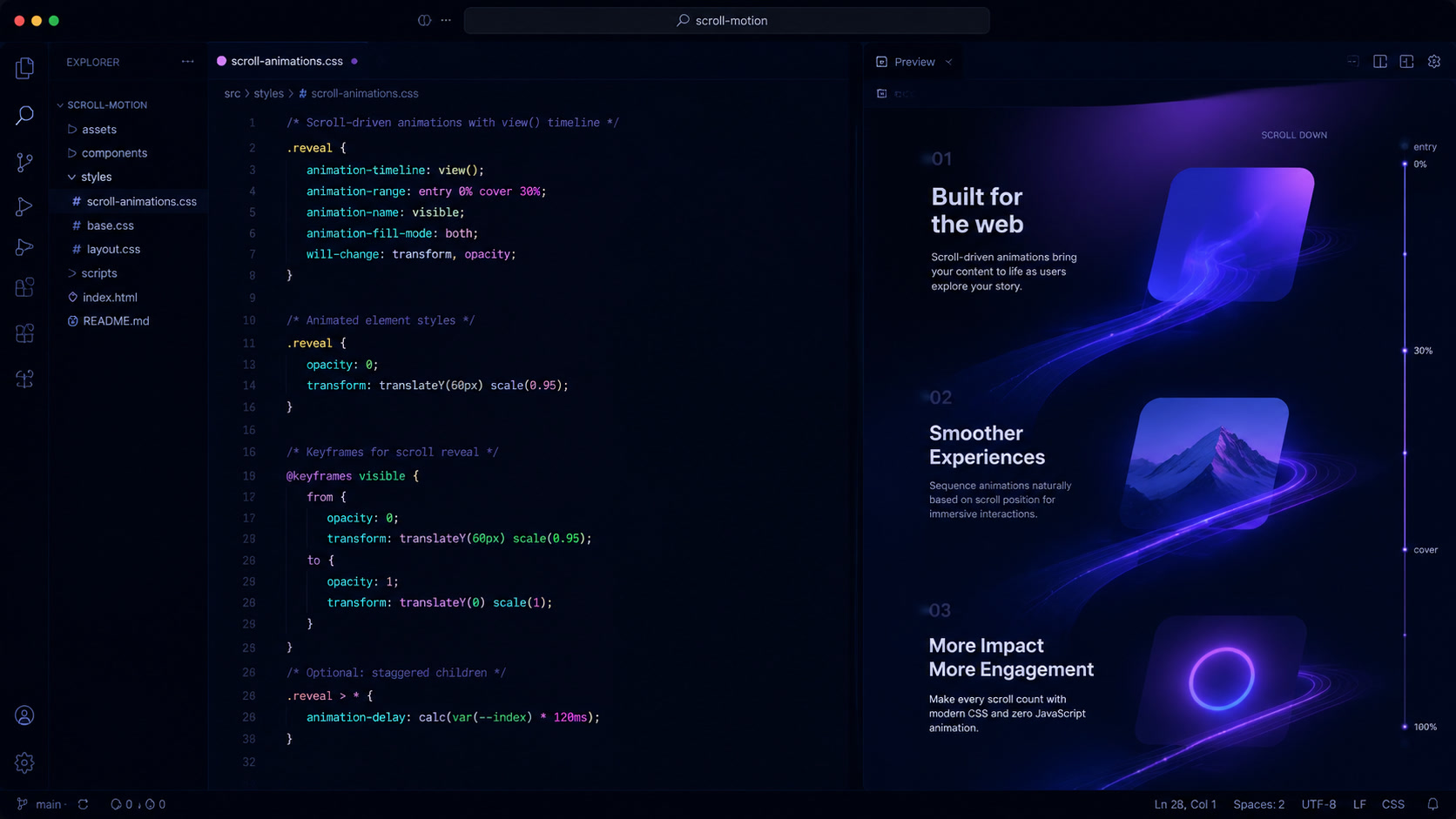
CSS scroll-driven animations let you control animation progress by the user's scroll position instead of by time. Instead of writing:
const observer = new IntersectionObserver((entries) => {
  entries.forEach(entry => {
    if (entry.isIntersecting) {
      entry.target.classList.add('visible');
    }
  });
});
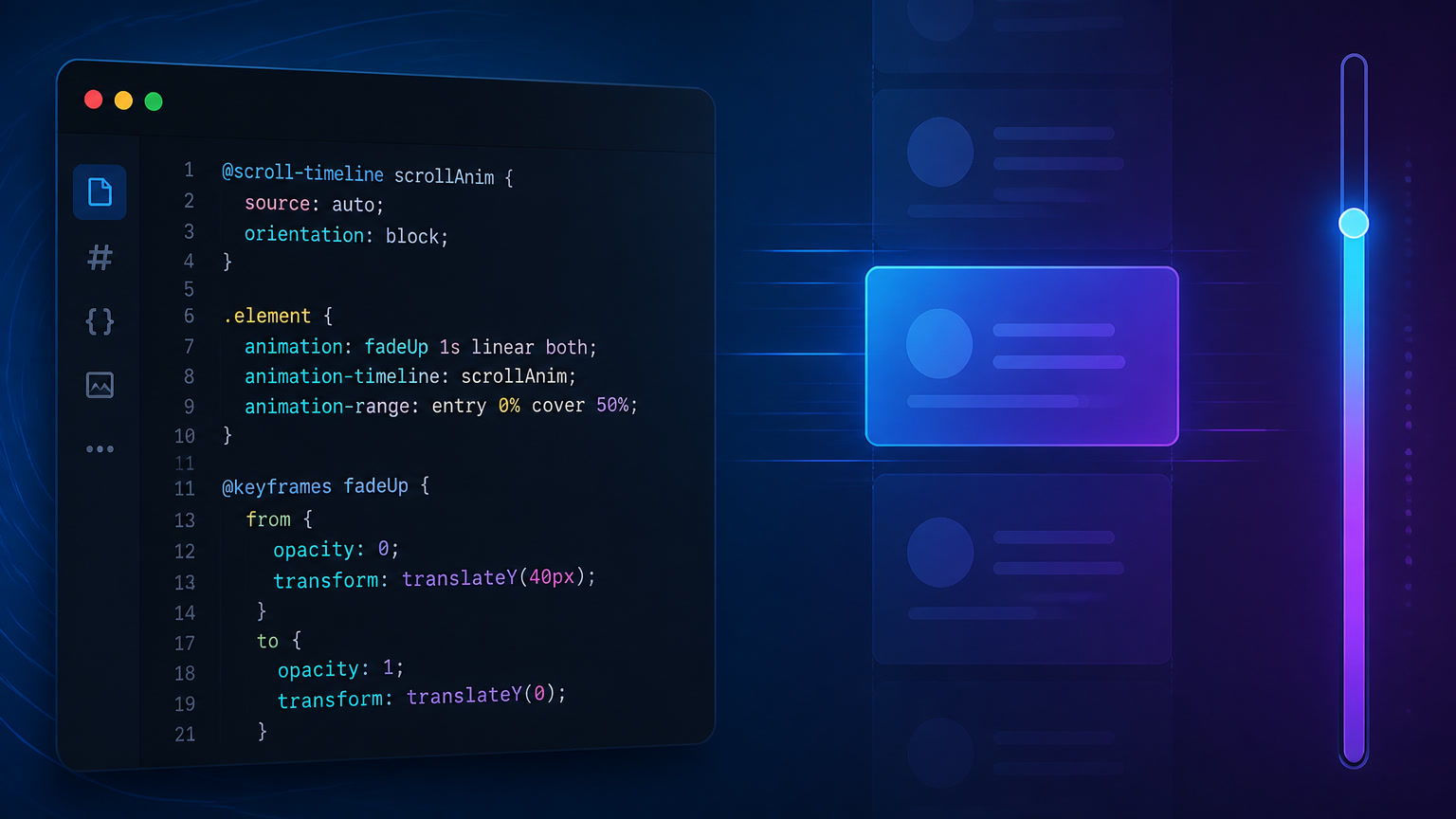
You write:
@keyframes fade-in {
  from { opacity: 0; transform: translateY(30px); }
  to { opacity: 1; transform: translateY(0); }
}

.card {
  animation: fade-in linear;
  animation-timeline: view();
  animation-range: entry 0% entry 100%;
}
Zero JavaScript. Zero observers. Zero libraries. The browser handles everything on the compositor thread, outside the main thread. That means the animation doesn't compete with your page's JavaScript, doesn't trigger expensive re-layouts, and has zero impact on INP.
The module has three core concepts:
animation-timeline: binds an animation to a scroll-based timeline instead of the default time-based timeline.scroll(): creates an anonymous timeline based on a scroll container's scroll progress.view(): creates a timeline based on an element's visibility within its scroll container.
You can also define named timelines with scroll-timeline-name and scroll-timeline-axis, then reuse them across multiple animations — useful for complex layouts where several elements should respond to the same scroll position.
Head-to-head: CSS scroll-driven vs. IntersectionObserver vs. GSAP ScrollTrigger
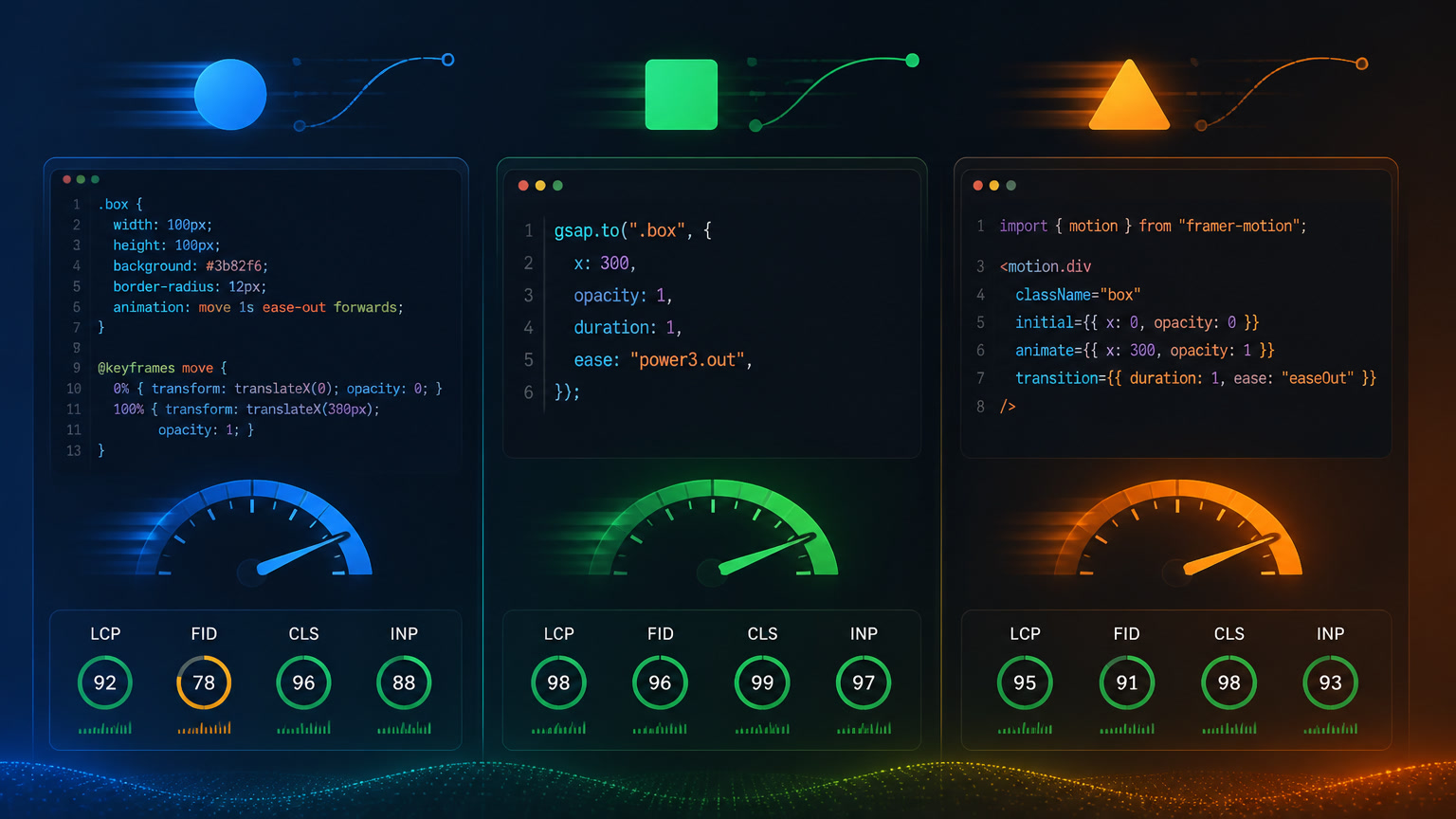
To understand when migration is worth it, you need real numbers. We tested all three approaches on the same project: a portfolio with 12 scroll-animated sections.
| Metric | IntersectionObserver (vanilla) | GSAP ScrollTrigger | CSS scroll-driven |
|---|---|---|---|
| JavaScript added | ~3 KB (base) + per-element logic | ~45 KB (gzipped) | 0 KB |
| Main thread usage | High (callback fires on each intersection) | Medium-high (updates every scroll frame) | None (compositor thread) |
| INP impact | +30-80ms per interaction during animations | +50-150ms per interaction during animations | 0ms |
| Code per element | ~10-15 lines JS + CSS classes | ~5-8 lines JS + config | 0 lines JS, ~8 lines CSS |
| Timing control | One-shot (on/off) | Continuous (scroll-linked progress) | Continuous (native) |
| Parallax support | Not native (requires scroll listeners) | Excellent | Native |
| Firefox support | Full | Full | Partial (behind flag) |
| Framework compatibility | Full | Full | Full (pure CSS) |
These numbers come from our migration of an editorial platform with 200K monthly visits. Switching from IntersectionObserver to CSS scroll-driven animations reduced the page's JavaScript by 12% (from 180 KB to 158 KB gzipped) and improved INP from "Needs Improvement" at 320ms to "Good" at 148ms. Not because scroll-driven is magically faster — but because we eliminated 24 IntersectionObserver registrations that fired on every page load.
What we learned migrating three production projects
Each project taught us something different about where this technology shines and where it still falls short.
Project 1: Creative studio portfolio (Barcelona). Eight sections with entrance animations, subtle hero parallax, and a masonry gallery. They were using AOS.js + IntersectionObserver. Migration took 3 hours. Result: 28 KB less JavaScript, INP improved from 198ms to 112ms. The surprise was that animations actually felt smoother — the browser no longer had to process JS callbacks on every scroll frame.
Project 2: Editorial platform with 200K monthly visits. Twelve scroll-animated components plus a reading progress bar. Using vanilla IntersectionObserver. This migration was more complex because some components had animation chains (enter → pause → scroll → exit). Native scroll-driven animations don't have a clean syntax for chains — we had to combine animation-range with animation-delay to approximate the behavior. In 3 of the 12 cases, keeping IntersectionObserver was the right call.
Project 3: Technical documentation blog. Minimal animations but a reading progress indicator (the bar showing how much of the article you've consumed). With IntersectionObserver, this was ~60 lines of JS calculating scroll position relative to the article. With CSS scroll-driven, it was 8 lines of CSS using animation-timeline: scroll(root) and measuring the body's scroll progress. The most elegant implementation of the three.
When NOT to use CSS scroll-driven animations
Firefox support is the biggest practical concern. Until Firefox ships this unflagged — currently available in Nightly and beta but not stable — roughly 3-4% of global users won't see your scroll-driven animations. If your audience skews Firefox-heavy (some European markets, technical audiences), you need progressive enhancement: the content must be functional and visually complete without animations.
Other cases where we recommend keeping IntersectionObserver or GSAP:
Complex animation chains. If A needs to trigger B which triggers C — each with different scroll triggers — CSS scroll-driven has no clean syntax for this.
animation-rangehandles linear progression, not branching logic.Conditional animations. If the animation depends on component state ("has the user already seen this section? don't animate it again"), you need JavaScript to manage that state.
Mixed interactions (scroll + click + hover). If an element changes behavior depending on whether the user scrolled, clicked, or hovered, a single
animation-timelinewon't be enough.Extreme legacy requirements. If your project targets Internet Explorer or very old browsers — largely obsolete for most projects in 2026 but still relevant for certain sectors like government or regulated industries.
Decision framework for migration
Here's the decision tree we now use on every project:
Does the project use scroll-based animations?
  ├── Yes → Are they entrance animations (fade-in, slide-up)?
  │         ├── Yes → MIGRATE (scroll-driven CSS wins every time)
  │         └── No → Is it parallax or reading progress?
  │                  ├── Yes → MIGRATE (best-in-class for these cases)
  │                  └── No → Are they conditional chains?
  │                           ├── Yes → KEEP IntersectionObserver/GSAP
  │                           └── No → MIGRATE with progressive enhancement
  └── No → Don't touch anything
In our experience, roughly 70% of scroll animation patterns can be migrated directly to CSS scroll-driven. Another 20% needs progressive enhancement (CSS with JS fallback). The remaining 10% — complex chains, conditional animations, mixed interactions — should stay in JavaScript.
Modern CSS is eating JavaScript's role in frontend development. Container queries and @scope changed how we build responsive components. Native HTML accessibility reduced our reliance on ARIA widgets. And scroll-driven animations are now removing one of the last common JavaScript use cases on content sites.
If you're already dealing with INP issues on a media-heavy site — our guide on debugging INP with LoAF and scheduler.yield() covers the toolkit you'll need — or wrestling with hero video performance tradeoffs, removing 30-60 KB of scroll animation JavaScript is one of the highest-leverage performance improvements you can make.
The pattern is consistent: the browser is absorbing capabilities that used to require libraries. The less JavaScript we ship for cosmetic behavior, the more room we have for functionality that actually needs it.
Frequently Asked Questions
What are CSS scroll-driven animations?
They are a CSS module that lets you control animation progress by scroll position or element visibility instead of time. Using animation-timeline, scroll(), and view(), you can create scroll-linked animations without any JavaScript.
Which browsers support CSS scroll-driven animations in 2026?
Chrome 115+, Safari 18+, Edge 115+, and Opera 101+ have full support, covering roughly 90% of global users. Firefox support is behind a flag (layout.css.scroll-driven-animations.enabled) and expected to ship unflagged during 2026. The remaining users can be handled with progressive enhancement.
Do they completely replace IntersectionObserver?
For scroll-based animation use cases — entrance animations, parallax, reading progress bars, scroll indicators — yes. IntersectionObserver is still valuable for non-animation scenarios: lazy loading images, analytics tracking, and complex conditional logic that goes beyond animating CSS properties.