Your site gets AI search traffic and you don't know it: how to set up the measurement stack in 30 minutes
Search Console now has a Generative AI report. GA4 added an AI Assistant channel. But most sites haven't configured either. Step-by-step to measure your real visibility in ChatGPT, AI Overviews, and Perplexity.
Your site gets AI search traffic and you don't know it
BrightEdge reported in February 2026 that Google AI Overviews appear in 48% of tracked queries. Only 17% of sources cited in those Overviews also rank in the traditional organic top 10.
That means nearly half your potential visits arrive through a channel your standard organic traffic report does not separate. And if you are not measuring it, you are making decisions with a third of the information.
The measurement stack for AI search already exists. Search Console launched a Generative AI report now available worldwide. GA4 added an AI Assistant channel. Free manual tools fill the gaps. What is missing is not technology — it is someone setting it up.
Why AI traffic does not show up where you expect
Three concrete reasons.
First: most AI traffic arrives without referrer headers. An analysis by erlin.ai published in 2026 found that 70.6% of AI-referred traffic carries no visible referrer headers. GA4 classifies it as Direct, not AI Assistant. If you only look at the channel report, you see an unexplained spike in direct traffic.
Second: Search Console does not separate AI Mode queries from the rest. John Mueller confirmed in August 2026 that AI Overviews and AI Mode data go into the main Performance report, mixed with organic traffic. AI Mode queries appear as short conversational phrases — "yes, pricing", "how much does it cost", "best option for" — that do not look like normal searches.
Third: there is no single place to see everything. You need Search Console for impressions in AI features, GA4 for referral traffic that does arrive with a referrer, and manual tests to know what cites you and what does not. No single source gives you the full picture.
The 4-layer measurement stack
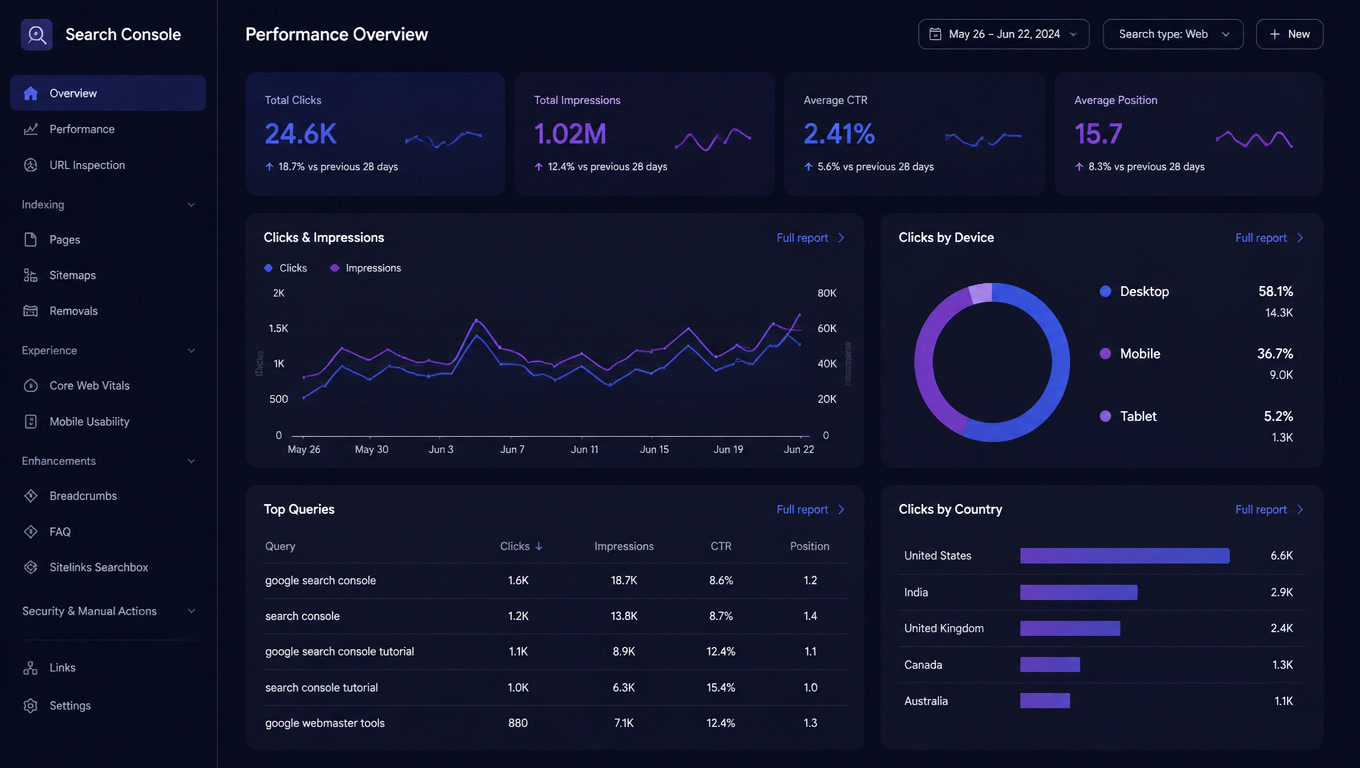
Layer 1: Search Console — Generative AI report
Search Console launched the Generative AI report in June 2026 and rolled it out globally in August. It sits in the Performance report section as an additional tab.
What it shows: impressions of your content inside AI Overviews and AI Mode, grouped by page, country, device, and date.
What it does not show: individual queries, clicks, or positions. It is a visibility report, not a performance report.
What to do: check which pages appear in the Generative AI report and cross-reference those with the main Performance report. The queries generating those impressions are there, but mixed with everything else. Filter by long conversational queries — those are the ones powering AI Mode.
Useful filter: in the Performance report, sort by queries containing words like "which", "how", "what is", "best", "vs", "compare". Those have the highest probability of triggering AI Overviews.
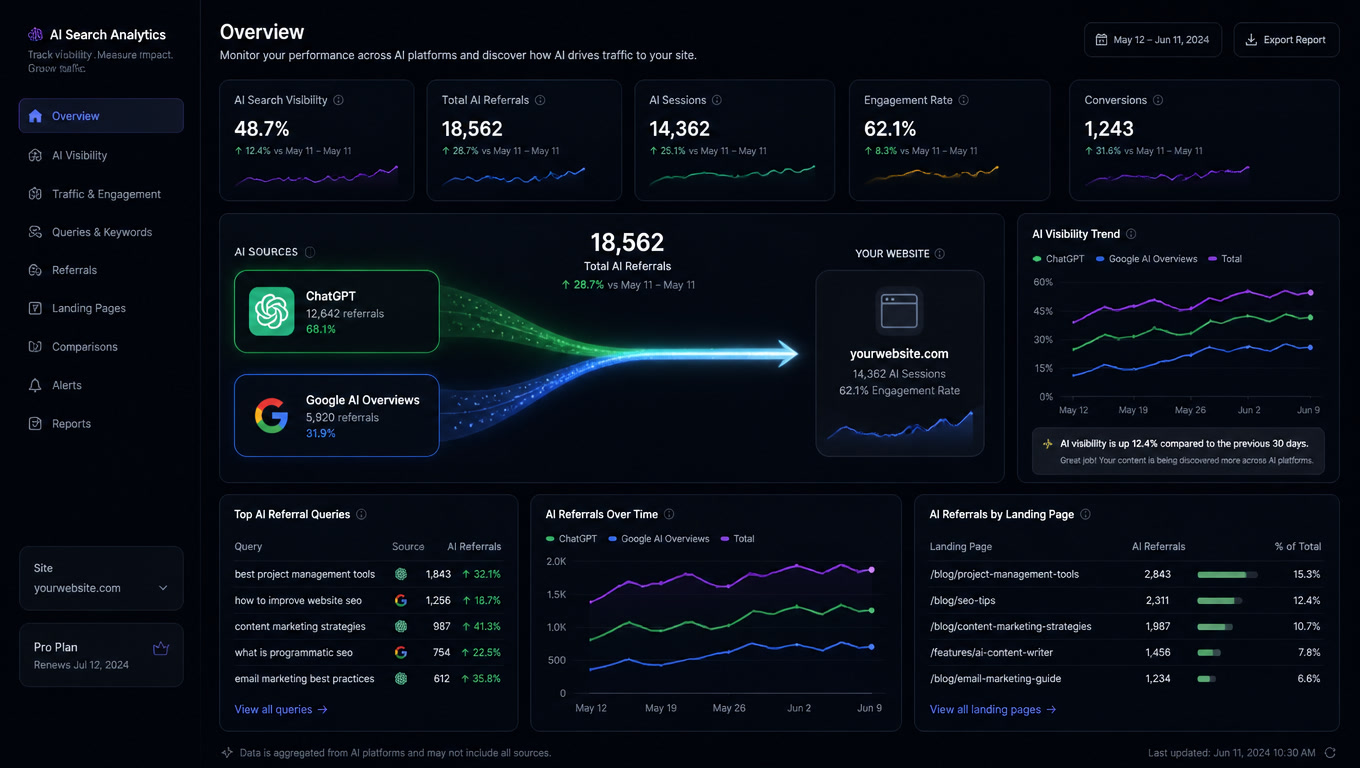
Layer 2: GA4 — AI Assistant channel
Google Analytics 4 added a dedicated AI Assistant channel in September 2026. You no longer need custom segments to detect traffic from ChatGPT or Perplexity.
Where it is: Advertising > AI Assistant (or in the Acquisition section if your property was updated).
What it shows: sessions, conversions, and revenue attributed to identifiable AI sources — chatgpt.com, perplexity.ai, gemini.google.com, copilot.microsoft.com.
The 70% problem: because 70.6% of AI traffic carries no referrer, the AI Assistant channel captures only a fraction. The numbers you see are a lower bound. If you see 50 sessions from ChatGPT, the real number is probably 150-200.
What to do: set up an Exploration segment in GA4 filtering by referral source containing "chatgpt|perplexity|gemini|copilot|claude|ai". Save that segment as a template and review it weekly. Compare the conversion rate of those sessions against your organic average.
Layer 3: Manual citation tests
Automated tools measure, but they do not tell you what they say about you. You need to know whether someone asks "[your brand] vs [competitor]" in ChatGPT and the answer describes you accurately, compares you fairly, or ignores you entirely.
Test panel: pick 10-15 queries your customers actually ask. Mix informational ("what is [category]"), comparative ("[your brand] vs [competitor]"), and transactional ("how much does [solution] cost"). Run each one in ChatGPT, Perplexity, and Google AI Mode. Record:
- Do you appear in the answer?
- Are you described accurately?
- What sources does the answer cite?
- Is the tone neutral, positive, or negative?
Frequency: once a month. Citations are volatile — what ChatGPT says today can change tomorrow without you touching a page. The value is in the pattern, not the individual snapshot.
Layer 4: Opt-in/opt-out control
Google is testing a site-level control to include or exclude your content from generative AI features in Search. If you enable it, your content can appear in AI Overviews and AI Mode. If you disable it, it cannot.
The decision is not trivial. Opting out removes the possibility of visibility and traffic from those features. But it also protects you from your content being cited incorrectly or taken out of context.
Recommendation: do not enable opt-out unless you have a specific reason — sensitive medical content, regulated financial information, or a brand that already has a measured citation accuracy problem from the Layer 3 tests.
The decision table
Before setting everything up, answer these questions:
- Do you have Search Console access with owner permissions? If not, ask your development team. Without this, you cannot see the Generative AI report.
- Is GA4 installed on your site? If you only have Universal Analytics, migrating is priority. GA4 without the AI Assistant channel is like a car without a speedometer.
- How much total traffic do you have? If you have fewer than 1,000 monthly sessions, AI traffic will be small in volume but potentially high in conversion. Start with manual tests (Layer 3) before investing in technical setup.
- Do you sell B2B or B2C? B2B tends to have more AI traffic because purchase queries are longer and more specific. B2C has volume but lower citation rates.
Your 30-minute checklist
If you only have half an hour, do this:
- Open Search Console (5 min). Go to the Performance report. Filter by long queries (>5 words). Note how many look like AI Mode queries.
- Check GA4 (5 min). Go to Acquisition > Traffic channel. Look for AI Assistant or filter by sources chatgpt/perplexity/gemini.
- Run 5 manual tests (15 min). Open ChatGPT, Perplexity, and Google AI Mode. Ask "[your brand] vs [main competitor]" in each. Note whether you appear, how you are described, and what sources are cited.
- Document what you found (5 min). Save the results. This is your baseline. What you measure next month against this tells you whether you are gaining or losing AI visibility.
What comes next
Once the stack is set up, the next step is deciding what to do with the data. If ChatGPT cites you but describes your product wrong, the problem is not traffic — it is narrative. If Perplexity does not mention you at all, the problem is external authority. If AI Overviews show you but nobody clicks, the problem is value proposition on the SERP.
Measurement is not the end. It is the first step to knowing where to act.
Related article: How to measure the ROI of Generative Engine Optimization in 2026 — the 4-metric framework for evaluating whether your GEO investment is paying off.
Related article: AI search traffic converts better, but there is less of it — why AI-referred visitors convert 54% more despite representing just 0.2% of total traffic.
Related article: AI Mode queries are in Search Console — where to find AI Mode data in Search Console (it is not where you expect).
Frequently Asked Questions
How do I set up the Generative AI report in Search Console?
If your property has access, go to Search Console > Performance report > 'Generative AI' tab. The report shows impressions grouped by page, country, device, and date. It does not show individual queries or clicks — those are in the main Performance report, where AI Mode queries appear mixed with regular organic traffic.
How do I know if my traffic comes from ChatGPT or AI Overviews?
GA4 with the Advertising section configured classifies AI referral traffic in a dedicated AI Assistant channel. Filter by referral source: chatgpt.com, perplexity.ai, gemini.google.com, and copilot.microsoft.com are the main ones. Note that roughly 70% of AI traffic arrives without visible referrer headers, so the numbers you see are a lower bound.
Is it worth setting all this up if AI traffic is less than 2% of total?
Yes, because AI-referred traffic converts 2-5x better than traditional organic (data from Erlin, Exposure Ninja, and Conductor in Q1 2026). 1% of traffic converting at 14% can generate more revenue than 20% converting at 2%. Measuring is not optional when conversion margins are this different.