Your CMS Doesn't Need a Server Anymore: The Local-First Pattern for Content Sites
WebHaste launched a local-first CMS this week. It's not the only one. Here is why file-based content management is quietly replacing server-side CMS for agencies building content sites — and when you should care.
Your CMS Doesn't Need a Server Anymore: The Local-First Pattern for Content Sites
WebHaste launched in public beta this week — a free, local-first CMS that runs as a Chrome extension, edits content as portable files, and deploys straight to Cloudflare Pages or Netlify. No database. No server. No plugin updates to patch. No SSL certificates to renew.
It's not the only tool doing this. Astro has shipped with file-based content collections since day one. Hugo, Eleventy, and Jekyll have done it for years. What's changing is the tooling around the pattern: visual editors, AI agent integration, and deployment pipelines that make local-first practical for teams who aren't static-site purists.
If you build websites for clients — and you're still spinning up a WordPress instance or a headless CMS dashboard for every project — this shift is worth paying attention to.
Three CMS paradigms, one decision
Every content management approach sits somewhere on this spectrum:
Server-side CMS — WordPress, Drupal, Craft. The database runs on a server. Content lives in MySQL. You need hosting, updates, security patches, and someone who knows the plugin ecosystem. The advantage: familiar editing dashboards, massive plugin libraries, and non-technical editors can manage content without touching a terminal.
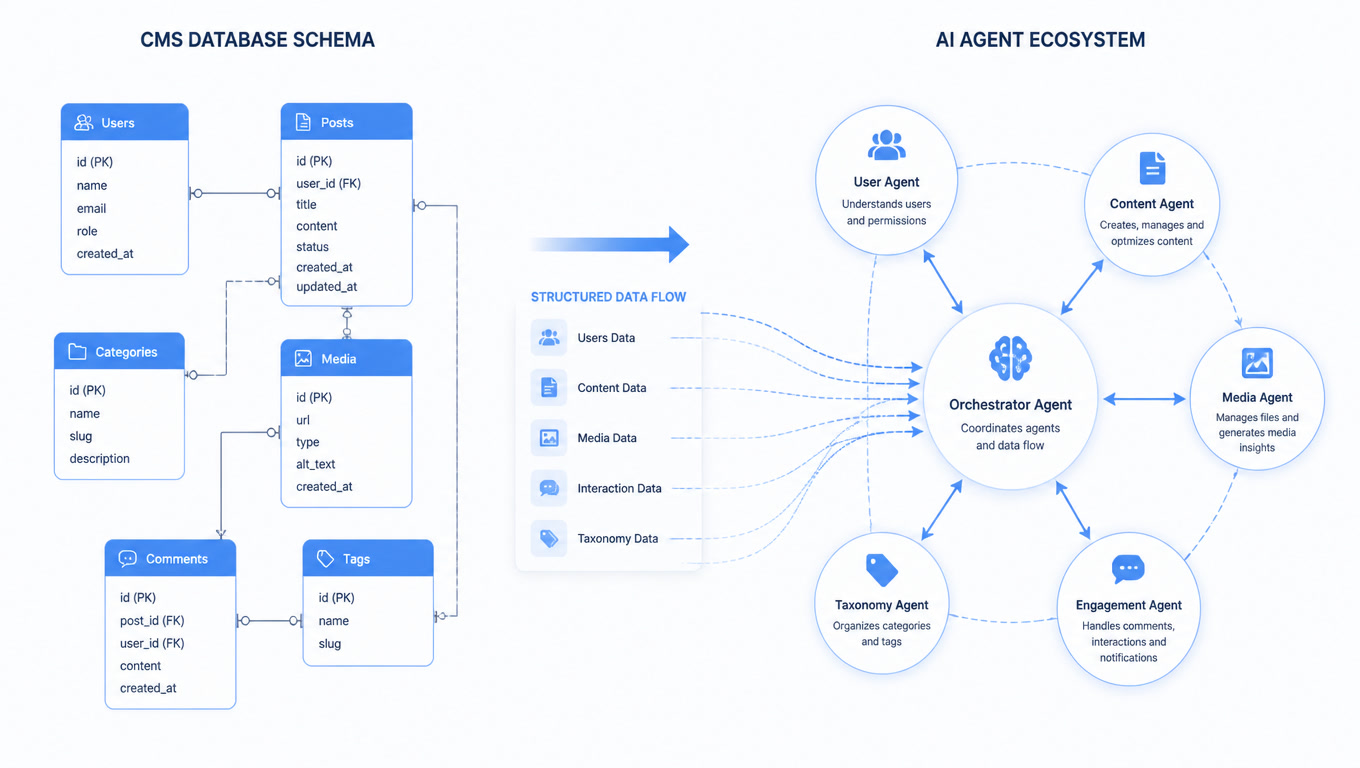
Headless CMS — Contentful, Sanity, Strapi. The content lives in a hosted API. Your frontend fetches it at build time or on request. You get structured content, API access, and decoupled rendering. The trade-off: you're paying per-seat or per-entry, you depend on the vendor's uptime, and your content is locked inside their platform.
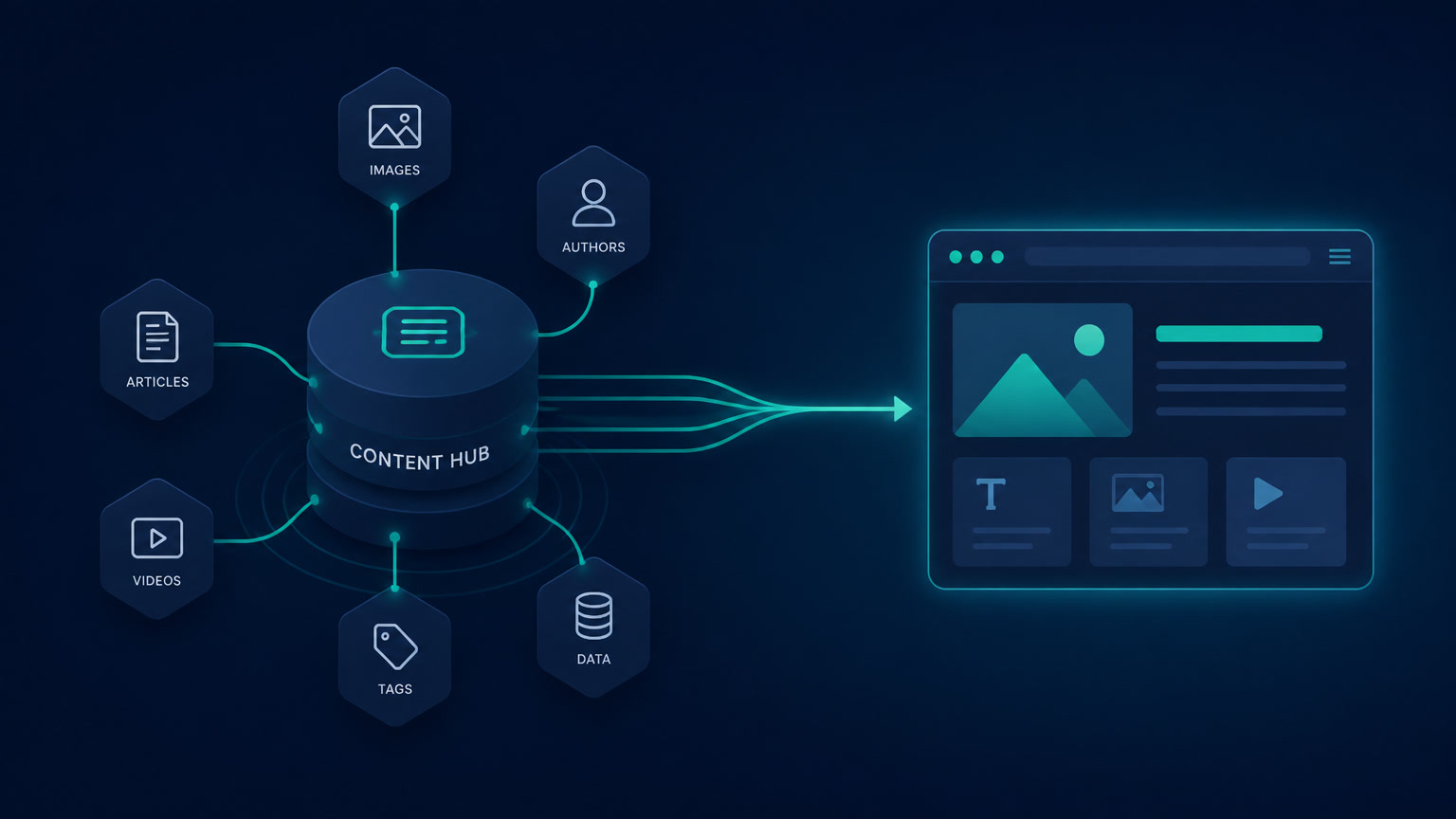
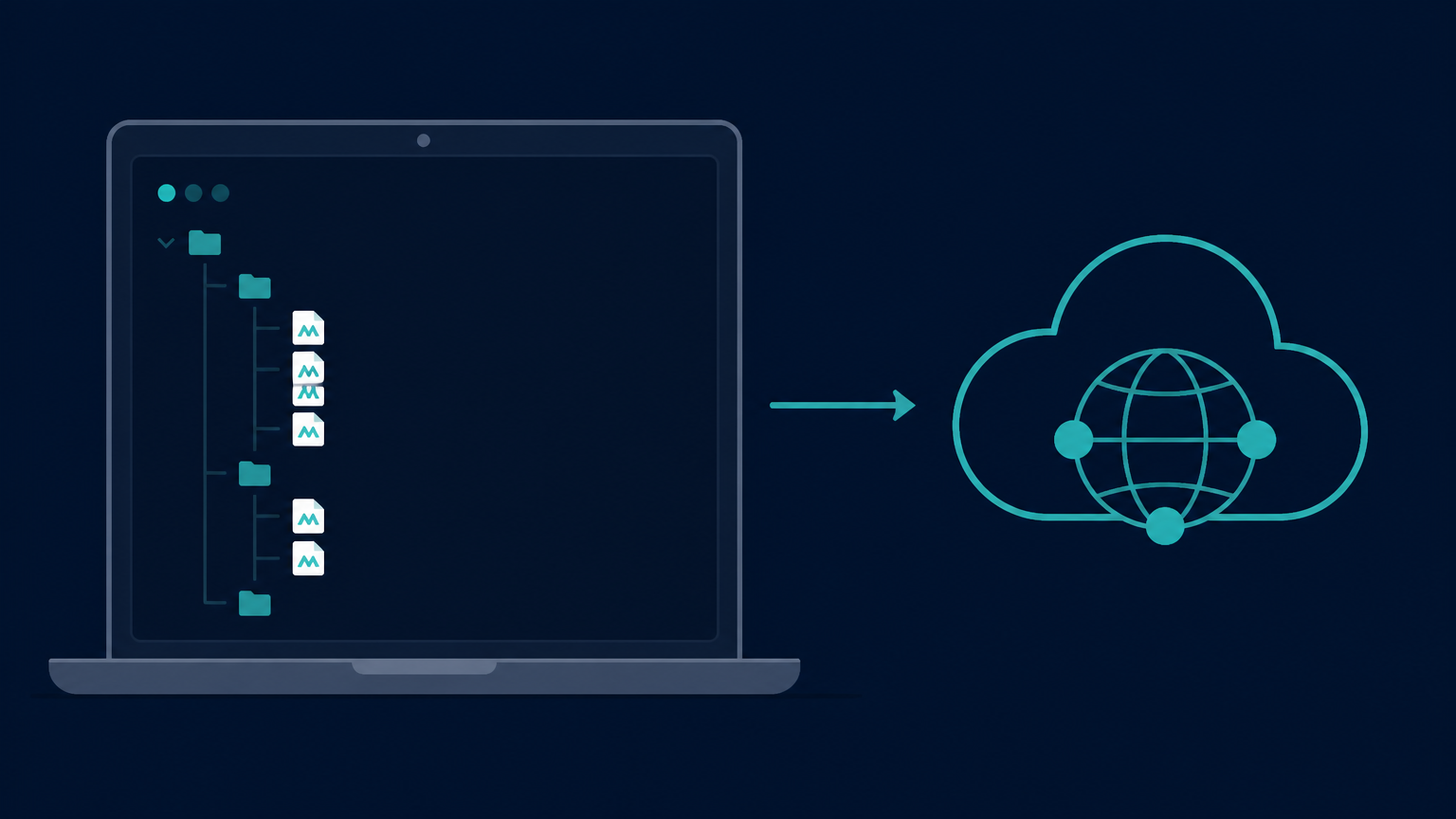
Local-first CMS — Astro content collections, WebHaste, file-based Markdown with Git. Your content lives as files on your machine or in a Git repository. You edit with any text editor (or a visual tool like WebHaste). You preview locally. You deploy static output to a CDN. No server runtime, no database, no vendor dependency.
The local-first pattern isn't new. What's new is that the tooling has matured enough to make it viable for agency workflows — including clients who aren't developers.
What we actually build with
At Mintec, we've been building client sites on Astro with Cloudflare Pages for over a year. Content lives as Markdoc files in Git. We preview locally, push to GitHub, and Cloudflare deploys in under 60 seconds. The entire stack costs nothing beyond the domain.
In our experience, this architecture delivers measurable results that server-side CMS platforms struggle to match:
- Lighthouse scores of 95-100 on content pages, with zero client-side JavaScript by default
- Build times under 15 seconds for sites with hundreds of pages
- Zero server maintenance — no WordPress updates, no PHP version management, no database backups
- Core Web Vitals pass rates near 70% in field data, compared to roughly 34% for Next.js and 49% for WordPress (HTTP Archive, July 2026)
The benchmark data tells a consistent story: Astro sites ship 12 KB of JavaScript versus 187 KB for Next.js on identical content pages. On a throttled 4G connection, that translates to a 0.9-second Largest Contentful Paint versus 1.8 seconds.
These aren't lab numbers. They're what our clients' users actually experience.
The AI agent angle
Here's where the local-first pattern gets interesting for 2026: AI coding agents work naturally with file-based content.
When your CMS is a Git repository with structured Markdown files, an agent like Claude Code or Codex can:
- Read your existing content structure
- Create new pages following your templates
- Update metadata, tags, and descriptions
- Validate content against your schema
- Generate images and place them in the right directories
What it cannot (and should not) do is publish. The human gate — the git push or the deploy button — is the guardrail that keeps quality high. We wrote about this exact pattern in our agent publishing guardrails article: treat agent write access as untrusted external input, validate every change through schema checks and visible diffs, and require human approval before the publish transition.
Local-first makes this architecture natural. Server-side CMS makes it awkward — you need API credentials, OAuth flows, and custom middleware to give an agent the same access that a file system provides for free.
When NOT to go local-first
This pattern has clear boundaries. Don't use local-first when:
- Your client needs a WYSIWYG editor with user roles. If non-technical editors need to log in, click "Edit," and publish without touching a terminal, a traditional CMS or a hosted headless CMS is the right tool.
- The site needs real-time collaboration. If five people are editing the same page simultaneously, you need a server-side solution with conflict resolution.
- You're building an application, not a content site. Dashboards, SaaS platforms, and e-commerce with complex cart state belong in Next.js or a similar full-stack framework. Local-first CMS is for content — not applications.
- The site has more than a few hundred pages with complex taxonomy. At that scale, you probably need search, filtering, and dynamic querying that a static build can't provide without careful architecture.
The decision framework is simple: if the site is content-first and the content editors can work with files (or with a visual wrapper around files), local-first wins on cost, performance, and maintainability. If it's application-first or editor-first, reach for a different tool.
The pattern is winning quietly
WebHaste is the latest signal, but the trend is broader. The HTTP Archive shows Astro — a file-based, zero-JS-by-default framework — growing faster than any other static framework in production deployments. The Composable DXP movement (MACH Alliance, Storyblok reports) is pushing enterprises toward modular, API-first architectures that pair naturally with file-based content. And the AI agent wave is making file-system-native CMS more valuable, not less.
You don't need to migrate every client site to local-first tomorrow. But the next time you're scoping a content site — a marketing page, a documentation hub, a campaign landing page, a small business site — ask yourself: does this project actually need a server?
Most of the time, the answer is no.
We cover the full decision framework for choosing between headless CMS and file-based content in a previous article, and the real-world Astro vs Next.js benchmarks that informed our architecture choices.
Frequently Asked Questions
What is a local-first CMS?
A local-first CMS stores your website content as files on your local device or in a Git repository, instead of requiring a server-side database and application. You edit content locally, preview changes in real time, and deploy the final static output to a CDN like Cloudflare Pages or Netlify. The CMS runs on your machine, not on a remote server.
When should an agency use a local-first CMS instead of WordPress or a headless CMS?
Use local-first when the site is content-driven with fewer than 100 pages, doesn't need real-time collaborative editing by non-technical editors, and benefits from zero server maintenance. Campaign landing pages, portfolios, documentation sites, and small business sites are ideal candidates. If your client needs a WYSIWYG editor with user roles, moderation workflows, or plugin ecosystems, a traditional or headless CMS is still the right call.
Does a local-first CMS work with AI agents for content creation?
Yes — and this is where the pattern shines. Because content lives as files in your filesystem, AI coding agents like Claude Code or Codex can read, create, edit, and structure content directly. They can build templates, add pages, and update metadata without needing API access to a remote CMS. The publishing step remains a human gate, which is exactly the guardrail pattern we recommend for agent-assisted workflows.