Headless CMS with Astro? First Ask If You Actually Need One
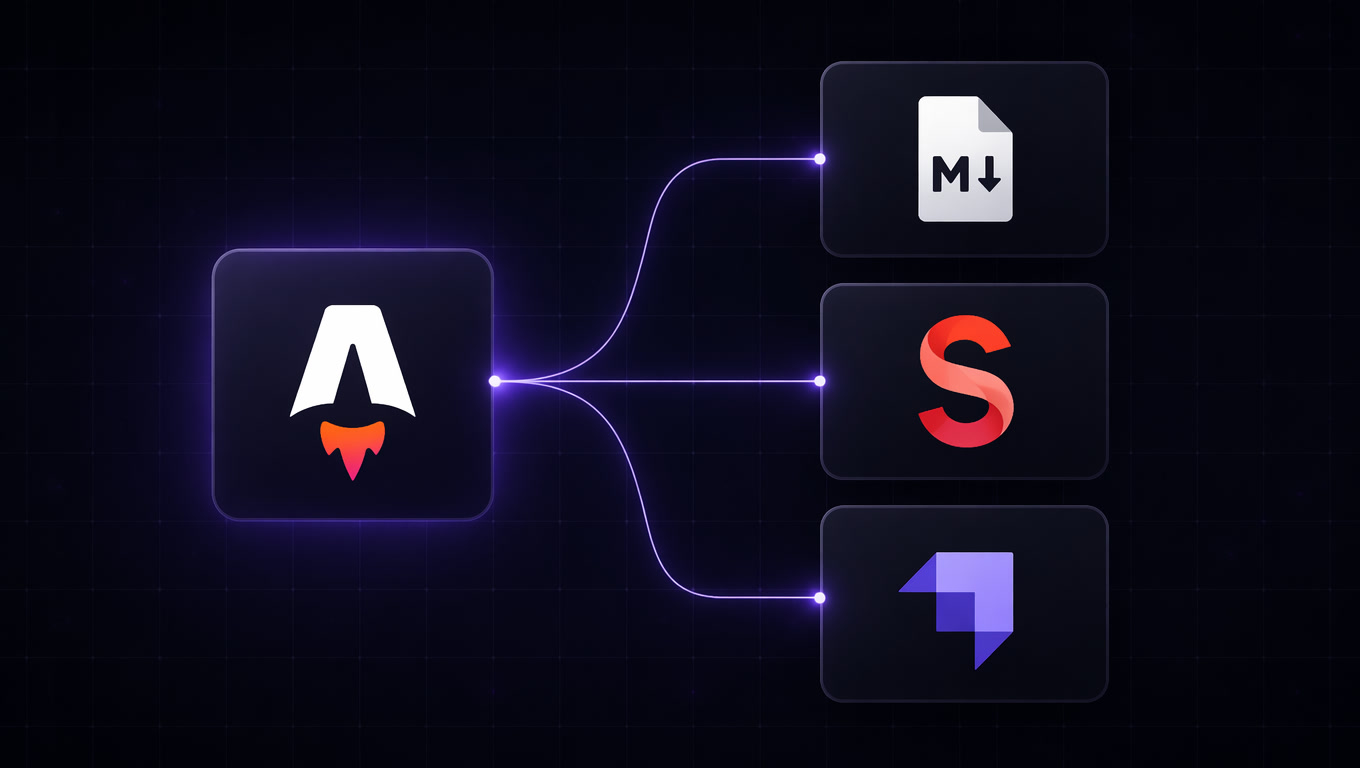
Astro ships with Content Collections — type-safe, zero-dependency content management built into the framework. You don't need a headless CMS for most projects. But when you do, picking the wrong content backend costs you time, money, and editorial velocity. This article documents the decision framework we use at Mintec to know when to add a headless CMS and which one fits each project profile.
Headless CMS with Astro? First Ask If You Actually Need One
Astro solves a problem that many teams solve by adding a CMS: build-time content management. Content Collections gives you type-safe collections, a query API, and zero external dependencies. You don't need a headless CMS until the project proves it does.
We've been building Astro sites at Mintec for three years — from landing pages to editorial sites with 3,000+ pages — and there's a question that comes up in every kickoff: "what CMS should we use?" The answer always starts with "it depends," but the structure of the reasoning is the same every time.
The temptation to add a headless CMS from day one is understandable. Sanity, Strapi, Contentful, and Directus have mature ecosystems, visual editors, and robust APIs. But in our experience, at least 40% of projects that start with a headless CMS would work perfectly fine with Astro's Content Collections alone. The cost — in money, operational complexity, and editorial friction — is only justified when the project profile demands it.
The Content Backend Spectrum in Astro Projects
Across the projects we've delivered this year, we've identified four clear content backend profiles. Each maps to a different project type.
| Profile | Recommended backend | When it applies | Typical monthly cost |
|---|---|---|---|
| Docs / Dev site | Content Collections (.md files) | Technical team, < 100 pages, no non-technical editors | $0 |
| Editorial blog | Sanity or Contentful | Large editorial team, real-time collaboration, structured content | $200-800 |
| Agency / Budget-conscious | Strapi or Directus (self-hosted) | Full control, no per-seat cost, team with Node.js skills | $10-50 (hosting) |
| WordPress migration | Headless WordPress + WPGraphQL | Legacy WP content, team familiar with ecosystem, progressive migration | $15-50 (WP hosting) |
This table isn't academic — it's the result of evaluating options with real clients over the last six months. Let me break down each profile with specific cases.
Profile 1: Content Collections — When Less Is More
The clearest case is also the most overlooked. If your content team is technical — or you're building a documentation site, knowledge base, or product site — version-controlled markdown files in Git beat any CMS.
What you gain:
- Deterministic builds. What's in the repo is what ships. Zero surprises.
- Perfect performance from day one. No API fetches at build time, no cache warming.
- Native collaboration via PRs. Changes are reviewed, discussed, and approved as code.
- No vendor lock-in. Your content is files. Move it to any framework without migration.
The ceiling appears when:
- The editorial team needs a WYSIWYG visual editor
- Multiple non-technical authors publish several times a day
- You need scheduled publishing, approval workflows, or visual versioning
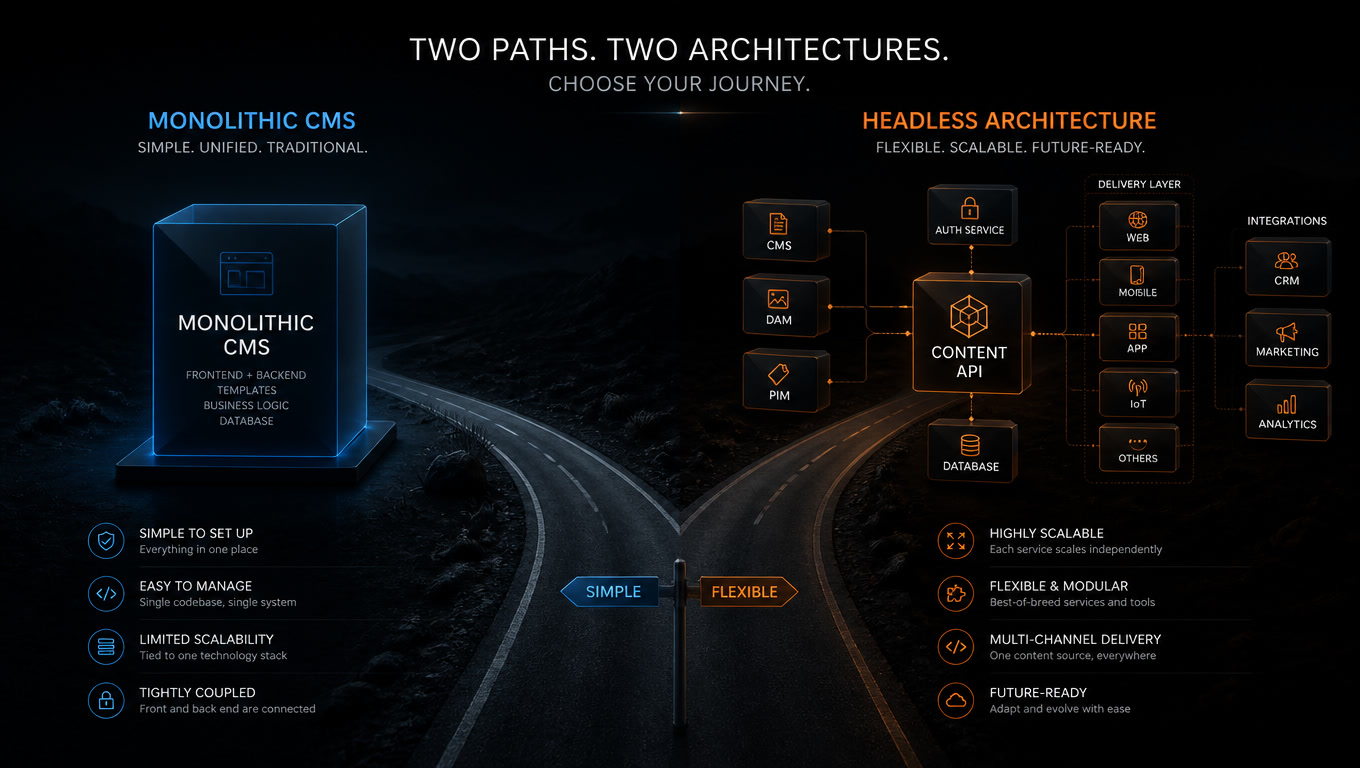
- Content must be reused across multiple channels (web, app, newsletter) from a single source
In our projects, the inflection point comes around 100 pages and 3 non-technical authors. Below that, Content Collections wins. Above it, the friction starts to hurt.
Profile 2: Sanity — For Editorial Teams That Need a Real Editor
Sanity has the most mature native loader for Astro (@astrojs/sanity). We've used it in three editorial projects this year, and it's our recommendation when content is the core product.
Why it works with Astro:
- The loader consumes content at build time. Production performance is identical to local files — as we documented in our real-world Astro vs Next.js benchmarks.
- Sanity's visual editor (Portable Text) lets editors work with structured blocks without touching markdown.
- The schema is defined in code and synced with the studio. Editors see exactly the fields they need.
The real cost: Sanity's "Growth" plan starts at $300/month. For a mid-size editorial site (5-10 editors, 500-1000 pages), that cost justifies itself against the editorial productivity it saves. But if your site gets two updates a month, start with Content Collections.
Profile 3: Strapi — Full Control Without Per-Seat Costs
Strapi 5 (released in early 2026) significantly improved the development experience and performance. For projects where CMS cost matters — startups, agencies with tight margins — it's the most solid self-hosted alternative.
The Astro integration:
- There's no official Strapi loader for Astro, but the REST API or GraphQL endpoint is easy to consume with a custom loader.
- Our article on composable architecture documents how we implement this integration without coupling the frontend to the CMS.
- Strapi runs on $10-20/month on a basic VPS (Dokploy, Railway, or Fly.io).
The tradeoff: You need a developer to maintain the CMS — updates, security patches, backups. On projects where the technical team is stretched thin, this maintenance cost can exceed the license savings.
Profile 4: Headless WordPress — The Progressive Migration Path
WordPress isn't the enemy. It's the most-used CMS in the world for a reason, and for projects with legacy WordPress content, the headless option is the most pragmatic choice.
The pattern we use:
- WordPress stays as the editorial backend (editors don't notice the change).
- WPGraphQL exposes content as a GraphQL API.
- Astro consumes the content at build time via a custom loader.
- Pages ship as static files from Cloudflare Pages — with 98ms TTFB compared to the original WordPress's 680ms, as we reported in our WordPress migration lessons.
When it works: When you're migrating an existing WordPress site and want to keep editorial workflows intact while gaining frontend performance. The mistake is doing this for new projects — there, start with a native headless solution.
A 3-Question Decision Framework
Before choosing a content backend for your Astro project, ask these three questions:
- Who writes the content? If it's the technical team → Content Collections. Non-technical editors → CMS.
- How often do you publish? If fewer than 5 articles per month → Content Collections. More → CMS with editorial scheduling.
- Is the content reused across channels? If web-only → Content Collections or a simple CMS. If it also goes to mobile apps, newsletters, or external platforms → Headless CMS with API.
Three "Content Collections" answers and you don't need a CMS. One or more "CMS" answers and define your profile using the table above.
What Getting It Wrong Costs
We've seen both mistakes: projects that started with an unnecessary headless CMS and paid $300/month for a year to manage 20 pages; and projects that started with Content Collections and had to migrate to Sanity six months in with a partial frontend rewrite.
Both are avoidable with an informed decision at the start. The three-question framework above reduces it to a five-minute conversation in the kickoff.
If you start with Content Collections and later need a CMS, Astro 7's Content Layer makes the migration seamless because it abstracts the source. If you start with a CMS, there's no easy way back — your content becomes dependent on an external API.
Our recommendation: always start with Content Collections. Add the CMS only when the project proves it needs one.
Frequently Asked Questions
When should I use Astro Content Collections instead of a headless CMS?
When the content team is technical (markdown versioned in Git), the site has under 100 pages, and you don't need scheduled publishing, real-time collaboration, or multi-channel content distribution. In our benchmarks, roughly 40% of projects that start with a headless CMS could run perfectly fine on Content Collections alone.
Which headless CMS integrates best with Astro in 2026?
It depends on the project profile. Sanity has the most mature native loader (@astrojs/sanity) and a visual editor that editorial teams adopt quickly. Strapi is the best self-hosted option if you need full control and your team has Node.js experience. Headless WordPress works well when you have existing content in WordPress and want a progressive migration to Astro without losing the plugin ecosystem.
Does using an external CMS degrade Astro site performance?
Not if integrated correctly. With Astro 7, loaders consume CMS content at build time and generate static pages. Production performance is identical to Content Collections. The risk is in bad practices like client-side fetching or uncached CMS queries — mistakes we see often in projects migrating from traditional WordPress.