Google Now Has a Button for Readers to Choose Your Site in AI Overviews. Installation Is Two Lines
Google released an official button that lets readers add mintec.co as a preferred source. Here are the code, the domain eligibility rule, and a measurement plan that does not promise rankings.
Google Now Has a Button for Readers to Choose Your Site in AI Overviews. Installation Is Two Lines
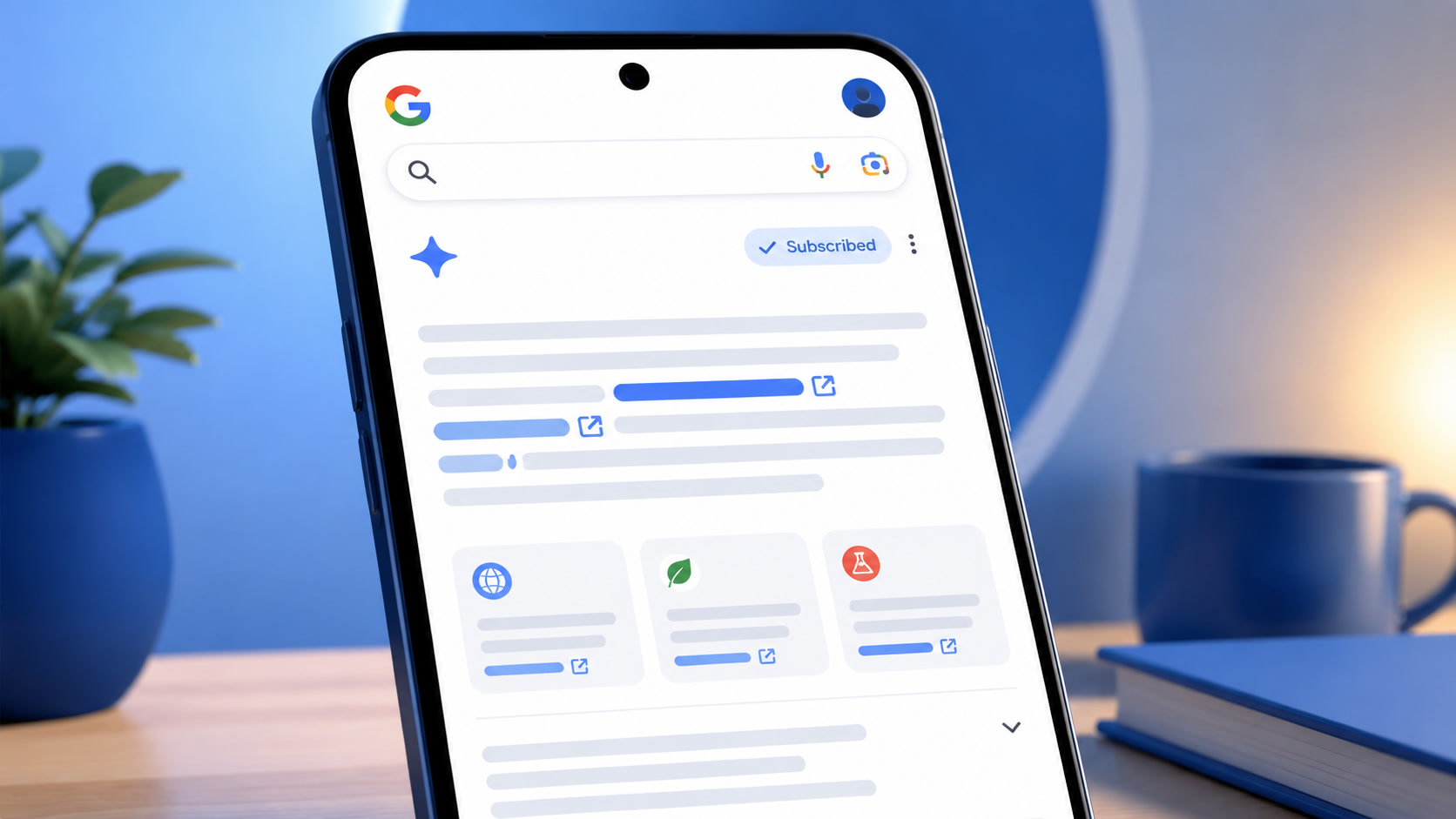
Google's official Preferred Sources button is now available. It does not guarantee a position in AI Overviews or make an unknown brand appear in everyone's answer. It does let a reader express a specific preference: "I want to see more content from this site."
The difference sounds small, but it changes how to think about GEO. For years, the challenge was getting a search engine to find us. With Preferred Sources, the reader can choose us after arriving at the site.
On August 20, Google published an interactive button that can be embedded on any page. When a reader clicks it, Google adds the domain to that person's preferred sources and returns them to the article. They do not have to leave the page or search for the brand in a settings menu.
This is not a magic button. It is a way to measure and cultivate trust from people who already know you.
The official installation is two lines
Google recommends loading this library in the <head>:
<script async src="https://news.google.com/swg/js/v1/publisher.js"></script>
Then place the button in the article body:
<div google-add-preferred-source-btn></div>
The widget localizes itself from the reader's browser language and returns them to where they clicked. Google also offers an advanced version for custom designs and a direct link for sites that do not run JavaScript:
https://www.google.com/preferences/source?q=mintec.co
The code is not the interesting part. The person deciding to use it is. The button turns a reading preference into a one-click action, but it does not remove the need for an indexable, relevant, trustworthy site.
Domain eligibility is the first hurdle
Google allows domain-level and subdomain-level sites to register. https://mintec.co/ is eligible. https://blog.mintec.co/ may also be eligible. https://mintec.co/blog/ is not.
The CTA must therefore point to mintec.co, not the blog folder. If Google cannot find the domain in its source preferences tool, readers cannot add it no matter how often the site asks.
The work should happen in this order:
- Open
https://www.google.com/preferences/sourcewhile signed into a Google account. - Search for
mintec.coand confirm the domain appears. - Add the widget to one article template.
- Track clicks and review traffic for several weeks.
I would not install the button across the site before checking eligibility. That would add a call to action that leads nowhere for some readers.
What changes for a brand
Preferred Sources separates two problems that usually get mixed together.
| Surface | What Google says | What it means for Mintec |
|---|---|---|
| Top Stories | Selected-source content is more likely to appear | It can improve recurring visibility for a source the reader already chose |
| AI Overviews and AI Mode | A selected-source link can receive a preferred badge | The reader can recognize a source they already selected |
| Classic Search and GEO generally | No global ranking factor is announced | Indexing, relevance, and quality remain the foundation |
Google's Preferred Sources documentation uses careful wording. In Top Stories, it says selected content is more likely to appear. In AI Overviews and AI Mode, it says the link can be highlighted with a badge. The distinction matters: the badge appears when the site is already selected by that person; it does not force Google to insert the site into every answer.
The real opportunity is the audience that comes back. Someone who reads several Mintec articles can add the site as a preferred source. A later query about AI, marketing, or automation can then carry a visible signal of trust that the article alone cannot express.
What the button does not do
It does not erase the gap between SEO and GEO. Google still says there are no additional technical requirements for appearing in AI Overviews or AI Mode. A page must be indexed, meet Search requirements, and provide a useful answer.
It also does not turn the number of selected sources into traffic. When Google announced the button, it said users had selected more than 600,000 unique sources. That count includes selected sources, not installations, clicks, impressions, or revenue.
The claim that people are "twice as likely" to click a preferred source also needs context. It may be a useful signal, but it is a Google figure with no published methodology. I would label it "reported by Google," not treat it as a proven baseline for Mintec.
How I would run the first test
I would not start with a site-wide banner. I would start with one question after an article that has already demonstrated its usefulness.
The copy could be:
If you want to see more Mintec analysis in Google Search, add mintec.co as a preferred source.
The text should explain the benefit. It should not use schema or GEO jargon. Google's button already handles the visual part; surrounding it with five paragraphs only pushes away the person who wants to return to the article.
During the first month, I would track four things:
- button clicks, split by language and template;
- pages where the CTA appears;
- Google AI and AI Overviews traffic around pages already cited in AI answers;
- reading behavior and return visits compared with the blog average.
There is no way to know how many readers finally pressed "Add" inside Google, because the widget does not expose an individual identifier to the publisher's site. The click is intent. The later traffic is outcome.
Where this fits in the wider GEO system
Preferred Sources does not replace a citation panel. It covers one part of the experience: the preference of a person who already knows the brand.
The rest of the system still matters:
- Ranking #1 does not mean AI will cite you separates rankings, visibility, traffic, and conversion.
- A ChatGPT citation is a sample, not a result requires repeated prompts before conclusions.
- GEO traffic has real numbers shows how to measure sessions without confusing visibility with revenue.
- AI Mode and AI Overviews are not the same explains why one surface can work while another stays invisible.
The full strategy is still the same: content worth reading, sources people can verify, and a clear way to learn which pages work. Preferred Sources adds one lever. It does not make the rest unnecessary.
My read, without the sales pitch
Google is not saying that any site with the button will rise. It is saying that a reader can choose to see more from a particular publication. The difference between those claims is huge.
Preferred Sources helps a brand with a small but loyal audience. It helps a visitor find a Mintec analysis again, or lets a potential customer keep Mintec in their source list. It does not help a brand that remains invisible in the first place.
The first move should be small and verifiable: check whether mintec.co is eligible, install the widget on one article template, and watch whether people actually use it. If it works, extend it to the pages with the strongest fit. If it does not, do not repeat the mistake across the site.
Google's update did not create a new ranking factor. It made an existing relationship between a publication and its audience visible. The button simply lets that relationship stop being invisible.
Frequently Asked Questions
What does Google's Preferred Sources button do?
It lets a reader add a site's domain as a preferred source and return to the article. Google says selected content is more likely to appear in Top Stories and can receive a preferred-source badge in AI Overviews and AI Mode. It does not guarantee a ranking or inclusion in every answer.
Does the Preferred Sources button improve SEO?
It is not a general ranking factor. The preference belongs to the user who clicked and affects only eligible Google surfaces. It may increase the chance of appearing for someone who already chose the site, but it does not replace indexing, relevance, useful content, or links.
Can mintec.co become a preferred source?
Only domains and subdomains can be registered, not a path such as mintec.co/blog. First check that mintec.co appears in Google's source preferences tool. Then add the official button to an article template.