Declarative Shadow DOM Is Finally Baseline: Server-Rendered Components Without a Line of Client JS
Declarative Shadow DOM hit Baseline 'widely available' in August 2026 — web components can now ship with their shadow root already attached in the HTML. How Mintec uses it on Astro projects, and the view-transitions edge case nobody demos.
Declarative Shadow DOM Is Finally Baseline: Server-Rendered Components Without a Line of Client JS
Declarative Shadow DOM (DSD) hit Baseline "widely available" in August 2026: all three major engines have supported it for over 30 months, so you can ship it in production with zero compatibility caveats. That means a web component can arrive in the browser with its shadow root already attached in the HTML —no JavaScript for the first render, no FOUC, no hydration-triggered layout shift— and it's easily the most underrated improvement of the year for SSR-first sites like the ones we build at Mintec.
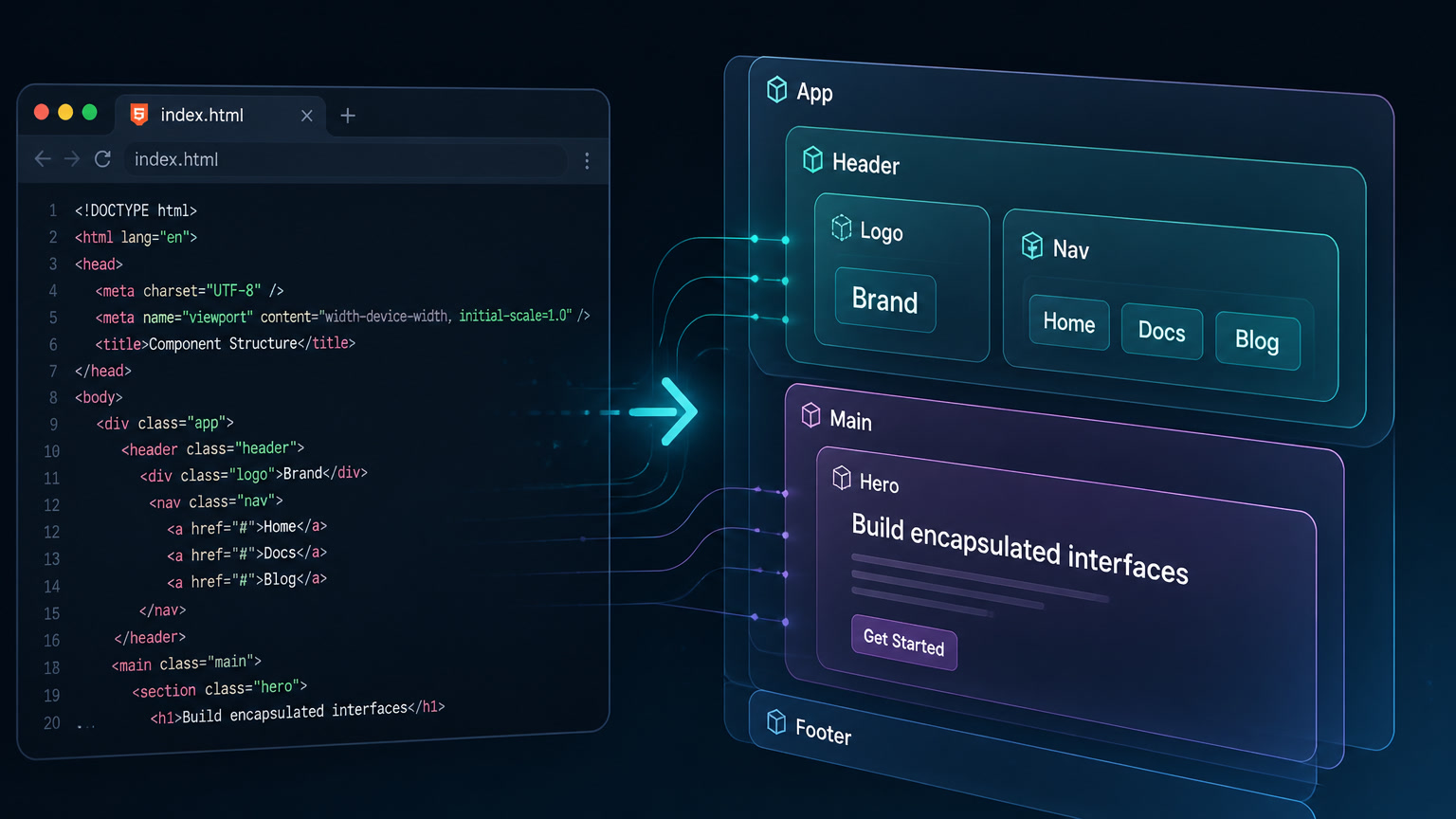
If you haven't touched the topic, here's the core: since 2019, modern web components mount their encapsulated DOM with JavaScript (element.attachShadow()). Without JS, a custom <video-player> was just an empty tag until the bundle loaded. DSD flips that: you write the shadow root inside the HTML your server sends, and the browser attaches it during parsing. The component is visible, styled, and functional without executing a single script line.
What you might not know: it took more than three years for this to become "legal" everywhere. And, like everything on the modern web, it has an edge case the demos don't show —and we found it in production.
What changed in August 2026
Baseline is the cross-vendor compatibility system backed by Google, Microsoft, Mozilla, and Apple: a feature becomes "newly available" when all engines support it, and "widely available" after 30 months of interoperability. According to web.dev's monthly roundup, DSD cleared that second milestone in August 2026.
The actual support dates (from MDN's compatibility data):
| Browser | Version | Approximate date |
|---|---|---|
| Safari | 16.4 | March 2023 |
| Chrome / Edge | 111 | March 2023 |
| Firefox | 123 | February 2024 |
Firefox was the last engine to land it, in February 2024. Thirty months later: August 2026. This isn't a marketing moment — it's the official signal that you can use DSD on any project without a compatibility debate. For an agency migrating clients to modern stacks, it's the difference between "works in Chrome" and "works everywhere, period."
Why it matters for content and media sites
At Mintec we mostly build on Astro over Cloudflare Pages, and a big part of our portfolio is heavy-media sites: editorial portals, brand sites with galleries, custom video players. That's where DSD stops being a curiosity and becomes a performance advantage:
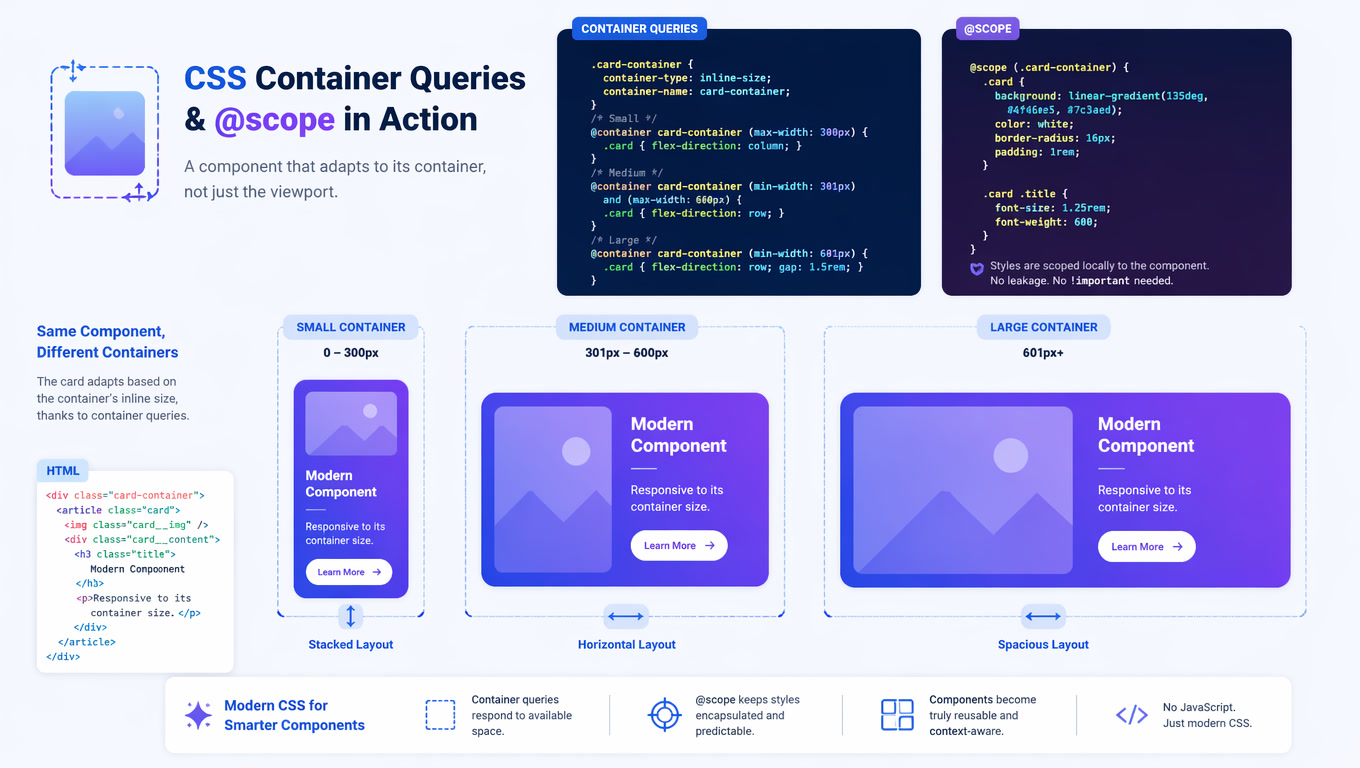
- First render without JS. The component arrives with its encapsulated styles inside the initial HTML. No more "ugly component that styles itself two seconds later."
- Ships with the stream. Because DSD operates at parser level, the shadow root's content is sent and rendered with the HTML stream. You don't wait for a custom-element bundle to load.
- Less critical JavaScript. You remove component frameworks from the critical path. The element "upgrades" when your script arrives, but the initial render is already done.
- No collision with global CSS. Component styles live inside its shadow root: global site selectors don't leak in, and the component doesn't pollute the rest of the page.
Here's how we weigh it against the alternatives on real projects:
| Approach | JS for first render | Encapsulation | Streaming | Runtime cost | Best for |
|---|---|---|---|---|---|
DSD (<template shadowrootmode>) | 0 | Full | Yes | 0 (native parser) | SSR/MPA sites, Astro, media, content |
Client-side attachShadow() | Yes | Full | No | Library or script | SPAs and stateful apps |
| Lit / Stencil | Minimal (but bundle) | Full | Partial | Framework runtime | Complex interactive components |
| Plain CSS + BEM | 0 | None (convention) | Yes | 0 | Simple sites, large teams |
Our rule: if the component is mostly presentational (player, gallery, embeds, brand widgets) and the site is SSR-first, start with DSD. If the component has complex interactive state, DSD is still the foundation — but expect a runtime on top.
The edge case the demos don't show: DSD + View Transitions
Here's the uncomfortable part, and it's exactly the kind of detail you only find by digging through real issue trackers while architecting a client build — in our case, an editorial project using @astrojs/lit with View Transitions.
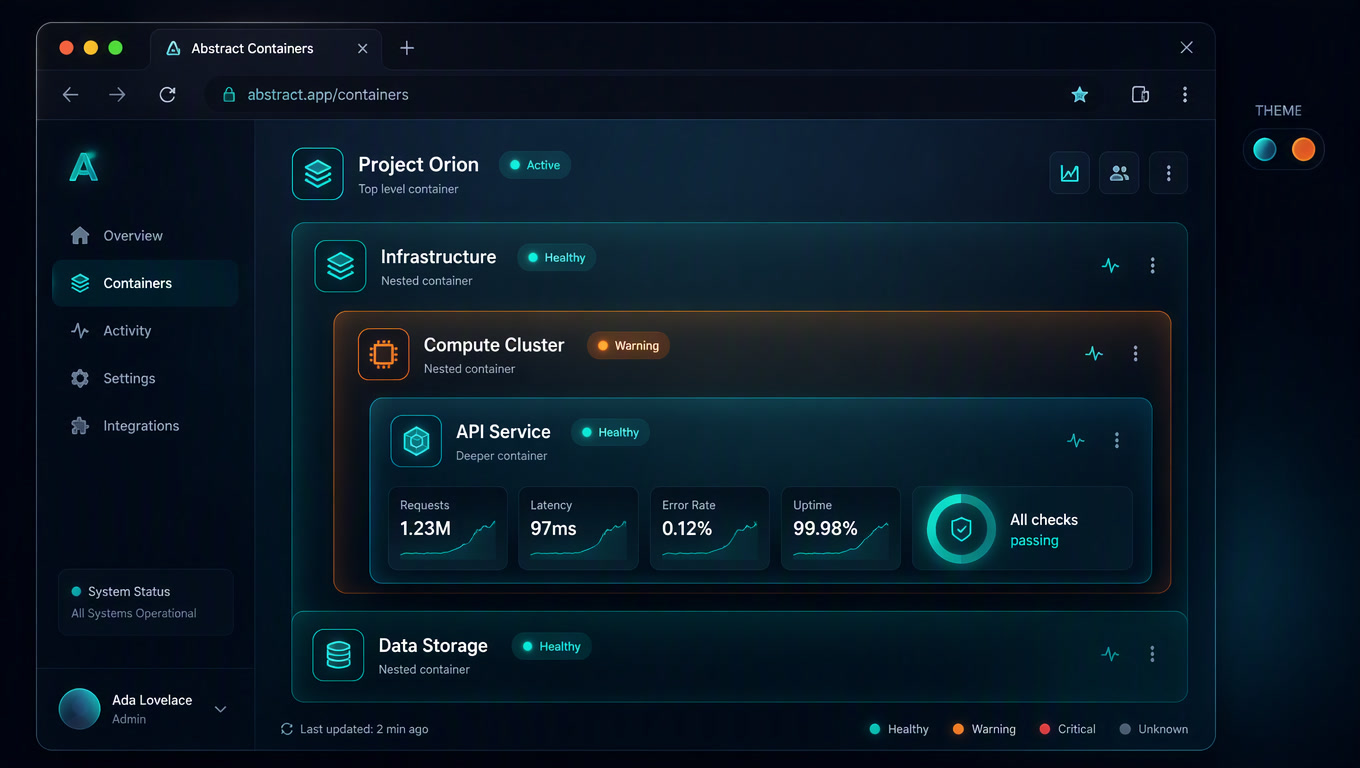
Declarative shadow DOM parsing only runs while HTML is being parsed. That's great for initial load, but it's a problem for client-side routers that navigate "in place" without reloading the document. In Astro issue #9953, the @astrojs/lit team documents the symptom: a web component served with DSD works perfectly on first load, but after navigating with a transition, the browser doesn't re-run declarative parsing, and the component upgrades without its shadow root. Result: ghost content or lost styles until a script steps in.
In practice, with Astro and similar web-component integrations, there are three escape routes:
- Detect and re-attach. In the custom element's
connectedCallback, check whetherthis.shadowRootalready exists; if not, callthis.attachShadow({ mode: "open" })and re-serve the content (viasetHTMLUnsafe()if the markup is serialized). - Scope the transitions. If the component is critical, leave it out of
view-transition-name, or use native cross-document transitions (which do reload the document and therefore re-run the parser). We cover the full pattern in our article on the View Transitions API in production. - Hydrate on demand. Don't load the custom-element bundle on first visit if you don't need it; DSD components already look right without it. Load it when the user is about to interact.
None of these escapes are pretty, but they're the cost of adopting a young feature. The good news: DSD doesn't fail on 90% of the site; it fails on the specific case of page-to-page navigation plus SSR-served components, and it's fixed with a few lines of guard code.
How we decide when to use DSD at Mintec
Here's the decision tree we already use in architecture proposals:
- Is the site SSR or static (Astro, Next, 11ty)? → Yes: DSD is available from day one.
- Is the component presentational or embedded (video, gallery, chat widget, table)? → Yes: pure DSD, no runtime.
- Does the component need state, forms, or complex logic? → DSD as the base + minimal runtime (Lit or vanilla) on top.
- Does the site navigate with a client-side router and transitions? → Add the re-attach guard from the previous section.
- Is the whole site a single-page app without SSR? → You can still use DSD (the server can pre-render and send HTML), but the main advantage is diluted.
This criteria carried us through the redesign of a multilingual editorial portal (2,500+ pages) we migrated to Astro on Cloudflare: video players and content cards are served with DSD, and critical JavaScript dropped measurably on the render path. We break down the migration and its results in six months with Astro and Cloudflare, and the component-system interplay in our piece on container queries and components.
What comes next: DSD + sanitizer APIs + media
DSD doesn't travel alone. setHTMLUnsafe() and getHTML() let you parse and serialize shadow roots programmatically — useful for hydration and for content served from a headless CMS. And the fact that the shadow root rides in the HTML opens the door to richer media components served from the edge, just like we already do with browser-side video processing.
Our bet: by 2027, "web component without SSR" will sound as odd as "CSS without a reset." DSD turns shadow DOM into part of the document instead of part of a bundle — and on sites where every kilobyte of JavaScript counts, that's one of the most profitable wins of the year. Start with a presentational component, add the re-attach guard if you use transitions, and measure your critical JavaScript before and after. The numbers will do the talking.
Frequently Asked Questions
What is Declarative Shadow DOM?
It's how you include a shadow root directly in your initial HTML using `<template shadowrootmode="open">`. The browser attaches it during parsing, so the component's first render needs zero JavaScript to mount the encapsulated DOM.
Why does August 2026 matter for Declarative Shadow DOM?
Because the feature reached the 'widely available' stage of Baseline: all three major engines support it (Chrome 111, Safari 16.4, Firefox 123) and more than 30 months of interoperability have passed. It's the industry standard for 'safe to use everywhere'.
Does Declarative Shadow DOM work with View Transitions?
With native cross-document transitions, yes. With client-side routers like Astro's, there's a known edge case: declarative parsing only runs when HTML is parsed, so after an SPA-style navigation the component can lose its declarative shadow root unless you re-attach it.