Before a creative agent generates anything, define the web asset contract
Creative agents can produce image, video, voice, and edits from one brief. Mintec's web asset contract decides composition, meaning, delivery, provenance, and acceptance before that output reaches a page.
A creative agent does not deliver a web-ready asset. It delivers production material. Before you generate an image, clip, voiceover, or edit, define an asset contract with six things: where it belongs, what must survive a crop, what it means, how it ships, where it came from, and who accepts it. A strong prompt can create a strong visual. It cannot answer the publishing questions for you.
The new tools are not stopping at one image or a single video clip. MiniMax Design describes itself as a multimodal creative agent that orchestrates image, video, voice, and editing models from a creative intention.[1] MiniMax's H3 research names the fragmentation behind that pitch: subject and style references, motion, editing, voice, sound, image, and video have generally lived as separate tasks.[2]
That makes creative exploration faster. It also changes the web team's problem. If one brief produces eight visual directions, an animation, a narration, and a cut, the decision is no longer, "Which one looks best in Slack?" It is, "Which of these files can do a specific job on this page without making the page harder to read, slower to load, or less coherent?"
At Mintec, we do not leave that decision to a final visual review. We resolve it before generation with an asset contract. It is a short record attached to the brief and the intended web component. This is not paperwork for an image. It stops a desktop-approved scene from becoming an unusable mobile crop, the heaviest resource on a page, or a video that starts talking when a visitor returns with the Back button.
A prompt describes a scene. A contract describes the work.
A prompt might say, "Founder near a window, morning light, restrained editorial style." That is useful direction. It still leaves most of the important decisions unanswered:
- Is the founder the page's primary content, or visual texture behind a headline?
- May a narrow crop lose their face, or does the component need a safe zone?
- Does the image communicate anything the page does not say in HTML?
- Is the file an LCP candidate, a card image, or the poster for a video?
- What happens when an editor changes the headline, language, or call to action?
Once the file reaches the browser, it becomes a product object. It reserves space, competes for bytes, needs to be meaningful or decorative, and adapts to several aspect ratios.
| Approving model output alone | Approving an asset contract |
|---|---|
| "This version looks good" | "This version is fit for the hero on page X" |
| The prompt is the only reference | The prompt is linked to a component and published variant |
| Composition is reviewed on one screen | Composition is reviewed against the aspect ratios the site serves |
| Weight is discovered at the end | The delivery route is decided before generation |
| Video is judged by aesthetics | Video has a poster, playback rule, and equivalent content |
| Nobody knows when to remake it | An owner, state, and replacement reason exist |
The agent can propose twenty directions. The contract determines which one deserves a place in the system.
The six fields we define before generation
The contract should fit on a production card. If it requires a committee meeting to complete, it is too heavy. These six fields are enough to turn a generative output into a web asset the team can operate.
1. Component and page job
Name the exact placement first: editorial hero, case-study card, decorative background, video poster, thumbnail, or explainer block. Then write what it does for the visitor.
"Image for the homepage" tells nobody anything. "Poster for the product demonstration, shown after the opening copy, which previews the result without repeating the headline" is usable. That level of detail stops the same file from being forced into four unrelated placements because it was already available.
This is also the first loading decision. An asset visible when a page opens needs a different route from one appearing after several sections. Our AI-generated website media pipeline covers the generation, optimization, and delivery stages. The contract adds the missing stage before them: deciding whether the asset should exist, and where it earns its place.
2. Composition and safe zones
We ask for one scene, no embedded copy, and a primary ratio: 16:9, 4:5, 1:1, or 9:16. We then note what must survive a crop: a face, product, gesture, object, or empty space for page copy.
This does not mean generating every ratio upfront. It means knowing which ratio matters and when a dedicated alternate is better than an automatic crop. A portrait hero might require the person to remain inside the middle third, with clean space on the left for a headline. A product video might require the action to make sense without relying on tiny labels near the bottom edge.
3. Meaning, not just alt text
Accessibility is not a final alt-text task. It starts when the team decides whether the asset conveys information.
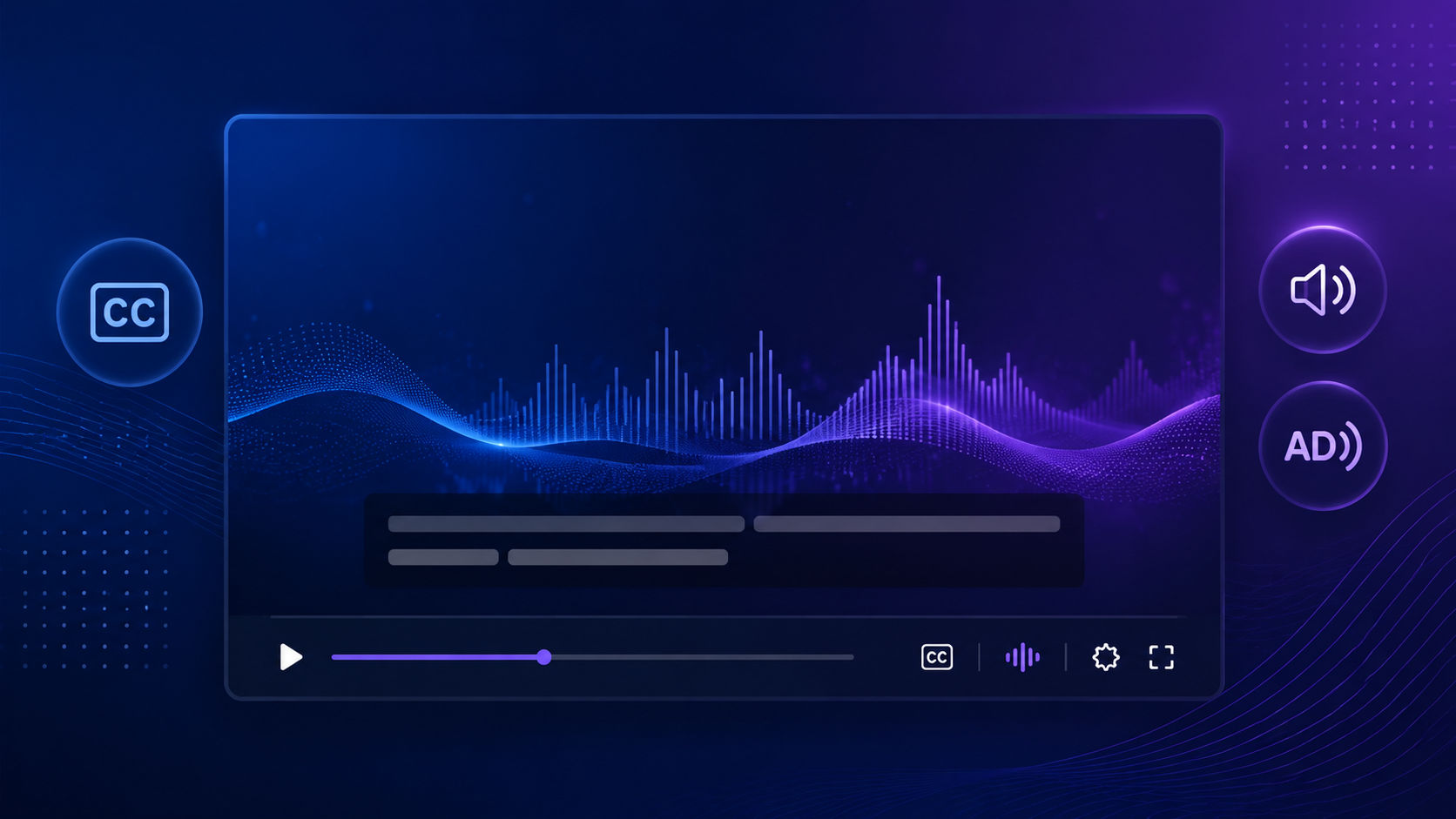
If it is decorative, the contract marks it as having no unique meaning, and the component does not invent a redundant description. If it explains a feature, comparison, or process step, the contract requires equivalent content in the page: copy, transcript, captions, or a concise description that holds up when the media does not load.
Generated video makes this especially important. The script, CTA, and controls must carry the message. Our Back-button test for video pages says returning to a page should preserve context without restarting audio or stealing attention.
4. Delivery route and experience budget
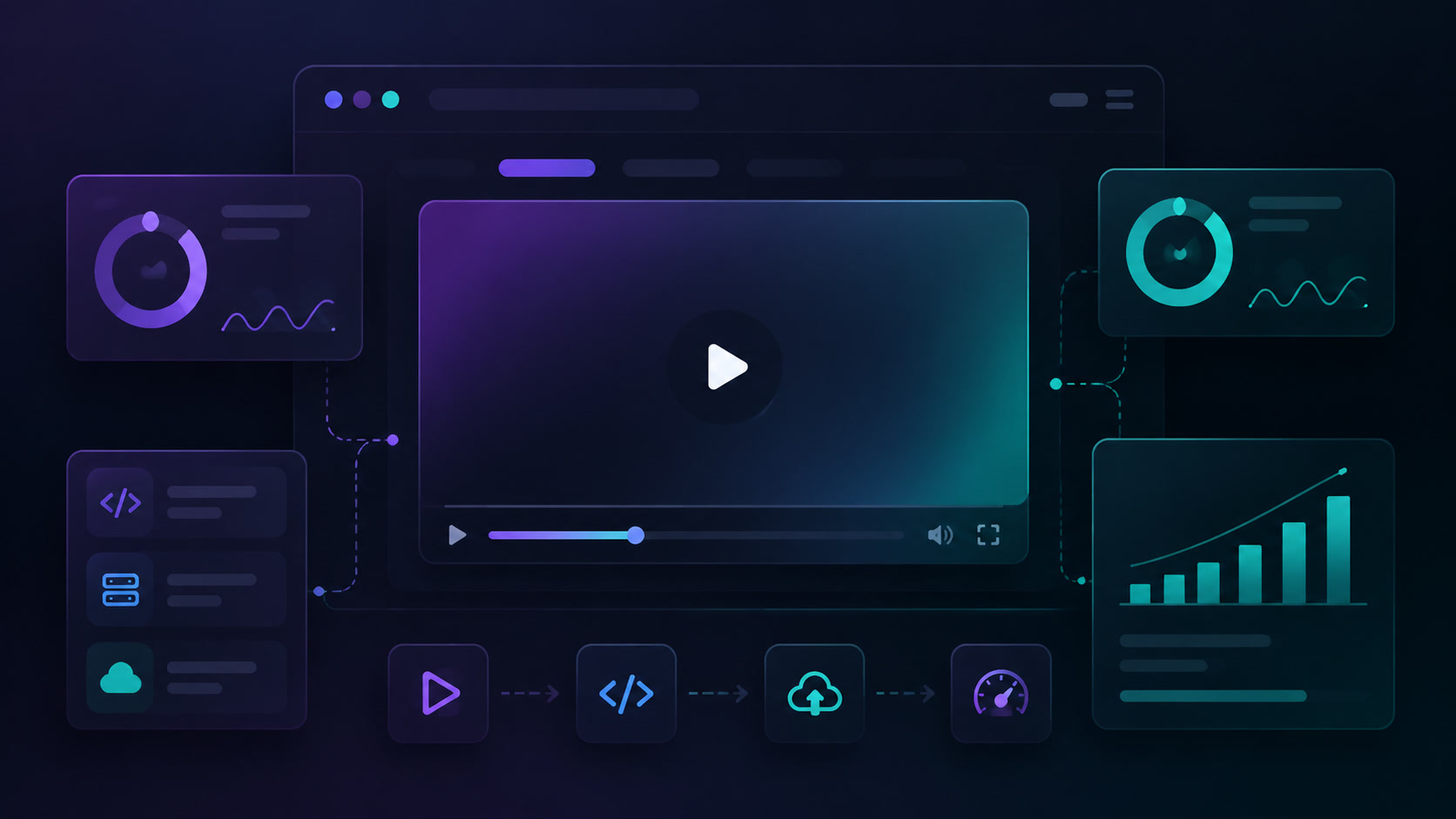
This field decides how the resource enters the browser. For an image, document whether it can be an LCP candidate, needs fixed dimensions, needs responsive variants, and what happens if it fails. For video, record the poster, useful duration, audio state, controls, loading moment, and playback condition.
A 12-second generative clip may look like an obvious hero. The contract may say otherwise: the message and CTA remain HTML, a static poster owns the first render, and the clip loads only after a visitor asks to play it or when it no longer competes with priority content. Cheap generation is not a reason to autoplay everything.
5. Production origin and version
Every published asset needs a small record: model or tool, date, prompt or brief identifier, reference inputs, approved version, and final location. That lets the team recreate a variant, replace a provider, and identify the file that actually shipped.
The point is practical. When a platform changes pricing, APIs, or availability, the risk is not knowing what depends on it. Our article on an exit plan for AI video stacks explains why prompts, model identifiers, and outputs should not live only inside a vendor workspace. An asset contract does not create portability on its own. It preserves the trace needed to make a migration possible.
6. Owner, state, and acceptance test
Every card ends with a human owner and a clear state: exploring, ready for review, approved for web, published, replaced, or retired. Approval does not mean "I like it." It means someone checked the component, crop, meaning, and delivery route.
The acceptance test can be short:
- The mobile version preserves the promised subject or negative space.
- Page copy communicates the message when the visual does not play.
- The asset does not shift layout or compete with priority content.
- The Back button does not restart audio, motion, or context without permission.
- The record identifies the published version and the person who can replace it.
Five minutes here saves hours of regeneration, CSS cleanup, and arguments about which file was "the approved one."
What changes for the creative team
The contract does not turn art directors into ticket managers or developers into prompt critics. It gives each role a moment where its judgment matters.
Creative direction defines intent, references, and compositional limits. Design decides whether the intent can live inside the interface. Development defines the component, variants, and delivery route. Content decides what text must remain outside the media. The page owner accepts a specific version. The agent accelerates exploration inside those boundaries.
That sequence matters more now that one tool can cross image, voice, video, and editing. Output can arrive faster than ever. A broken page can arrive just as quickly. More prompts and another round of "make it feel premium" will not solve the handoff. Giving every asset a testable job before asking a model to represent it will.
Start with a hero, thumbnail, or product demonstration. Create the six-field card, generate two or three variants, and connect the approved one to the optimization and delivery pipeline. If it holds up, you have a production standard for the next creative agent launch.
Sources
[1] https://design.minimax.io — MiniMax Design [2] https://www.minimax.io/blog/minimax-h3 — MiniMax H3 research
Frequently Asked Questions
What is a web asset contract?
It is a short specification that links a visual asset to its actual page use: component, composition, meaning, delivery budget, provenance, and the person who accepts it.
Is an approved prompt enough to publish AI-generated image or video?
No. A prompt describes creative intent. It does not say which variant should load, whether a mobile crop preserves the subject, what a non-visual user needs to know, or when a video should play.
When should an AI-generated video play on a web page?
It depends on the job it has. Decorative video should not delay priority content or restart when someone goes back. Explanatory video needs equivalent text, controls, and an intentional playback rule.