Dirty CRM Data Is Costing You Revenue: How to Automate Data Hygiene
Your CRM decays at 2.1% per month. 44% of companies report revenue losses over 10% from data decay. Here's how to build a continuous verification pipeline that keeps your database clean automatically.
Dirty CRM Data Is Costing You Revenue: How to Automate Data Hygiene
Your CRM decays at 2.1% per month. Emails that worked last quarter now bounce. The "Director of Marketing" you talked to is now "VP of Growth" at a different company. That lead you tagged as "hot" changed jobs six months ago and nobody updated the record.
This isn't a minor cleanup issue. It's a pipeline leak that silently drains revenue. According to data compiled by Landbase (January 2026) citing Forbes, 44% of companies report annual revenue losses exceeding 10% directly attributed to CRM data decay. The 2.1% monthly decay rate — the pace at which B2B contact data becomes inaccurate — means a CRM with 10,000 contacts will have over 2,200 stale records within a year if left unchecked.
At Mintec, we've seen CRMs with 35–40% outdated data in implementations where nobody had touched the database in over a year. The most common mistake? Thinking an annual manual cleanup fixes the problem. It doesn't. In 2026, the only approach that works is continuous automated verification.
How CRM Data Decays: The Breakdown by Category
Contact data doesn't degrade uniformly. According to Automaiva's April 2026 analysis, the breakdown follows this distribution:
| Data type | Share of decay | Why it degrades |
|---|---|---|
| Email addresses | 30% | Job changes, domain migrations, deprecated aliases |
| Job titles | 25% | Promotions, role changes, department moves |
| Phone numbers | 20% | Direct dials change, mobile numbers abandoned |
| Company affiliation | 15% | Acquisitions, spin-offs, reorganizations |
| Role-based aliases | 10% | info@, sales@, contact@ — unmonitored inboxes |
Here's the deeper problem: according to Cleanlist (February 2026), 15–20% of professionals change jobs every year. Sales development reps — exactly the people whose data you need most — switch roles every 18 months on average. Your CRM has no way of knowing until an email bounces or a call goes unanswered.
The Three Cost Buckets of Dirty CRM Data
When we talk to business owners about CRM data quality, the response is almost always the same: "Yeah, we have some old data, but it's not that bad." The reality is that dirty data carries a measurable cost across three completely separate budget lines.
1. Wasted sales team time
An SDR earning $60,000 per year with benefits costs roughly $40 per hour fully loaded. If that SDR spends 25 hours per month hunting for correct contact information — a conservative estimate for teams without verification workflows — you're burning $1,000 per SDR per month on cleanup that should never happen.
For a team of 5 SDRs, that's $60,000 per year in lost time alone. Most of the agencies and service businesses we work with at Mintec have 3 to 8 people in sales. The math scales fast.
2. Wasted sending infrastructure
Every email sent to a bad address consumes a credit in your outreach tool, a send slot in your deliverability infrastructure, and reputation capital in your domain. At a 20% bounce rate — common in unverified databases — you're paying for 20% more sending infrastructure than you need while damaging your future deliverability.
3. Structurally broken sales forecasts
This is the silent killer. When your CRM shows 200 active leads in the pipeline but 25% have outdated contact information, your forecast is structurally wrong. Sales leaders make hiring and spending decisions based on pipeline numbers that include leads who cannot be reached.
Forrester documented in 2024 that companies automating at least two pipeline stages see a 15–25% improvement in close rates. But that assumes clean input data. If your CRM is rotten at the foundation, no downstream automation will fix it.
The 4-Layer Framework for Automated Data Hygiene
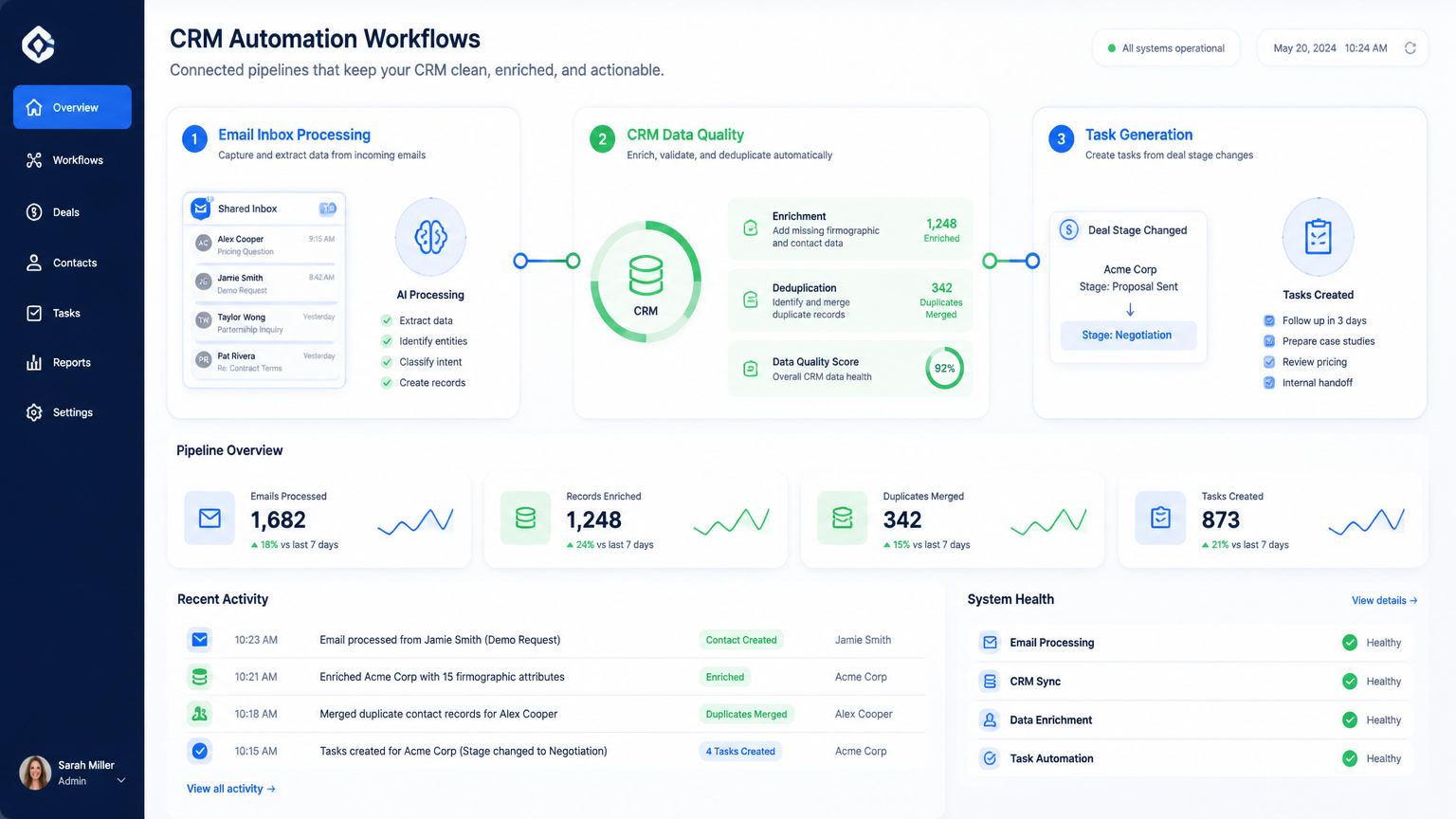
Periodic cleanup — "let's dedicate a Friday each month to clean the CRM" — doesn't work. Data decays faster than any human team can clean it. The alternative is continuous verification: a 4-layer automated loop that runs without human intervention.
Layer 1: Real-Time Verification at Point of Entry
Every email entering your CRM — from web forms, list imports, or manual entry — should pass through a verification API before being saved. Services like ZeroBounce, NeverBounce, or MillionVerifier check syntax, domain validity, mailbox existence, and role-account detection in under two seconds.
Automated flow (n8n or Make):
New contact created in CRM → Verification API →
  If valid → save with "verified: true" flag and date
  If invalid → flag for review or route to suppression list
The cost: $0.002 to $0.01 per verification. For 10,000 monthly contacts, that's $20 to $100 per month — a fraction of the labor cost of manual cleanup.
Layer 2: Scheduled Re-Verification for Aging Contacts
An email valid today may not be valid in six months. Set up a weekly or monthly workflow that re-verifies contacts older than 90 days.
Automated flow:
Every Sunday at midnight → Query CRM for contacts
  with "last_verified" > 90 days → Verification API →
  Update status → Alert team about stale contacts
  needing replacement
Layer 3: Enrichment-Based Change Detection
When an email verifies as deliverable but the contact has changed roles or companies, your CRM still holds inaccurate firmographic data. Enrichment APIs from Clay, Clearbit, or similar tools detect changes in title, company, and seniority automatically.
This is a massive blind spot in most CRMs. A contact who was a "Manager" when you added them and is now a "Director" with budget authority is not stale data — it's an upgraded opportunity. Your CRM should surface this, not hide it.
Layer 4: Bounce-Based Auto-Removal
Your sending platform knows which addresses bounced. Your CRM doesn't — unless you connect them. Set up a webhook from your sending tool (Smartlead, Instantly) back to your CRM to automatically flag or suppress bounced contacts.
Without this loop, you keep sending to dead addresses week after week, compounding domain reputation damage.
Recommended Tool Stack for Data Hygiene Automation
Based on our experience implementing automations for clients across Latin America, here's the stack we recommend:
| Purpose | Tool | Estimated cost |
|---|---|---|
| CRM | Clientify, HubSpot, Pipedrive | From $12/mo |
| Automation (orchestration) | Make, n8n | From $9/mo or self-hosted free |
| Email verification | ZeroBounce, NeverBounce | $0.002–0.01/verification |
| Contact enrichment | Clay, Clearbit | From $149/mo |
| Sending platform | Smartlead, Instantly | From $30/mo |
For most SMBs, the combination of Clientify + Make + ZeroBounce hits the sweet spot: accessible pricing, hours-long setup, and clean data without constant manual intervention.
How to Calculate the ROI of Data Automation
The formula is straightforward:
- Weekly manual cleanup hours × $40/hour (loaded SDR cost) × 4.3 weeks
- Wasted infrastructure cost (~20% of your email sending spend)
- Automated verification cost (~$0.005/contact on average)
ROI is almost always positive above 500 monthly contacts. For a team of 5 SDRs, the annual cost of dirty data exceeds $60,000. The annual cost of continuous verification is under $2,000.
What We've Learned at Mintec Implementing Data Hygiene
We've seen the pattern repeat: a company invests in a new CRM, migrates all their data, and six months later the sales team complains that "the CRM doesn't work" — when the real problem is that the data is rotten.
The most common mistake is treating data cleaning as a one-time project. It's not. It's a continuous process that must be automated from day one. If you're migrating to a new CRM or planning to, set up automated verification before you import your contacts — not after.
The second mistake is delegating data hygiene to a person. People get sick, take vacations, change jobs. An automated workflow in Make or n8n doesn't get sick and doesn't forget to run on Sundays.
Conclusion
Your CRM data quality isn't a technical problem — it's a revenue problem. The 2.1% monthly decay rate is relentless, and manual cleanup is a losing battle. The only way to beat data decay in 2026 is with a continuous automated verification pipeline that costs under $100 per month and takes an afternoon to set up.
If your sales team spends more than 2 hours per week hunting for correct contact data, that lost time is already paying for the solution. You just need to implement it.
Want to set up automated data verification for your CRM? Contact us and we'll show you how to do it in less than a day.
Frequently Asked Questions
How fast does CRM data decay?
B2B contact data decays at approximately 2.1% per month, or 22.5% annually according to industry benchmarks. A CRM with 10,000 contacts will have roughly 2,250 inaccurate records within 12 months if continuous verification is not in place.
What is the real cost of dirty CRM data?
44% of companies report annual revenue losses exceeding 10% directly attributed to CRM data decay, according to Forbes data cited by Landbase (2026). An SDR spending 25 hours per month hunting for correct contact info costs roughly $1,000 per month in lost productivity alone.
Can I automate CRM data cleaning without a developer?
Yes. With n8n, Make, or Zapier connected to email verification APIs (ZeroBounce, NeverBounce), any non-technical operator can build a continuous verification workflow in 2 to 4 hours at a cost of $0.002 to $0.01 per verification.