AI Automation vs Custom App vs SaaS: How to Decide
Three paths to automate your business: AI workflow, custom app, or SaaS. A decision framework built from real implementations with clients across Latin America.
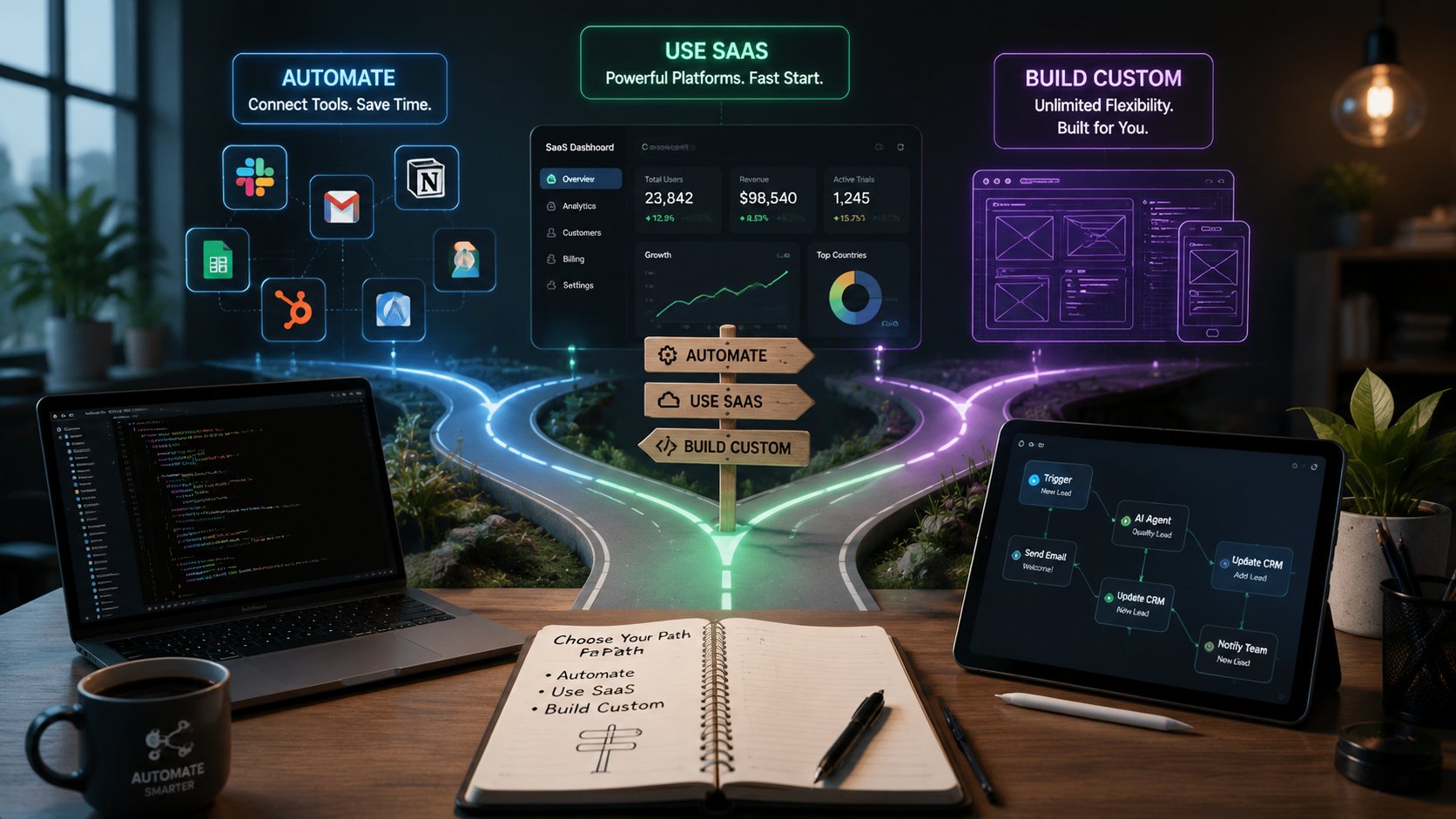
Three options compete when a business wants to automate: build an AI workflow in Make or n8n, buy a SaaS platform that already solves the problem, or commission a custom app. Each promises the same thing (efficiency, time savings, fewer errors), but the path that works for one case is a disaster for another.
We've implemented all three at Mintec for real clients across Latin America. Here's the framework we use to decide which one to use — and why sometimes the right answer is none of them.
The real problem: three paths, one goal
Until recently the decision was binary: build vs buy. Then low-code automation arrived with Make, n8n, and Zapier, adding a third path: connect tools without code. Then generative AI multiplied that third path — now you can have autonomous AI agents processing leads, classifying emails, and even responding to customers.
The problem is that every vendor tells you their solution is best. The SaaS salesperson will show you why their platform solves everything. The developer will explain why custom-building is the only serious option. And the automation platforms will sell you on connecting APIs being enough.
The reality — what we see in our clients — is that each approach has a specific range where it works. Outside that range, the hidden cost outweighs the benefit. We've already covered why 90% of automation projects fail and when NOT to use AI — this article completes the trilogy with the decision framework.
Decision framework: 3 questions + 5 signals
Question 1: How standard is the process?
This is the most important filter and the one most often ignored. If the process you're automating is something every company in your industry does the same way —invoicing, appointment scheduling, payment reminders— the answer is almost always buy a SaaS product.
"A good test: can you describe the workflow to a new hire in one sentence without any 'except when...' clauses? If yes, buy. If you need three exceptions, building starts making sense." — SoftwareBuilding.ai, Build vs Buy for AI Automation (2026)
When the process has unique steps —how you evaluate credit, how you classify leads by internal rules, how you handle exceptions— buying gets painful. You'll spend six months bending the SaaS tool around the shape of your actual work.
Question 2: How many systems does it need to touch?
This is where most buy decisions go sideways. A SaaS tool looks amazing in the demo. Then you get it into your stack and discover it doesn't talk to your CRM, your billing system, your ERP, or that one internal tool everyone depends on.
Count the integration points honestly. If your workflow needs to read from one system and write to another, a good SaaS with native integrations works fine. If it needs to touch 4-5 systems and understand the state of your business across all of them, an AI automation workflow (n8n, Make) or a custom app starts pulling ahead fast.
Industry data backs this up: according to Deelo, the "Integration Tax" adds 40-70% on top of SaaS subscription costs when you need to connect tools not designed to work together. Read more about this in our analysis of the hidden cost of disconnected tools.
Question 3: Is this a competitive advantage or a commodity?
If the process you're automating is something customers actually choose you for —your quoting speed, your dispatch accuracy, your proposal customization— that workflow should live in software you control.
"Buying a generic version of your own competitive advantage is a strange thing to do. You're handing your moat to a vendor and paying rent on it. And when a competitor signs up for the same tool next month, your advantage is gone." — SoftwareBuilding.ai, Build vs Buy for AI Automation (2026)
If it's a commodity —your email provider, your calendar, your meeting notes— buy it and move on.
The 5 signals you've outgrown SaaS
Based on real implementations with clients, here are the signals that SaaS is no longer enough:
| Signal | What it costs you | What to consider |
|---|---|---|
| 1. Your team exports data from one tool, cleans it in spreadsheets, and imports it into another every week | Hours lost, copy errors | Automation workflow (Make/n8n) |
| 2. The SaaS forces your team into awkward steps that create delays or mistakes | Operational friction, frustrated customers | Custom app or AI automation |
| 3. You need reports combining CRM, finance, and operations, but each SaaS only shows its slice | Operational blindness, decisions without data | Custom app with unified dashboard |
| 4. Permissions, approvals, and audits are too specific for the vendor's default roles | Compliance risk, insecure processes | Custom app |
| 5. The workflow affects revenue, margin, or customer experience enough that owning it is an advantage | Missed differentiation opportunity | Custom app or AI automation |
Source: Adapted from KUMO (2026) + Mintec implementations.
One or two signals may only justify a better SaaS setup or an automation workflow. Three or more signals means you should model a custom solution.
The three-path comparison matrix
| Factor | AI Workflow (Make/n8n) | SaaS | Custom App |
|---|---|---|---|
| Time to implement | Days to 2 weeks | Days to weeks | 4-24 weeks |
| Process control | High (you define the steps) | Low (you adapt to the tool) | Complete |
| Monthly cost | $20-200/mo | $19-1,200+/mo | $15K-100K upfront + $5-10K/mo maintenance |
| Internal maintenance | 2-4 hrs/month | Low (vendor handles it) | 10-20 hrs/month |
| Complex integrations | Excellent (n8n with code) | Limited to native connectors | Unlimited |
| Sensitive/data residency | Self-managed (n8n self-hosted) | Data on vendor servers | Total control |
| IP / differentiation | Medium (logic in workflows) | None (same tool as competitors) | Complete |
| Error cost | Low (fixable workflow) | Medium (vendor dependency) | High (you must maintain it) |
For a detailed comparison of automation platforms, see our guide on Make vs n8n vs Zapier.
When NOT to automate (the hidden fourth path)
There's a path nobody talks about because it doesn't sell licenses or development hours: don't automate yet.
If the process isn't broken —or isn't clear— automating it just gives you a bad process faster. We've seen clients spend $30K+ on an automation solution for a workflow that changed every 3 months due to strategic decisions.
"A lot of workflows aren't broken enough to justify either buying or building. Sometimes the right move is to leave it alone, fix a process issue upstream, or give the human doing it better tools. Automation is expensive either way, and automating a bad process just gives you a faster bad process." — SoftwareBuilding.ai, Build vs Buy for AI Automation (2026)
Signs you shouldn't automate yet:
- The process changes every few months
- You have no baseline metrics (current time, error rate, cost)
- Nobody has documented the current process
- You're in validation mode — not sure the workflow will survive
In these cases, buy a cheap SaaS tool and validate the process for 3 months. If it survives, then automate.
Real case: what we built for a logistics client
A client with operations in Mexico and Colombia needed to automate their quoting process. They received 50-80 requests daily via WhatsApp, web, and email. We evaluated all three paths:
- Quoting SaaS: Cheapest at $99/mo but had no integration with their local ERP or Mexican tax accounting (CFDI). The Integration Tax pushed us toward ~$400/mo plus setup hours.
- n8n + AI workflow: Connected WhatsApp API + n8n for request classification + OpenAI for data extraction + ERP via custom API. Cost: ~$80/mo in infrastructure. Implementation: 10 days. Outcome: quoting time went from 4 hours to 12 minutes.
- Custom app: Would cost ~$35K and take 8-12 weeks. We ruled it out because the process was still evolving.
The right call was the AI workflow: fast, cheap, and when the process matures they can build the app with 6 months of real data to guide it.
How to apply this framework today
- Document the current process — Before choosing technology, understand what happens today, how long it takes, and where it fails. Without a baseline, you can't measure ROI.
- Run the 3 questions — Standardization, integrations, differentiation. Whichever wins 2 of 3 is your path.
- Check your signals — Use the 5-signal table to detect if SaaS has been outgrown.
- Start with the smallest step — AI workflow as a proof of concept, then scale to a custom app if ROI justifies it.
- Measure before and after — Hours saved, errors reduced, customers retained. If it doesn't improve meaningfully, reconsider.
The decision isn't binary. Most companies end up with a combination: SaaS for the commodity stuff, automation workflows for operational processes, and custom apps for what truly differentiates them.
—
If you're evaluating automation options for your business and aren't sure where to start, talk to our team. We won't sell you what you don't need.
Frequently Asked Questions
When should a business choose AI automation over SaaS?
Choose AI automation when a stable workflow must connect multiple systems and includes business-specific rules or exceptions. If the process is standard and a SaaS product covers the required integrations, buy SaaS first.
When is a custom app worth it instead of Make or n8n?
Model a custom app when the workflow is a durable competitive advantage, needs deeply custom permissions or auditing, or requires a product-quality experience for customers or partners. Use automation first when the process is still changing quickly.
Can a company use SaaS, AI automation, and a custom app together?
Yes. Most effective operating stacks use SaaS for commodity functions, automation for cross-system work, and custom software for differentiated customer or operational experiences.