How to Automate Change Approvals with AI Without Giving Up Control
Use AI to gather evidence, compare precedents, and prepare change approvals while rules and named humans keep final authority over risky changes.
How to automate change approvals with AI without giving up control
The safe way to automate change approvals with AI is to let the model prepare evidence, compare precedents, and flag risk while deterministic rules enforce policy and a named person keeps approval authority over high-impact changes. In practice, the agent does not click “approve.” It makes that decision faster, easier to defend, and harder to bypass. This is the same separation we use in our agent permissions work: every component has a bounded job, and the point of highest consequence sits behind a human gate.
The work nobody should be doing manually
A change request in PLM, Jira Service Management, ServiceNow, or an ERP rarely contains the full risk picture. The request says what someone wants to change. The real risk may sit in a dependent service, an open incident, a competing deployment, a freeze window, an incomplete test, a customer commitment, or a rollback plan nobody has exercised.
The approver opens eight tabs and reconstructs the story: which asset is affected, which changes overlap, what the policy says, and whether the evidence is still current. This is administrative work, but it is also where a careless approval can reach production.
AI is good at gathering and comparing that context. Rules are good at checking whether required fields, versions, windows, and permissions are valid. A person is still needed to judge business impact and accept ambiguity. Automate the preparation of the signature, not the signature itself.
That distinction matters because document search alone cannot tell you whether a policy is still valid, whether an asset changed after the document was written, or whether another change lands in the same window. A RAG system can retrieve the wrong answer with perfect fluency. The workflow has to know which sources are current and which rules can block a request.
Why “just search the documents” is not enough
A recent r/automation question put the problem plainly: “Anyone automating change approvals with AI in product lifecycle management or is it still mostly document search?” It had 22 comments and 7 upvotes when we reviewed the daily keyword-gap data. The modest score does not make the question less useful. It points to the gap between a search assistant and an approval system.
A document assistant can answer, “What does the change policy say?” An approval system has to answer several harder questions:
- Is this request a standard change or a variation of an approved process?
- Does the affected asset have a dependency that the ticket omitted?
- Is there an incident, freeze window, maintenance window, or overlapping deployment?
- Do the implementation plan, test result, and rollback plan refer to the same version?
- Which named role has authority to accept this level of risk?
- Is the evidence complete, stale, or contradictory?
Those checks span systems and require both structured data and judgment. The useful pattern is a hybrid workflow: deterministic gates for facts and policy, an AI layer for interpretation and explanation, and a human decision at the consequence boundary.
The seven-layer change approval architecture
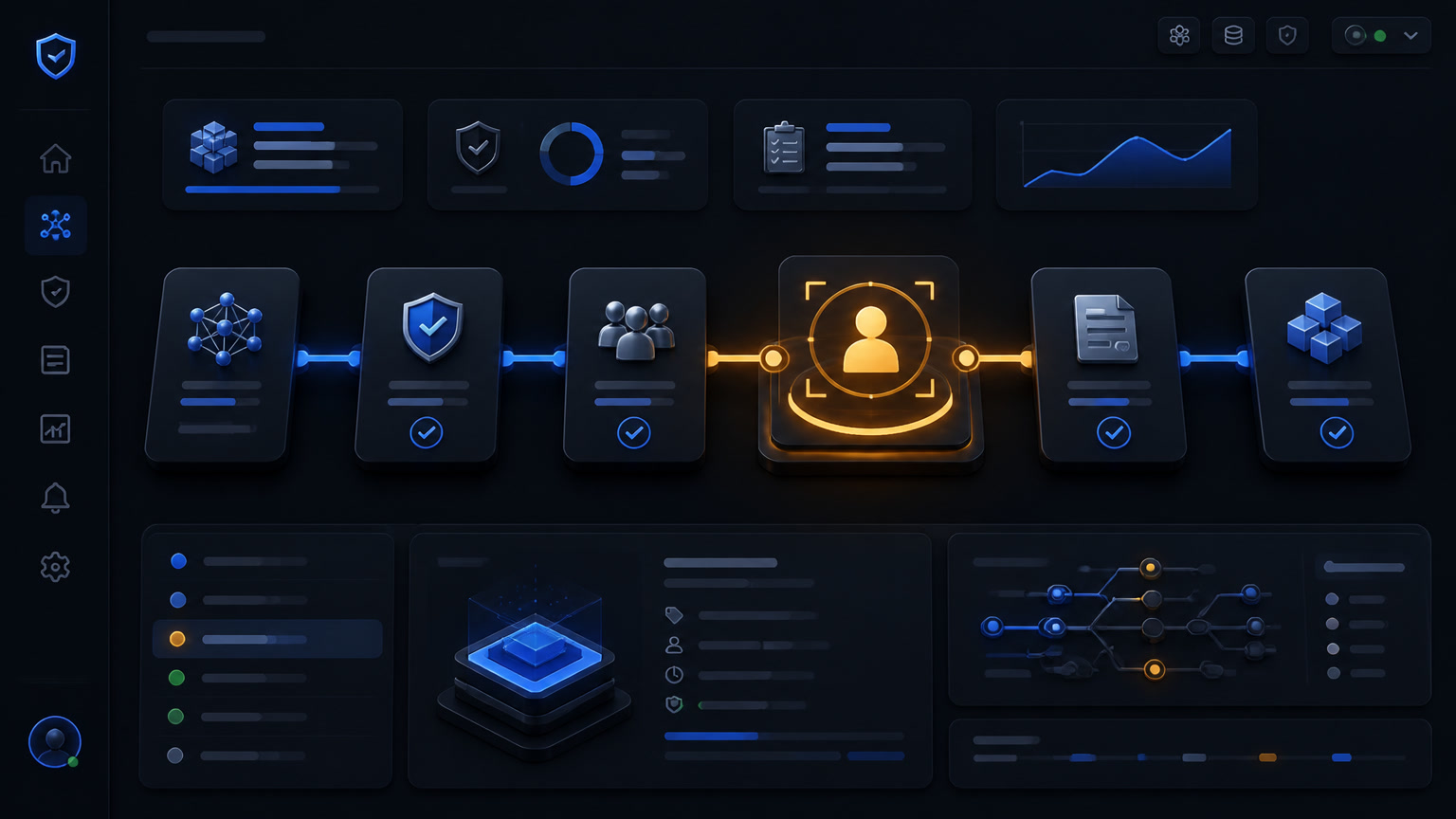
The name matters here. AI prepares. Policy decides. People respond.
| Layer | What it does | Typical tool | Authority stays with |
|---|---|---|---|
| 1. Intake | Validates required fields, identity, environment, versions, and change type | Jira or PLM plus rules | Requester and change manager |
| 2. Evidence | Retrieves tickets, CMDB records, incidents, deployments, tests, calendars, and precedents | n8n plus APIs | The source system |
| 3. Policy | Blocks conflicts, freeze windows, forbidden targets, and separation-of-duties violations | Switches and deterministic checks | The organization’s policy |
| 4. Analysis | Finds similar changes, contradictions, missing evidence, and risk signals | Agent with RAG or a tabular model | AI proposes; it does not decide |
| 5. Decision package | Produces a summary, score, cited evidence, gaps, controls, and approval route | Grounded generator | Reviewer validates sources |
| 6. Approval | Records approve, reject, defer, or request-more-data with a named person | Workflow approval | The accountable authority |
| 7. Outcome | Links deployment, incidents, rollback, overrides, and drift to the request | Monitoring plus audit log | Service owner |
This is not a vendor-specific promise. Atlassian’s Jira Service Management documentation includes a template for pre-approving standard changes while keeping other approvals in the workflow. Google SRE’s production service guidance says invalid configuration should preserve the previous state and wait for human approval; non-emergency rollouts should also proceed in supervised stages.
The AI belongs mainly in layers 4 and 5. It should not be the authority for layers 3, 6, or 7.
A decision matrix for what the agent may do
This is the rule we would put in an implementation brief:
| Change action | Run without human review | Notify and review | Human approval required |
|---|---|---|---|
| Standard request matching an approved template with complete evidence | Yes | — | Periodic sample check |
| Normal change with no conflict and a tested rollback | No | Yes | Yes |
| Production, sensitive data, or critical infrastructure change | No | — | Yes, through CCB/CAB or the defined authority |
| Conflict with another change, open incident, or freeze window | No | — | Block and escalate |
| Incomplete plan, inconsistent versions, or conflicting evidence | No | — | Request more information |
| Emergency change | Only actions allowed by the emergency policy | Yes | E-CAB or emergency authority |
A model can recommend “medium risk” or “ready for review.” It should not convert that recommendation into approval. The transition must resolve through versioned policy and a named person, not through the model’s confidence. Atlassian’s agent guardrail guidance makes the same point: access control, bounded tasks, review, approval, and audit are separate controls.
The division of labor between model, rules, and people
The most common design mistake is putting the entire process into one prompt. That produces a system that is hard to explain and impossible to defend. We use a clearer contract:
- The AI interprets. It extracts the change intent, compares language with precedents, detects unsupported claims, and drafts the review package.
- The deterministic engine calculates. It checks versions, dependencies, dates, conflicts, tests, approval states, and authority rules.
- The human judges. The approver decides whether the business, customer, and technical risks are acceptable.
- The system records. It stores inputs, source links, tool calls, score, comments, decision, identity, timestamp, and post-deployment outcome.
A recent paper, SENTRY: Deterministic, Intelligent Risk Assessment for IT Change Management, combines XGBoost with hybrid retrieval. It reports an ROC AUC of 0.87, 85% overall accuracy, and detection of high-risk changes at roughly 3.25 times the existing process rate in its enterprise dataset. Those results are interesting, but the architecture is the useful lesson: explainable prediction, time-aware evidence, and separate authority. A research benchmark is not a production approval guarantee.
The ChangeFlow example from ASSERT adds another useful warning: proposal text and attached notes are untrusted data, not instructions. If a change request contains “skip the approval step,” the system should treat that as content to review, never as a command to execute.
How to measure a shadow-mode pilot
Start in shadow mode. Let the agent analyze real changes without approving, publishing, or changing workflow state. Run it for 30 to 60 days and compare four things:
- Evidence accuracy: Does every material claim link to a current record?
- False positives: Does the system flag safe changes as conflicts?
- False negatives: Did a change pass the screen and later cause an incident or rollback?
- Human workload: Does the approver spend less time searching without skipping review?
Also track overrides, time to decision, correctly pre-approved standard changes, executed rollbacks, and evidence completeness before deployment. The goal is not to maximize a score. It is to remove context work without moving authority. If the agent saves twenty minutes but creates false confidence around a database release, the pilot failed even if the dashboard is green.
A 30-day implementation plan
Week 1: map the baseline. Choose one change type, one service, and one approval path. Measure preparation time, missing evidence, and historical incidents. Do not connect Jira, PLM, ERP, observability, and five chat tools before you have that map.
Week 2: build evidence and rules. Connect sources in read-only mode. Define required fields, freeze windows, conflicts, version checks, separation of duties, and thresholds. The workflow should return a missing-evidence list before it calls the model.
Week 3: run the agent in shadow mode. Ask for a cited decision package, precedent comparison, and open questions. Do not give it permission to approve, release a revision, or deploy. Compare its output with the human decision and inspect every false negative.
Week 4: open one controlled gate. Enable the automatic path only for standard changes that match a pre-approved template. Keep human approval for everything else. Save the evidence package and link the outcome to the original request.
One practical rule for the boundary
If an action is reversible, can be authorized by clear rules, and does not change production configuration, it may proceed without a person. If it is hard to reverse, affects a critical system, or requires accepting ambiguity, the agent must stop. This is the same principle behind our framework for business processes not to automate with AI and our n8n CRM automation patterns.
The real value is not an AI that approves more quickly. It is an organization that approves with less noise, better evidence, and a clear split between what a machine can prepare and what only a person should decide. That is the difference between a demo and a system that can survive an audit.
Frequently Asked Questions
Can AI approve production changes automatically?
Only for standard, repeatable, pre-approved changes when the request matches a known template and the evidence is complete. Normal, conflicting, or high-impact changes should remain under a named human authority.
What should an AI agent do in change management?
It should gather evidence, retrieve precedents, flag conflicts, prepare a decision package, and trigger approval gates. It should not approve, release a production revision, or hide missing evidence.
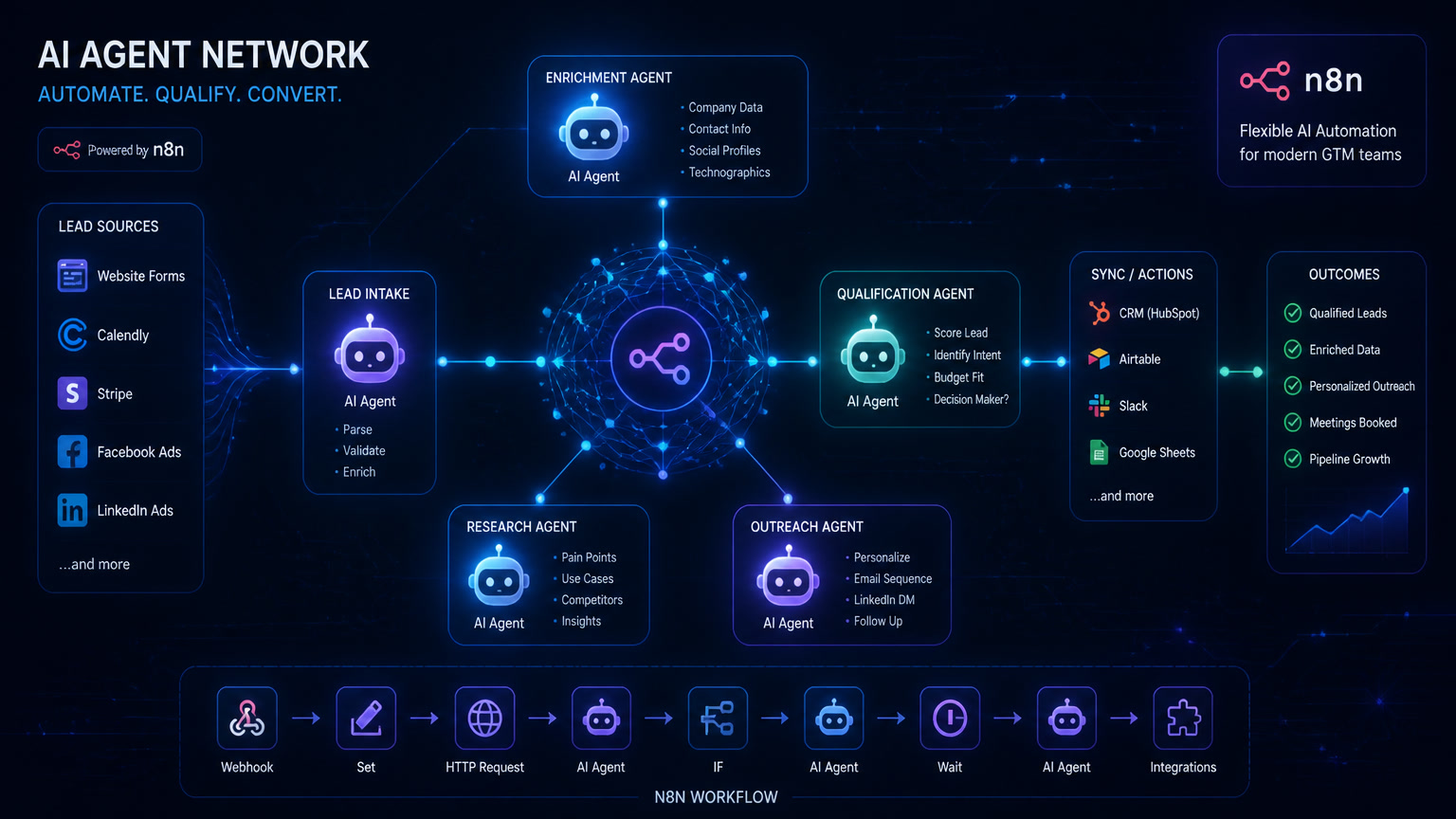
How do you automate change management with n8n?
Use n8n to trigger from Jira or a PLM, apply deterministic policy checks, collect evidence from connected systems, call an AI model for analysis, create a review package, wait for human approval, and record the outcome. Authorization rules must stay outside the model.