From WordPress to Astro 6: 5 Mistakes That Cost Us 5 Extra Days on a 2,500-Page Migration
Migrating 2,500+ pages from WordPress to Astro 6 in three languages took 8 days just for content — not the 3 we budgeted. This article documents each specific mistake, the real time cost, and the decision framework we now use to avoid repeating them.
From WordPress to Astro 6: 5 Mistakes That Cost Us 5 Extra Days on a 2,500-Page Migration
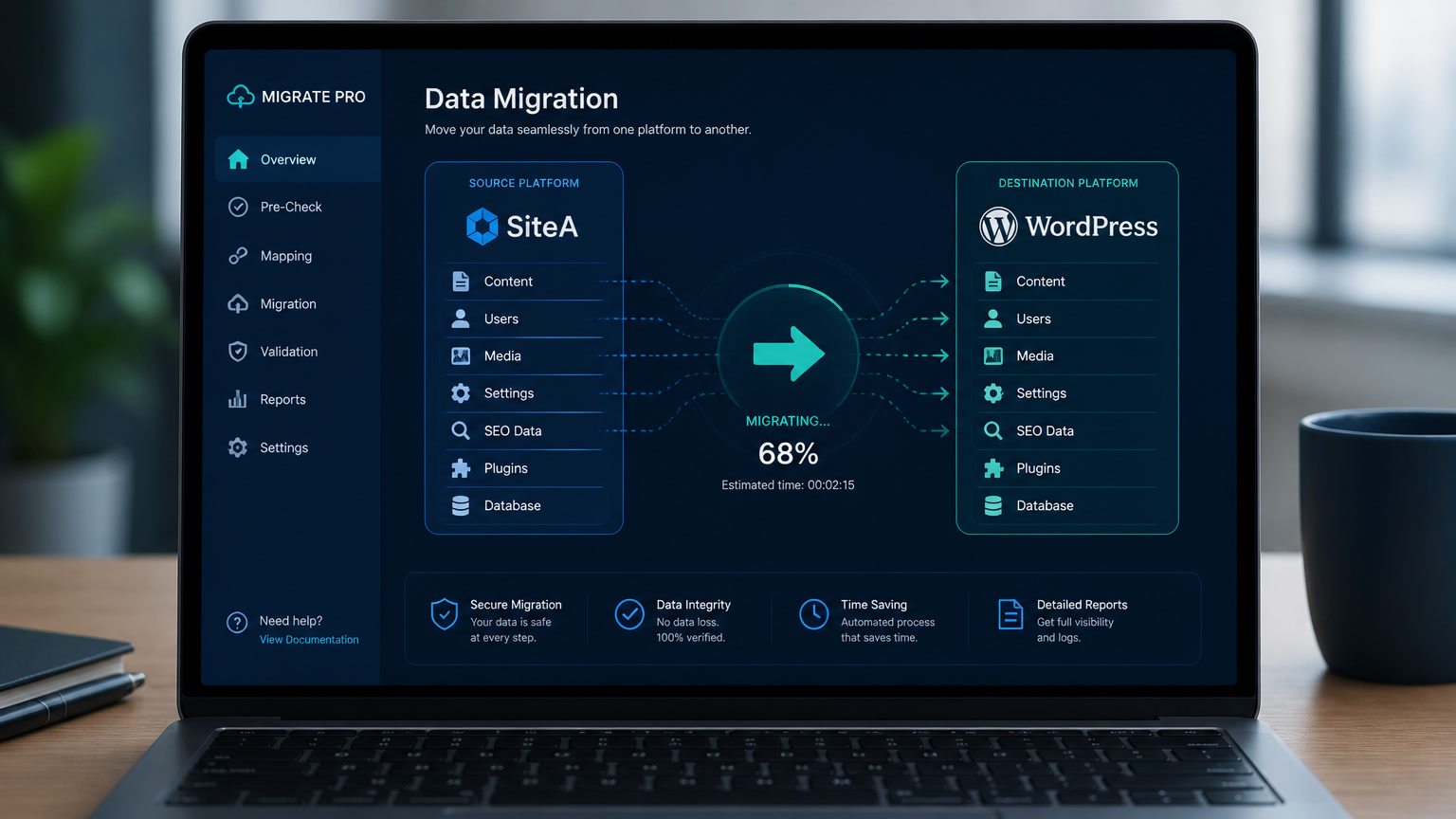
Migrating an editorial site from WordPress to Astro 6 sounds simple in theory: export the content, structure it as JSON, and build the frontend. In practice, the content migration alone took 8 business days — 5 more than the 3 we budgeted. This article documents each mistake, its real time cost, and the decision framework we now use to prevent the same issues.
The project was an editorial portal with 2,500+ pages in 3 languages, running on WordPress with a heavy theme, caching plugins, and a Gutenberg editor full of custom blocks the client had accumulated over 5 years. The goal: migrate to Astro 6 + Cloudflare Pages for better performance and lower hosting costs.
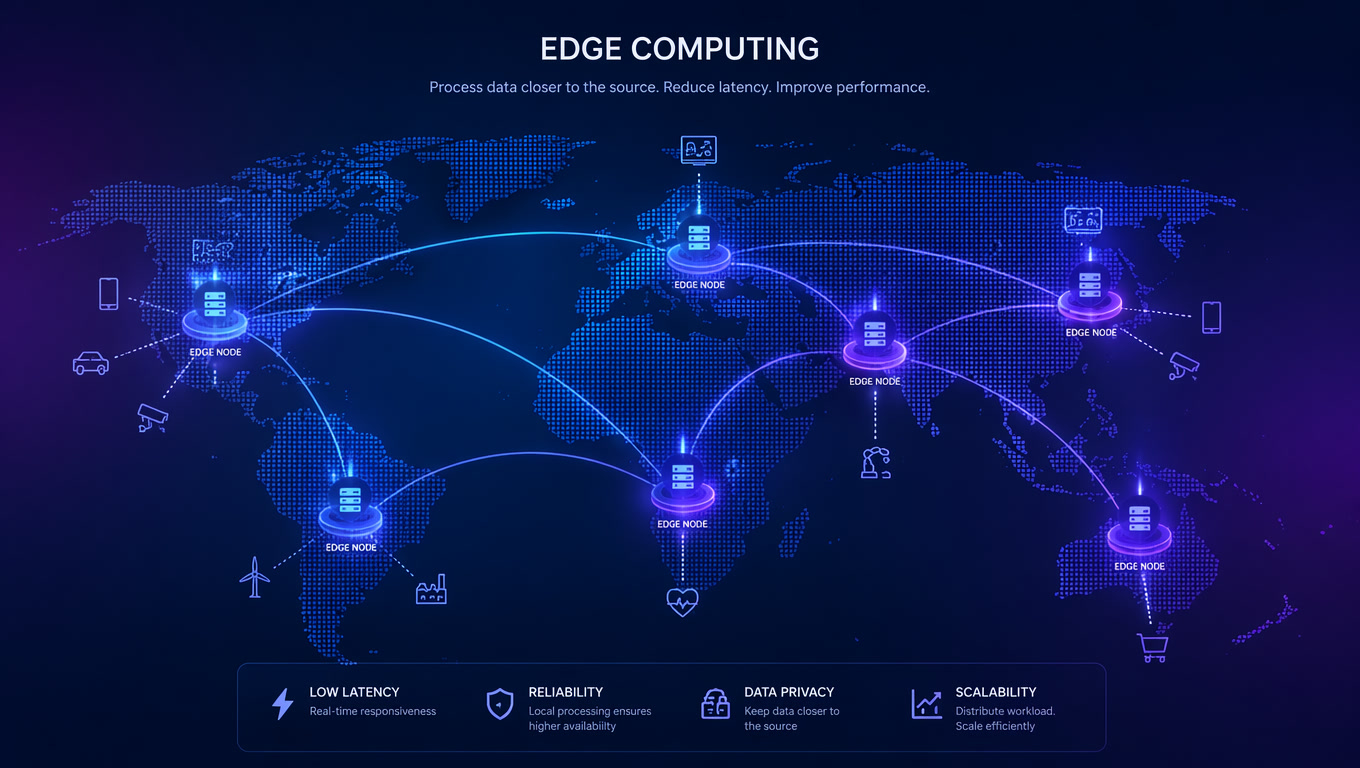
The final metrics justified the migration: TTFB went from 680ms (Miami server) to 98ms (Cloudflare edge in Panama), Lighthouse from 38 to 97, and LCP from 4.2s to 1.8s. But the path was full of mistakes that any team planning a similar migration should know about.
Mistake #1: We Underestimated Gutenberg Block Transformation (5 Days Lost)
The most costly mistake. We budgeted 3 days to migrate 2,500+ pages of content. It took 8.
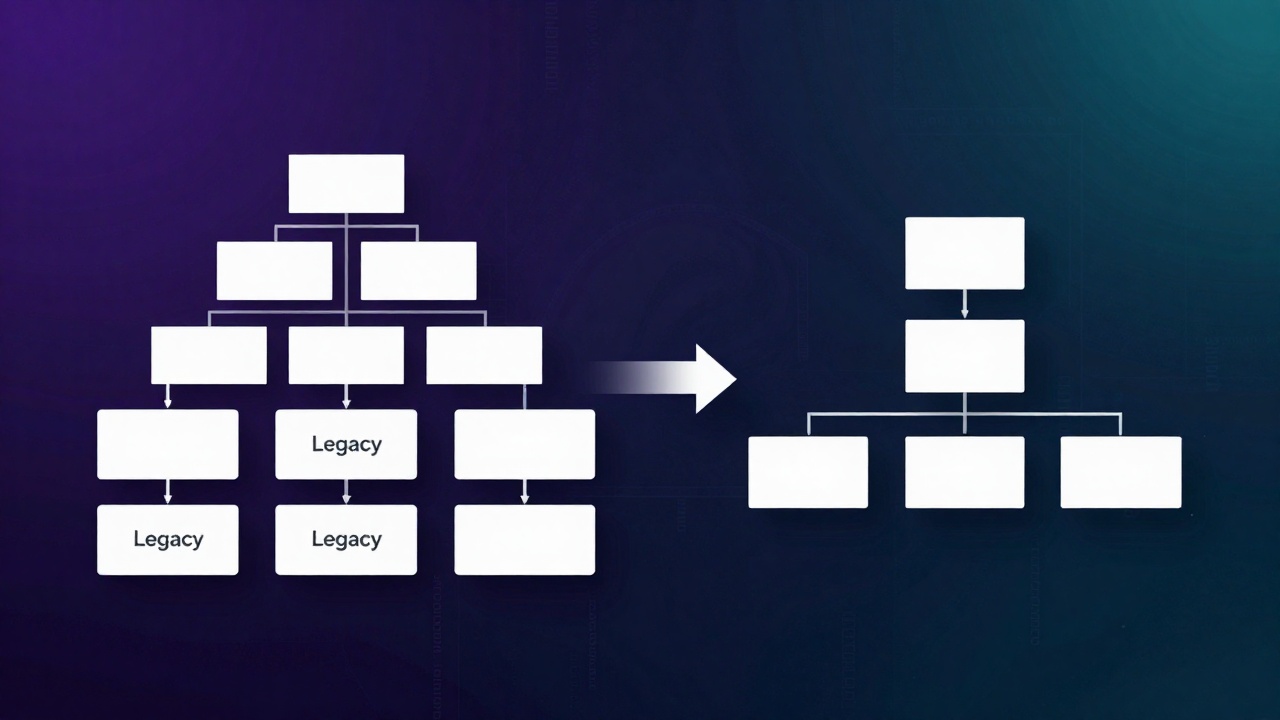
WordPress stores content as Gutenberg blocks in serialized HTML inside wp_posts.post_content. Astro 6 uses Content Collections with Zod 4 schemas — flat files in JSON, YAML, or Markdoc. This sounds like a straightforward transformation, but the reality is more complex:
- Custom YouTube embeds: The client had built a proprietary YouTube block with tracking parameters, custom timestamps, and branded thumbnails. No existing parser understood that block — we had to write one from scratch.
- Complex tables with inline styles: Gutenberg allows tables with column widths, background colors, and cell alignment. All of that is lost when extracting flat HTML.
- Accordions and tabs: UI blocks that worked in WordPress with third-party JavaScript. Astro has no direct equivalent — we had to rebuild them as island components.
| Content type | Volume | Real time | What we learned |
|---|---|---|---|
| Standard articles (paragraphs, images, headings) | ~1,800 pages | 1 day | Export script works fine out of the box |
| Custom YouTube embeds | ~400 pages | 2.5 days | Requires a dedicated block parser |
| Complex tables | ~200 pages | 2 days | Each table needs manual review |
| Accordions and tabs | ~100 pages | 1.5 days | Rebuild as Astro island components |
| Image galleries | ~50 pages | 1 day | The automated image pipeline handled these well |
Lesson: Budget one full week for content mapping and transformation before writing a line of frontend code. Define Zod schemas first — not last.
Mistake #2: We Didn't Validate Zod Schemas Before Exporting
We started writing the export script without having the Zod schemas fully defined. This meant the script generated JSON that failed Astro's validation, forcing multiple re-exports.
Zod 4 — which Astro 6 requires (migrated from Zod 3) — is stricter than its predecessor. Each missing field, wrong type, or invalid category in the exported JSON caused a build error. With 2,500+ pages, iterating through these errors consumed half a day we could have avoided.
Lesson: Define and freeze Zod schemas before writing ANY export code. Invert the flow: schema first, export second. See our article on Astro content architecture at scale for a deeper look at how we structure collections.
Mistake #3: We Ignored Live Collection Costs Under High Traffic
Astro 6 introduced Live Collections as a dynamic alternative to Static Collections — content that updates without a full rebuild. We used them for the homepage and featured sections since the client publishes new content multiple times a day.
But Live Collections aren't free. During a 50,000-visit hourly spike (live event coverage), the Live Collections server saturated. The fix was adding Redis cache (TTL 60s) in front of Live Collections at ~$15/month.
The issue wasn't the cost — it was that we hadn't anticipated it in the architecture design. Building it in from day 1 would have saved the post-spike implementation time.
| Strategy | Full build | Response time | Cache required | Extra cost |
|---|---|---|---|---|
| 100% Static Collections | 4 min 12s | 98ms edge | No | $0 |
| Static + Live Collections | 4 min 12s | 98ms (cached) / ~300ms (live) | Redis (TTL 60s) | ~$15/mo |
| Full SSR (original WordPress) | N/A | 680ms (Miami origin) | Caching plugin | ~$200/mo hosting |
Lesson: If you use Live Collections for traffic-prone content, budget Redis cache from the initial architecture. Assume any Live Collections page will see at least a 10x traffic spike.
Mistake #4: We Left the Image Pipeline for Last
WordPress auto-generates multiple image sizes on upload. Astro 6 with @astrojs/image can do the same, but it requires manually configuring the variants.
In our case, we postponed the image pipeline thinking it was a minor detail. It turned out to be the single highest-impact optimization: 5MB PNGs uploaded by editors were served as 40-120KB AVIF files — a 97-99% reduction. But configuring it required:
- Defining 5 variants per image (AVIF, WebP, JPEG in 2 sizes each)
- Setting up an external CDN for variant delivery
- Writing upload guidelines for editors
Lesson: The image pipeline should be the SECOND thing you configure after Zod schemas. It has the best impact-to-effort ratio of any optimization. Default to AVIF, fall back to WebP, cap hero images at 1920px. For a deeper dive, see how we migrated from JPEG to AVIF in Astro.
Mistake #5: We Didn't Prepare the Editorial Team for the Workflow Change
The transition from Gutenberg (visual editor) to Markdoc/JSON files isn't just technical — it's cultural. Editors were used to dragging blocks, seeing live previews, and publishing with one click.
In Astro 6, content lives in flat files, is versioned with git, and deploys via CI/CD. For an editorial team that had never used a command line, the change was jarring. We had to:
- Build a custom dashboard so they could keep publishing without touching a terminal
- Write detailed documentation of the Astro editorial workflow
- Run 2-hour training sessions over 3 days
Lesson: Change management for the editorial team takes as long as the technical migration. Don't assume a better frontend means automatic adoption. Invest in editorial UI and training from the start.
Decision Framework: Should Your Site Migrate from WordPress to Astro 6?
Based on this project and 3 similar ones, here's our decision framework:
| Project profile | Recommendation | Why |
|---|---|---|
| Personal blog or small site (<100 pages, 1 language) | Keep WordPress with managed hosting | Migration effort doesn't justify the gain |
| Editorial site (500-5,000 pages, 1-3 languages) | ✅ Migrate to Astro 6 | Performance gains and hosting cost savings are significant |
| E-commerce with large catalog | Astro + Shopify (hybrid) | Static Collections for blog + Live Collections for products |
| Portal with per-user personalization | Next.js or Remix for interactive sections | Use Astro for public pages, a different framework for interactive |
| Institutional site (<50 pages, no blog) | Build from scratch in Astro + Cloudflare | No migration — build directly in Astro for fastest results |
Final Metrics
| Metric | WordPress (Miami server) | Astro 6 + Cloudflare | Improvement |
|---|---|---|---|
| TTFB (LatAm) | 680ms | 98ms (Panama edge) | 6.9x faster |
| Lighthouse mobile | 38 | 97 | +59 points |
| LCP mobile | 4.2s | 1.8s | 2.3x faster |
| Full build (2,500+ pages) | N/A | 4 min 12s | — |
| Incremental build (10-15 articles) | N/A | 8-15s | — |
| Monthly hosting cost | ~$200 (WP Engine) | ~$15 (Cloudflare + Redis) | 92% less |
The site went from a 680ms TTFB from Miami servers to 98ms served from Cloudflare's Panama edge — a difference that users across Latin America, who made up 70% of the audience, noticed immediately.
What We'd Do Differently
With the knowledge from this migration:
- Dedicate one full week to Zod content modeling before writing code. Data migration always takes longer than expected, and correct schemas from day 1 save iterations.
- Image pipeline as priority #2. Not as an afterthought. Image optimization was the single biggest performance win.
- Redis cache from day 1 for Live Collections. Don't wait for the first traffic spike.
- Editorial training in parallel with technical migration. Not sequentially. The team should be ready to publish on launch day.
- Budget 2x the content migration time for any project with custom Gutenberg blocks. If the client has more than 3 custom block types, assume each needs a dedicated parser.
For related data, read our analysis of multilingual architecture with Astro vs Next.js and how Astro handles heavy media content — both contain production data that complements this case study.
Frequently Asked Questions
Is migrating from WordPress to Astro 6 worth it in 2026?
It depends on the site profile. For editorial sites with over 500 pages that prioritize performance and global reach, yes. We saw TTFB improve from 680ms to 98ms and Lighthouse from 38 to 97. But the content migration takes longer than expected — and complex Gutenberg blocks don't translate automatically.
How long does it take to migrate a large editorial site from WordPress to Astro?
In our experience with 2,500+ pages and 3 languages, content migration took 8 business days (we budgeted 3). Most of the time went into transforming Gutenberg blocks — especially custom YouTube embeds, complex tables, and accordions — into flat JSON compatible with Astro Content Collections.
Can Astro 6 match WordPress's publishing ease for editorial teams?
Yes, with the right setup. Astro 6 with Live Collections and Redis cache (TTL 60s, ~$15/mo) handled 50K-visit traffic spikes without issues. The difference is the editorial team writes in JSON/Markdoc instead of Gutenberg's visual editor — it requires training but eliminates WordPress's CSS/JS bloat.