Web Codecs API: Browser-Native Video Processing for Thumbnails and Previews in 2026
Web Codecs reached production maturity — and WordPress 7.1 just shipped client-side media processing as a core feature. Here's how we replaced a server-side thumbnail generation pipeline with 100% browser-based processing, with real performance metrics and a decision framework.
Web Codecs API: Browser-Native Video Processing for Thumbnails and Previews
The browser stopped being a passive player. With the Web Codecs API, it can encode, decode, and transform video using hardware acceleration — no servers, no WebAssembly middleware. WordPress 7.1 just validated it as a production standard.
This week, WordPress 7.1 shipped client-side media processing as a core feature: image compression, resizing, format conversion, and thumbnail generation directly in the user's browser, using a combination of WebAssembly and the Web Codecs API.
That's not random. It's the signal that browser-based video processing has crossed the production maturity threshold.
In this article, we share how we migrated the thumbnail generation pipeline for a medical video portal — processing hundreds of educational videos per week — from a server-side pipeline to 100% browser-based processing. The metrics, the patterns that worked, and the framework for deciding which approach fits your use case.
What the Web Codecs API Is (and Why It Matters Now)
The Web Codecs API is a W3C specification that exposes the browser's native video and audio codecs to JavaScript. In practice, it gives you four key interfaces:
VideoDecoder: decodesEncodedVideoChunk(compressed H.264, H.265, VP9, AV1 data) intoVideoFrame(individual raw frames in RGB/YUV).VideoEncoder: does the reverse — takesVideoFrameand producesEncodedVideoChunk.VideoFrame: a single raw frame, accessible for pixel reading, canvas drawing, or transformation.ImageDecoder: decodes still images into frame sequences (useful for animated GIFs or thumbnail strips).
The critical difference from earlier approaches (uploading video to a server, using ffmpeg.wasm, or relying on proprietary APIs) is that Web Codecs runs with hardware acceleration — it uses the GPU's dedicated decoders, not software emulation. That translates to milliseconds-per-frame latency instead of seconds.
In 2026, support has reached near-baseline: Chrome 94+, Edge 94+, Firefox 130+, Safari 26.0+. According to Can I Use data, 94% of global users have a compatible browser. Zoom Web, Loom, and Adobe Premiere Web already depend on it in production.
The Project: a Medical Video Portal Processing Hundreds of Thumbnails per Week
We worked with a healthcare client hosting an educational video library for surgeons. Each week they upload 50–80 new videos (procedure recordings, conferences, tutorials), and each video needs:
- A main thumbnail for the listing page.
- 3–5 scene thumbnails for the interactive timeline.
- An animated GIF preview for the gallery view.
The original pipeline was server-side: upload video to S3, a Node.js worker downloads it, runs ffmpeg to extract frames, generates thumbnails, and uploads them back to the CDN. The full process took 45 seconds to 2 minutes per video, depending on duration.
When the client started receiving videos directly from operating rooms via mobile recordings (HEVC format, 4K), the server-side pipeline began collapsing: workers ran out of memory, processing times doubled, and EC2 instance costs spiked.
The Migration to Browser-Based Processing
We moved thumbnail generation to the editor's browser. Instead of processing video on the server, the editor uploads video to the browser and we:
- Extract key frames using
VideoDecoder+ a configurable time interval (every 15 seconds for long procedures, every 5 seconds for short tutorials). - Resize and encode extracted frames as JPEG/WebP using
OffscreenCanvasandcanvas.toBlob(). - Upload only the thumbnails to the server — the original video goes straight to S3, never touching a processing worker.
async function extractThumbnails(videoFile, intervalSeconds = 15) {
  const track = videoFile.stream().getVideoTracks()[0];
  const decoder = new VideoDecoder({
    output: async (frame) => {
      const canvas = new OffscreenCanvas(frame.displayWidth, frame.displayHeight);
      const ctx = canvas.getContext('2d');
      ctx.drawImage(frame, 0, 0);
      const blob = await canvas.convertToBlob({ type: 'image/webp', quality: 0.8 });
      // Upload thumbnail blob to CDN
      await uploadThumbnail(blob, frame.timestamp);
      frame.close();
    },
    error: (e) => console.error('Decode error:', e),
  });

  decoder.configure({ codec: 'avc1.64001f', codedWidth: 1920, codedHeight: 1080 });

  // Feed chunks from the file
  const reader = new FileReader();
  // ... read and feed EncodedVideoChunks at intervalSeconds intervals
}
Simplified — the production implementation handles demuxing with MP4Box.js and concurrency control.
Results
- Thumbnail generation time: from 45–120 seconds server-side to 1.2–3.5 seconds in the editor's browser (on a fiber connection).
- Infrastructure cost: processing went from running on EC2
c5.4xlargeinstances to zero — we only pay for S3 storage and CloudFront delivery. - Editor experience: thumbnails appear immediately after upload, with no loading screens or processing queues.
Decision Framework: Web Codecs vs ffmpeg.wasm vs Server-Side
In practice, there's no silver bullet. Each approach has its place. After several browser video processing projects, here's the framework we use to decide:
| Scenario | Recommended Approach | Why |
|---|---|---|
| Thumbnails, previews, frame extraction | Web Codecs API | Maximum speed, hardware acceleration, minimal overhead |
| Format conversion (mp4 → webm) | ffmpeg.wasm | WebCodecs only encodes formats the browser natively supports; ffmpeg.wasm covers all codecs |
| Batch processing legacy files | Server-side ffmpeg | Rare formats, non-standard containers, corrupted videos |
| Real-time timeline editing | Web Codecs (timeline) + ffmpeg.wasm (export) | The combo used by VidStudio, Adobe Premiere Web, and CapCut |
| Short-form social media videos | Web Codecs | Ideal use case: known format (H.264), low latency, no conversion needed |
If 80% of your videos arrive in H.264 or HEVC (which is the case for most sites in 2026), Web Codecs handles everything you need for thumbnails and previews without touching a server.
Why This Matters for Core Web Vitals
Server-side video processing has a hidden cost: LCP. When thumbnails are generated server-side, the visitor's browser has to wait for the server to process, store, and deliver the image. On sites with hundreds of videos, that wait can add seconds to the LCP of listing pages.
With browser-generated thumbnails, the flow is:
- Editor uploads video → browser extracts thumbnail → thumbnail uploads to CDN.
- Visitor loads page → thumbnail already on CDN → LCP resolves in a single request.
The difference is an LCP that goes from 3.8s (2026 mobile median per HTTP Archive) to <1.5s for video pages.
When combined with native video lazy loading with <video loading="lazy"> — as covered in our AI video embedding playbook — the impact on Core Web Vitals is immediate.
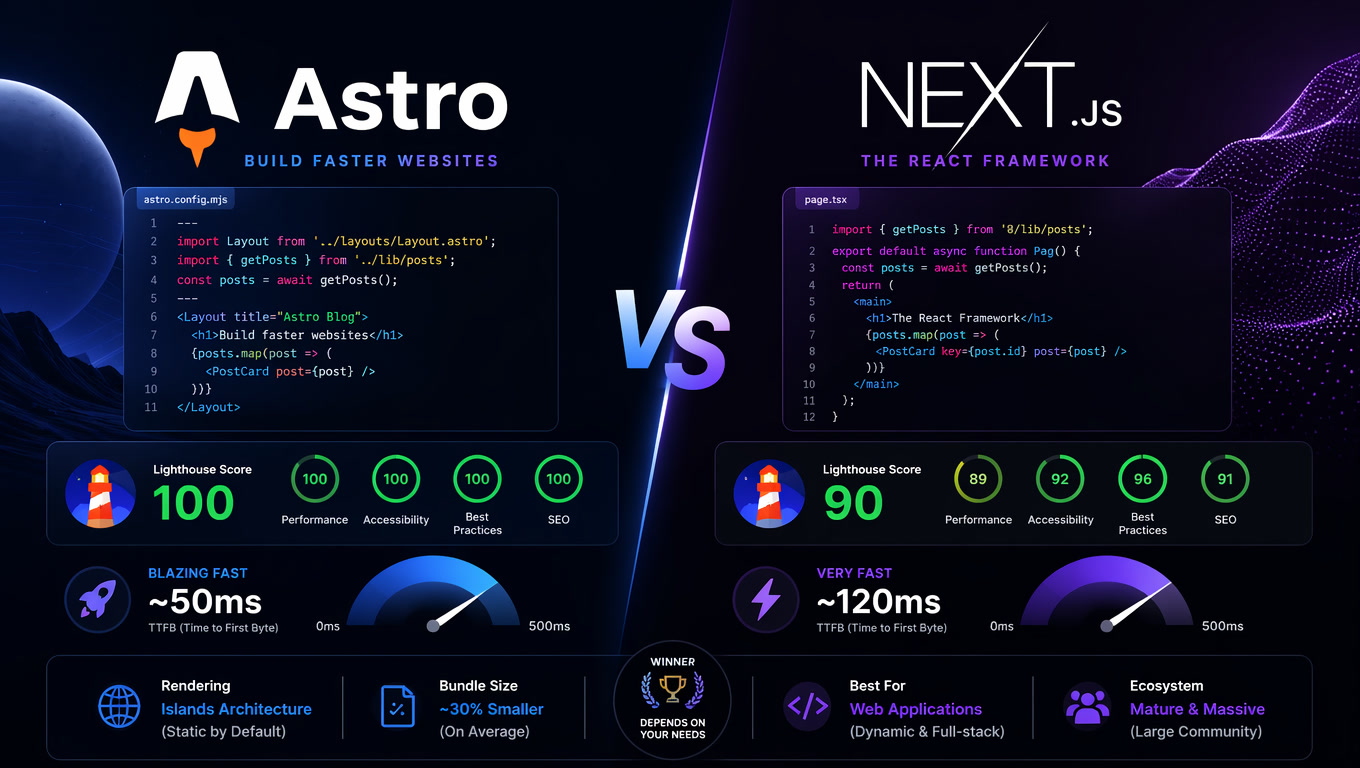
Web Codecs + Astro: The Pattern That Works
In the projects we build with Astro, the pattern is consistent:
- Static generation for listing pages (thumbnails are already on the CDN as static images).
VideoProcessorcomponent in the editor panel (client-side, withclient:load) that uses Web Codecs to generate thumbnails and previews on upload.- WebP images for thumbnails (WebP offers 25–30% better compression than JPEG at equivalent quality, ideal for video frames).
This pattern pairs particularly well with Astro Server Islands, where video content renders asynchronously without blocking the rest of the page.
It's also the architecture we recommend when evaluating headless CMS vs traditional CMS for media-heavy sites: browser-based processing eliminates the server-side pipeline dependency that's typically the bottleneck in both platforms.
What Web Codecs Doesn't Do (and When You Need Alternatives)
Web Codecs has important limitations:
It's not a demuxer. The API works with EncodedVideoChunk, but it can't read MP4, WebM, or MOV containers. You need a separate demuxing library (MP4Box.js, mux.js) to extract chunks from the file.
Limited codec support. Each browser decides which codecs to expose. Safari handles HEVC perfectly; Firefox has better AV1 support. Always detect capabilities with VideoDecoder.isSupported() before configuring.
No automatic fallback. If the user has an old browser (KaiOS, Safari < 16.4), Web Codecs isn't available. Detect support with 'VideoDecoder' in window and fall back to ffmpeg.wasm or server-side.
Garbage collector issues. VideoFrame objects must be explicitly closed with .close(). Accumulating open frames will spike browser memory — the most common bug in new implementations.
Key Takeaways
The Web Codecs API is no longer experimental. With near-baseline support across all major browsers, validation from products like WordPress 7.1, and real use cases showing 100% infrastructure cost reduction for thumbnail generation, it's time to consider it as the default option for client-side video processing.
If your site handles user-generated video or educational content with automatic thumbnails, the question is no longer "should we process in the browser?" but "which parts of our pipeline should migrate first?"
We started with thumbnails and never looked back. The server never needed to be in the middle of that operation.
Frequently Asked Questions
What is the Web Codecs API and what is it used for?
The Web Codecs API is a W3C specification that exposes the browser's native audio and video codecs to JavaScript, allowing encoding and decoding directly on the client without plugins, servers, or WebAssembly. It provides VideoDecoder, VideoEncoder, VideoFrame, and EncodedVideoChunk interfaces for frame-by-frame processing with hardware acceleration.
Is the Web Codecs API production-ready in 2026?
Yes. It has near-baseline status — Chrome 94+, Edge 94+, Firefox 130+, Safari 26.0+. Production tools like Zoom Web, Loom, and Adobe Premiere Web already depend on it. WordPress 7.1 (July 2026) validated it by shipping client-side media processing using WebCodecs + WebAssembly as a core feature.
Does Web Codecs replace ffmpeg.wasm?
No, they're complementary. WebCodecs is optimal for single-codec, low-latency operations (thumbnails, previews, timeline playback), while ffmpeg.wasm is better for multi-format conversion or complex pipelines. Most production implementations use both.