Next.js Patches Now Come on a Schedule: The Upgrade Runbook We Use
Next.js ships 16.3.3 and 15.5.24 on August 26, 2026 to fix a critical-severity vulnerability. Vercel formalized scheduled security releases in July — we now treat patches as calendar events. A 24-hour runbook with inventory, staging, smoke tests, and rollback criteria.
Next.js Patches Now Come on a Schedule: The Upgrade Runbook We Use
Next.js will ship versions 16.3.3 and 15.5.24 on August 26, 2026 to fix a critical-severity vulnerability — and we already know the date because Vercel formalized scheduled security releases on July 13. Framework patching has stopped being a fire drill and become a calendar event. Teams with a version inventory, an assigned window, and a defined smoke test upgrade in hours; teams that wait to hear about the CVE on social media forfeit the one advantage the notice creates. This is the 24-hour runbook Mintec runs before, during, and after every scheduled Next.js security release.
Why Next.js now announces patches in advance
Historically, Next.js security fixes arrived as ad-hoc releases: no advance notice, maximum disruption. On July 13, 2026, Vercel formalized the program: pre-announced security releases with date and severity known before the advisory is published. The first scheduled release slipped from July 20 to July 21 and fixed 4 high and 5 medium vulnerabilities across the 16.2 and 15.5 lines. The second lands tomorrow, August 26: one critical vulnerability, patched in 16.3.3 and 15.5.24.
The motive is practical, not altruistic. LLM-assisted discovery has sharply increased the volume of vulnerability research — Mozilla disclosed 271 issues in a single Firefox release, all surfaced by the same class of tooling. Vercel runs that tooling against Next.js itself (via deepsec and an expanded bug bounty) so more issues reach them before attackers find them. The tradeoff: attackers also know a critical patch is dropping on August 26 and will be analyzing it. Advance notice is planning time, not relaxation time.[1][2]
What the calendar changes — and what it does not
What changes: your team can reserve a maintenance window, tell the client, and prepare staging without improvisation. What does not change: a critical severity with a published date is a countdown. Once the release is public, the window between patch and exploit is measured in days, sometimes hours. The notice only pays off if you use it before the advisory lands.
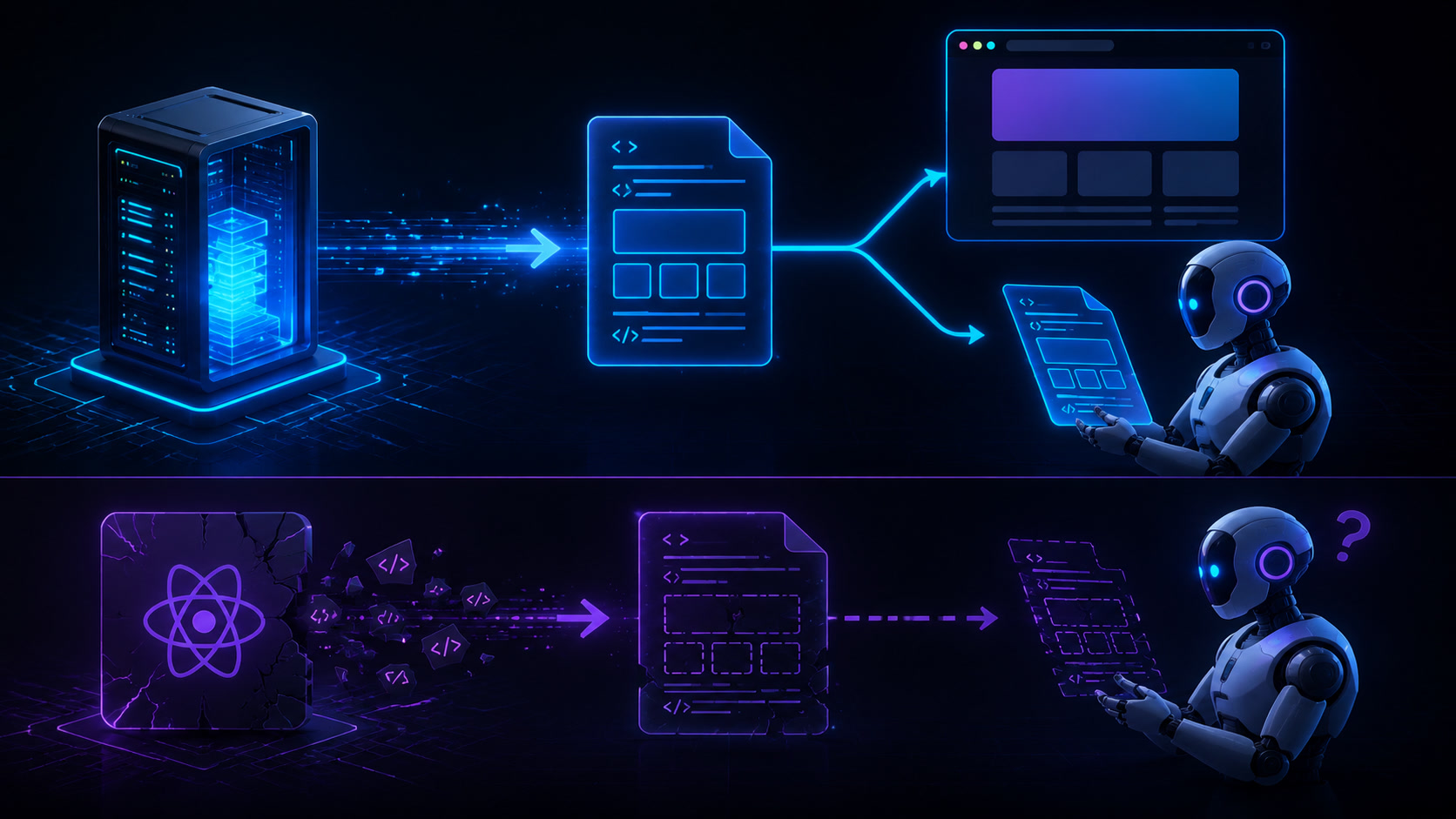
We see this every month across client projects with different architectures. Patch urgency is not uniform, and assuming it is produces two opposite failures: teams that panic-upgrade static sites, and teams that ignore the notice because "our project is small." The table shows how we prioritize urgency by rendering model.
| Architecture model | Emergency surface | Typical patch path | Check first |
|---|---|---|---|
| Fully static site (Astro/SSG) | Low: no server runtime of its own | Upgrade in the normal window | Transitive dependencies, edge functions (Cloudflare Workers) |
| Hybrid Next.js: static routes + a few SSR | Medium | Staging same day, production within 24-48h | Server-rendered routes, revalidate, security headers |
| Next.js App Router with middleware and auth | High | Staging and production same day | Middleware, Server Actions, sessions, rewrites |
| Next.js with many runtime dependencies | Very high | Staging same day + full lockfile review | Dependency tree, Next versions inside node_modules |
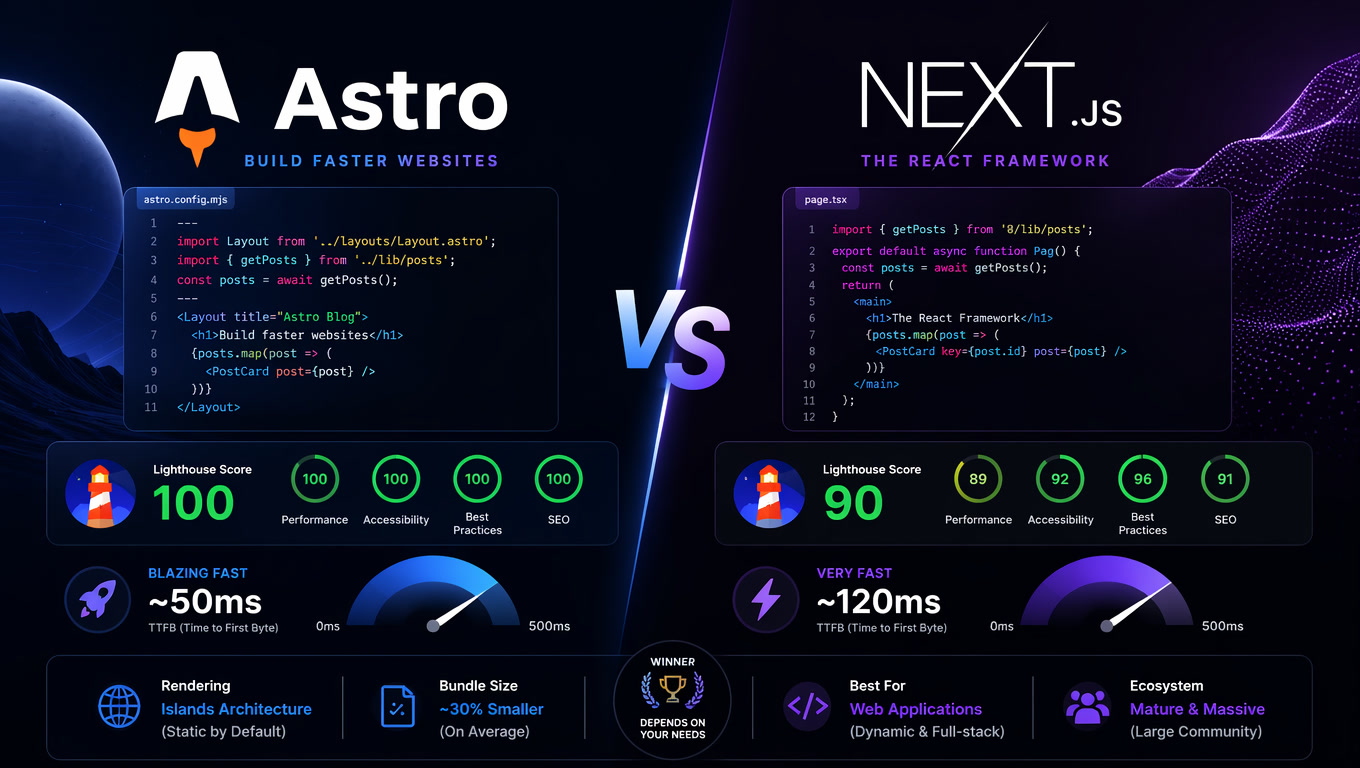
The rule is simple: the more server surface, the less tolerance for delay. A prerendered content site on Astro has a different exposure window than a dashboard with Server Actions — our Astro vs Next.js benchmark analysis shows the tradeoff with real bundle, TTFB, and runtime numbers. Architecture sets the urgency; the calendar only tells you when to act.
The 24-hour runbook
This is the drill we execute for every scheduled release. It is not theory: it is the same process we use with clients running Next.js 15.x and 16.x, and it works because the inventory exists before the notice arrives.
Phase T-24h (notice day — August 20 in this case). The only phase done calmly:
- Inventory: which projects run Next.js, on which line (15.5.x, 16.x), who owns each one. If you do not have a list, this is the moment to build it — advance notice is the whole point of the program.
- Lockfile hygiene: exact versions (no loose ranges), no duplicated copies of Next, a defined
packageManager. - Assign an upgrade window and an owner per project. Document rollback: the previous version is noted so a
git revertor immediate re-pin is one command away.
Phase T+0 (August 26, when the advisory drops). Order matters:
- Read the full advisory: affected version, routes involved, temporary mitigations. Do not upgrade blind — the patch may require a config change.
- Upgrade staging first:
npm install [email protected](or15.5.24) and run the scoped smoke suite: auth flows, middleware and rewrites, Server Actions, image optimization, pages with revalidation. Verify the lockfile actually moved:npm ls nextshould report exactly one version, andnpx next infoshould show the patched release with no warnings. - Watch production for the first hours: error rate, Core Web Vitals, exception logs. A security patch should not degrade the experience; if something breaks, roll back to the pinned version and document why.
The client-communication step (agencies, this one is for you). The notice is public, which means your client's own team may read about the release before you mention it. Send a one-paragraph note on notice day — "Next.js is shipping a critical patch on August 26, we have your site in the window, no action needed from you" — and a second note after production verifies clean. It converts a security event into proof of process. In our experience the client does not remember the patch; they remember that they were told before they had to ask.
Phase T+24h. Close the loop: record the actual exposure window, update the inventory with the new version, and note which project upgrades first next time. The next notice already has a date, so the cycle repeats with less friction each month.
What agencies still get wrong
Three patterns we find in audits: (1) no version inventory exists because every project was treated as a one-off; (2) production gets upgraded directly "because it is a minor patch bump"; (3) the notice is ignored because "we are a marketing site" — without checking for SSR routes, middleware, or server-side integrations. All three are cured by the same habit: treating every security release as a scheduled deploy with an owner, a window, and a smoke test.
The underestimated part is culture. Frontend security does not end at the patch: CSP with Trusted Types limits the damage if a string reaches a dangerous DOM sink, and reviewing vulnerabilities in generated code stops the next problem from being written by an AI with repo access. The August 26 patch closes the known hole; defense layers shrink the unknown ones. It is the same principle we apply in composable architecture: separate, bound, and make visible what used to be invisible.
One closing nuance: not every project needs Next.js, and not every project needs the same urgency. If your site is content with no server logic, a static model structurally shrinks your patching surface. But if you already chose a framework with a runtime, Vercel's calendar is not a problem — it is the discipline that was missing. Use it.
Frequently Asked Questions
Which Next.js versions ship on August 26, 2026?
Vercel will publish 16.3.3 and 15.5.24 together with the full advisory for one critical-severity vulnerability. The advance notice went out on August 20 so teams could plan upgrades before the patch was published.
How do I know if my Next.js site is affected?
Keep a version inventory of every project (package.json, lockfiles, npx next info). When the advisory lands on August 26, check which routes it touches — middleware, Server Actions, auth, image optimization — and upgrade the projects with the largest server surface first.
What if I cannot upgrade on release day?
Move staging the same day, log your exposure window, apply any temporary mitigations from the advisory, and schedule production with a defined rollback. What you can no longer do is wait for news of the CVE: with Vercel's calendar, the notice is already public.