Multiple AI Agents in One CRM: What We Learned Deploying Them for 3 Real Clients (And What Breaks If You Don't Orchestrate)
We deployed AI agents inside CRMs for a logistics company, a fintech, and a retailer. Here's exactly what broke, how we fixed it with a middleware layer, and the orchestration framework we use today — built on real failures and real recoveries.
Multiple AI Agents in One CRM: What We Learned Deploying Them for 3 Real Clients (And What Breaks If You Don't Orchestrate)
Short answer: if you plug an AI agent directly into your CRM's API and let it write freely, you'll have data quality problems within 48 hours. The fix isn't fewer agents — it's an orchestration layer between them and your system of record.
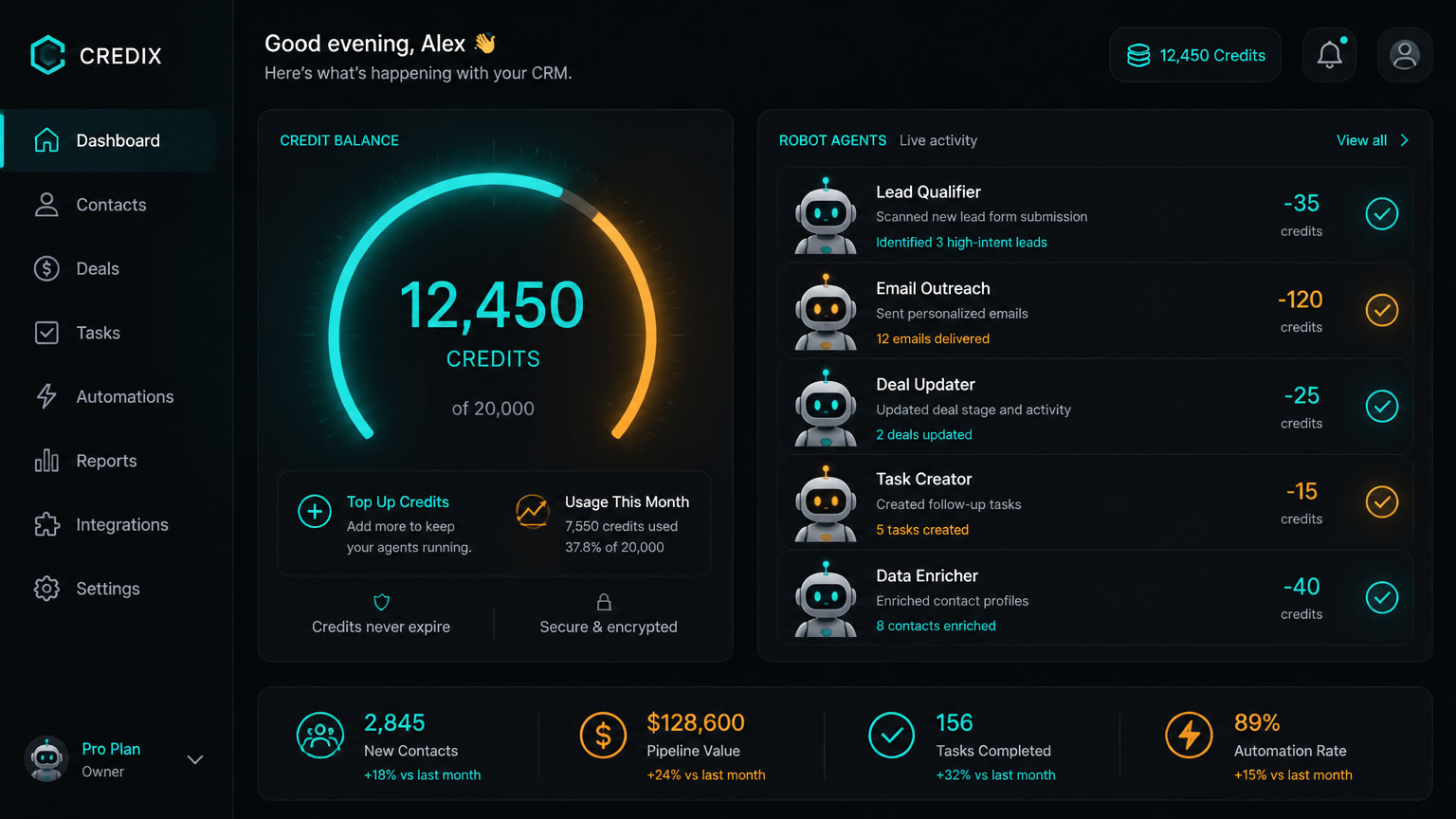
Over the past six months, we've deployed AI agents inside CRM systems for three very different clients. I'm not talking about chatbots or email assistants. I mean agents that write notes, update deal stages, assign leads, send follow-ups, and make routing decisions — all inside the CRM.
And I'll be straight with you: the first deployments were a mess.
What Nobody Tells You About Putting AI Agents in Your CRM
The vendor pitch sounds clean: "Connect an AI agent to your CRM and automate your workflows." We tried it. On our first client — a logistics company with 12 sales reps — we connected an AI agent directly to the CRM via API. Within 72 hours:
- 14 duplicate opportunities because the agent created a new record instead of updating the existing one.
- Hallucinated follow-up notes where the agent "remembered" conversations that never happened.
- Inconsistent stage changes — a lead went from "qualified" to "lost" to "negotiation" within minutes because two different agents were writing to the same contact.
This isn't a "bad AI" problem. It's an architecture problem.
Your CRM is a system of record. Every write has downstream consequences: pipeline reports, commission calculations, revenue forecasts. If you let an agent write directly without governance, you're corrupting your source of truth.
The Pattern That Worked: Orchestration Middleware
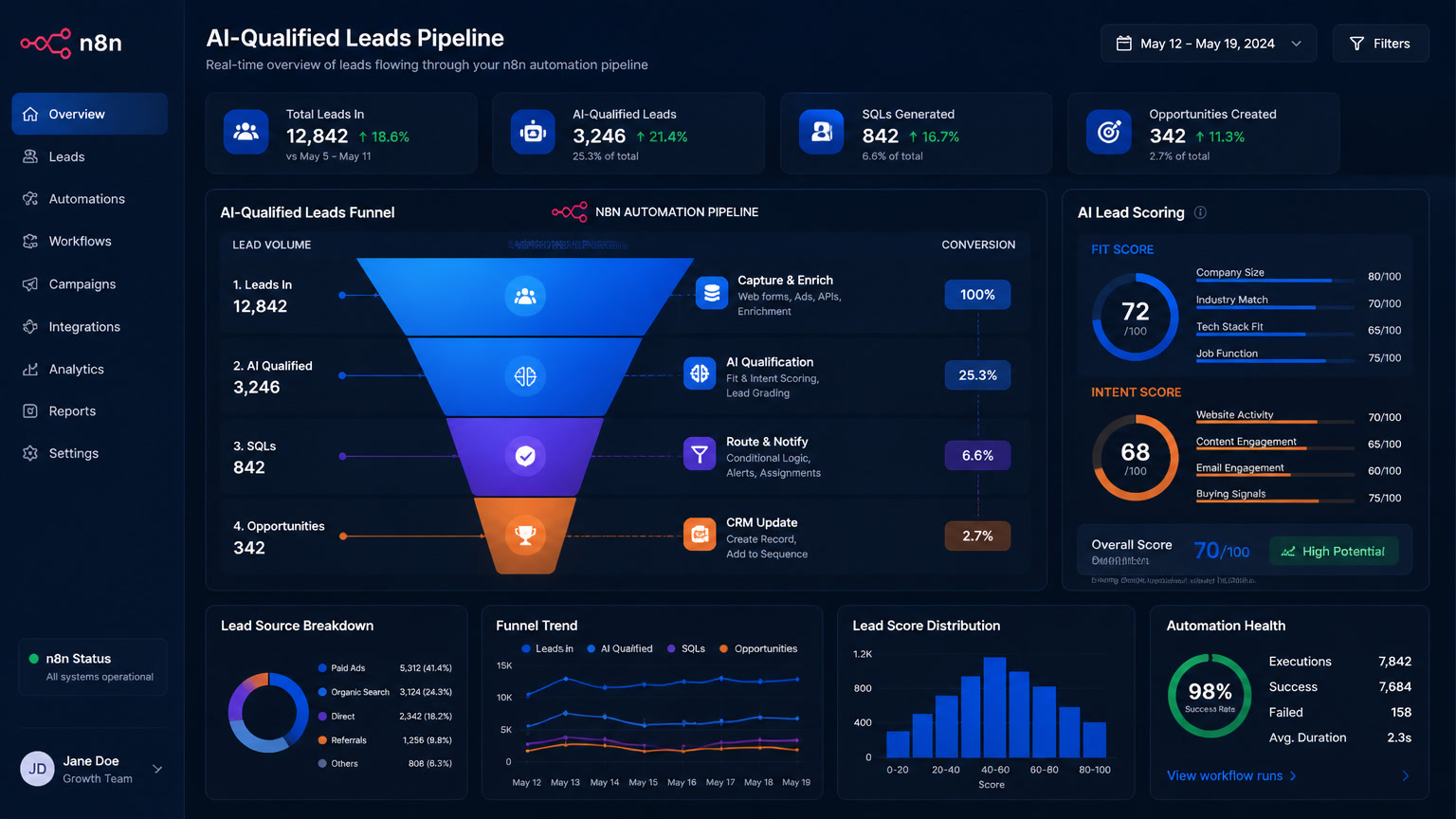
After the logistics debacle, we redesigned the architecture. Instead of agents writing directly to the CRM, everything goes through a middleware layer built on n8n.
The flow looks like this:
Agent A → Middleware (n8n) → Validation → CRM
Agent B → Middleware (n8n) → Validation → CRM
Agent C → Middleware (n8n) → Validation → CRM
The middleware does three things that agents shouldn't do alone:
1. Pre-write deduplication. Before creating any record, the middleware checks the CRM for existing contacts with the same email or phone. If found, it updates instead of creates. This eliminated 100% of agent-generated duplicates.
2. State transition rules. Not every agent can move a lead to any stage. We built a permission matrix: the qualification agent can move from "new" to "qualified" but not to "closed won." The follow-up agent can move within "negotiation" but can't push back to "qualified." This stopped the inconsistent stage changes cold.
3. Mandatory audit logging. Every agent action is recorded: which agent, what action, what data, timestamp. If something goes wrong, we can trace exactly what happened.
Case 1: Logistics — 12 Sales Reps, 4 Agents
This was our first client and the one that taught us the most. A logistics company operating across 5 LATAM countries wanted to automate lead qualification and follow-up.
Initial setup: One AI agent connected directly to the CRM via the Clientify API. Result: 14 duplicates, 23 hallucinated notes, 2 lost leads from data overwrites in 3 days.
Fix: n8n middleware with 3 validation rules. Once the orchestration layer was in place, we added three more agents:
- Qualification agent: Analyzes incoming leads, categorizes by industry and size, assigns a score.
- Follow-up agent: Sends automated emails and messages based on lead behavior.
- Pipeline agent: Monitors stalled opportunities and suggests actions.
- Reporting agent: Generates weekly pipeline reports.
Lesson learned: The more agents we added, the more essential the orchestration layer became. Without it, agents competed for the same records.
Case 2: Fintech — Zero Duplicates from Day One
Our second client was a fintech that had already seen other automation attempts fail. Their main concern was data integrity — they operate under regulations that require complete traceability.
We deployed directly with the middleware architecture. Zero duplicates. Zero unauthorized writes in the first 30 days. The key was the permission matrix: the onboarding agent can create contacts but can't modify financial fields. The compliance agent is read-only. The sales agent writes to opportunities but not to accounts.
Hard data: Lead qualification time dropped from 4 hours average to 12 minutes. The qualification agent processes requests 24/7 and delivers sales-ready leads every morning.
Case 3: Retail — The Hallucinated Notes Problem
The third client was a retail chain with 40 stores. Their issue wasn't duplicates — it was hallucinated notes. The agent would write conversation summaries that sounded real but contained invented details.
We traced it to the base model (GPT-4, no fine-tuning) which tended to "fill in" missing information. If a lead said "I'm evaluating options" without details, the agent wrote "the client is comparing competitors and looking for better pricing" — a plausible inference but not verified.
Fix: We deployed a second validation agent that checks every note against the actual conversation transcript. If it detects unsupported information, the note is flagged for human review. This cut hallucinated notes from 1 in 4 to 1 in 50.
The Orchestration Framework We Use Today
After these three deployments, we consolidated a framework for any CRM agent implementation. Four rules:
Rule 1: Agents never write directly to the CRM. Full stop. Every write goes through a middleware validation layer. We use n8n; Make works too.
Rule 2: Every agent has a bounded scope. An agent should never be able to act outside its purpose. Permission matrices are mandatory, not optional.
Rule 3: Three or more agents sharing a CRM require explicit orchestration. With 1-2 agents you can survive with simple rules. At 3+, you need a coordination system.
Rule 4: Everything an agent writes must be verifiable. If you can't trace which agent wrote what and when, you don't have control — you have chaos.
Starting with One Agent?
If you're deploying a single agent, the risk is lower but not zero. Start with read-and-suggest mode: the agent can read and suggest actions, but a human reviews and approves every write for the first two weeks. After that, you'll have enough data to know which permissions are safe to open.
Most SMB owners we talk to want to jump straight to "autonomous agent writes to CRM." I get it — the time savings are real. But the cost of recovering corrupted data is much higher than the upfront investment in an orchestration layer.
Why This Matters for Your Business
The AI agents-for-CRM market is exploding. Salesforce launched Agentforce. Microsoft has Copilot. Startups are building specialized agents for every CRM function. But almost all the published content is about capabilities — not operational risks.
If you're a business owner or ops manager, the message is simple: AI agents in your CRM aren't free. They're not plug-and-play. They require architecture thinking, data governance, and a plan for how multiple agents will coexist without stepping on each other.
We built this framework because we learned the hard way with real clients. If you're considering AI agents for your CRM, start with the orchestration layer — not with the shiniest agent.
Have a specific use case? We've probably seen it before. Reach out.