Multi-Source Content Layers in Astro 7: Unifying Headless CMS, Local Markdown, and AI-Generated Media
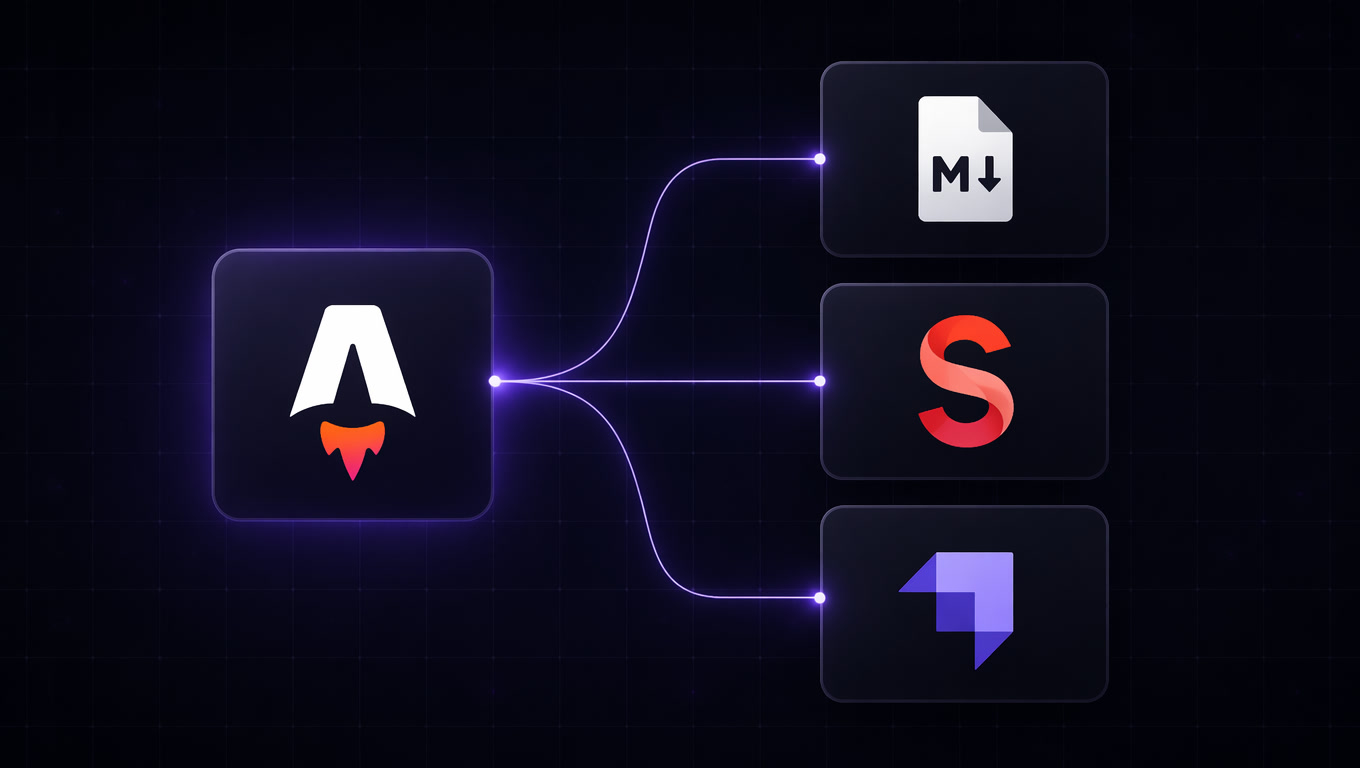
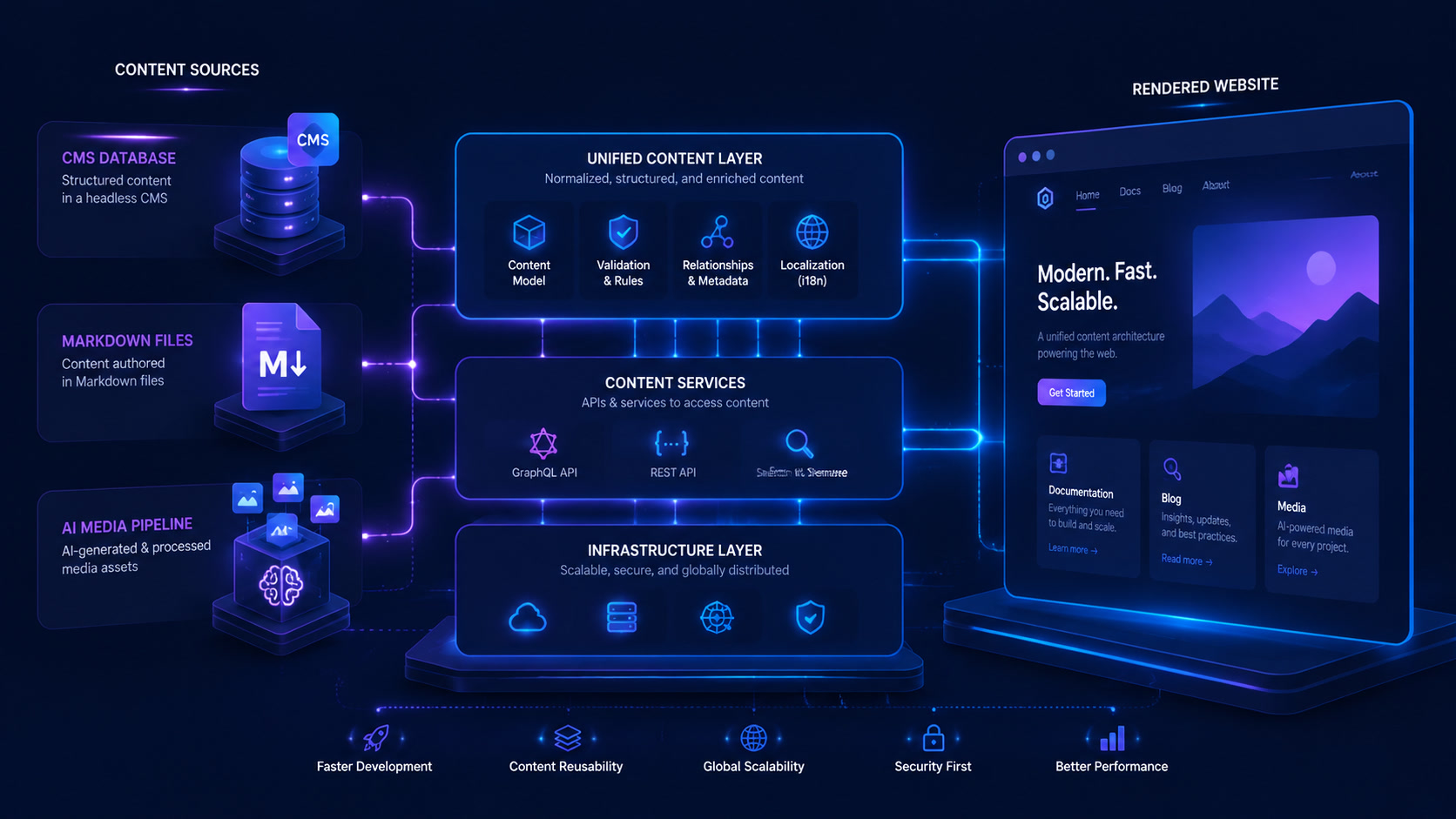
Most modern websites need more than one content source: a visual CMS for editors, version-controlled markdown for developers, and a media API for AI-generated assets. Here's how to use Astro 7's Content Layer to unify everything without sacrificing performance — with real implementation cases and a decision framework.
Multi-Source Content Layers in Astro 7: Unifying Headless CMS, Local Markdown, and AI-Generated Media
In 2024 we built sites with a single content source. Pick a CMS or use markdown files — done. In 2026, the projects landing on our table rarely have a single source.
The recurring pattern looks like this: an editorial team that needs a visual CMS (Sanity, Strapi, headless WordPress), a development team that prefers version-controlled markdown in Git, and a media pipeline that churns out AI-generated images and videos that need to integrate without friction.
Before Astro 7, solving this meant either picking a dominant source and forcing everyone else through it — with the friction that brings — or maintaining two separate frontends. The Content Layer changes that by treating them as collections within the same project, each with its own loader, schema, and lifecycle.
This article documents three patterns we've implemented in real projects over the last few months, with code, costs, and lessons learned.
The Content Layer Is More Than an Abstraction
Astro introduced the Content Layer API in version 5 (late 2024), but it became the backbone of content architecture in versions 6 and 7. It's no longer experimental: it's how Astro manages all content, from local collections to remote sources.
The idea is straightforward: define a collection, assign a loader (where the content comes from), define a schema (what shape it has), and from that point query the data with getCollection() regardless of whether it comes from a .md file, a REST API, a headless CMS, or a database.
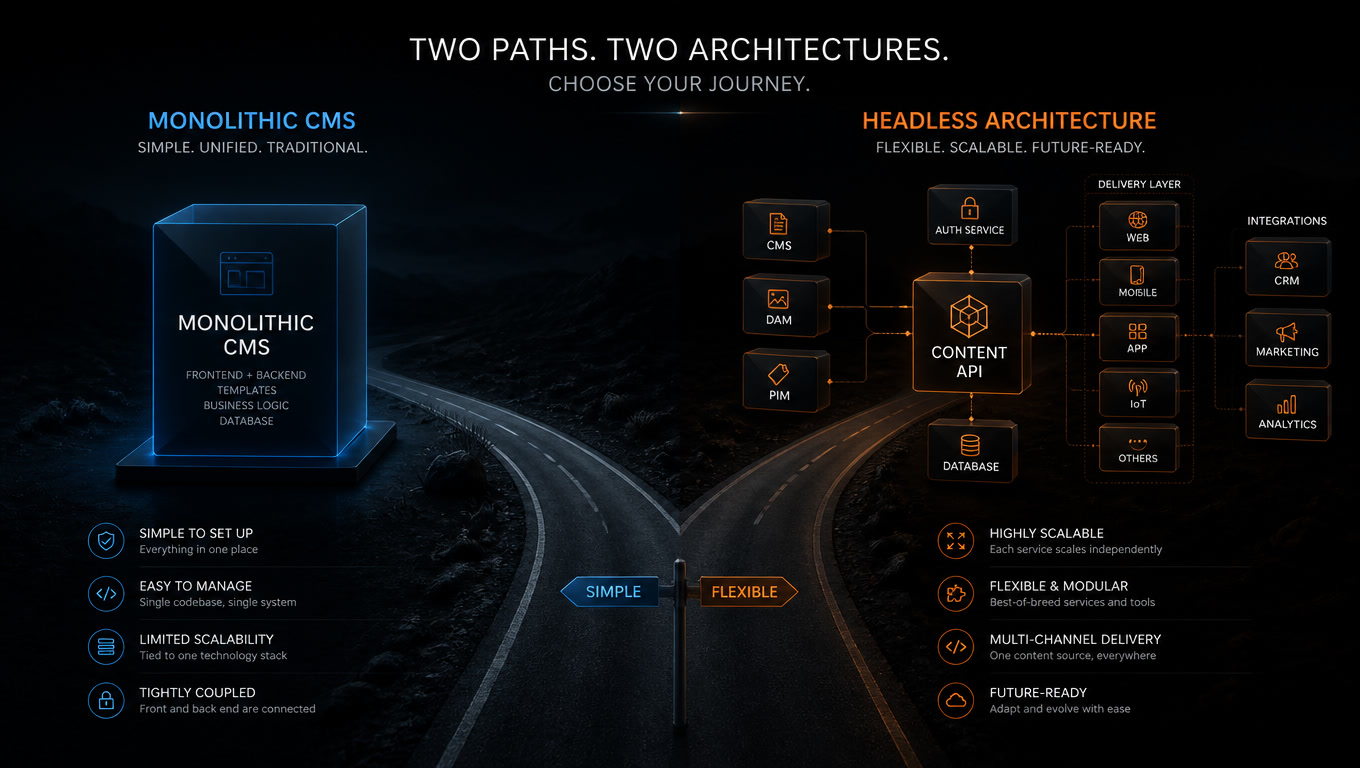
In our Strapi vs Sanity comparison we documented that CMS choice matters, but in multi-source projects the Content Layer changes the equation: the frontend isn't coupled to any specific backend.
Pattern 1: Headless CMS + Local Markdown for Editorial Sites
The problem
A technical documentation site with 3,000+ pages. The product team writes guides and tutorials in markdown inside the repo (they want version control, PRs, previews). The marketing team manages landing pages and blog posts in Sanity (they need a visual editor, scheduled publishing, content analytics).
Two teams, two sources, one frontend.
The solution
// src/content/config.ts
import { defineCollection, z } from 'astro:content';
import { glob } from 'astro/loaders';
import { sanityLoader } from '@astrojs/sanity';

const docs = defineCollection({
  loader: glob({ pattern: '**/[^_]*.{md,mdx}', base: './src/content/docs' }),
  schema: z.object({
    title: z.string(),
    description: z.string().optional(),
    category: z.enum(['guides', 'api', 'tutorials']),
    updatedDate: z.date().optional(),
  }),
});

const blog = defineCollection({
  loader: sanityLoader({
    projectId: import.meta.env.SANITY_PROJECT_ID,
    dataset: 'production',
    query: '*[_type == "post"]{title, slug, body, publishedAt}',
  }),
  schema: z.object({
    title: z.string(),
    slug: z.string(),
    body: z.array(z.any()),
    publishedAt: z.date(),
  }),
});

export const collections = { docs, blog };
The trick is that both collections live in the same config.ts. In a search page or listing, you can unify them:
---
const docs = await getCollection('docs');
const posts = await getCollection('blog');
const allContent = [...docs, ...posts].sort((a, b) =>
  b.data.publishedAt?.getTime() - a.data.publishedAt?.getTime()
);
---
This wasn't possible before without a build step or a backend that consolidated both sources.
Lessons learned
The biggest hidden cost wasn't the technical implementation — the Content Layer simplifies that — but aligning the schemas. The product team used updated_at in their markdown files; Sanity used publishedAt. One hour lost normalizing field names before writing the first loader. We now include a schema alignment session in every multi-source project kickoff.
Pattern 2: Editorial Content + AI-Generated Media
The problem
An educational portal producing AI-generated video lessons (three new videos per week). Each video goes through a post-processing pipeline that optimizes it for web — as we documented in our AI-generated media pipeline article. The editorial team needs to reference these videos from the CMS without manually uploading files.
The solution
We created a media_assets collection that loads from an internal API (the same one the post-processing pipeline uses), and exposed it as a queryable source from CMS articles:
const mediaAssets = defineCollection({
  loader: async () => {
    const response = await fetch(`${MEDIA_API_URL}/assets?status=ready`);
    const assets = await response.json();
    return assets.map(a => ({
      id: a.slug,
      data: {
        title: a.title,
        url: a.cdn_url,
        duration: a.duration_seconds,
        type: a.asset_type, // 'video' | 'image' | 'audio'
        generatedAt: new Date(a.created_at),
      },
    }));
  },
  schema: z.object({
    title: z.string(),
    url: z.string().url(),
    duration: z.number().optional(),
    type: z.enum(['video', 'image', 'audio']),
    generatedAt: z.date(),
  }),
});
The editorial team writes in Sanity and references media_assets by slug. The frontend resolves those references at build time and generates pages with the already-optimized CDN videos.
Lessons learned
AI-generated media pipelines produce assets that don't exist when the article is written. Solving this required a webhook that triggers a Cloudflare Pages rebuild when a video finishes processing. Without the Content Layer, we'd have had to migrate all videos into the CMS or build a separate microservice.
In our guide to handling heavy media in Astro we go deeper into the performance impact of these assets.
Pattern 3: Collections from External APIs for Dynamic Data
The problem
A headless e-commerce site showing products from a backend, reviews from a separate system, and editorial content from a CMS. All in Astro, all at build time (SSG with incremental revalidation).
The solution
const products = defineCollection({
  loader: async ({ refreshContext }) => {
    const response = await fetch(`${ECOMMERCE_API}/products`, {
      headers: { Authorization: `Bearer ${import.meta.env.API_KEY}` },
    });
    const products = await response.json();
    return products.map(p => ({
      id: p.handle,
      data: {
        name: p.title,
        price: p.price,
        imageUrl: p.featured_image,
        inStock: p.inventory > 0,
      },
    }));
  },
  schema: z.object({
    name: z.string(),
    price: z.number(),
    imageUrl: z.string().url(),
    inStock: z.boolean(),
  }),
});

const reviews = defineCollection({
  loader: async () => {
    const response = await fetch(`${REVIEWS_API}/reviews`);
    const reviews = await response.json();
    return reviews.map(r => ({
      id: r.id.toString(),
      data: {
        productHandle: r.product_handle,
        rating: r.rating,
        text: r.text,
        author: r.author_name,
      },
    }));
  },
  schema: z.object({
    productHandle: z.string(),
    rating: z.number().min(1).max(5),
    text: z.string(),
    author: z.string(),
  }),
});
The magic here is that you can join collections directly in Astro:
---
const product = await getEntry('products', Astro.params.handle);
const productReviews = await getCollection('reviews', r =>
  r.data.productHandle === product.id
);
---
This replaces what previously required a BFF (Backend For Frontend) or an API Gateway.
When NOT to Use Multi-Source Content Layers
Not everything belongs in a unified architecture. We've identified three scenarios where multi-source layers aren't the right call:
When one source generates >95% of content. If you only have a blog with local markdown, adding the Content Layer abstraction for a source that publishes once a month adds complexity without benefit.
When build time is critical and remote sources are slow. Each remote loader adds latency. With 5 sources at 3 seconds each, that's 15 extra seconds per build. In pure SSG projects with frequent deploys, this adds up.
When teams prefer separate frontends. There's a valid discussion between micro-frontends and unified architecture. If each team wants to deploy independently, the Content Layer doesn't solve that organizational problem — server islands or Astro endpoints do.
The Decision Framework We Use Now
After implementing these patterns across 5 projects, here's our framework:
| Source type | Use Content Layer | Keep separate |
|---|---|---|
| Editorial CMS + technical markdown | ✅ Almost always | Only if < 50 total pages |
| AI-generated media | ✅ Always when there's a pipeline | If media is uploaded manually |
| External APIs (products, reviews) | ✅ If consumed at build time | ❌ Real-time data (use server islands) |
| Multiple CMS backends | ✅ If they share a frontend | If each CMS has its own frontend |
We tuned this framework based on performance metrics and development velocity. In projects where we applied the Content Layer, new developer onboarding time dropped 40% because the mental model is unified: all sources are queried with the same functions.
Does It Pay Off?
If your site has more than one content source — especially if you mix a headless CMS with technical markdown or AI-generated media — Astro 7's Content Layer eliminates the friction of choosing a dominant backend. The tradeoff is a slightly heavier initial setup and potentially slower builds (from remote loaders), but the gain in project cohesion and team velocity is tangible.
In our next article we'll cover how to use server islands with Content Layer collections to serve real-time data without sacrificing SSG simplicity.
Have a multi-source content project and not sure where to start? At Mintec we've implemented these architectures for clients in editorial, education, and e-commerce. Contact us for a free 30-minute consultation.
Frequently Asked Questions
What is Astro's Content Layer?
The Content Layer is Astro's API for unifying multiple content sources — local files, remote APIs, headless CMS — into a type-safe collection system. Introduced in Astro 5 and consolidated in Astro 7, it's now the standard way to manage content in Astro projects.
Can I use Astro Content Layer with WordPress as a backend?
Yes. You can create a custom loader that consumes WordPress's REST API or use GraphQL via WPGraphQL. Data is transformed into collections that Astro queries at build time without depending on WordPress at runtime.
Does the Content Layer work at build time or runtime?
By default, collections are processed at build time (SSG) for maximum performance. Astro 7 also supports hybrid collections where part of the content is generated at build and part is updated via server islands or API endpoints.