Stop Treating Video as an Embed: Building a Video-First Content Architecture with Headless CMS
Most brands embed YouTube or Vimeo iframes and call it a day. We explain why that approach destroys performance, control, and data — and how to build a proper video-first content architecture with modern headless CMS.
Stop Treating Video as an Embed: Building a Video-First Content Architecture with Headless CMS
Video is the most expensive content asset your brand produces. Why are you delivering it through a third-party iframe?
After fifteen years building websites and producing video content for brands across both sides of the Atlantic, there is an uncomfortable truth few want to accept: the dominant model of embedding videos — copy-pasting a YouTube or Vimeo iframe — is an anti-pattern for any brand that takes its digital presence seriously.
This is not a video quality problem. It is an architecture problem.
The Embed Is a Black Hole
When you embed a YouTube video on your site, you hand over control of a critical part of your digital experience to a third party. That iframe loads its own JavaScript, its own trackers, its own styles, and — worst of all — decides on its own how to render the player.
The performance impact is measurable. A single YouTube iframe typically adds between 400KB and 1.2MB of additional resources to your page. According to the HTTP Archive 2025 Web Almanac, pages containing video embeds weigh on average 34% more than those without. But the real problem is not the weight — it is when it loads. The browser prioritizes the iframe as a critical resource, delaying your Largest Contentful Paint (LCP) and competing with your actual content on the main thread.
The result: slower pages, worse user experience, and Core Web Vitals metrics that hurt your organic visibility.
On top of that, traditional embeds steal your data. You do not know who watched the video, for how long, or at what point they dropped off. YouTube gives you aggregate metrics, but you cannot connect that view to the user's behavior on your site. Was the video the reason they converted? You will never know.
The Alternative: Video as a Structured Content Type
At Mintec, we have adopted a different approach: treating video not as an embed, but as a structured content type inside the headless CMS, with its own data model, its own delivery pipeline, and its own performance strategy.
Here is what that model looks like in practice:
1. Video Is an Entity, Not a Snippet
Instead of pasting an iframe, you define a "Video" content type with fields like:
- Title and description
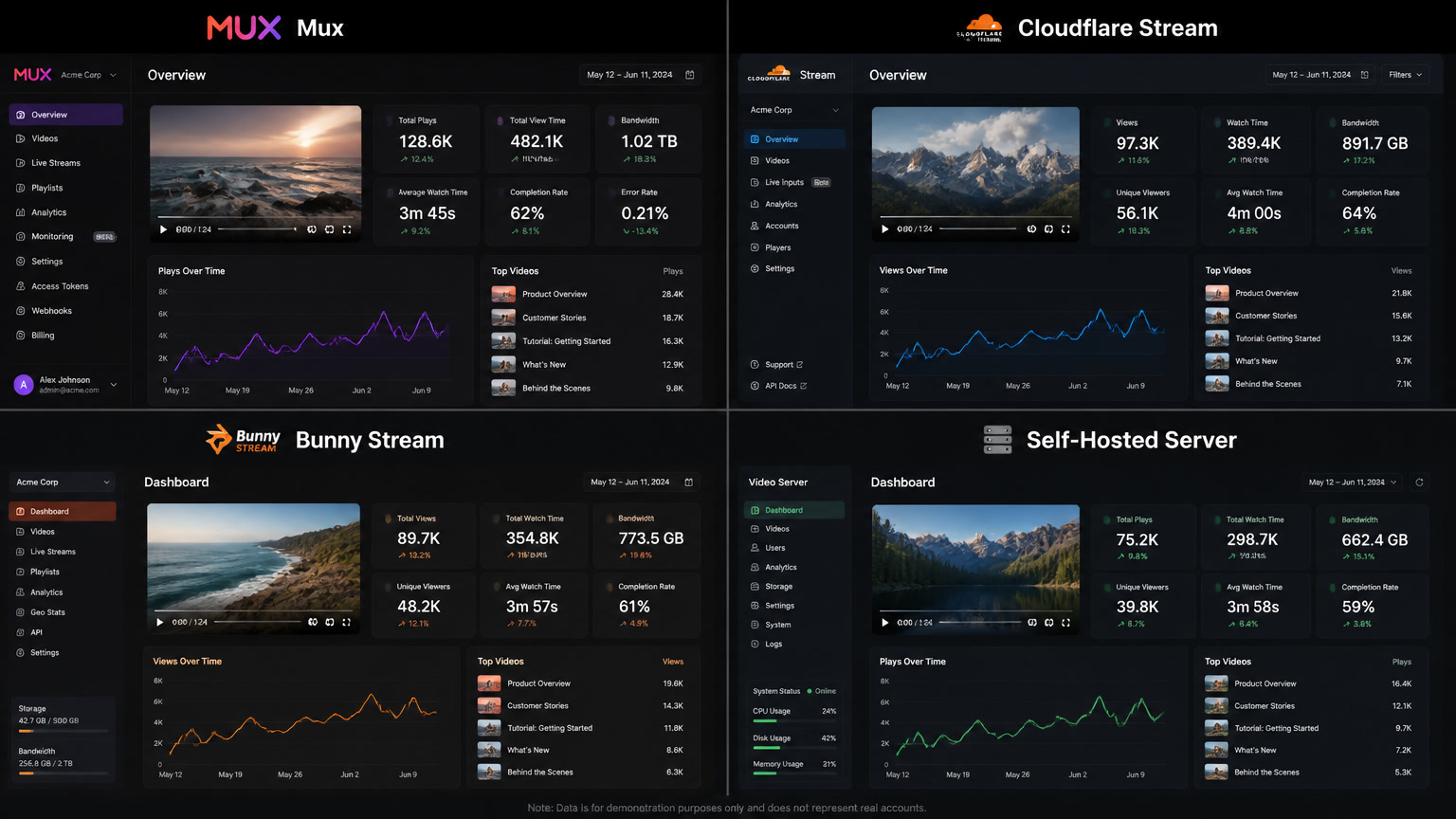
- Source file URL or video API ID (Mux, Cloudflare Stream)
- Poster frame (optimized cover image in WebP/AVIF)
- Transcript and captions (in multiple languages)
- Duration, resolution, and format metadata
- Categorization tags and content relationships
This is not theory. We have implemented it in projects using Strapi and Payload CMS, where the editorial team uploads a video and the system automatically generates resolution variants, extracts frames, and prepares the transcript.
2. Delivery Is the Frontend's Responsibility, Not the Embed's
Once video is a content type, the frontend decides how to render it. This is where architectural decisions actually matter:
Facade pattern over the player. Load a lightweight visual placeholder (an optimized poster frame) and only initialize the real player when the user clicks. This eliminates the video's impact on LCP and reduces initial load time by up to 60% on pages with multiple videos.
Own player vs. third-party embed. Instead of the YouTube player, use a custom video component — Mux Player, Cloudflare Stream Player, or an HTML5 player with dash.js or hls.js — that gives you full control over the experience: design, speed, adaptive quality, and analytics events.
Adaptive streaming. Serve video in HLS or DASH segments, not a monolithic file. The player adjusts quality based on the user's bandwidth, and you can preload only the first few seconds to reduce data consumption.
3. Analytics Are Yours
With your own player, every video event — play, pause, completion percentage, drop-off — becomes an analytics event you can correlate with user behavior on your site. You know whether visitors who watched the full video converted at a higher rate, or at what exact moment they lost interest.
This is simply not possible with a YouTube embed. That information is worth more than any savings on video hosting costs.
A Decision Framework for Your Video Architecture
To help you decide when a third-party embed is acceptable and when you need a video-first architecture, here is the matrix we use with clients:
| Scenario | Embed (YouTube/Vimeo) | Video as Content (API-native) |
|---|---|---|
| Blog post with a reference video | ✅ Acceptable | ❌ Overkill |
| Product page with a demo | ❌ Lose control | ✅ Required |
| Video testimonials on landing page | ❌ LCP suffers | ✅ Critical |
| Resource library with 50+ videos | ❌ No owned analytics | ✅ Mandatory |
| Educational content with transcripts | ❌ No video search | ✅ Ideal |
| Decorative background video | ❌ Kills performance | ✅ Poster frame alternative |
The rule is simple: if video is part of your value proposition, it must be part of your content architecture.
How to Start the Migration
You do not need to rebuild your site from scratch. Here are the practical steps we recommend:
Audit your current embeds. Identify which videos are critical to your brand and which are referential content. The former deserve their own architecture; the latter can stay as embeds.
Choose your video API stack. Mux is our recommendation for most mid-to-large projects — clean APIs, auto-transcoding, customizable player, and built-in analytics. Cloudflare Stream is a solid alternative if you are already in the Cloudflare ecosystem. For smaller projects, Cloudinary Video may be sufficient.
Define your Video content type in the CMS. In Strapi, create a collection. In Payload, a configurable collection with custom fields. In Contentful, a content type. The key is that the model reflects your business needs, not technical limitations.
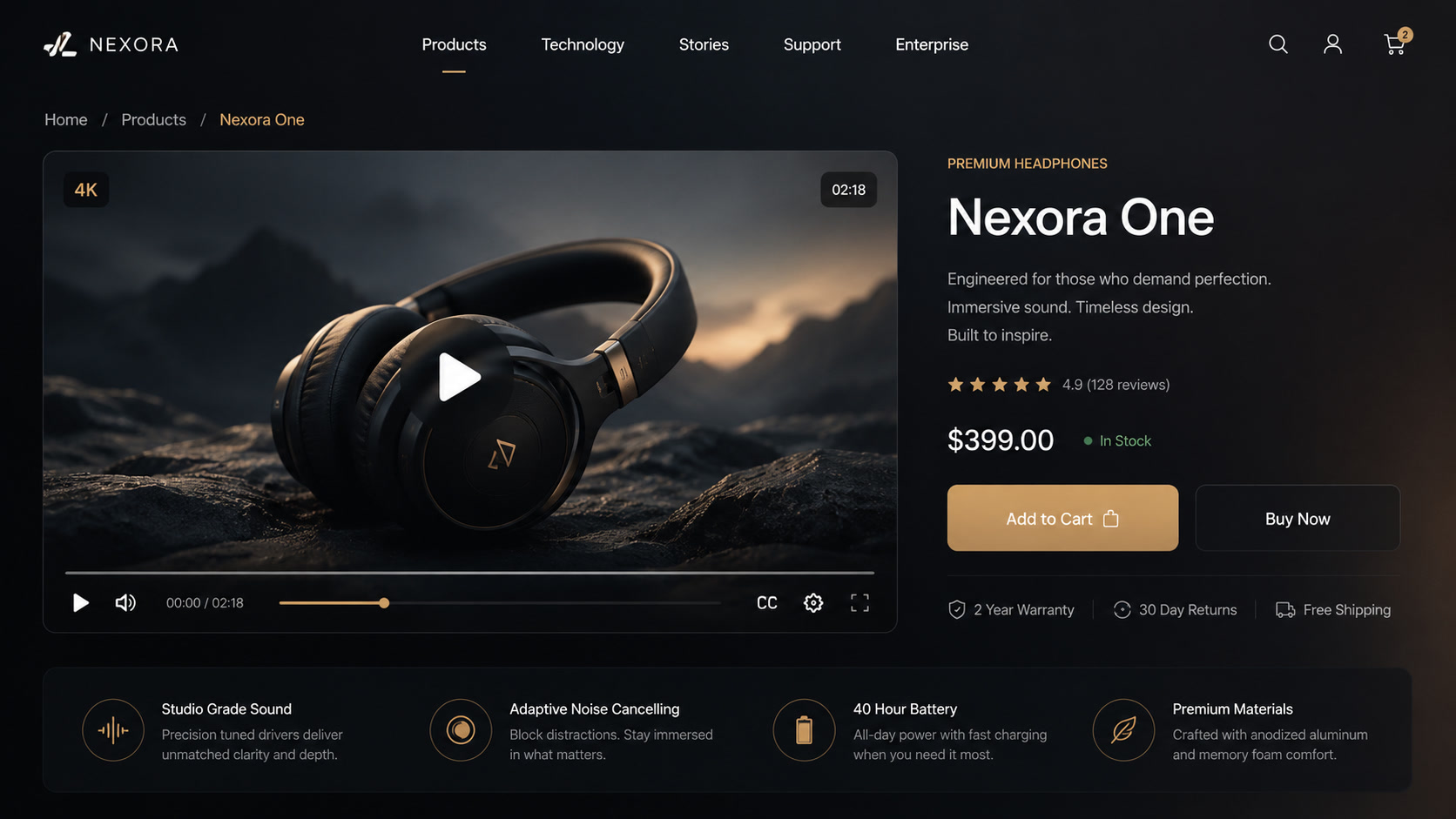
Implement the facade pattern. Your frontend video component loads an optimized poster frame first (WebP, maximum visual quality, minimum weight). Only when the user clicks does it inject the real player and start playback.
Connect analytics. Every player event should feed into your analytics system — Google Analytics, Mixpanel, PostHog, or whichever you use. The correlation between video views and conversion is the data point that justifies the entire investment.
What We Have Learned Along the Way
We have implemented this architecture for clients in e-commerce, real estate SaaS, and educational platforms. The most important lesson: video as structured content is not more expensive than embedding when you account for the cost of lost performance.
A site that relies on YouTube embeds for product demos pays in page speed, in bounce rates, and in data it never gets to own. When you migrate to a video-first architecture, those costs transform into investments in assets that actually belong to you.
The embed is fast and cheap in the short term. It is technical debt that compounds silently.
One pattern we see consistently: brands spend tens of thousands producing high-quality video, then undermine that investment by delivering it through a player that slows down their site and gives them zero actionable data. Fixing this does not require a massive budget. It requires a shift in how you think about video — from decoration to data model, from embed to entity.
If you are building — or rebuilding — a site where video matters, start with the data model. Not the player. The difference between a site that uses video and a site that is video starts there.