Malvertising on Meta & TikTok: the StreamRat case and a 3-layer ad safety protocol
A fake free-TV-streaming campaign bought ads on Meta and TikTok in mid-2026 and pushed the StreamRat Android trojan to an estimated 570,950 European accounts, mostly Spanish-speaking users. The campaign ran three weeks inside the ad auction before takedown — and it proves malvertising is now a paid-media operations problem that every advertiser needs a pre-launch, mid-flight, and incident-response protocol for before Q4 spend ramps.
Malvertising on Meta & TikTok: the StreamRat case and a 3-layer ad safety protocol
In mid-2026, a fake free-TV-streaming campaign bought ads on Meta and TikTok and pushed the StreamRat Android trojan to an estimated 570,950 European accounts — almost all of them Spanish-speaking users, with a Spain-focused targeting setup. Disclosed by ThreatFabric on September 2, the campaign ran inside Meta's ad auction from June 11 to July 3 before it was identified, and it was built on Malware-as-a-Service infrastructure linked to the GodFather and Mirax banking trojan families. Malvertising has stopped being a "security team" problem. It is a paid-media operations problem now — and Q4, when budgets and review volume spike together, is exactly when the industry gets careless.
What the StreamRat campaign actually did
ThreatFabric monitored the Meta ecosystem in late July and found a campaign they named "Steamtv Esp.": ads impersonating a free TV-streaming service, pushing Spanish-speaking Android users to a phishing website. The Hacker News confirmed the details on September 2, and Malwarebytes added the advertiser-facing angle the next day. The mechanics are worth knowing because every step is something an advertiser could have caught:
- The ad. Standard in-feed banners across Meta (with the same creative likely on Facebook and Instagram) and TikTok. False urgency: "free streaming," "watch anything," no subscription.
- The landing page. A thin website that detects the visitor's operating system. Android users get a download button for
app.apk; everyone else gets a dead end. This OS-check pattern alone is a reliable fraud fingerprint — legitimate streaming apps do not gate their install behind a JavaScript OS sniff. - The dropper. The APK asks to become the device's default Home app, then requests VPN permission. Once granted, the VPN routes device traffic through a nonfunctional interface while excluding the dropper itself — invisible tunneling, in plain sight of anyone who reads permission dialogs.
- The payload. The dropper downloads
update_{timestamp}.apkfrom GitHub releases (with daily package updates, a pattern Cleafy documented in the related Mirax family) and installs StreamRat. - The trojan. StreamRat abuses Accessibility Services and MediaProjection for near-complete device control: VNC-style hidden screen control, UI-tree collection, keylogging, credential-stealing overlays that fake bank screens, and internet and screen blocking. It can literally lock you out of your own phone while it drains your accounts.
No victim or infection totals were published, and ThreatFabric did not attribute the campaign to a named actor. What they did say is the part advertisers should not miss: based on its control-panel code, StreamRat appears to be offered as Malware-as-a-Service. This is not a one-off hack. It is a productized attack channel that other criminals can rent.
Why this is your problem, not just IT's
Three uncomfortable facts make malvertising a paid-media issue rather than a security footnote:
- Your audience was the target. 570,950 accounts reached with ad-bought reach, in the same auction your campaigns buy. If the targeting is Spanish-speaking Europe today, it can be LatAm tomorrow; the phishing site was built around Spanish from the start.
- The ad review layer did not catch it. The campaign ran for three weeks (June 11–July 3) and was only identified in late July through security-research monitoring — not through Meta or TikTok enforcement. Automated ad review is the attacker's ally at this volume: the defense has to live in your process, not in the platform.
- Brands get impersonated for free. The same mechanics apply to fake ads using your brand name, your products, or your creative — usually on the same days your real campaigns run. The StreamRat case is one attack family; impersonation campaigns against agencies' clients are the everyday version.
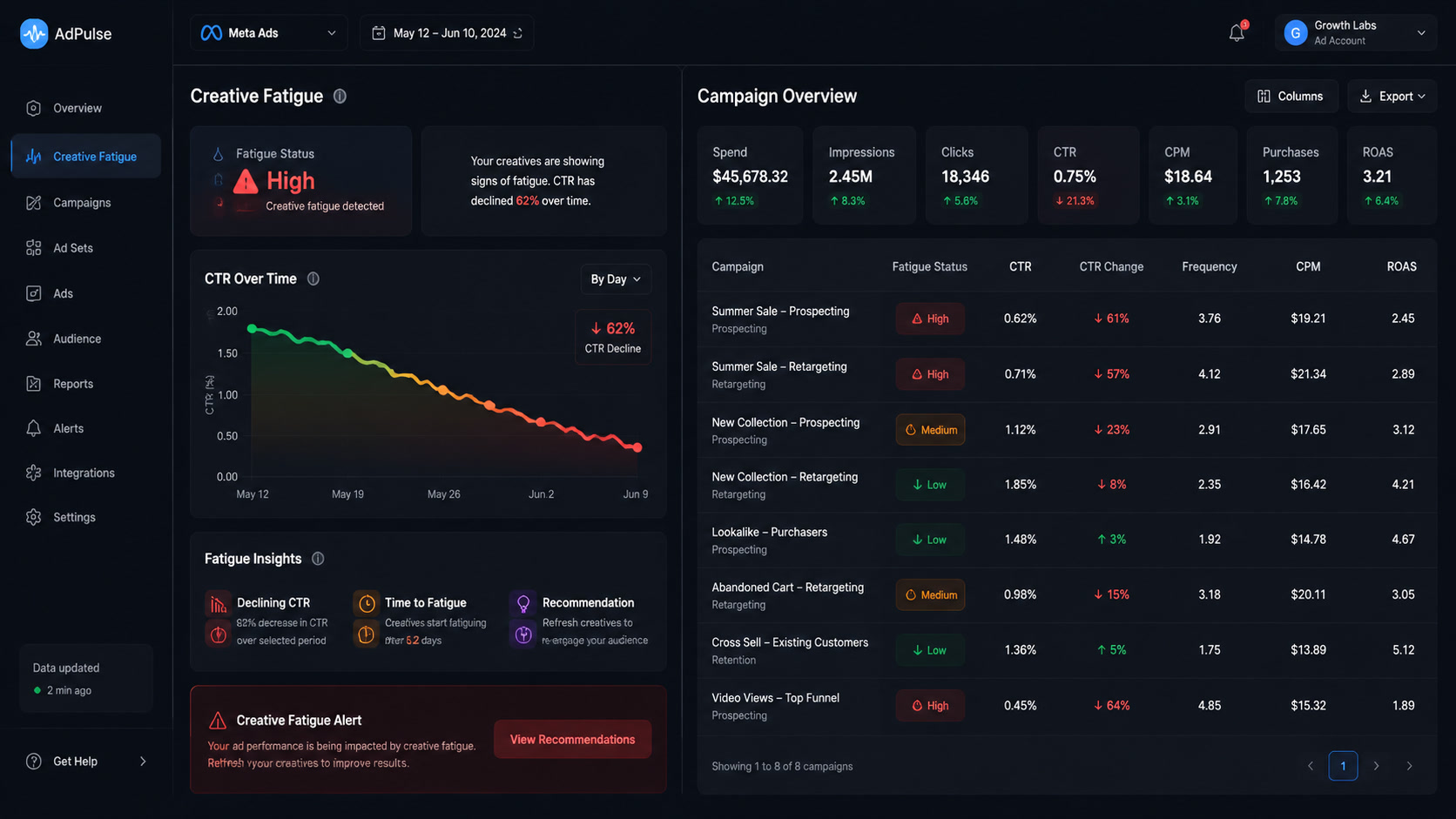
There is also a measurement angle: if a malvertising campaign hits your category, fake clicks, bot traffic, and support-ticket noise distort the very signals your optimization relies on. A sudden "conversion drop" in the middle of a clean run can be an audience problem — or 40,000 users who just got their phones locked and are not in a buying mood. That is why the protocol below includes monitoring, not just prevention.
The 3-layer ad safety protocol
This is the framework we run at Mintec for every account we manage, and it fits in one table:
| Layer | Focus | Concrete actions |
|---|---|---|
| 1. Pre-launch | Destination + account hygiene | Verify domain ownership and registration age in Business Manager; check the Ad Library history of any page running your brand name; reject destinations that auto-detect OS, ask for APK downloads, or show "free premium for life" patterns; require a two-person approval before any campaign goes live |
| 2. Mid-flight | Monitoring signals | Weekly Ad Library sweep for brand impersonation; spot-check destination URLs of live ads (including the mobile flow); watch for permission/CTR anomalies and support-ticket spikes; audit admin seats and Business Manager roles monthly |
| 3. Incident response | Contain + document | Freeze the creative and pause the affected campaign; capture screenshots and full URLs; report through Meta/TikTok dedicated abuse flows; sweep the account for lookalike creatives and unknown assets; notify affected audiences and log everything for the client report |
The order matters. Layer 1 catches 90% of the risk because most malvertising is stupid about its destination — the StreamRat landing page was a one-page OS-sniffing shell. Layer 2 catches the campaigns that get smarter. Layer 3 exists because no process is perfect, and the cost of a slow response is audience trust, not just ad spend.
One nuance worth stating as an opinion: the biggest risk window is not the creative review — it is the handoff. Agencies and in-house teams that approve ads in a single step, on a deadline, with a client waiting, are the ones who ship destinations nobody actually clicked through on a phone. Q4 multiplies that pressure. A mandatory "click the link on a real device before launch" ritual is worth more than any security tool we have tested.
What we changed at Mintec because of this case
We manage Meta and TikTok campaigns for clients across LatAm and the US market, and this story changed our onboarding audit, not our creative process. Since the disclosure, every new account onboarding includes a security pass alongside the standard structure review: historical ads and their destinations, past disapprovals and policy violations, admin seats and pending assets, and domain verification status. It takes 20 minutes and it has already surfaced real issues — including one client whose page had an unrecognized admin seat we removed on day one.
We also introduced a hard rule for Q4: no campaign goes live without a destination check executed on a mobile device, and no single person publishes. It slows the launch loop by about 15 minutes per campaign. That is the cheapest insurance in paid media. The context makes it easier to sell internally too: the same quarter where Meta's auction started pricing landing-page quality is the same quarter where the destination is also the security surface. The page quality work you do for CPM is the same work that kills malvertising vectors.
Two more connections worth making. First, the monitoring layer only works if you have a habit of reading what is in your competitive space: Meta's Ad Library is the single best free tool to detect impersonation pages early — we check it weekly for every client. Second, if you are running Advantage+ automation at holiday scale, remember that automation inherits your account hygiene: compromised destinations, weird events, and unverified domains are exactly the inputs that make machine-led campaigns misbehave. And on the measurement side, signal hygiene is the same discipline as ad safety — a suspicious traffic spike or a sudden drop in attribution quality is worth investigating as a security event before you re-optimize into it.
The Q4 deadline
Concrete timeline: before your holiday campaigns start spending, (1) run the destination audit on every live destination URL, (2) remove any admin seat you do not recognize, (3) schedule the weekly Ad Library impersonation sweep until the end of the year, and (4) define who owns incident response when a fake ad surfaces — it should be the media lead, not the IT helpdesk. None of this takes more than an hour in total, and it protects the thing Q4 budgets are actually buying: trust.
The StreamRat case will not be the last malvertising campaign on Meta and TikTok. The only variable advertisers control is how fast their process reacts. Ours is three layers and a phone in someone's hand before launch — yours should be at least that.
Frequently Asked Questions
What is StreamRat?
StreamRat is an Android banking trojan disclosed by ThreatFabric on September 2, 2026. It was distributed through fake free-TV-streaming ads on Meta and TikTok aimed at Spanish-speaking users, reaching an estimated 570,950 European accounts. After a victim sideloads the APK and grants a succession of permissions, the malware abuses Android Accessibility and MediaProjection APIs for near-complete device control: screen capture, keylogging, credential-stealing overlays, and remote control.
How can advertisers spot a malvertising campaign on Meta or TikTok?
The strongest signals are in the destination, not the ad: brand-new domains, offers that require downloading an APK or app file, permission requests unrelated to the service (default Home app, VPN, Accessibility), and thin landing pages that detect the visitor's operating system. On the account side, monitor Meta's Ad Library for pages impersonating your brand and spot-check every destination URL before launch.
What should I do if a fake ad impersonates my brand on Meta or TikTok?
Freeze the affected creative and pause the campaign if the issue is inside your own account, capture screenshots and URLs as evidence, report the ad through Meta's and TikTok's reporting flows, sweep the entire account for lookalike creatives and unauthorized admin seats, and publish a short notice if users have been affected. Speed matters more than perfection: malvertising campaigns live an average of days, not months.