AI Agents for Small Businesses Without Code: A Practical Framework for Your First Automation
You don't need to code to build AI agents. Here's how to decide your first automation, which tools to use, what it actually costs, and —more importantly— what NOT to automate. Backed by real implementation data from Latin American SMBs.
AI Agents for Small Businesses Without Code: A Practical Framework for Your First Automation
Short answer: Yes, a small business can build AI agents without code today — and the fastest path isn't buying the most expensive SaaS. It's starting with one small, concrete, measurable automation.
I hear the same question over and over from business owners: "I want to use AI but I don't know where to start, I don't have a technical team, and I don't want to waste money on something that won't work."
It's a fair question. The market is flooded with platforms, each promising their AI agent will transform your business overnight. But the reality is more mundane: most SMBs don't need a complex AI agent. They need one automation that actually works.
At Mintec, we've built AI-powered automations for over a dozen clients across Latin America — from a construction firm in San Salvador to a marketing agency in Bogotá, a law firm in Mexico City, and a fintech in São Paulo. Here's what we learned about starting right, without code and without overspending.
The Decision Framework: Three Questions Before Your First Agent
Before we talk tools, let's talk criteria. The main reason automations fail at SMBs isn't technical — it's that they automate the wrong process.
Use this three-question filter before investing time in any AI agent:
1. Does this process happen at least 10 times per week? If not, it's not worth automating. The setup and maintenance cost will exceed the time saved.
2. Is the decision the agent makes binary or bounded in complexity? "Classify a lead as hot/warm/cold" works. "Evaluate whether a candidate is a cultural fit" does not — that requires human judgment.
3. Is the input data available in a machine-readable format? Emails, WhatsApp messages, web forms, CSV files. If the process depends on a phone call or a hallway conversation, you can't automate it.
If all three answers are yes, you have a solid candidate.
Three Types of Agents an SMB Can Build Without Code
In our experience, the automations that generate the most value for SMBs fall into three categories. All of them can be built without code using tools like n8n or Make.
1. Lead Classification and Routing Agent
The problem: Leads arrive through multiple channels (WhatsApp, web form, direct email) and land in a catch-all inbox. Nobody classifies them, nobody prioritizes them, and hot leads go cold waiting.
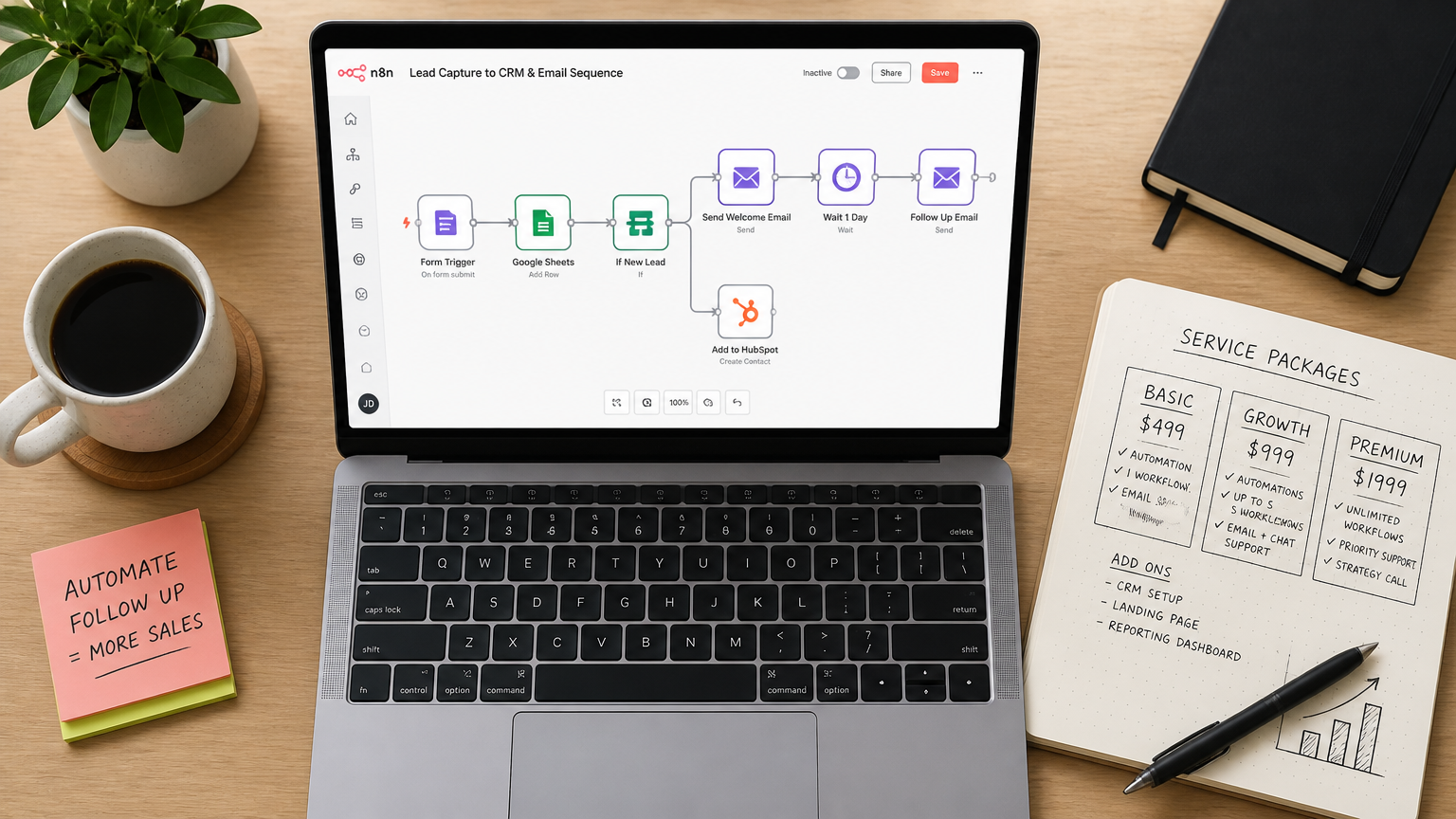
The n8n solution: A flow that receives the lead from any channel, passes it through an AI model (GPT-4o mini or Claude 3 Haiku — pennies per classification), analyzes the message for industry, purchase intent, and urgency, and automatically creates a contact in the CRM with the assigned priority.
What we built for a client: A construction company in Central America was getting inquiries through WhatsApp and their web form. Their sales team was spending 2-3 hours daily reading and classifying leads. We set up an n8n agent that:
- Captures leads from WhatsApp Business API (via WATI) and the web form
- Classifies with GPT-4o mini into 3 buckets: "ready to buy", "requesting quote", "general info"
- Creates the contact in Clientify with category and urgency level
- Sends a notification to the assigned salesperson only for "ready to buy" leads
Result: response time dropped from 4 hours to 8 minutes on hot leads. Agent cost: ~$45/month.
2. Customer Support Agent with Intelligent Handover
The problem: A basic chatbot responds with a menu of options. Customers get frustrated, type "agent", and escalate — but the human has no context about what was already discussed.
The Make + AI solution: A flow that receives the customer message, lets the AI model decide whether it can handle it or needs to escalate to a human, and on escalation, delivers a structured summary with full conversation history.
We covered the handoff mechanics in detail in our post on bot-to-human handover without losing context. The key point here: building this without code is perfectly doable using Make's native WhatsApp and CRM connectors.
3. Automated Follow-up and Reminder Agent
The problem: Follow-ups get lost. A client requested a quote three days ago, the salesperson got distracted, and the client already hired someone else.
The n8n solution: An agent that monitors the CRM, detects when a deal has been inactive for more than X days, and automatically sends a reminder via WhatsApp or email to the salesperson — or even to the client if configured.
We built this for a law firm in Mexico City that was losing follow-ups weekly. We configured an n8n agent that checks Clientify every night, finds opportunities inactive for more than 3 days, and sends a personalized message to the responsible lawyer. Agent cost: ~$12/month (VPS + APIs). They recovered roughly 2 hours per week per lawyer.
| Agent Type | Tool | Monthly Cost | Setup Time | Typical ROI |
|---|---|---|---|---|
| Lead classification | n8n + GPT-4o mini | $35-55/month | 1-2 weeks | 5-8x in 3 months |
| AI customer support | Make + Claude Haiku | $40-80/month | 2-3 weeks | 50% fewer escalations |
| Follow-up reminders | Self-hosted n8n | $10-20/month | 3-5 days | Recovers 2h/week per user |
The Comparison: n8n vs Make for SMBs
This is the question we get most often, and the answer depends on your situation. We've written a detailed comparison of Make and n8n, but for the specific case of no-code AI agents:
- Make is better if: you want to start fast, don't want to manage servers, and your flow has prebuilt connectors for the tools you use. The visual interface is friendlier and the learning curve is shallower.
- n8n is better if: you need control over your data (local regulations), your operation volume is high (+5,000/month), or you want to run AI models locally with Ollama. Scale costs are dramatically lower — the hidden cost of scaling with Zapier applies to Make too when your volume grows.
- Both work without code for 90% of SMB use cases. The real difference is in the cost model, not the capabilities.
For an SMB just starting out, I recommend Make if the budget allows ($9-20/month) and self-hosted n8n if someone on the team is willing to set up a VPS once. The $20/month difference doesn't justify overcomplicating your first automation.
What You Should Definitely NOT Automate
This section is as important as everything above. We've seen automation attempts go wrong, and I want to save you those mistakes.
Don't automate processes that change rules every month. If your expense approval flow changes every time a new partner joins, the AI agent will need more maintenance than it saves. Automate stable processes first.
Don't let an AI agent make unsupervised decisions about money or personal data. An agent that classifies leads is fine. An agent that deducts payments from a bank account without human review is a disaster waiting to happen. Put human review on any irreversible action.
Don't automate a process nobody understands. If the current process is chaos and nobody knows exactly how it works, automation won't organize it — it'll accelerate the chaos. Document the process first, then automate.
How to Start: The 7-Day Plan
If after reading this you want to launch your first AI agent, here's a concrete plan:
Day 1-2: Identify one candidate process using the three-question framework above. Pick the simplest one, not the most important one.
Day 3-4: Set up your tool. If you chose n8n, use their free cloud tier to test. If you chose Make, the free plan gives you 1,000 operations to experiment with.
Day 5-6: Build the basic flow. Don't try to make it perfect — make it work. An agent that works at 80% and is in production is worth more than a perfect one that never deploys.
Day 7: Measure. How much time did it save? How many leads did it process? Did customers notice the difference? If you can't measure impact in one week, the agent isn't solving the right problem.
We build AI agents for SMBs across Latin America. If you want to explore how this applies to your business, our automation and chatbots service is built exactly for this type of implementation — no code, measurable results, and the support an SMB needs to avoid getting stuck on the initial setup.
Frequently Asked Questions
What does a small business need to start with no-code AI agents?
Three things: an orchestration tool like n8n or Make, access to an AI model (OpenAI, Claude, or Gemini — $5-20/month for light use), and an integration with your CRM, email, or WhatsApp. A complete basic automation stack costs $30-80/month and can be set up in 1-2 weeks without writing a single line of code.
What tasks should a small business automate first with AI agents?
We recommend starting with high-volume, low-risk processes: classifying incoming leads, answering FAQs via WhatsApp, and automated follow-up reminders. Avoid automating processes that require complex human judgment, handle sensitive data without oversight, or change their rules weekly.
How much does it cost to maintain an AI agent for a small business?
Very little. A self-hosted n8n flow costs $6-20/month for a VPS. AI APIs cost $5-20/month at light usage. An agent processing 500-1,000 interactions per month runs $30-80/month total. Cost drops dramatically if you run local models with Ollama instead of external APIs.