Meta just removed placement exclusions from your ad sets — here's what's left and how to adapt
Meta no longer lets you exclude placements, platforms, or devices at the ad set level. Here's what changed, what alternatives exist, and how to protect your budget.
Meta took away your placement exclusions — here's what actually changed
If you manage Meta Ads campaigns and recently found that the placement exclusion checkboxes simply aren't there, it's not a bug. It's a product decision Meta has been executing in slow motion for almost two years, and now it's materializing in real accounts.
What used to be a checkbox you could uncheck to prevent your ads from showing on Audience Network, Marketplace, or between Reels has become a system where the platform decides where your ad runs, and you lose the right to say "not there."
This isn't a minor update. It's a shift in who controls your budget.
What exactly was removed
Starting in late August 2026, some advertisers began seeing a message inside the Placements section when creating an ad set:
"Excluding placements, platforms, devices and operating systems will no longer be available for your ad sets."
Four controls removed in a single sentence. Jon Loomer was the first to document it on August 20, and since then multiple sources (PPC Land, Social Media Today, easyinsights.ai) have confirmed the rollout is happening progressively.
What disappeared:
- Excluding individual placements (Facebook Feed, Stories, Reels, Audience Network, etc.)
- Excluding entire platforms (Instagram only, Facebook only)
- Choosing between mobile and desktop
- Limiting by operating system
What still works (for now):
- Traffic, Engagement, Brand Awareness, and other campaign objectives still have manual placement controls
- Custom Audience exclusions are not affected
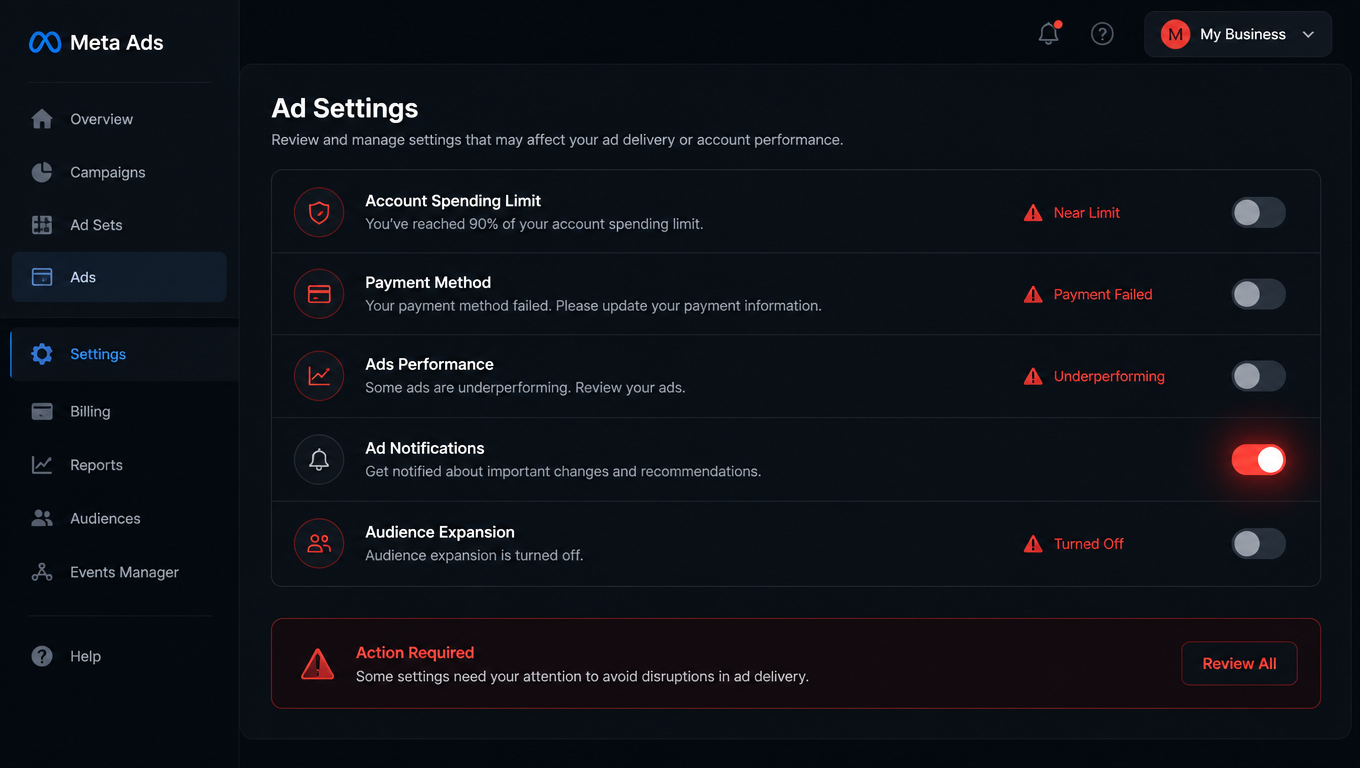
- Account-level controls remain active under Advertising Settings > Account Controls
Why Meta did this
Meta won't say it this bluntly, but their own documentation reveals the logic: ad sets using Advantage+ Placements (the automated setting) reduce CPA by an average of 11.7% compared to manual placement setups.
The math is straightforward: give the algorithm access to all inventory and it will always find cheaper inventory somewhere. Every checkbox you uncheck is, from Meta's perspective, a constraint on that equation.
What most people don't know is that Meta was already ignoring you. For months, the platform has been routing up to 5% of your budget to each placement you excluded. Four exclusions meant up to 20% of your spend was going to the placements you thought were blocked. Exclusions were never real exclusions.
The alternatives: Value Rules and account controls
Value Rules — the direct replacement
Value Rules let you adjust bids by placement, device, and operating system. You can reduce bids by up to 90% or increase them by up to 1000%.
But there's a key limitation: only seven placements are currently eligible for bid adjustment, including Audience Network (the one most people were trying to block).
If you were excluding Audience Network because you were getting cheap, low-quality clicks, Value Rules let you reduce your bid by 90%. It's not a complete block — impressions will still happen, just fewer of them — but it's the closest tool you have.
Account-level controls — the back door
If your business has a legitimate reason to avoid certain placements (say, a luxury brand that doesn't want to appear on Marketplace), you can set permanent account-wide exclusions:
Advertising Settings > Account Controls > Placement Controls
This option remains available and works even with Advantage+ Placements enabled. But it's an account-wide policy, not a per-campaign tactic — it affects everything you publish from that account.
The question you should ask before panicking
Most advertisers who were excluding placements didn't need to. If your campaign optimizes for purchases with a performance goal of "maximize conversion value," Audience Network isn't the garbage source you think it is. Meta doesn't spend your money on useless clicks because those clicks don't help achieve your goal.
The real problem appears when you optimize for "maximize number of conversions" (not value) or when your conversion funnel accepts low-quality leads without filters. There, placements matter — but the root problem is higher up the funnel, not in the checkbox.
How we're handling this for client accounts
At Mintec, we stopped relying on ad-set-level exclusions months before this change, precisely because the 5% budget leak already showed us where things were headed.
Our current approach for new accounts:
- Account-level placements — we set permanent account-wide exclusions when there's a real brand safety reason
- Value Rules as a refinement layer — we adjust bids by placement only when data shows a concrete quality problem
- Funnel optimization, not placement optimization — if leads are bad, the problem usually lives in the form, the landing page, or the targeting, not in where the ad appears
Manual placement control was an illusion of control. The reality is that Meta was already ignoring your exclusions for months. The difference now is that at least it tells you.
The broader pattern: goodbye, manual control
This change can't be understood in isolation. It's the continuation of a sequence:
- January 2025: Meta removed detailed targeting exclusions
- October 2025: A 5% budget bypass was introduced in sales and leads campaigns
- February 2026: The unified Advantage+ campaign structure in Marketing API v25.0 prohibited campaign-level placement exclusions
- August–September 2026: Disappearance of the ad-set-level placement exclusion checkbox
The direction is clear: control moves from the visible interface toward algorithmic systems you can't see or override directly. Every time Meta removes a toggle, strategy should move up one level — from placement, to account, to funnel, to first-party data.
What to do right now
- Check your account: some accounts still show the exclusions. If you still have them, don't take them for granted — but don't rely on them as your main strategy either.
- Set up Value Rules for Audience Network if that's your problem placement. Reducing the bid by 90% is better than nothing.
- Check if you need account-level exclusions for brand safety, and configure them under Account Controls.
- Invest in data quality — pixel, CRM, offline conversions. This is what actually feeds the algorithm to make good placement decisions.
- Don't panic if you optimize for purchases — the placement problem rarely exists when the performance goal is to maximize conversion value.
Manual placement control is closing. But the advertiser who understands why Meta is doing this — and prepares their data infrastructure accordingly — doesn't lose performance. They gain efficiency.
Published by Mintec — Full-Spectrum Digital Marketing Agency
Frequently Asked Questions
Did Meta completely remove placement exclusions?
Not entirely. It currently only affects Sales and Leads campaigns. Other objectives like Traffic or Engagement still retain manual placement controls.
What are Value Rules in Meta Ads?
Value Rules let you adjust your bid by up to 90% downward or 1000% upward per placement, device, or operating system. They're the primary replacement for direct placement exclusions.
Can I still exclude Audience Network in Meta Ads?
Not at the ad set level. But you can use Value Rules to reduce your bid by 90% on Audience Network, or set account-level exclusions under Advertising Settings > Account Controls > Placement Controls.